

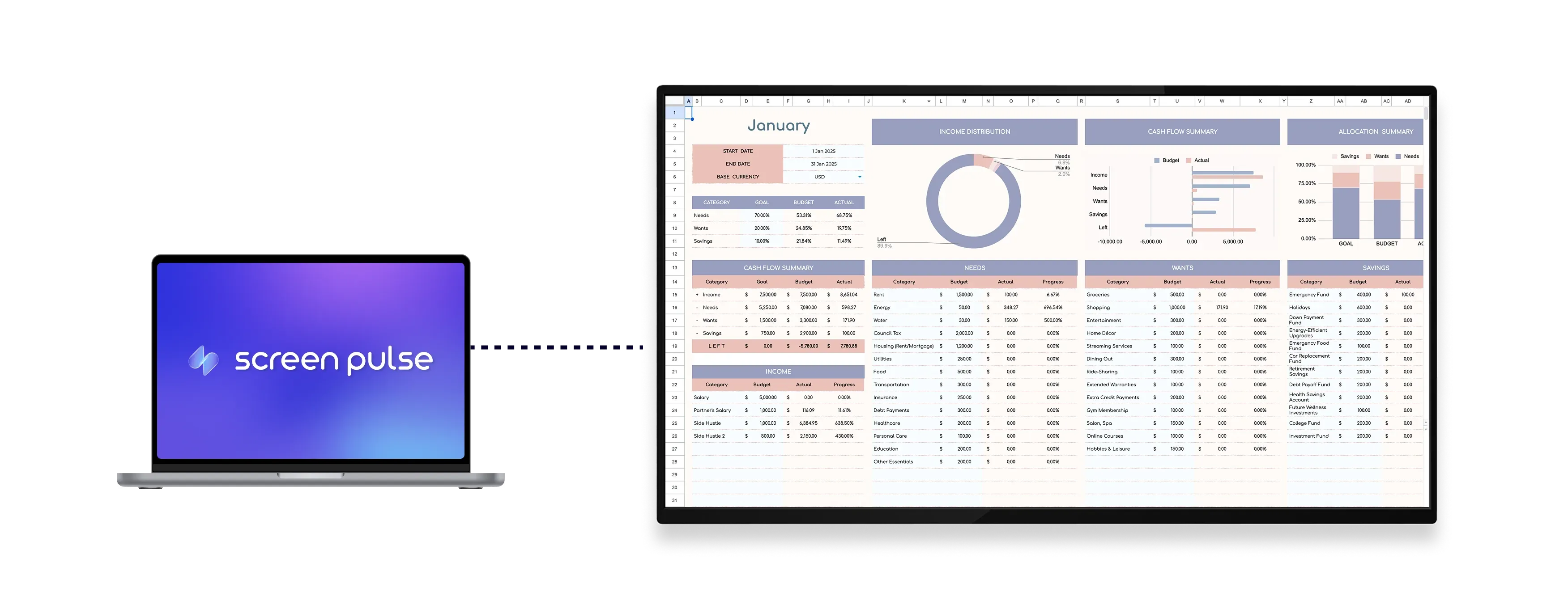

Core Features
Turn Google Sheets into live, screen-ready data views

Show live data
Show up-to-date content that syncs automatically across screens in real time.

Select cell ranges
Choose which rows and columns appear on screen to highlight the most relevant data.

Adjust layout view
Control zoom level and hide the title bar for cleaner presentation across different displays.
Use cases
Make operational data visible in shared spaces
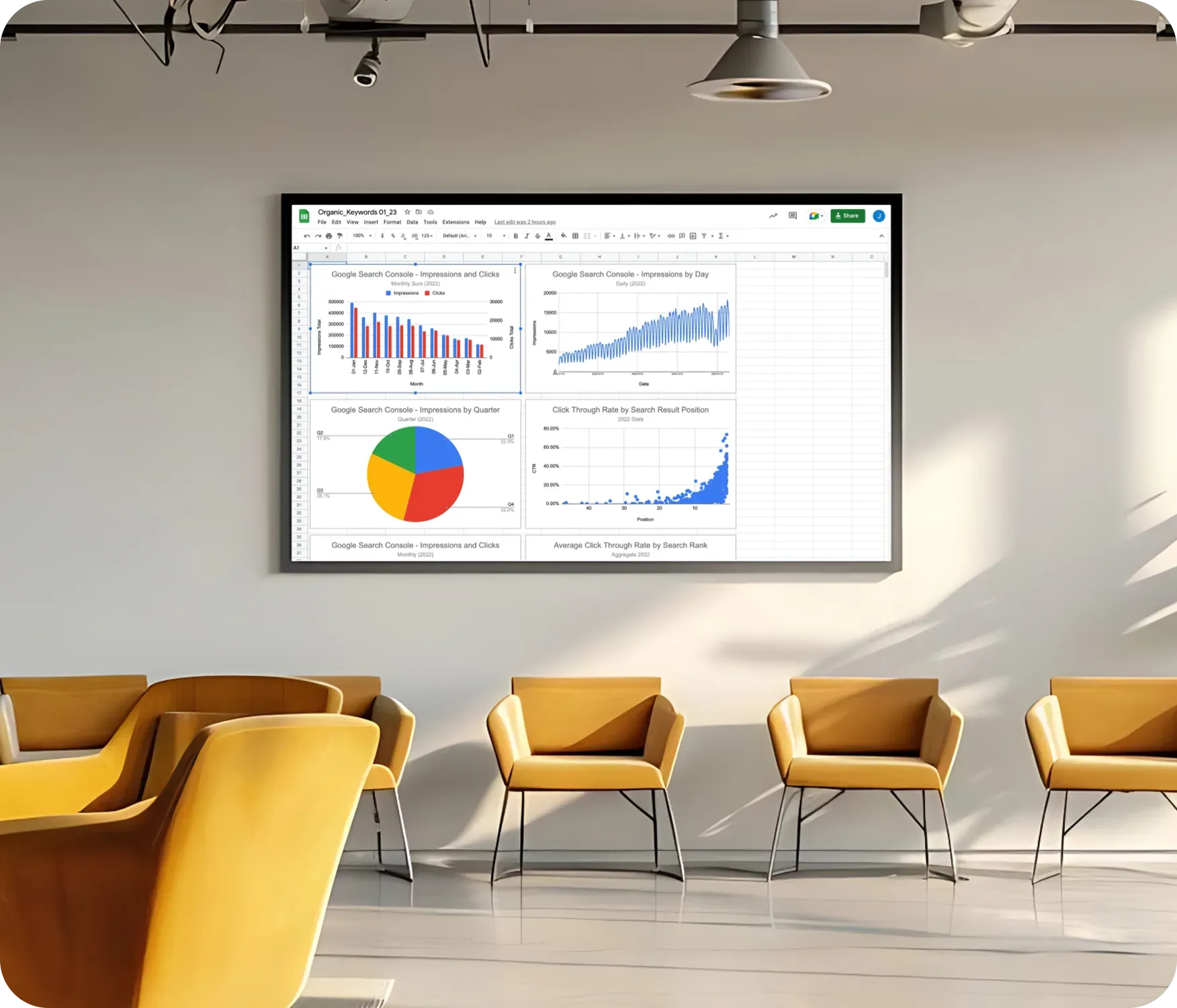
Common use cases
Use the Google Sheets app when live data needs to stay visible and accurate without manual screen updates.
-
Displaying daily schedules or room allocations
-
Showing KPIs and performance dashboards
-
Sharing staff rosters or shift assignments
-
Tracking sales, attendance, or production metrics
-
Presenting collaborative data across teams
FAQs
Using Google Sheets in Screen Pulse
Practical answers about syncing spreadsheets, controlling what is displayed, and managing layout options on screens.
Yes. Any changes made in Google Sheets are reflected on screen without manual updates.
Yes. You can select specific cell ranges to show only the most relevant rows and columns.
Yes. You can change the zoom level and hide the title bar for a cleaner presentation.
Yes. It can be used as a standalone screen or included in playlists with other content.
