


Impact
Capture your audience's attention and drive action
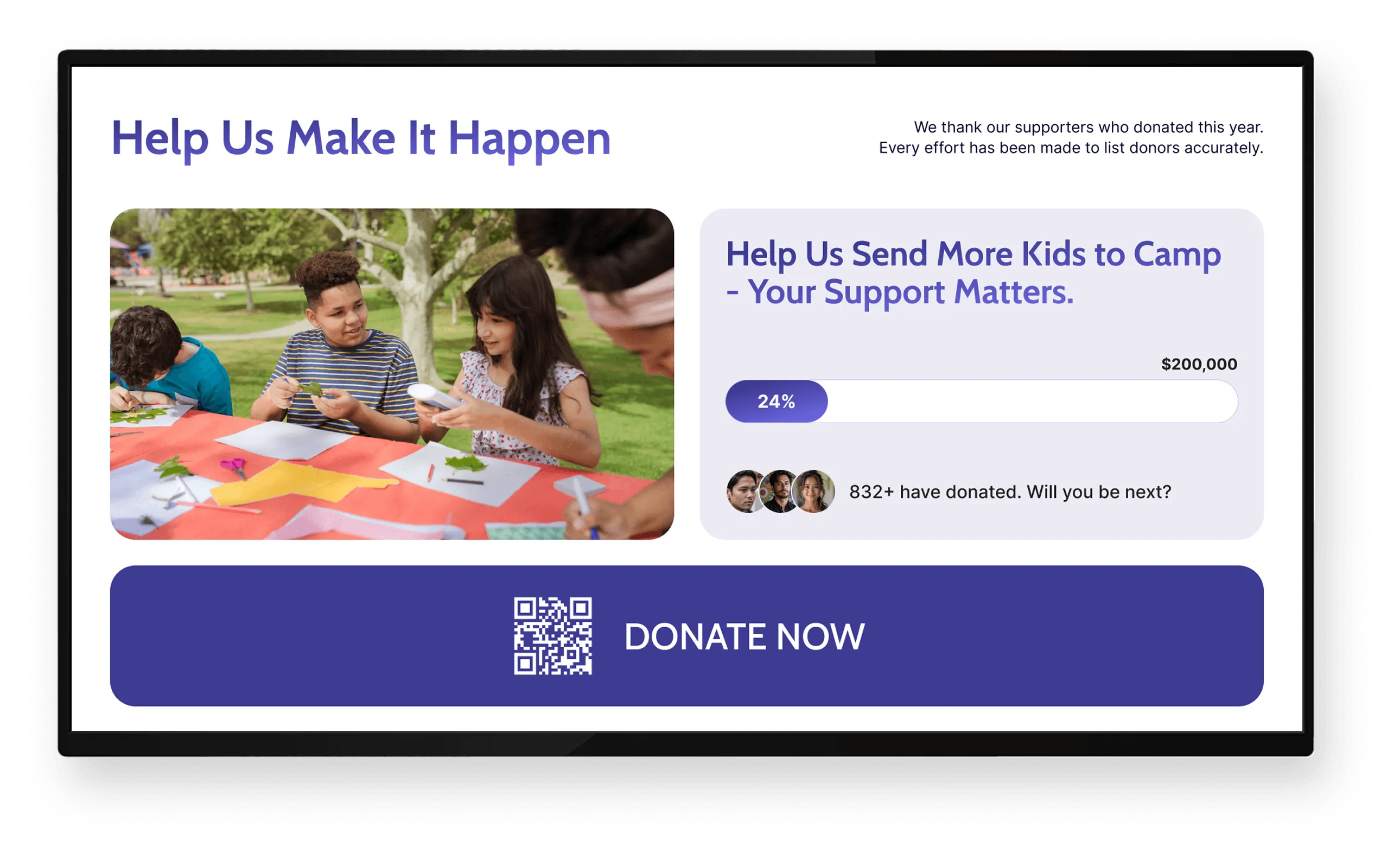
Digital screens attract more attention and are remembered longer than static displays. For nonprofits, this means donor recognition, campaign updates, and impact stories are more likely to be noticed.
More views than static signage
0X
Better message recall rate
0%
People notice digital screens
0 in 10
Product
Manage screen content across locations from one cloud platform
Screen Pulse is a digital signage software that lets you organize system-driven content into screens and playlists so donor recognition, campaigns, and event data stay accurate and consistent without constant manual coordination.
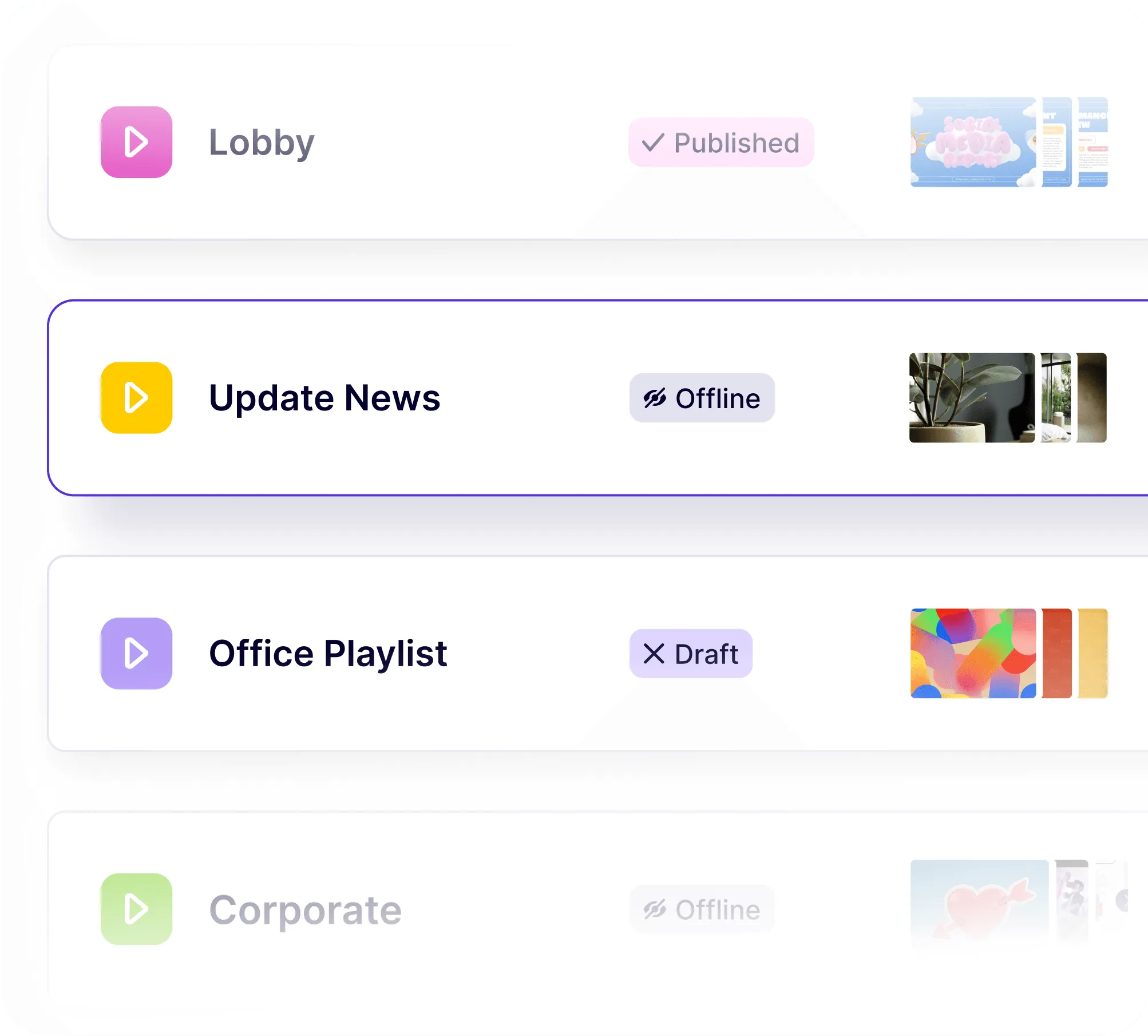
Screen content is organized once and runs everywhere it should
You define screens, playlists, and schedules in one place. Screen Pulse determines where content runs and when, so updates don’t require editing every screen or rebuilding layouts.
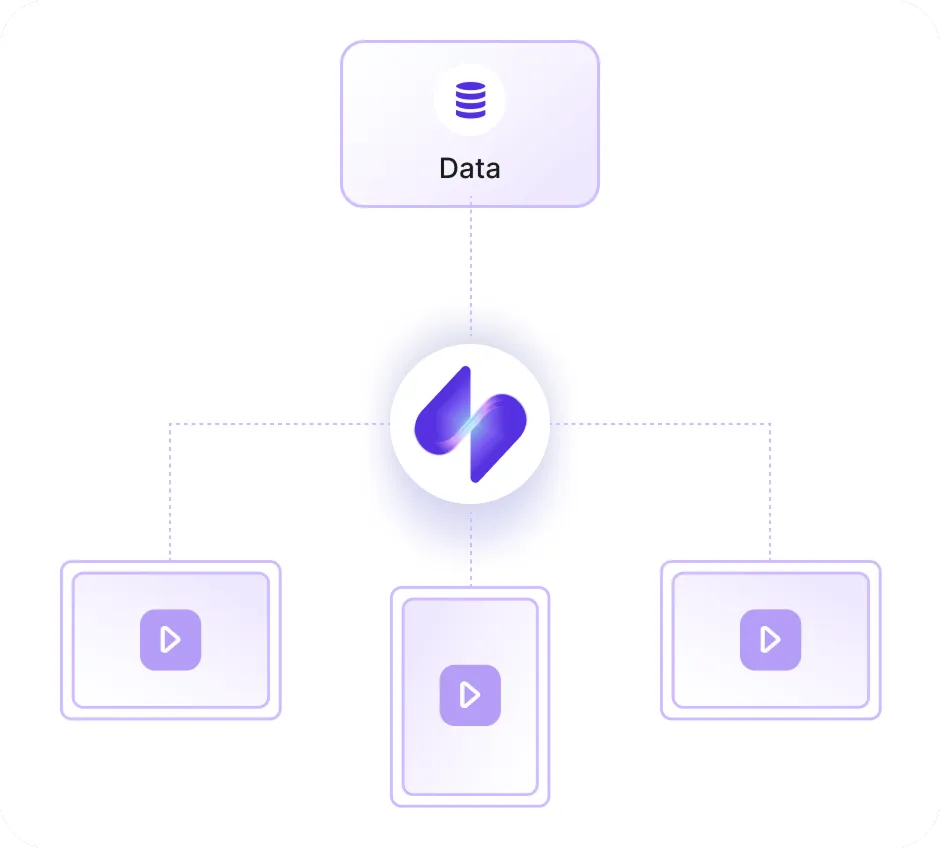
Your systems provide the data and Screen Pulse controls delivery
Your CRM and fundraising tools remain the source of truth. Screen Pulse pulls that data in and gives you precise control over how it is displayed across screens without duplicating content or workflows.
Donor recognition is managed as living screen content
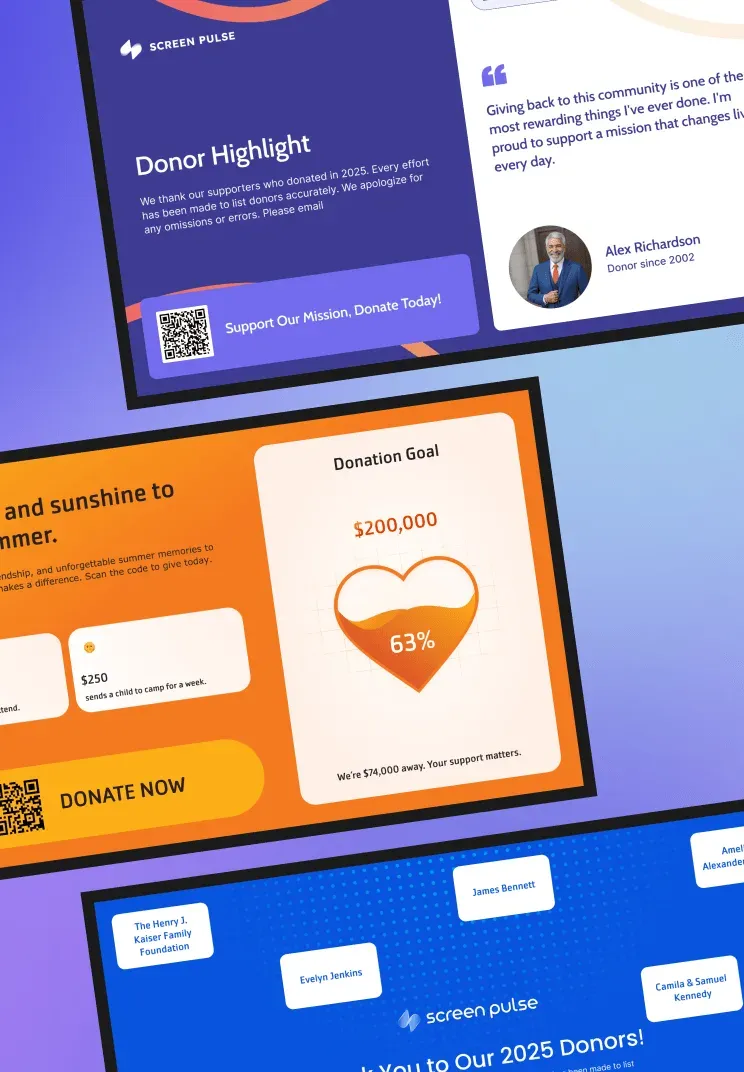
Donor walls and recognition screens are part of your CMS. They update from live data and fit into playlists alongside campaigns and events instead of being treated as static visuals.
Learn More Details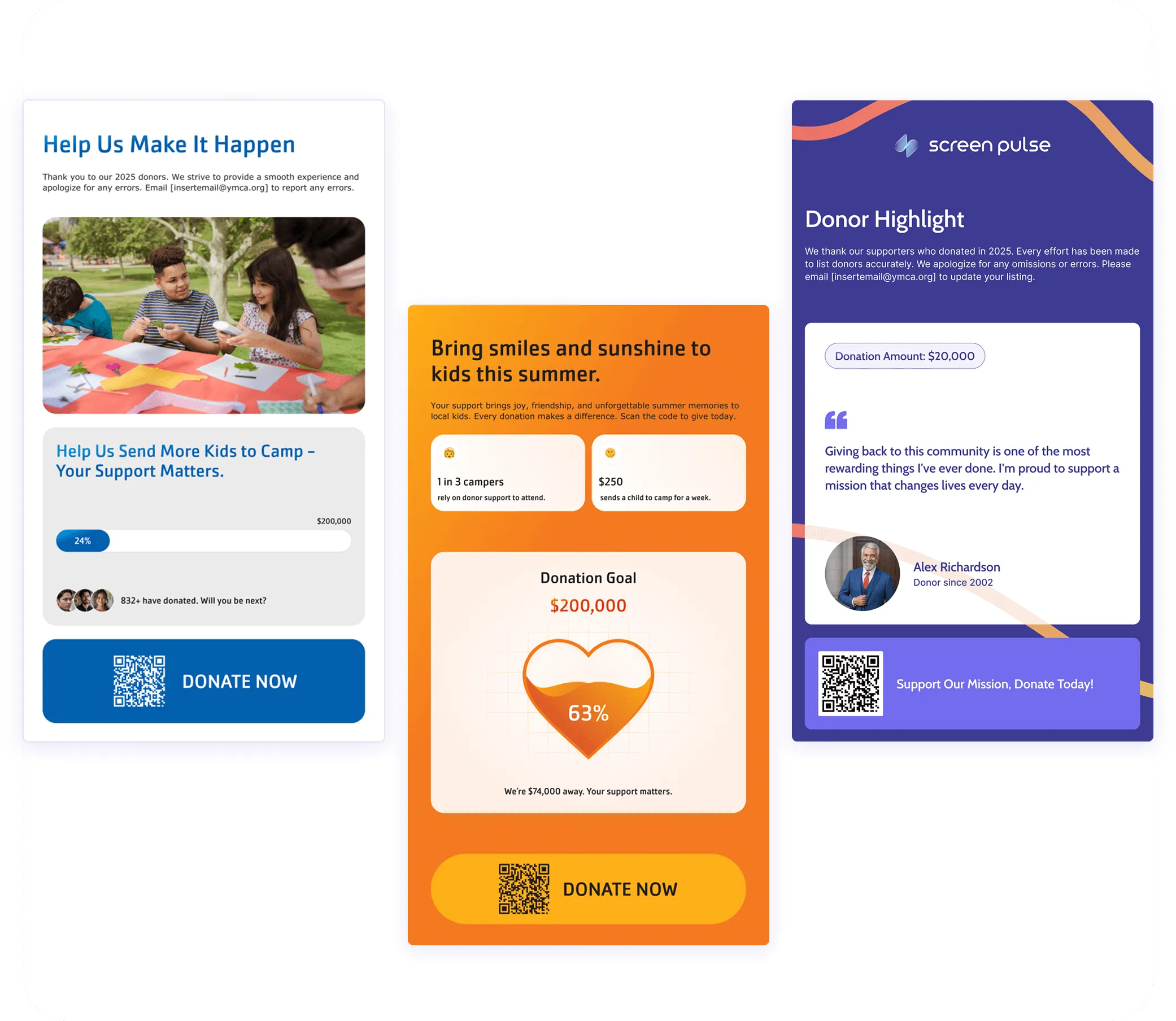
Trusted by YMCAs, education, fitness, healthcare, and corporate organizations











Use Cases
Screen content nonprofits rely on every day
Screen Pulse is configured around the most common needs across nonprofit organizations and can be extended with custom use cases based on how your team communicates with donors, members, and the community.
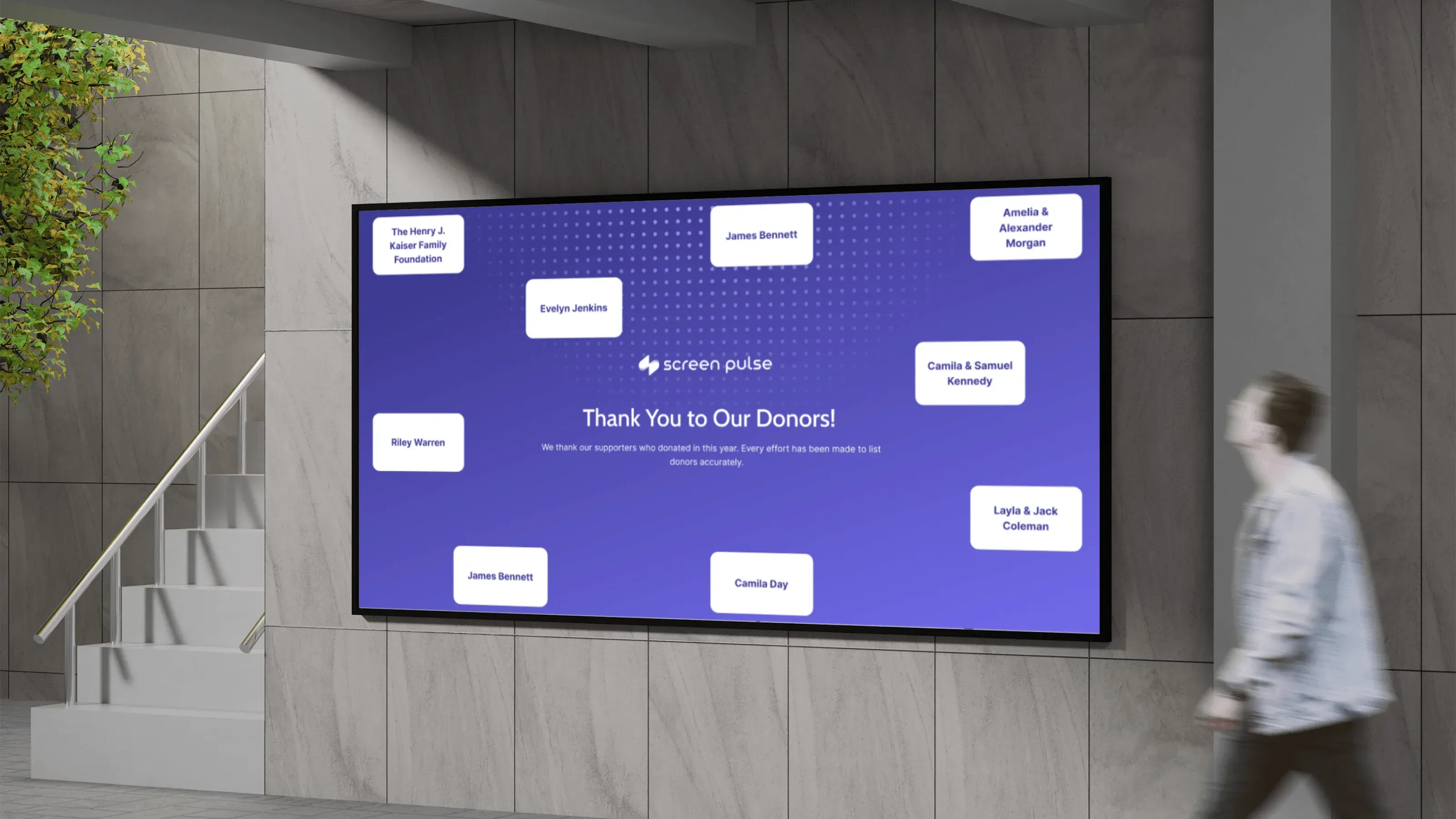
Donor recognition & giving walls
Display donor names, giving levels, and campaign acknowledgements that update automatically across lobbies and event spaces.
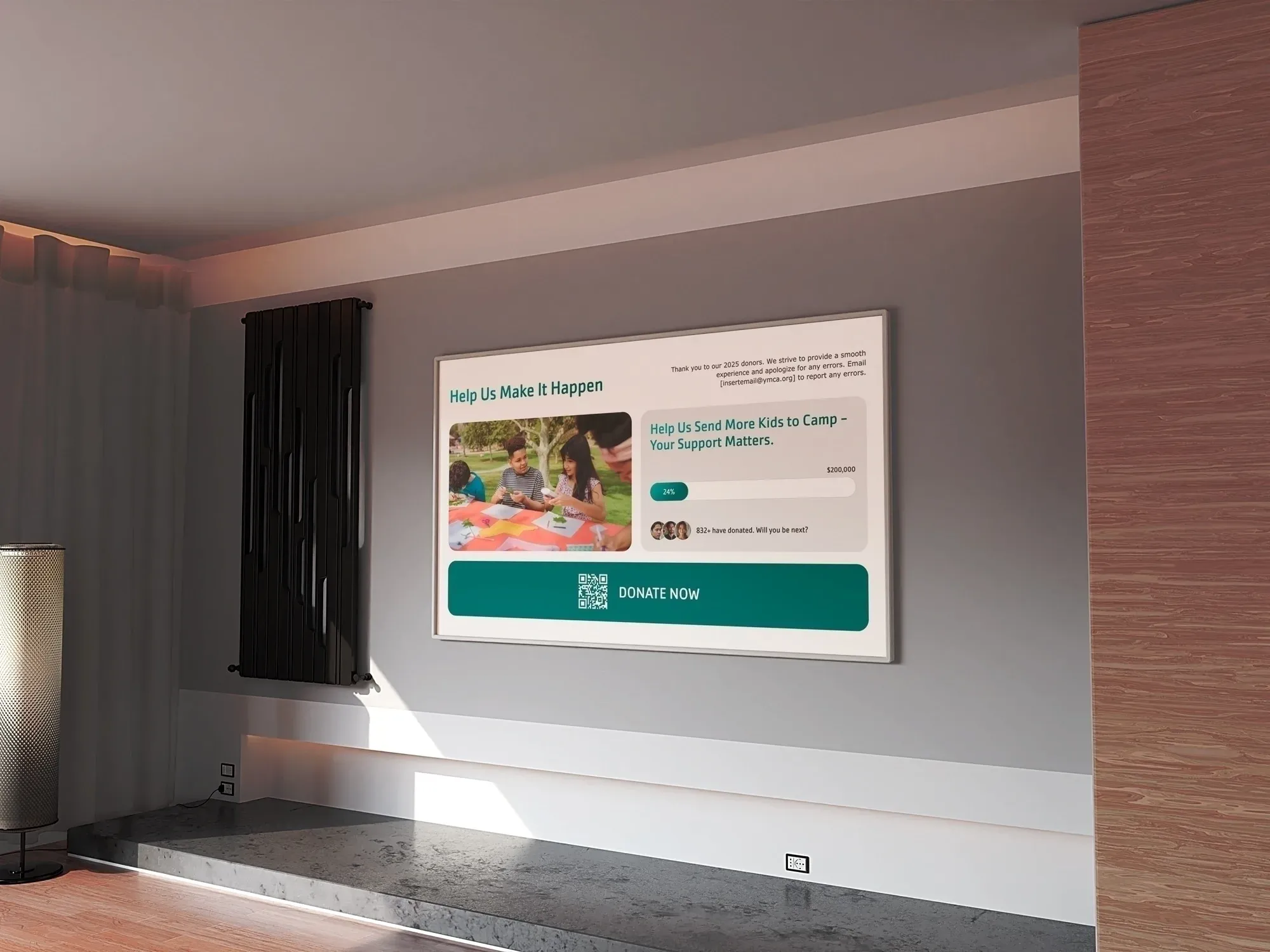
Fundraising campaigns & progress
Show live campaign totals, milestones, and calls to action so supporters can see progress as it happens.
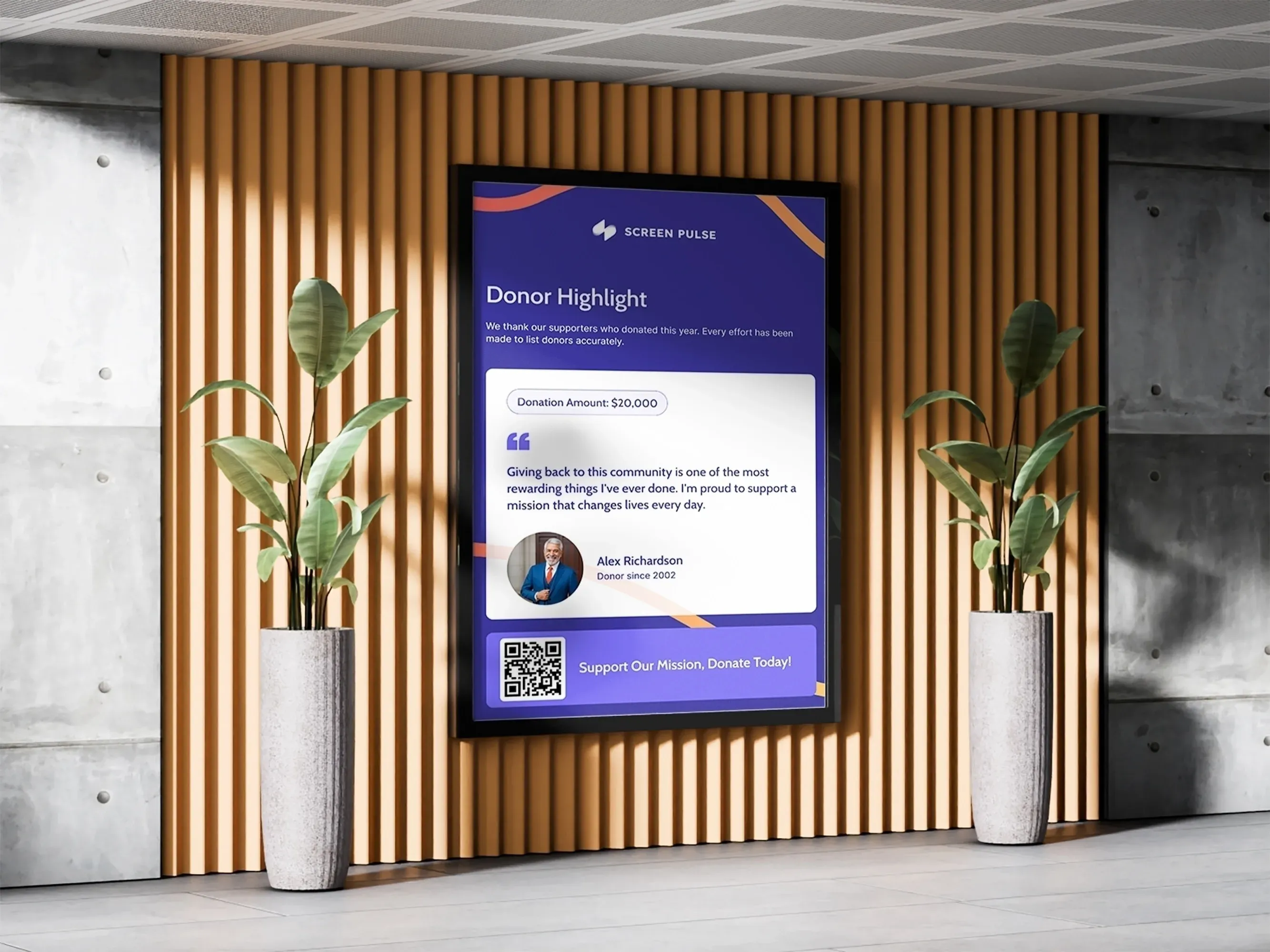
Impact stories & program highlights
Share mission outcomes and program updates using content that stays aligned with your latest data and messaging.
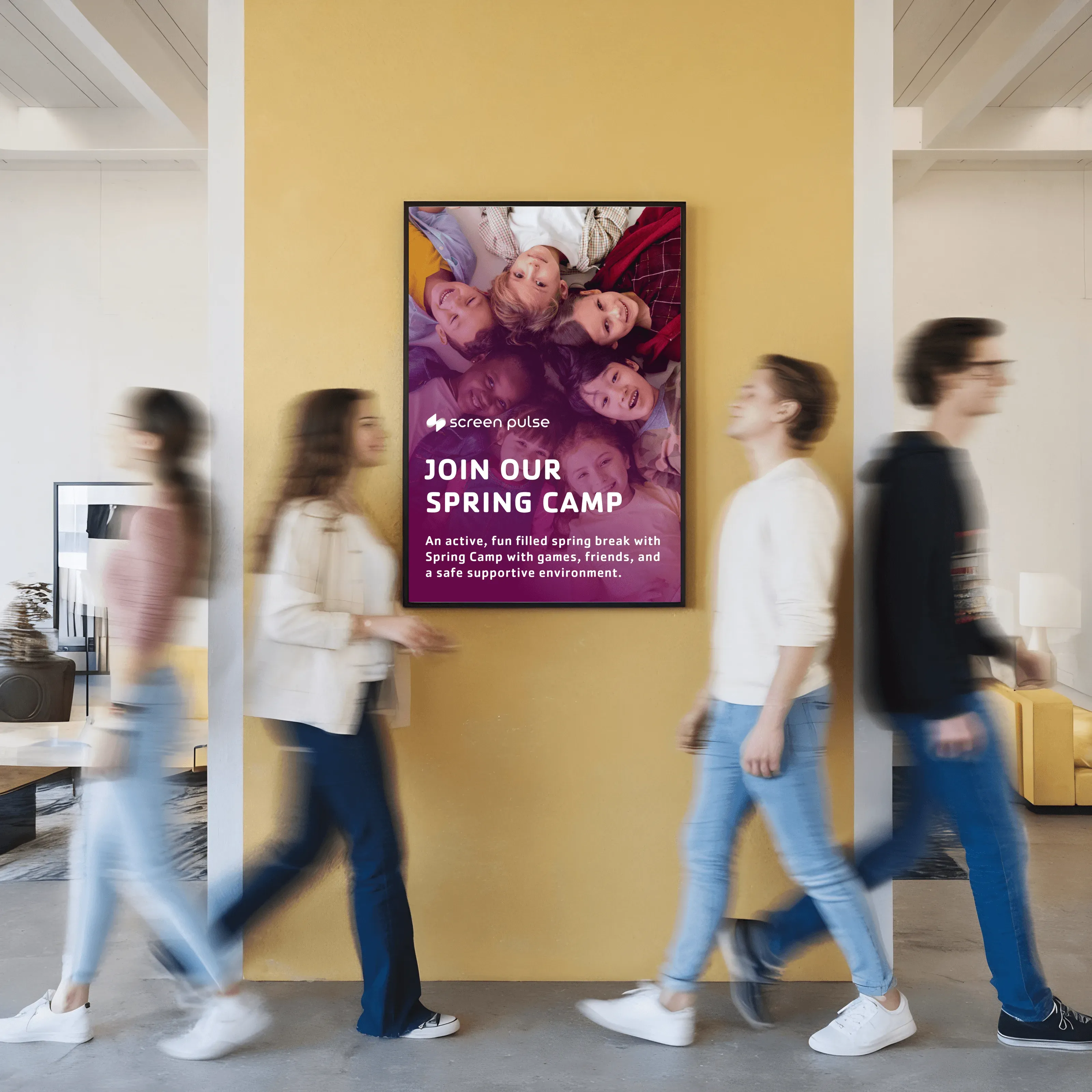
Events & community gatherings
Keep event schedules, locations, and updates accurate across venues without manually adjusting every screen.
Internal updates & staff coordination
Show live campaign totals, milestones, and calls to action so supporters can see progress as it happens.
App & Integrations
Connect your systems to your screens
Screen Pulse uses apps to turn data from your existing systems into screen-ready content. Each app is designed around a specific use case, so screens stay aligned with how your team already manages donors, campaigns, events, and communications.

Donor Recognition Classic

Donor Recognition Spotlight

Donor Recognition Listing

Donor Recognition Individual Spotlight

Donor Recognition Donor Highlight

YouTube

Vimeo

Canva

Dropbox

Program Schedule
Support
Strategic support every step of the way
We support your team from the initial pilot through onboarding and ongoing requests, including new apps, integrations, and use cases as your needs grow.

Pilot development
We help plan your screen setup, select or prepare hardware, connect your systems, and configure the first screens using real data.

Team onboarding
We onboard the people who manage screens day to day, focusing on how content is organized, scheduled, and updated in Screen Pulse.

Ongoing requests
Your team can request new apps, integrations, or screen behaviors. This feedback shapes how your setup and the platform evolve.
Why Screen Pulse
Digital signage built for nonprofit operations and growth
Screen Pulse is designed for organizations that rely on accurate, system-driven screen content across many spaces. It supports how nonprofits actually work, today and as needs evolve.

Built for nonprofits
Screen Pulse is shaped by nonprofit workflows like donor recognition, campaigns, and events.

Donor recognition built in
Donor walls and recognition screens are treated as core content, not add-ons or static visuals.

Centralized screen control
You manage what runs on every screen from one place while tailoring content for different locations, rooms, and events.

System driven content
Screens reflect data from your existing tools so content stays accurate without constant manual updates.

Grows through real use
New apps, integrations, and use cases are driven by how organizations actually use screens.

Configured with your team
Screen Pulse is set up with your organization, not handed off as a self-serve tool.
FAQs
Common questions from nonprofit teams
Short answers to the questions nonprofits usually ask when evaluating how Screen Pulse fits into their existing systems, spaces, and workflows.
Yes. We help you plan where screens make sense, select or prepare hardware, and set up your first screens around real use cases like donor recognition, events, or campaigns.
No. Screen Pulse works with common player devices and browsers, and we also offer a Screen Pulse Player for a faster setup. We help you choose the right option for your spaces.
Screen Pulse connects screens to the systems you already use. When data changes in those systems, screen content updates automatically based on the rules and schedules you define.
You can request new apps or integrations at any time. Screen Pulse is built on a flexible foundation, so new nonprofit-specific use cases can be added without redesigning your setup.
No. Screen Pulse is configured with each organization. We work with your team during setup, onboarding, and as your needs grow to make sure screens remain reliable and useful.
