
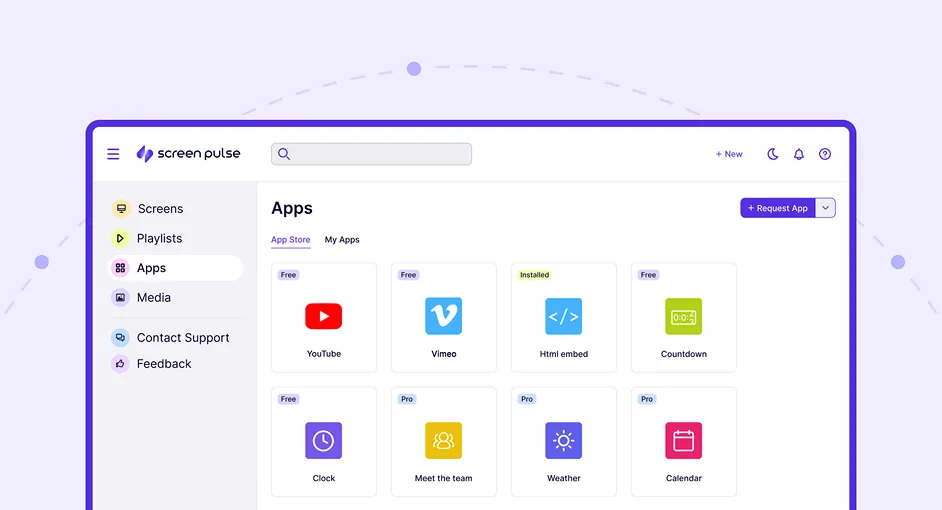
Key Features
Discover the Powerful Features of Screen Pulse
From cloud CMS and playlists to real-time integrations, premium apps, and AI assistance - everything you need to keep your screens engaging and always up to date.
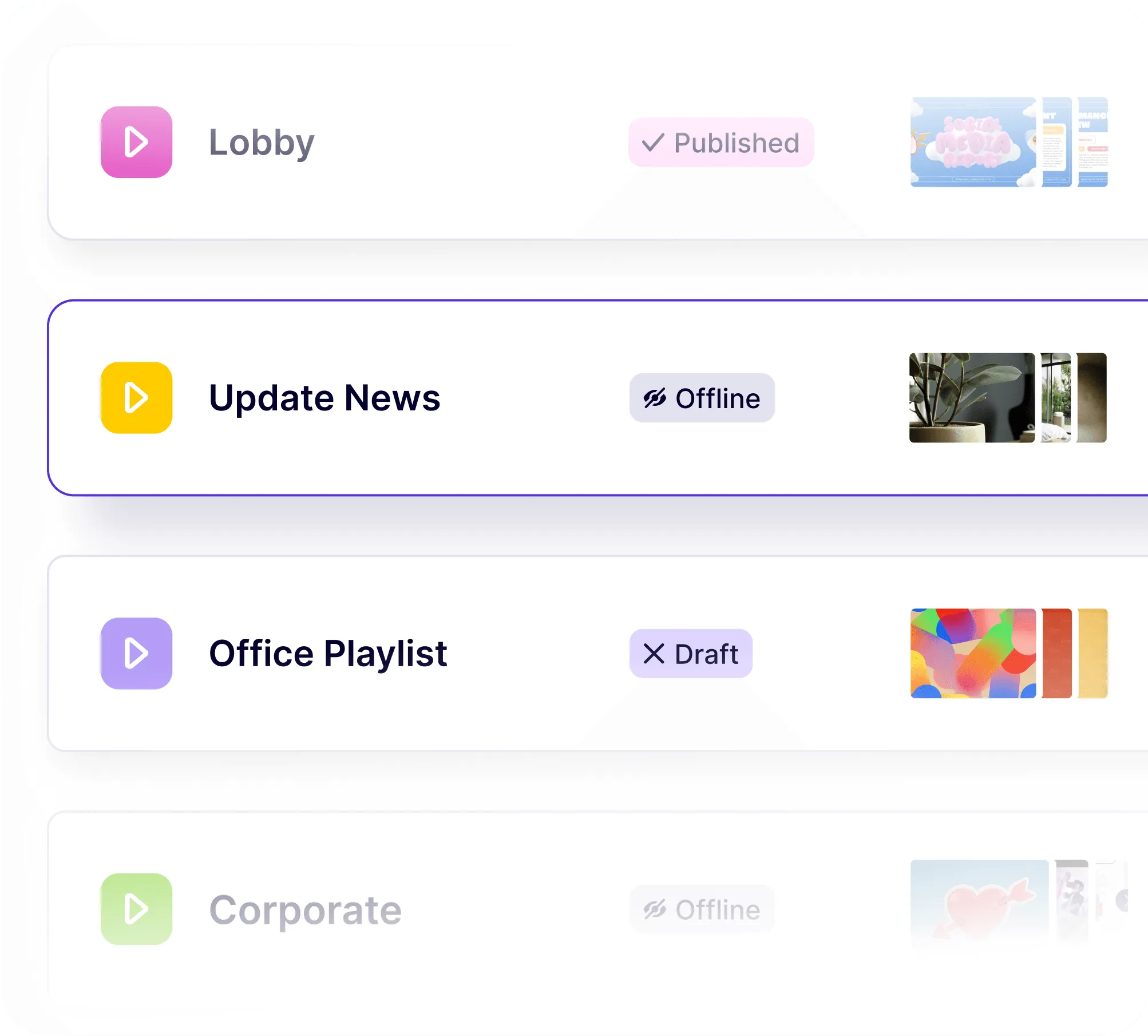
Playlists & Scheduling
Flexible control of what plays, when. Organize content into playlists, nest them for reuse, and set schedules down to the minute. Run the right content at the right time across any screen or location - all from one central dashboard.
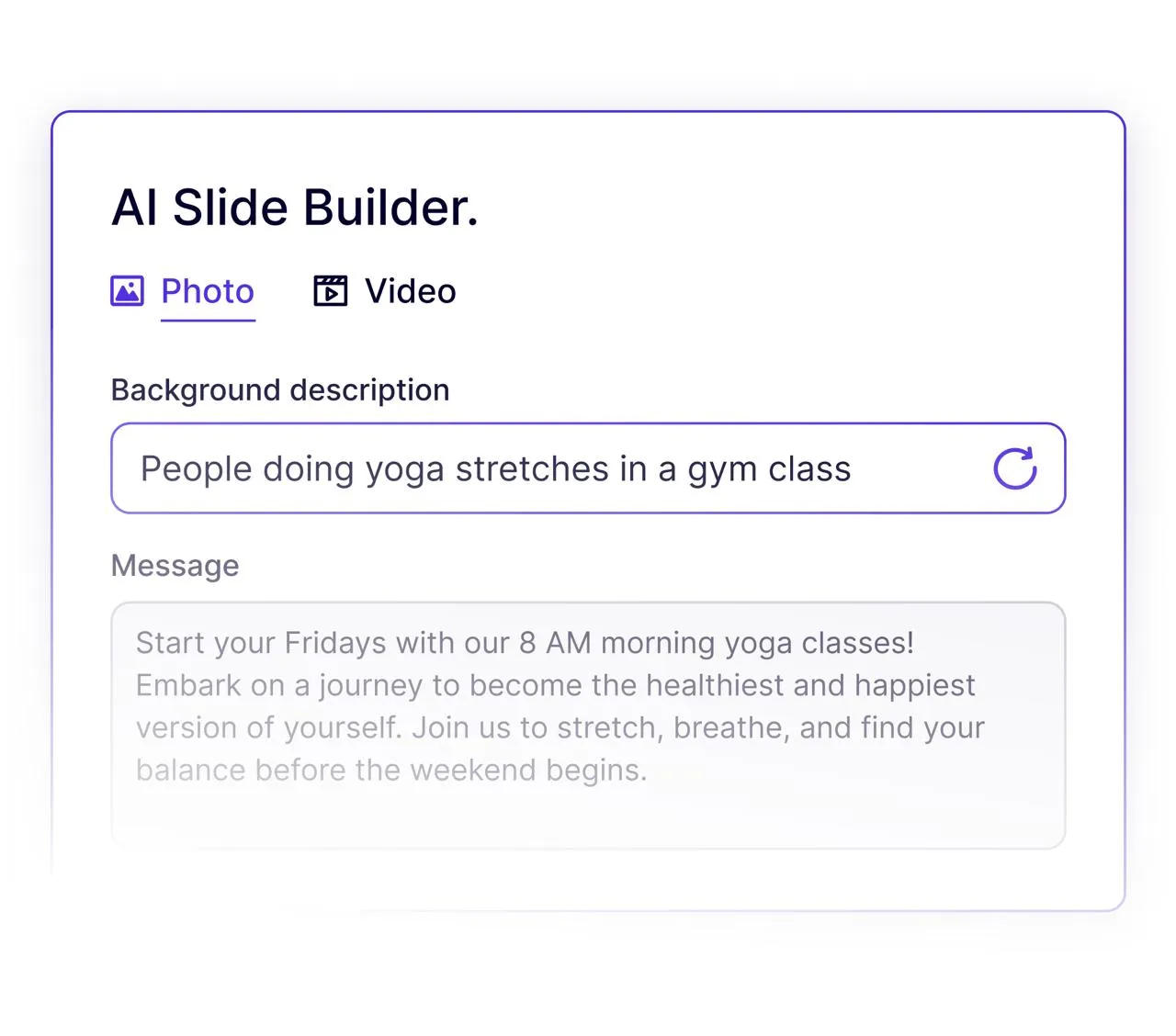
AI
Smarter content, less effort. AI tools will help generate content, suggest playlists, and optimize scheduling based on engagement. You’ll spend less time managing screens and more time focusing on your audience.
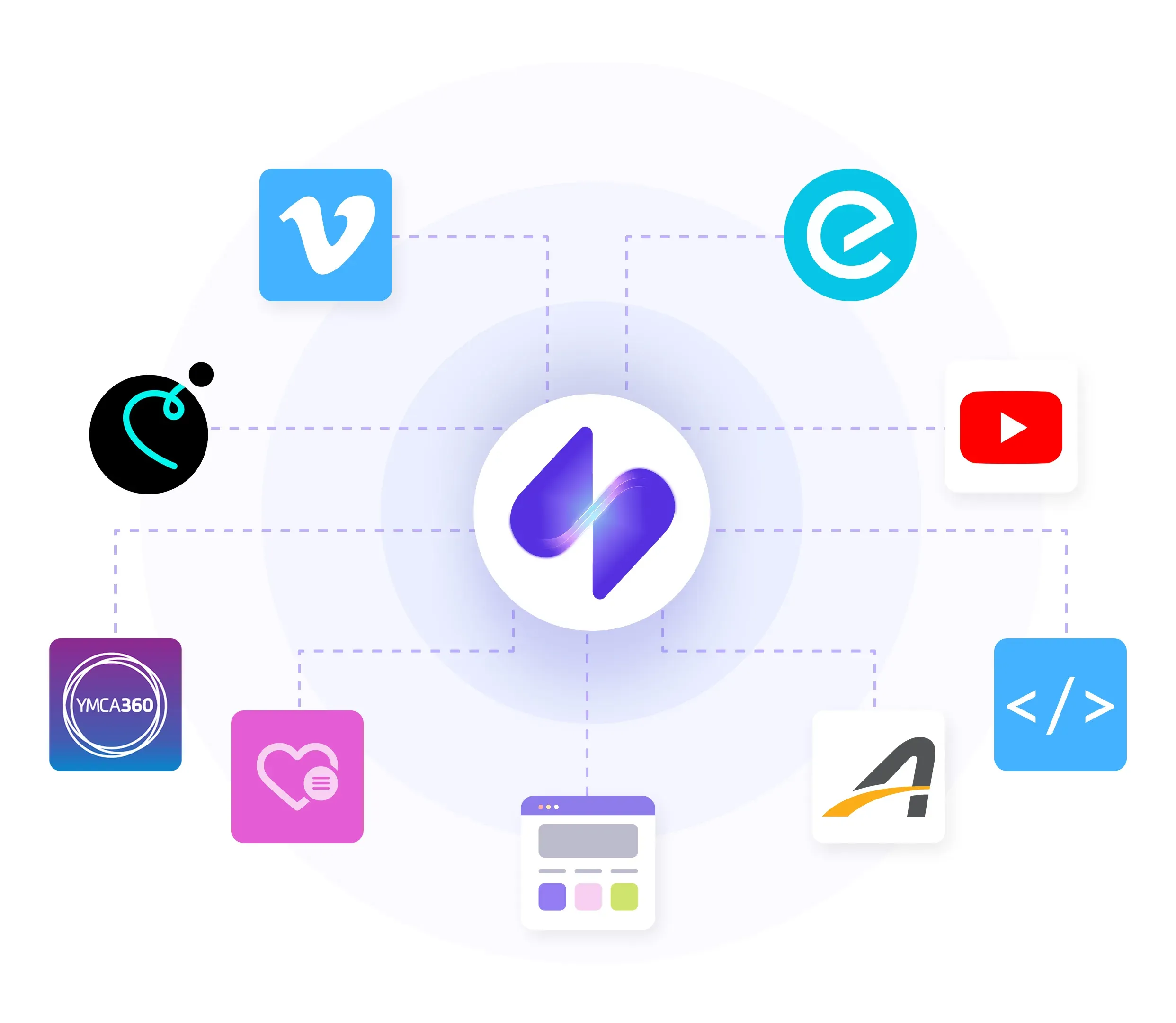
Apps & Integrations
Connect the tools you already use. Screen Pulse comes with a growing library of purpose-built apps. From YMCA schedules in Upace, YMCA 360, GroupEx Pro, and TractionRec, to donor recognition and dashboards - your screens stay automatically updated without manual work.
Cloud CMS
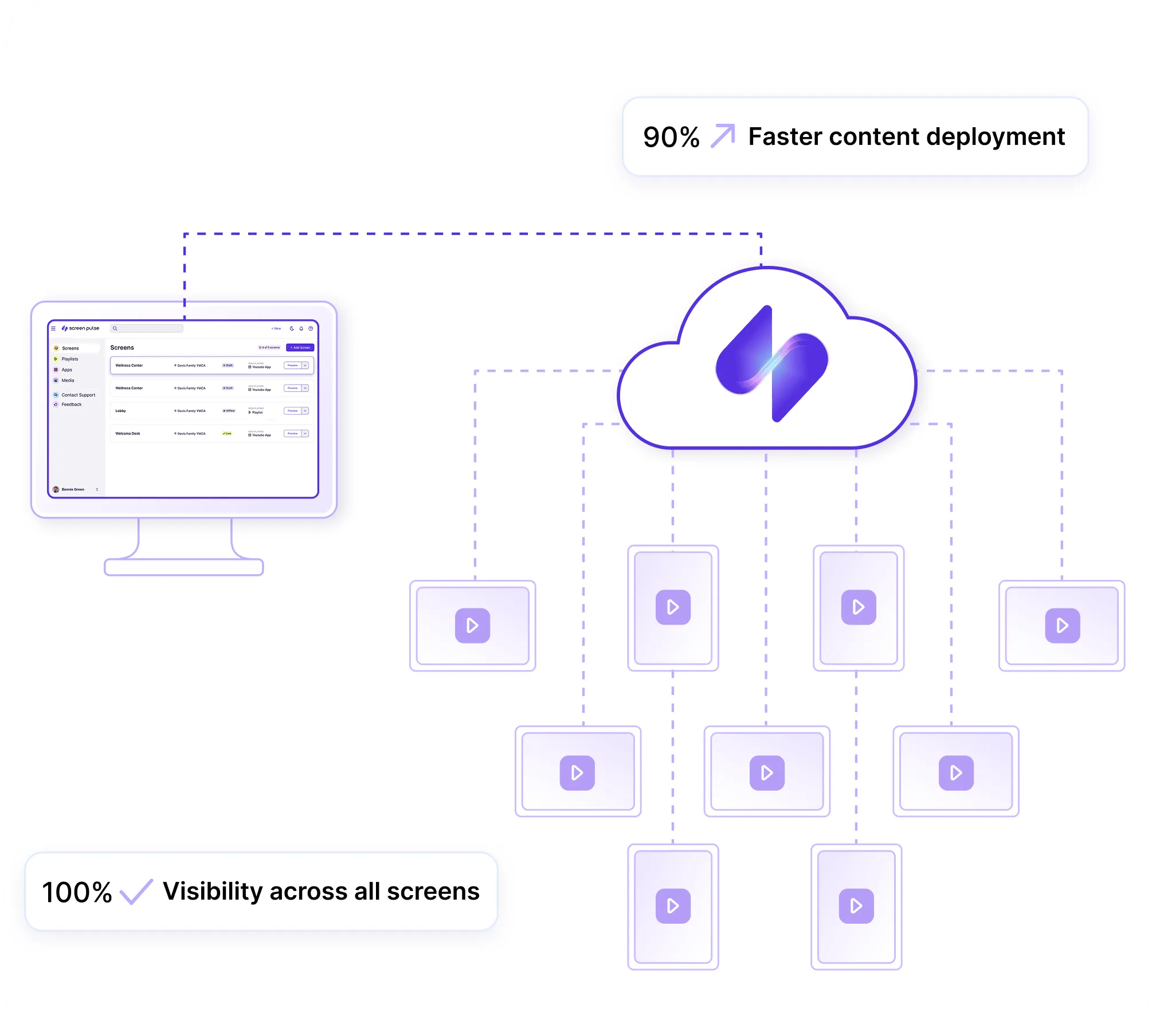
One dashboard for every screen. Manage your entire signage network from the cloud - upload content, build playlists, assign apps, and push updates instantly. Whether you have one screen or hundreds, everything is controlled from a simple web interface.
Touch Content
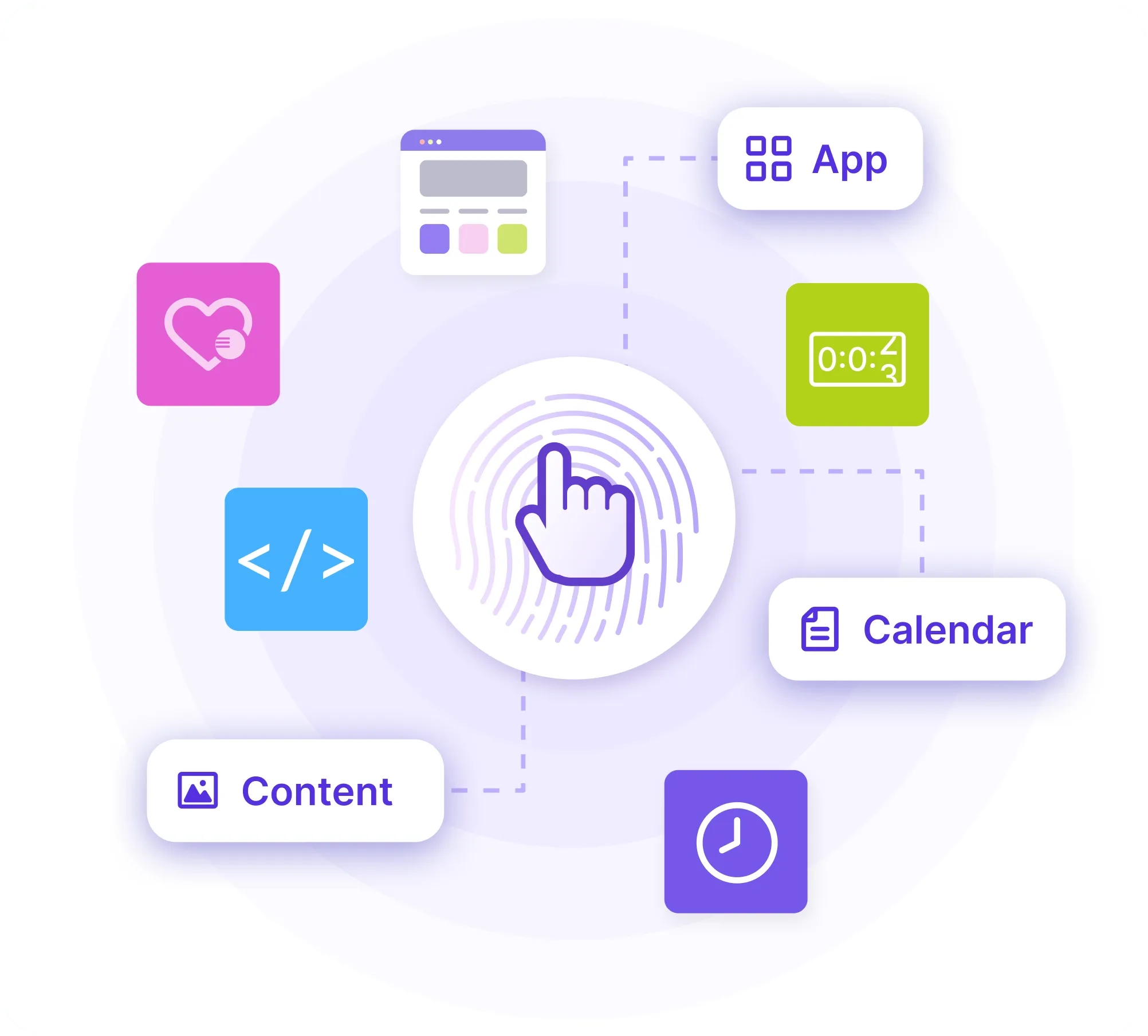
Make your screens interactive. Screen Pulse supports touch-enabled displays for kiosks, directories, and interactive boards. Add apps, schedules, or custom content that visitors can explore with a tap - transforming digital signage into a two-way experience.
Essential Feature
Digital Signage Built Around Your Data, Content, and Goals
Screen Pulse helps turn screens from a place to publish information into an active part of marketing, fundraising, and engagement. It combines your existing content, live data, and purpose-built apps so teams can do more with this channel without having to manage more content.
Real-time Content Updates
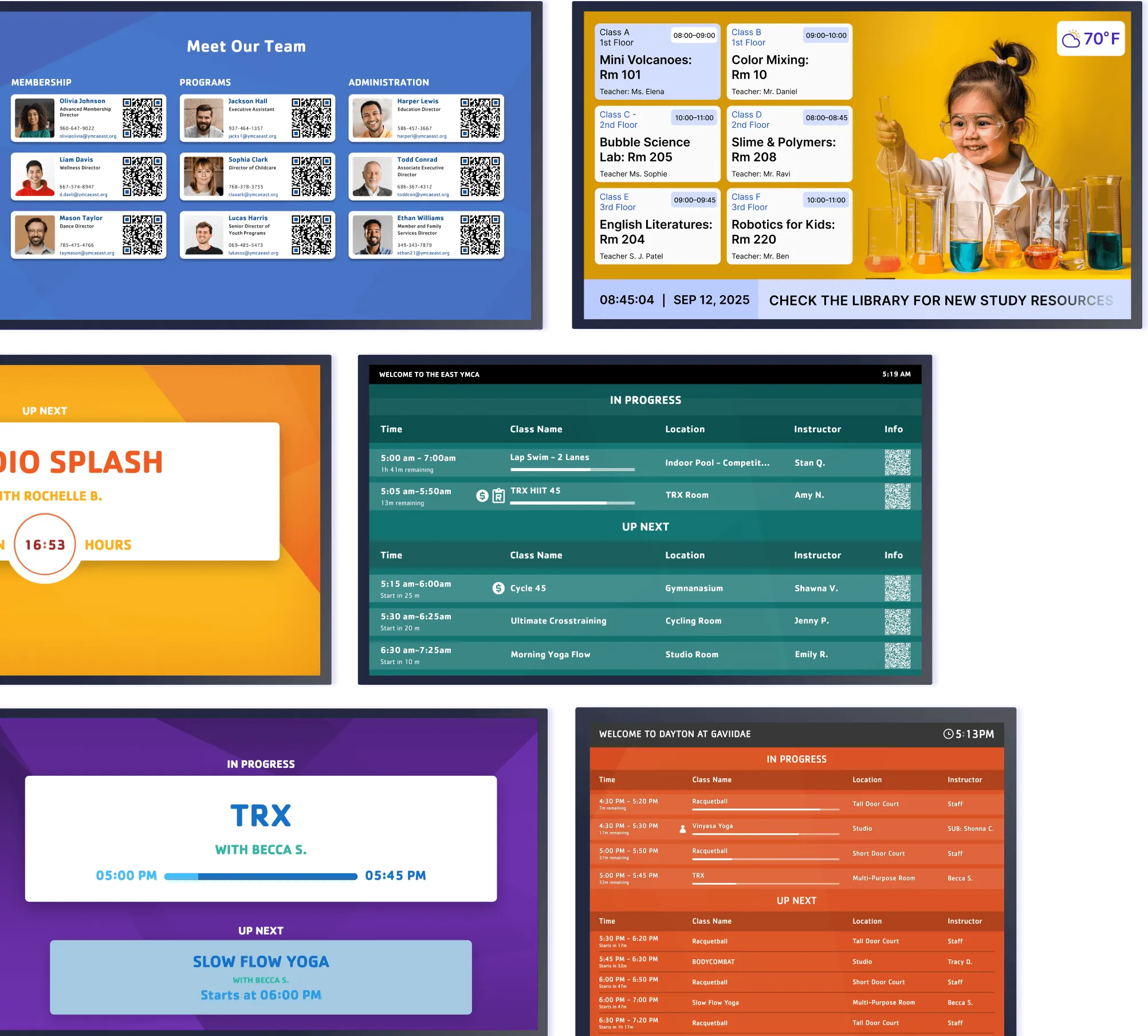
Connect Screen Pulse directly to the systems where your content and data already live. Integrations with Traction Rec, Daxko, YMCA 360, GroupEx Pro, Upace, ACTIVENet, Mindbody, and other platforms keep screen content current as information changes.

Today’s Schedule
Display current classes, programs, events, or activities throughout the day.

Room Entry Boards
Show what’s happening now and what comes next outside each room.
Donor & Sponsor Recognition
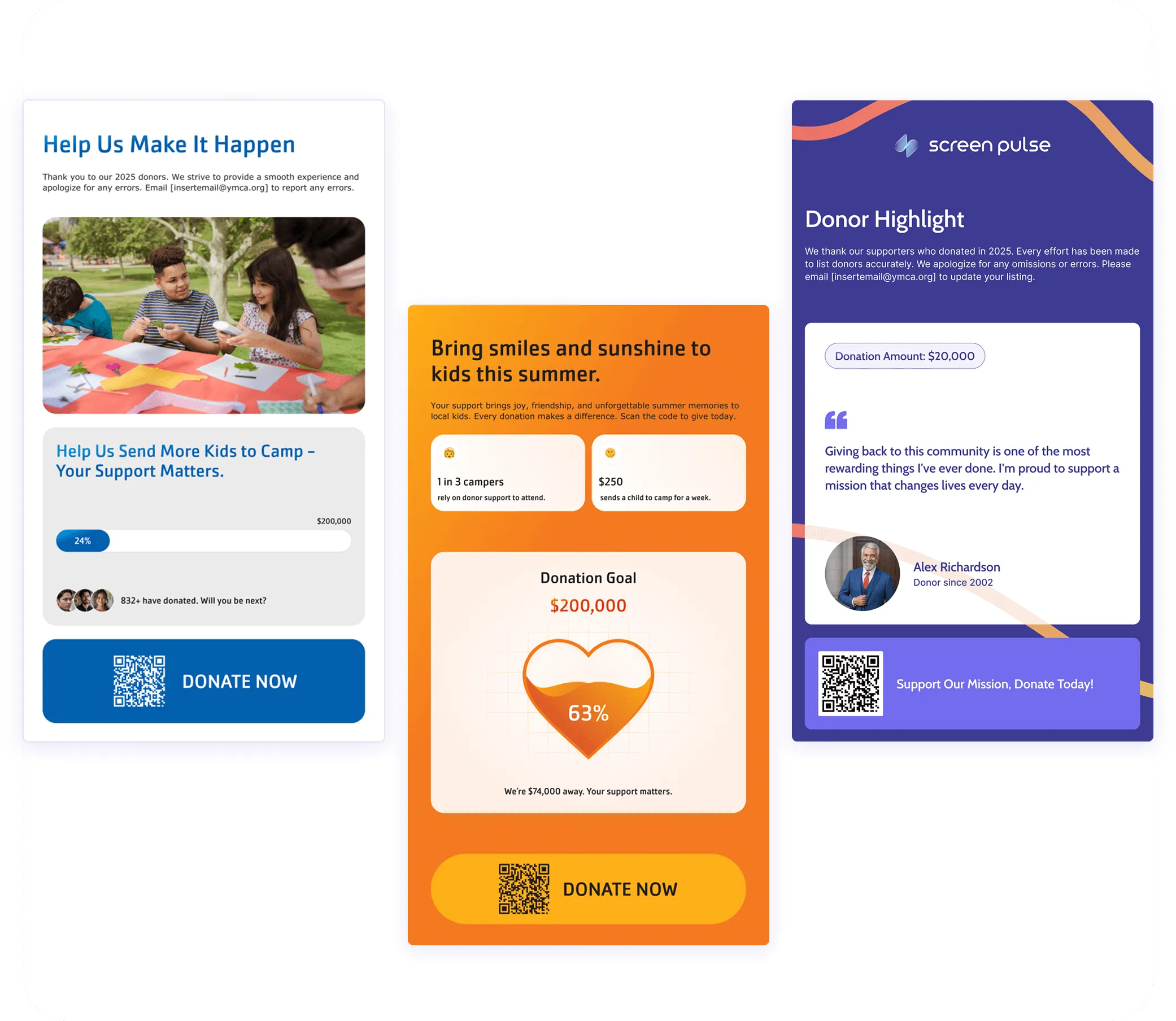
Manage supporter information once and turn it into flexible recognition experiences across your screens. Recognize donors, sponsors, partners, and in-kind supporters while keeping recognition aligned with giving levels, sponsorships, and recognition periods.
-
Connect supporter data through Screen Pulse, CSV files, Google Sheets, Microsoft Excel, and supported external sources.
-
Choose different recognition experiences for donor walls, giving levels, individual spotlights, sponsors, campaigns, and more.
-
Keep recognition current across screens as supporter information and recognition periods change.

Ready to Put Your Screens to Work More Effectively?
Use Screen Pulse to make digital signage a practical part of your marketing, fundraising, engagement, and everyday communication.