
All Integrations
Run your screens on live data from your systems
Integrate Screen Pulse with your scheduling, program, and operations platforms to power screens automatically. Data stays in sync, so every screen reflects what’s happening right now.
ACTIVENet
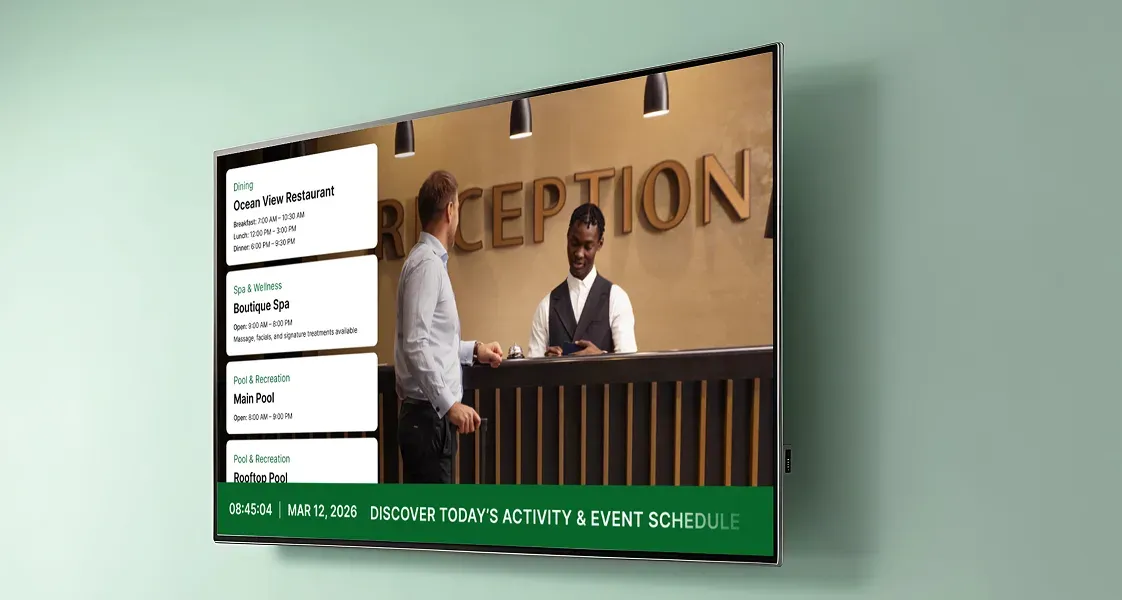
Surface program schedules and availability on screens, keeping offerings up to date as registrations and changes happen.
Learn More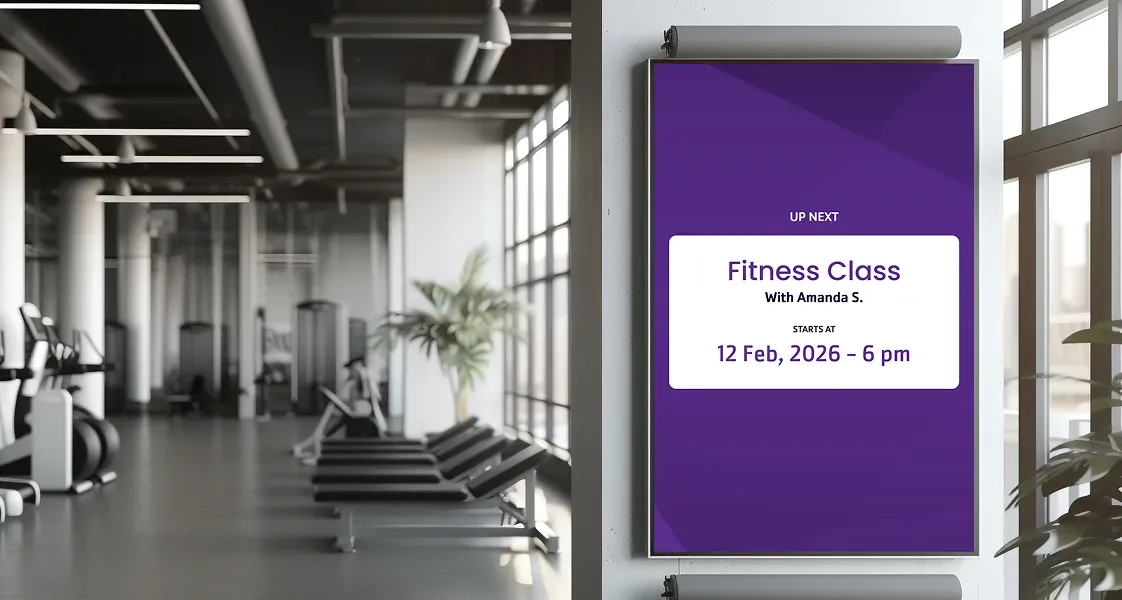
Daxko GroupEx Pro
Keep group exercise schedules visible at room entrances and across screens, updating automatically as classes change.
Learn More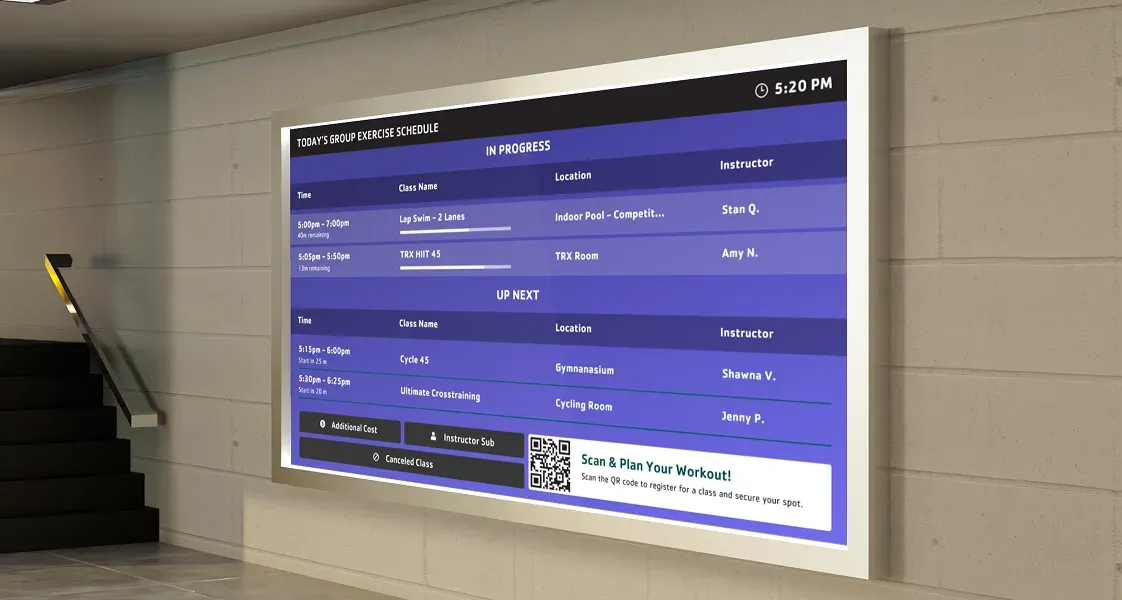
Daxko Operations
Show program schedules across screens with current and upcoming activities synced automatically.
Learn More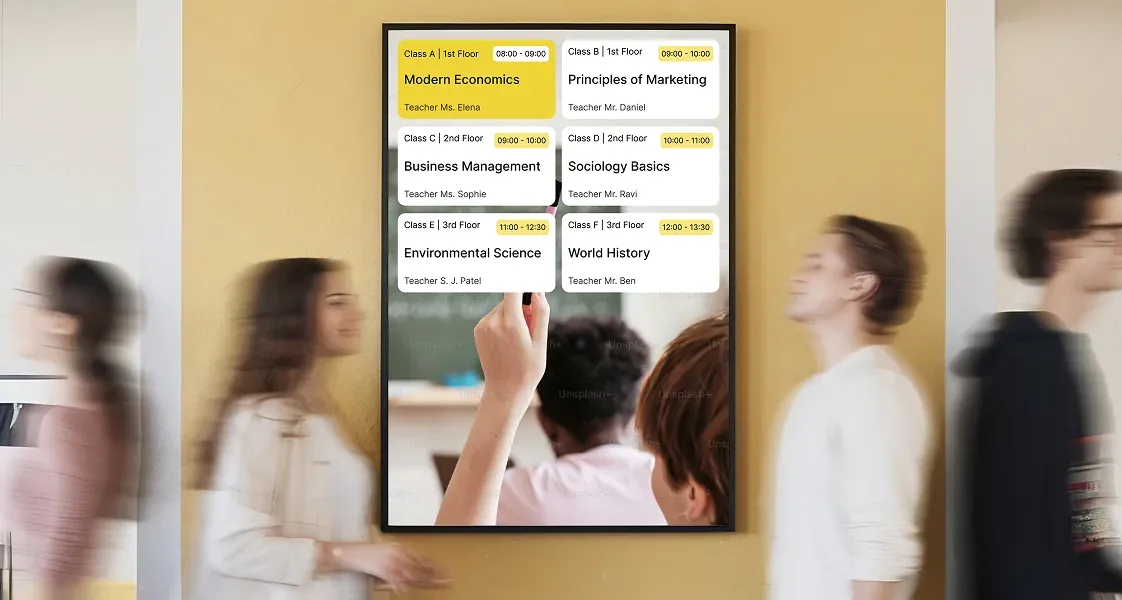
Mindbody
Reflect live class schedules across rooms and screens, updating continuously as bookings, cancellations, and changes happen.
Learn More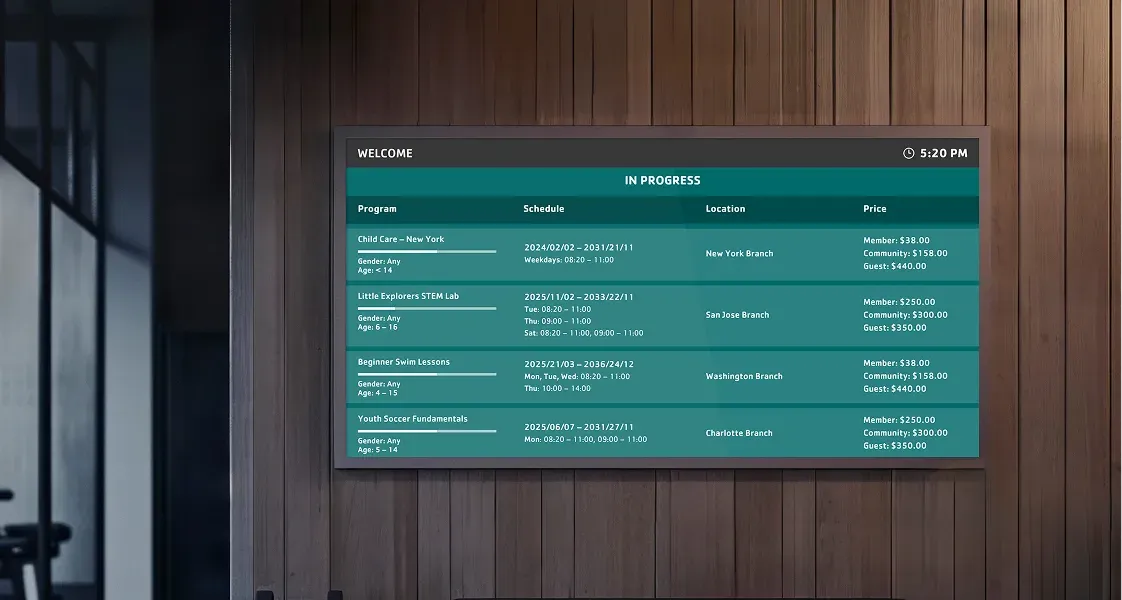
Traction Rec
Display room-level programs, branch program listings, operational alerts, fundraising updates, and available spots.
Learn More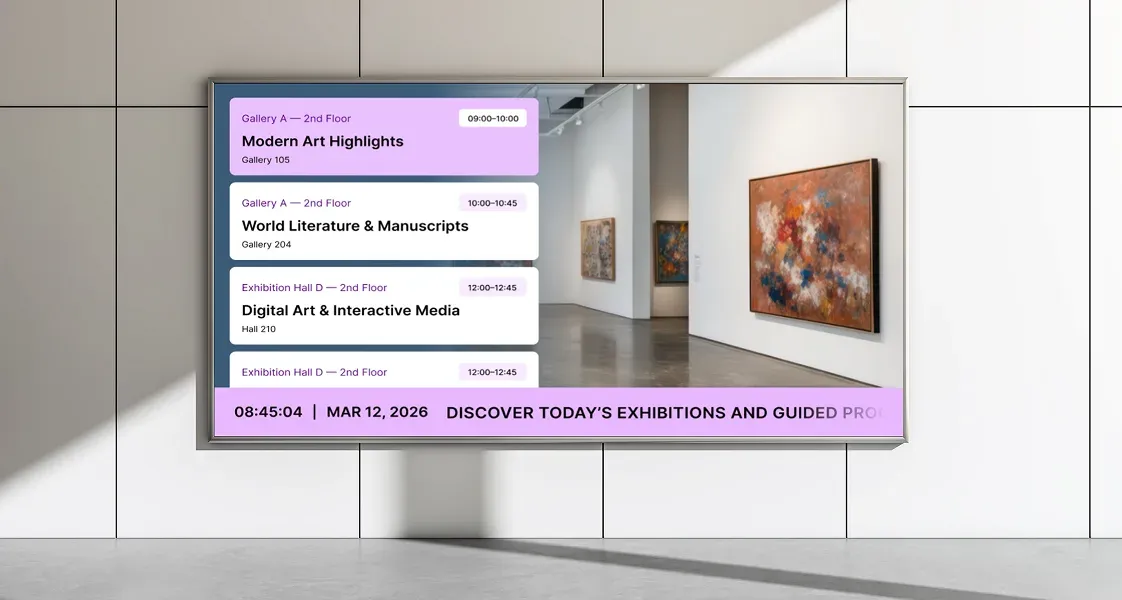
Upace
Keep class schedules visible across your spaces, showing what’s happening now and what’s coming next.
Learn More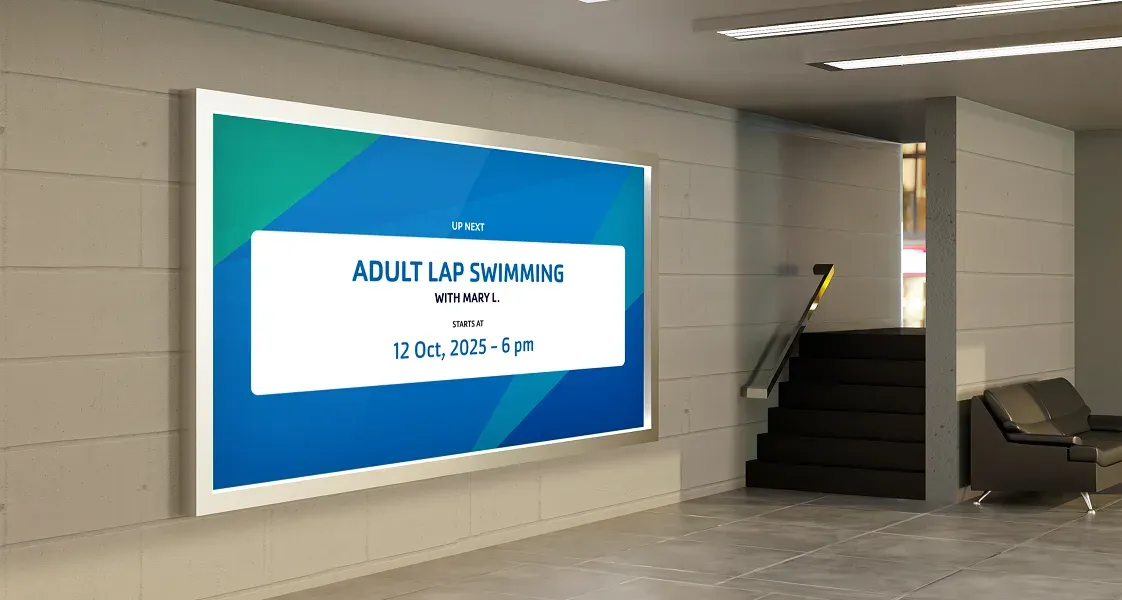
YMCA 360
Display room schedules, daily class overviews, and YMCA 360 virtual content across your screens with automatic updates.
Learn More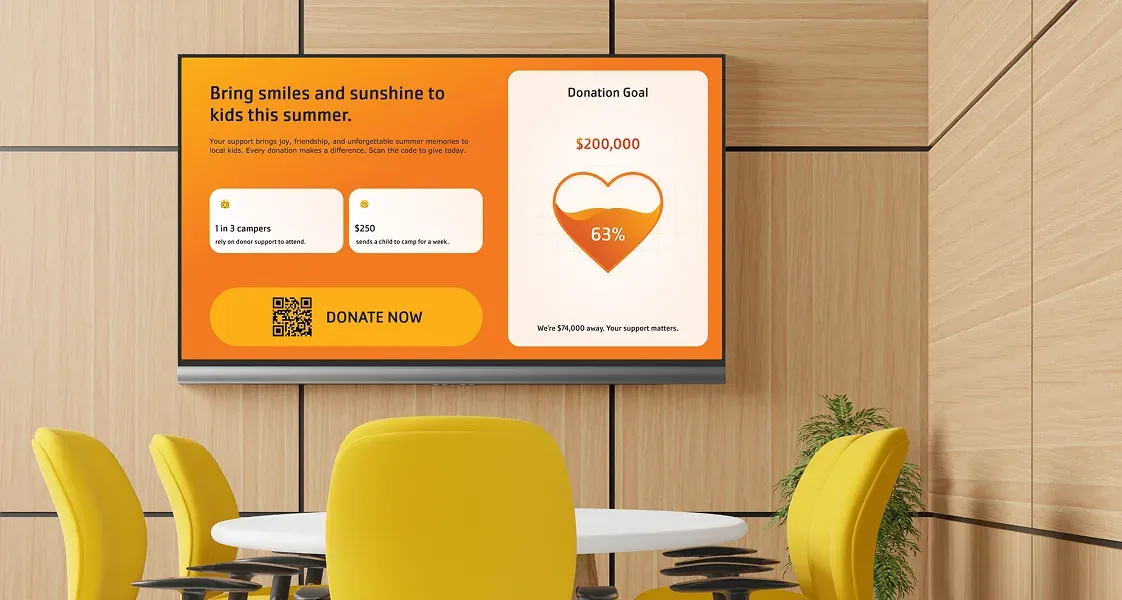
Blackbaud
Display donor recognition, fundraising campaigns, and contribution updates on screens using synced donor and giving data.
Coming soon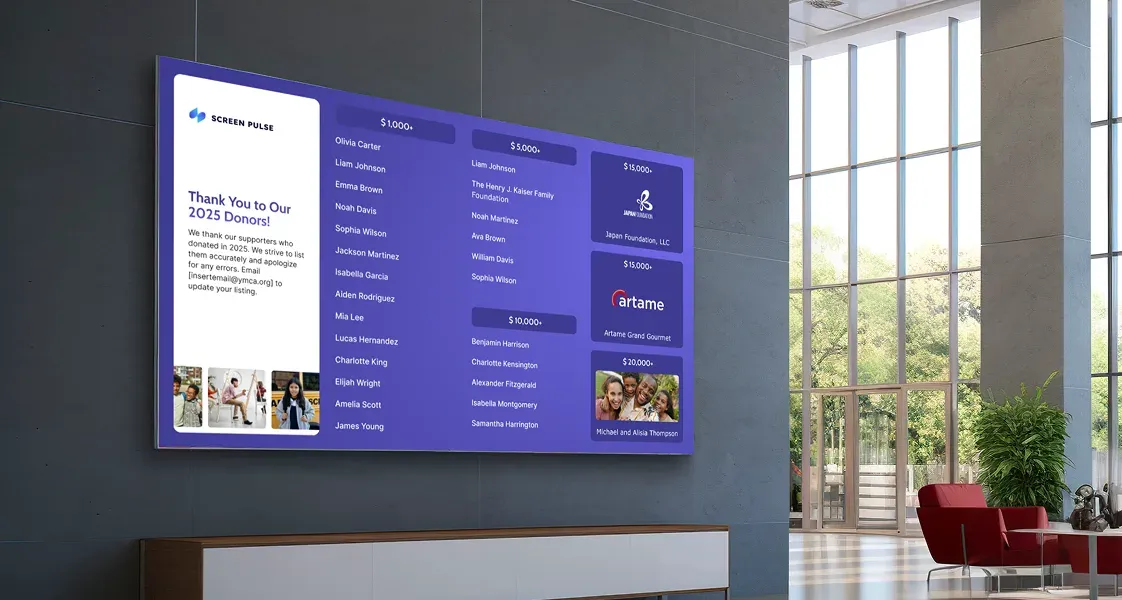
Bloomerang
Keep donor recognition and fundraising activity visible across screens as supporter and campaign data updates automatically.
Coming soon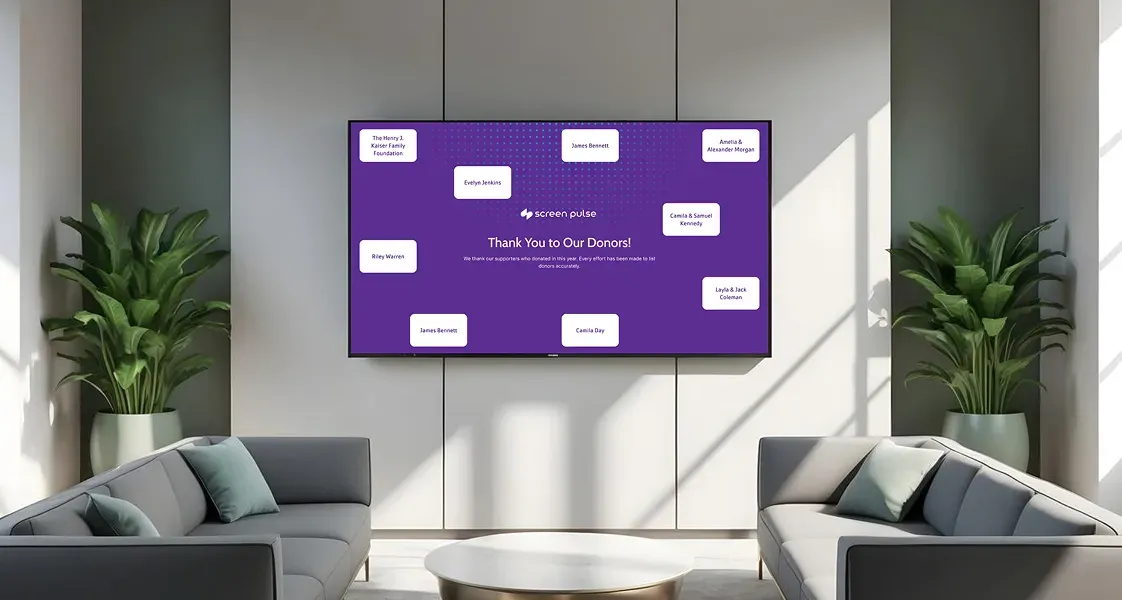
DonorPerfect
Show donor activity, campaign progress, and recognition content on screens using live fundraising data from your system.
Coming soon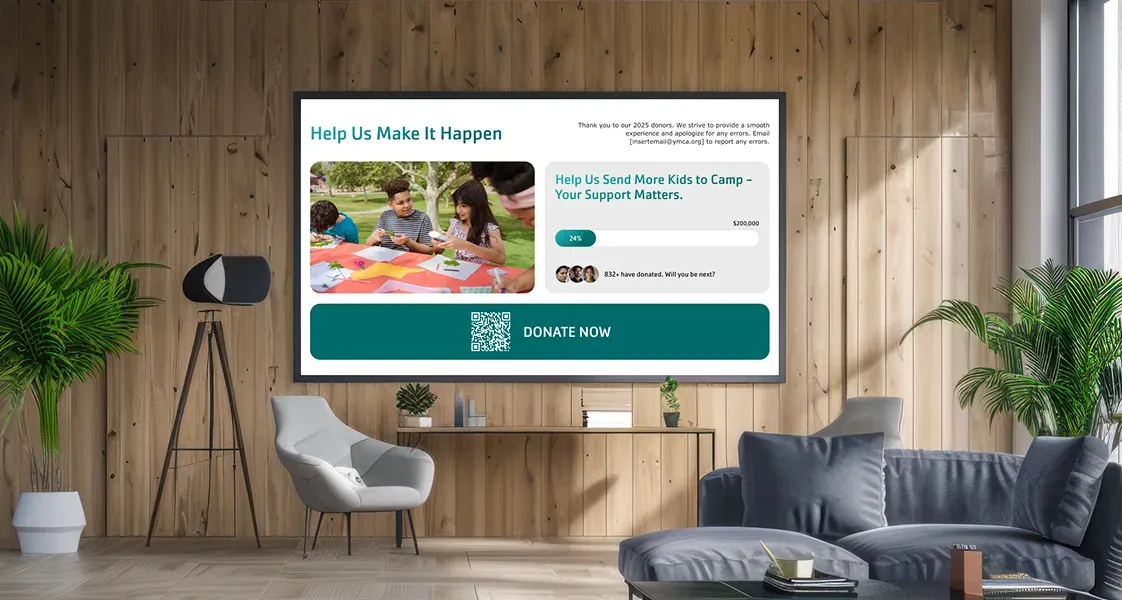
Givebutter
Display fundraising campaigns, donor recognition, and giving updates with automatically synchronized data.
Coming soon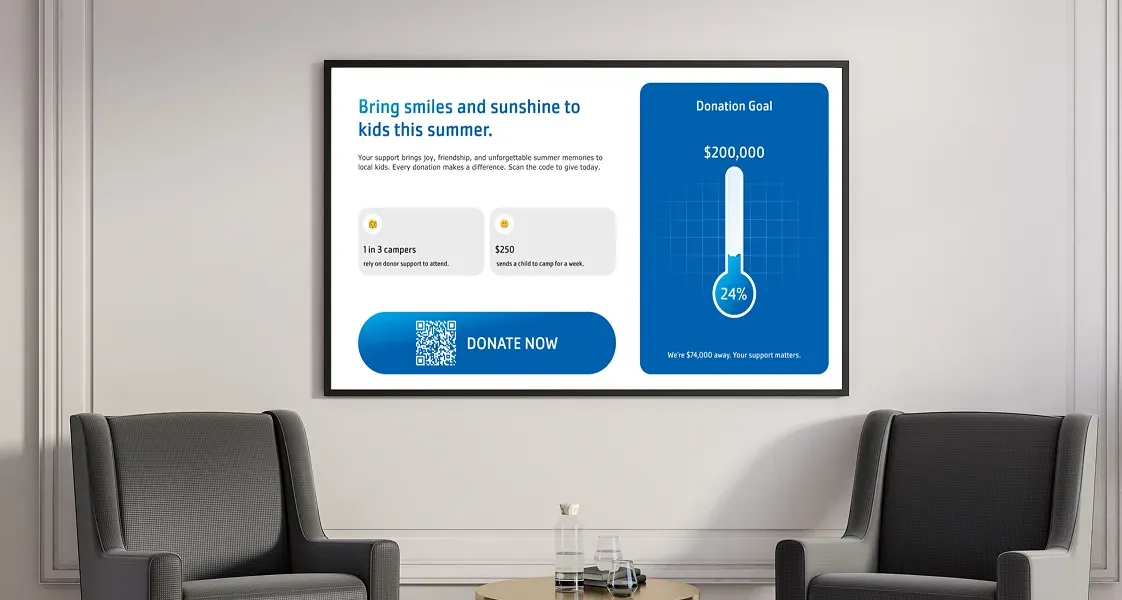
Salesforce Nonprofit Cloud
Display donor recognition, campaign progress, and fundraising updates using synchronized nonprofit data.
Coming soonFAQs
Practical answers on digital signage integrations and real-time data updates
Understand how Screen Pulse integrations work, what data can be displayed, and how real-time syncing keeps screens accurate across your locations without manual updates.
Screen Pulse turns structured data from your systems into screen-ready content. Depending on the integration and apps used, this includes:
- Class and program schedules
- Room-level activity (what’s happening now/next)
- Program availability and capacity
- Registrations and booking changes
- Announcements and operational updates
Each data type is mapped to a specific app, so it’s displayed in a clear, readable format for screens.
Integrations in Screen Pulse are built through apps designed for specific use cases, not raw data connections.
Instead of pulling data and leaving you to format it, each app:
- Connects to a specific system (e.g., scheduling or program platform)
- Structures the data for a defined use case (room screens, schedules, listings)
- Displays it in a layout optimized for screens
This approach keeps screens consistent, readable, and aligned with how your operations already work.
In most cases, data updates in real time, reflecting changes as they happen in your system.
For certain apps and integrations, you can also:
- Define a sync interval
- Control how frequently screens refresh
- Balance immediacy with performance if needed
This ensures screens stay accurate without unnecessary load or delays.
No, once integrations are configured:
- Screens update automatically based on system data
- Changes in schedules, bookings, or programs reflect without intervention
- Teams don’t need to recreate or re-upload content
Manual updates are only needed for custom or non-integrated content.
Yes. Screen Pulse is built for multi-location environments, so you can:
- Assign specific data sources to specific screens
- Configure screens by branch, room, or area
- Show different content across locations using the same integration
Screen Pulse helps you keep the screens relevant to the exact space where they are installed.
If a specific integration or use case is not currently supported, it can be added.
Screen Pulse supports:
- Custom integrations with your internal systems or APIs
- New apps built around your operational workflows
- Extension of existing integrations to cover additional use cases
This ensures the platform adapts to your setup rather than forcing you into predefined limits.

Get more value from the systems you already use
Discover how live data from your existing platforms can power screens that increase program participation, improve communication, and reduce operational effort.