

Core Product
Keep Recognition Current as Donor Data Changes
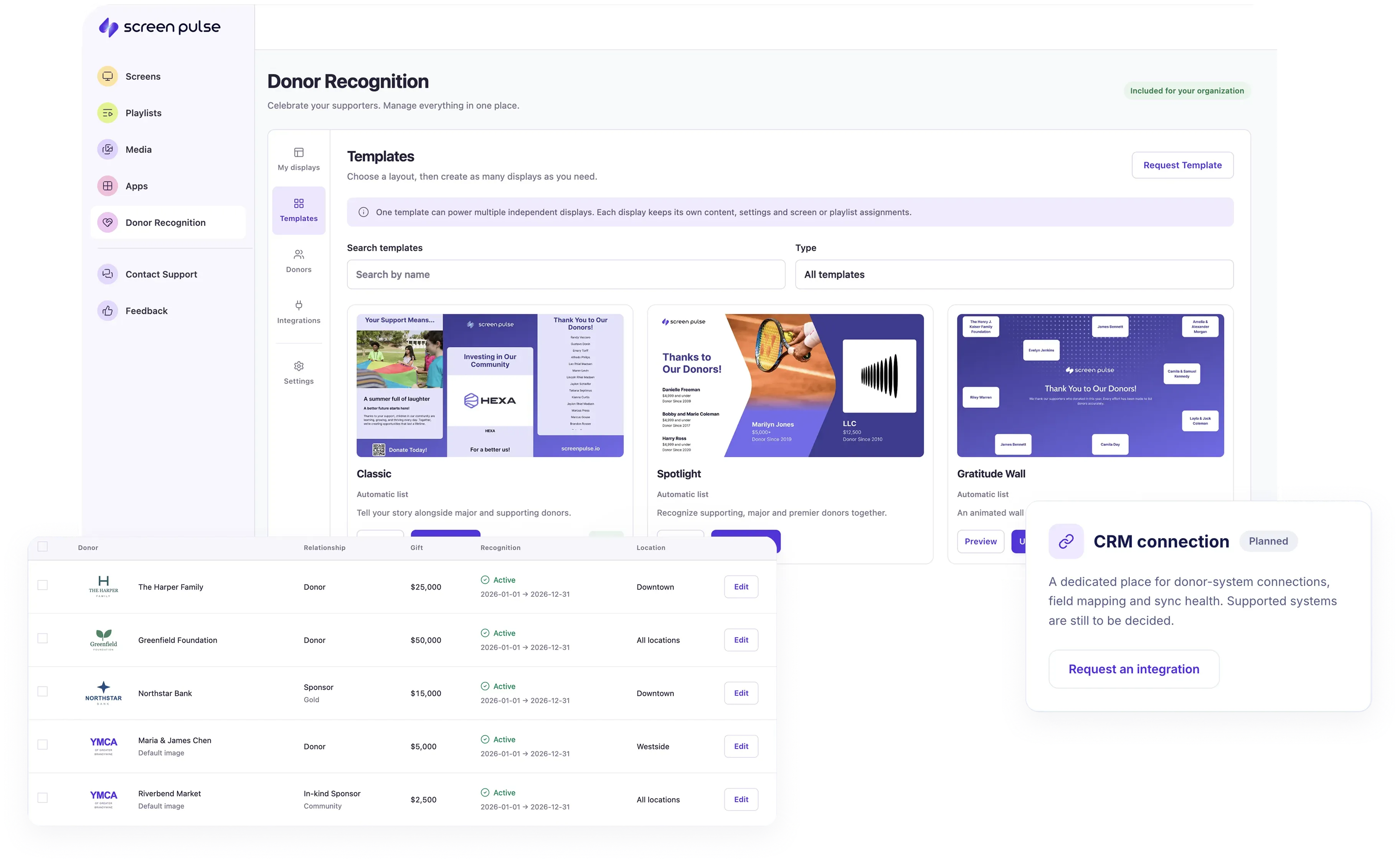
Manage the supporter data behind your recognition in one place and use it across screens, locations, and recognition experiences. Control who appears, where, and for how long, while keeping the data connected to the systems your fundraising team already uses.

Shared Supporter Data
Manage donors, partners, and in-kind sponsors in one place and reuse their information across multiple displays.

Recognition Periods
Set start and end dates so sponsorships, campaigns, and other time-bound recognition appear only when relevant.

Giving & Sponsorship Levels
Organize supporters by giving level, sponsorship tier, or other criteria to control how they appear on screen.

Reusable Recognition Data
Use the same supporter information across donor walls, listings, individual spotlights, sponsor displays, and more.

Flexible Data Sources
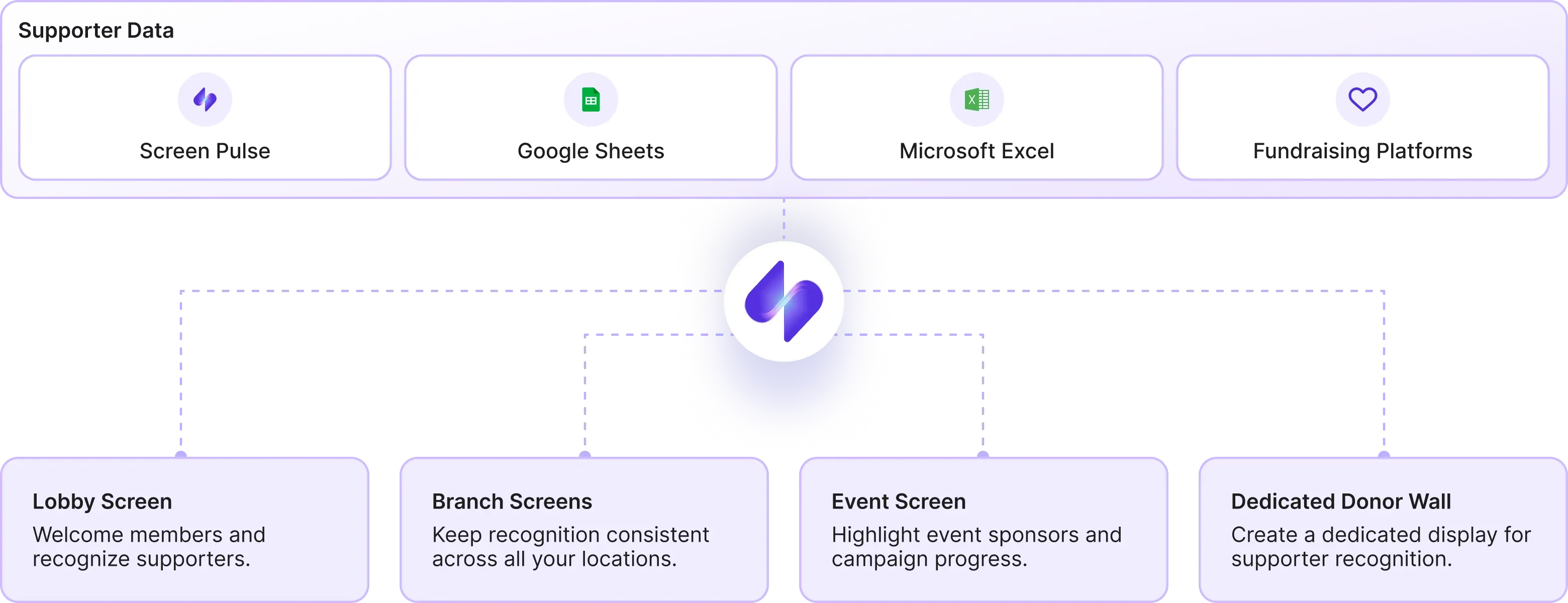
Add supporters directly, upload a CSV, or connect Google Sheets, Microsoft Excel, or an external CSV.

Fundraising Systems
Connect donor and fundraising data sources to keep recognition information updated with less manual work.
Publish Everywhere
Recognition Doesn't Require a Separate Screen Network
Use the same supporter data to bring recognition into your existing Screen Pulse network or power dedicated donor displays where they make sense.
Data Sources & Integrations
Use the Donor Data You Already Have
Bring supporter information into Screen Pulse in the way that works for your team. From managing it directly to importing files or connecting the systems where your donor data already lives.

Manage Directly in Screen Pulse
Add and update donors, sponsors, partners, giving levels, recognition periods, and other recognition details.

Import & Synchronize Your Data
Bring existing supporter lists into Screen Pulse through CSV, Google Sheets, or Microsoft Excel instead of rebuilding them manually.

Connect Fundraising Platforms
Connect donor and fundraising systems to use supporter data your organization already maintains.
Recognition Experiences
Different Forms of Support Deserve Different Forms of Recognition
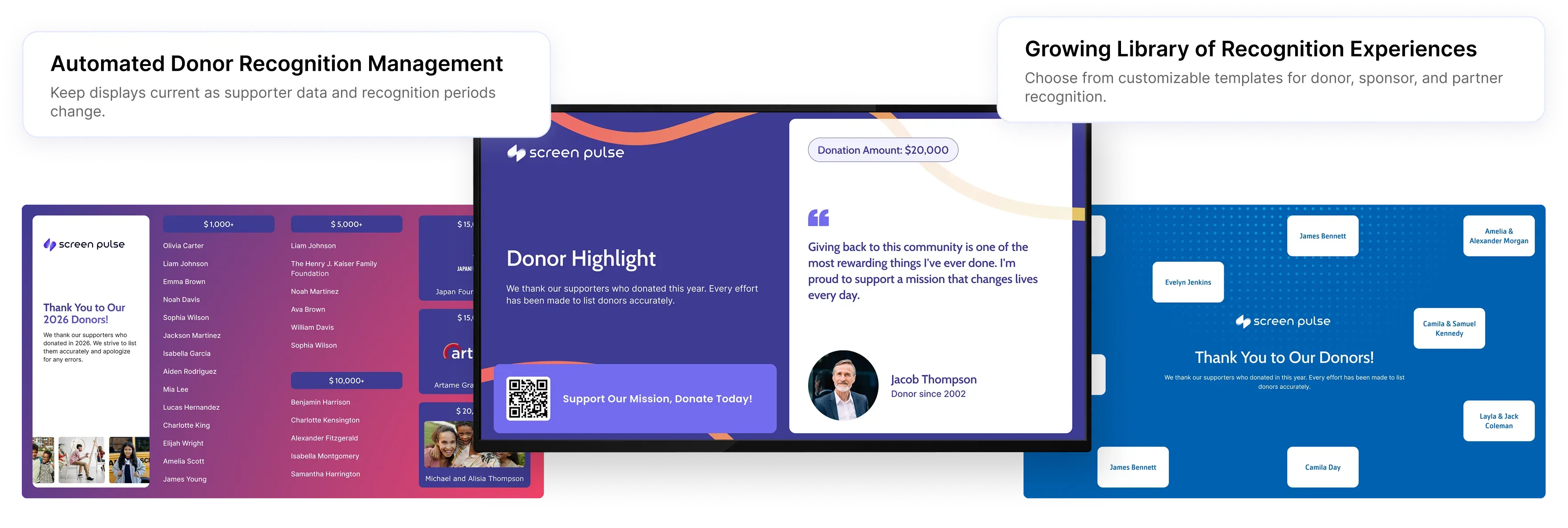
Move beyond showing every supporter in the same donor list. Screen Pulse gives you more than 15 different ways to recognize individual donors, larger groups, giving levels, specific contributions, and supporter stories using shared donor data.
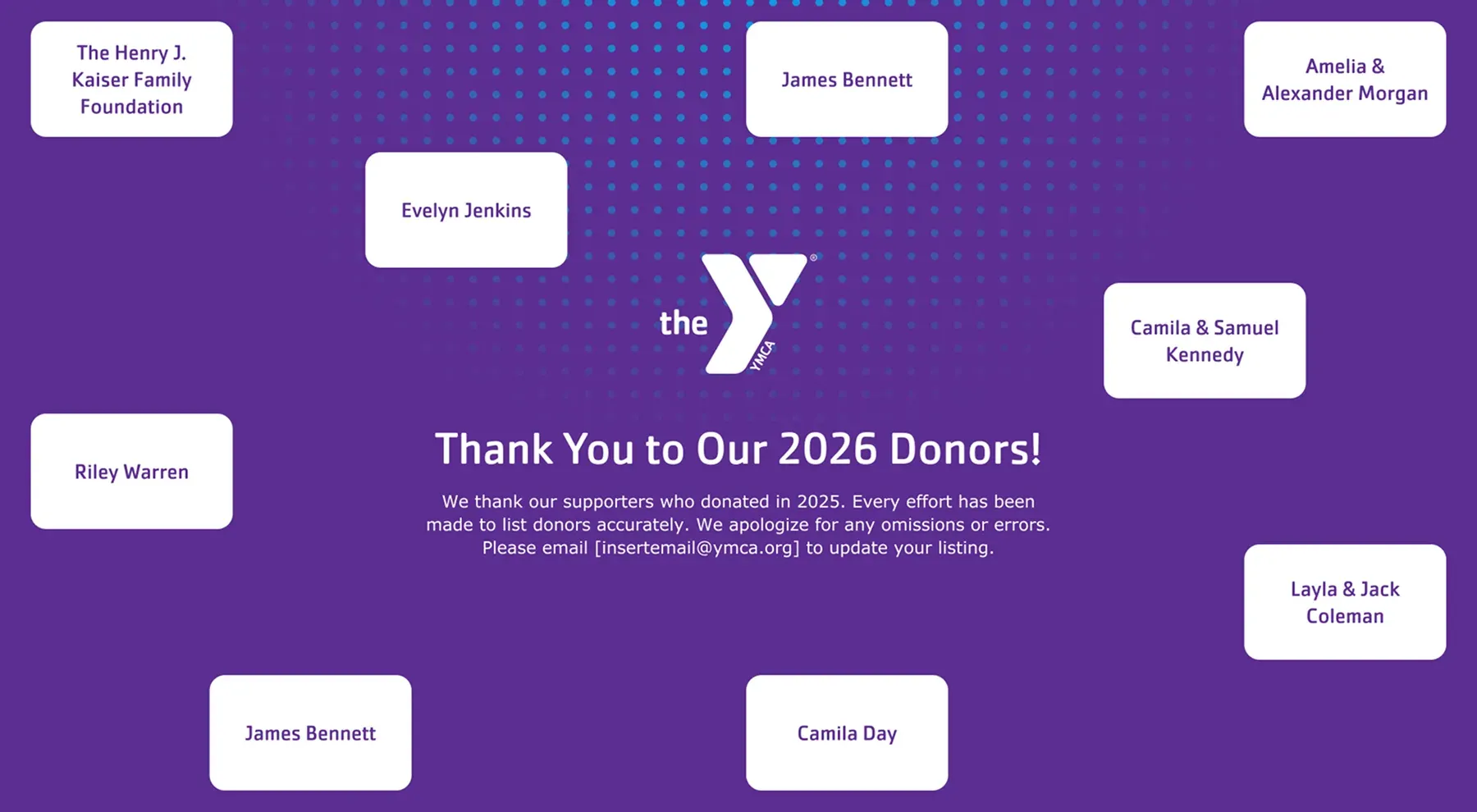
Classic Donor Walls
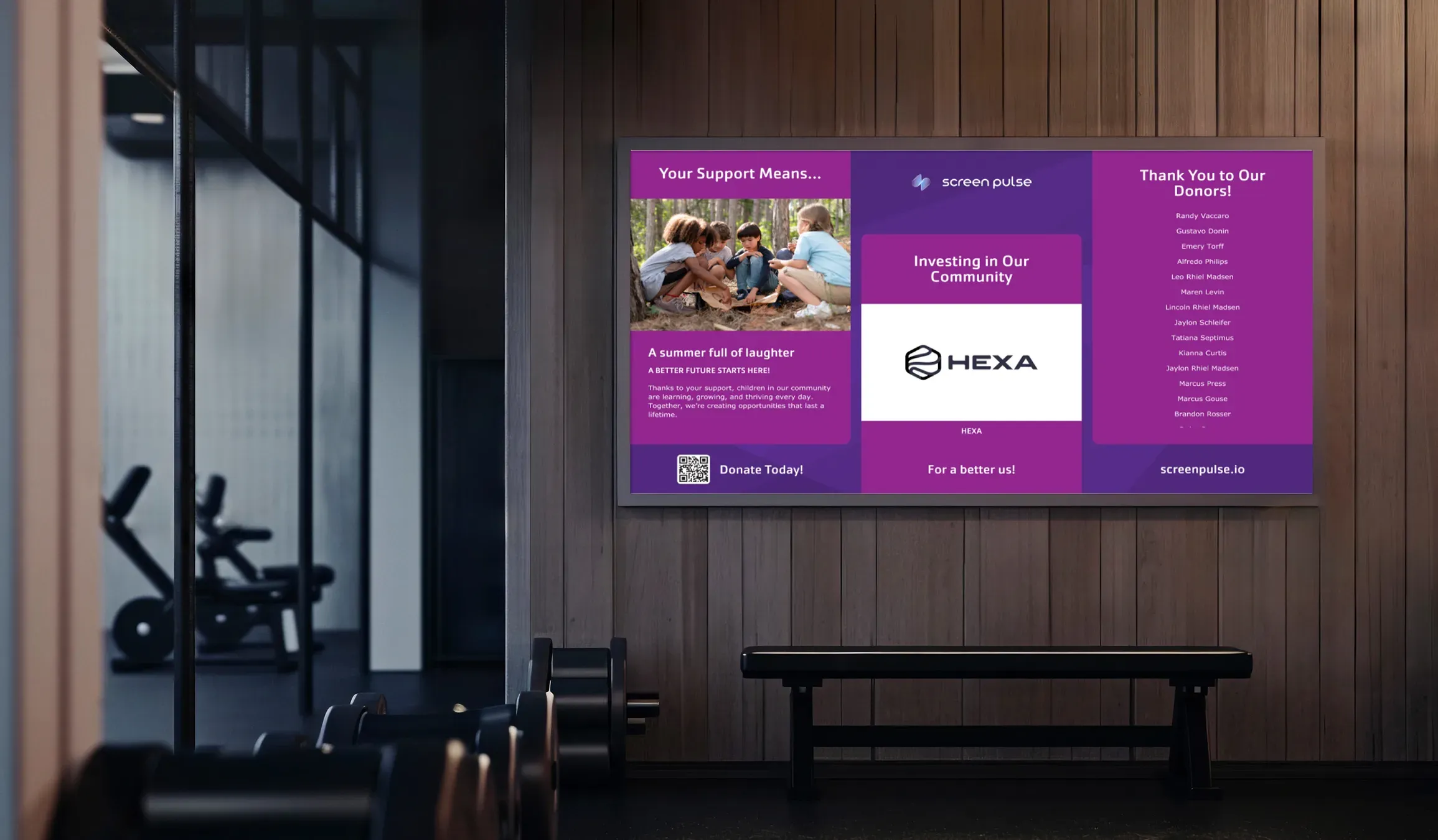
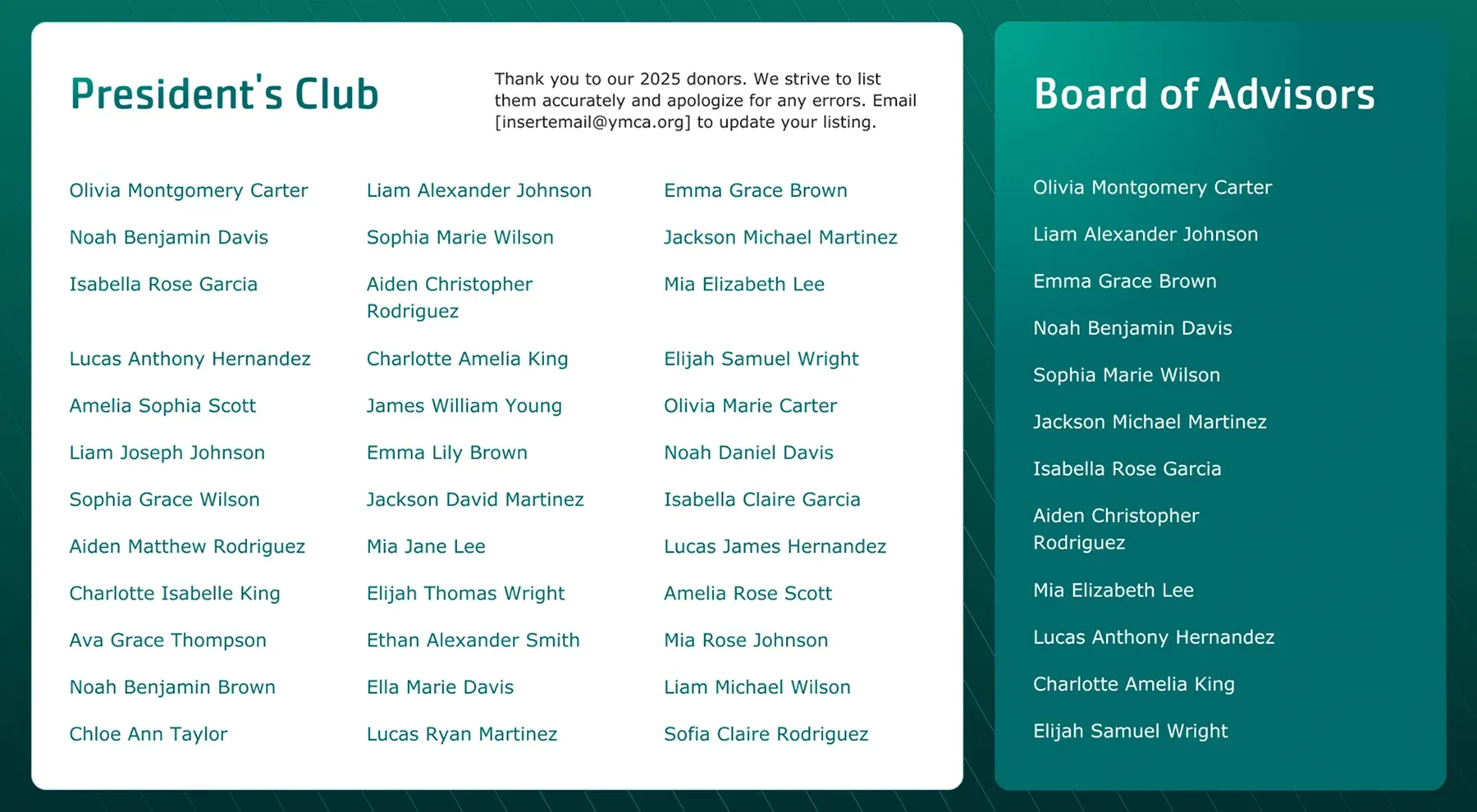
Recognize groups of supporters through tiered, rotating, or message-led donor walls.
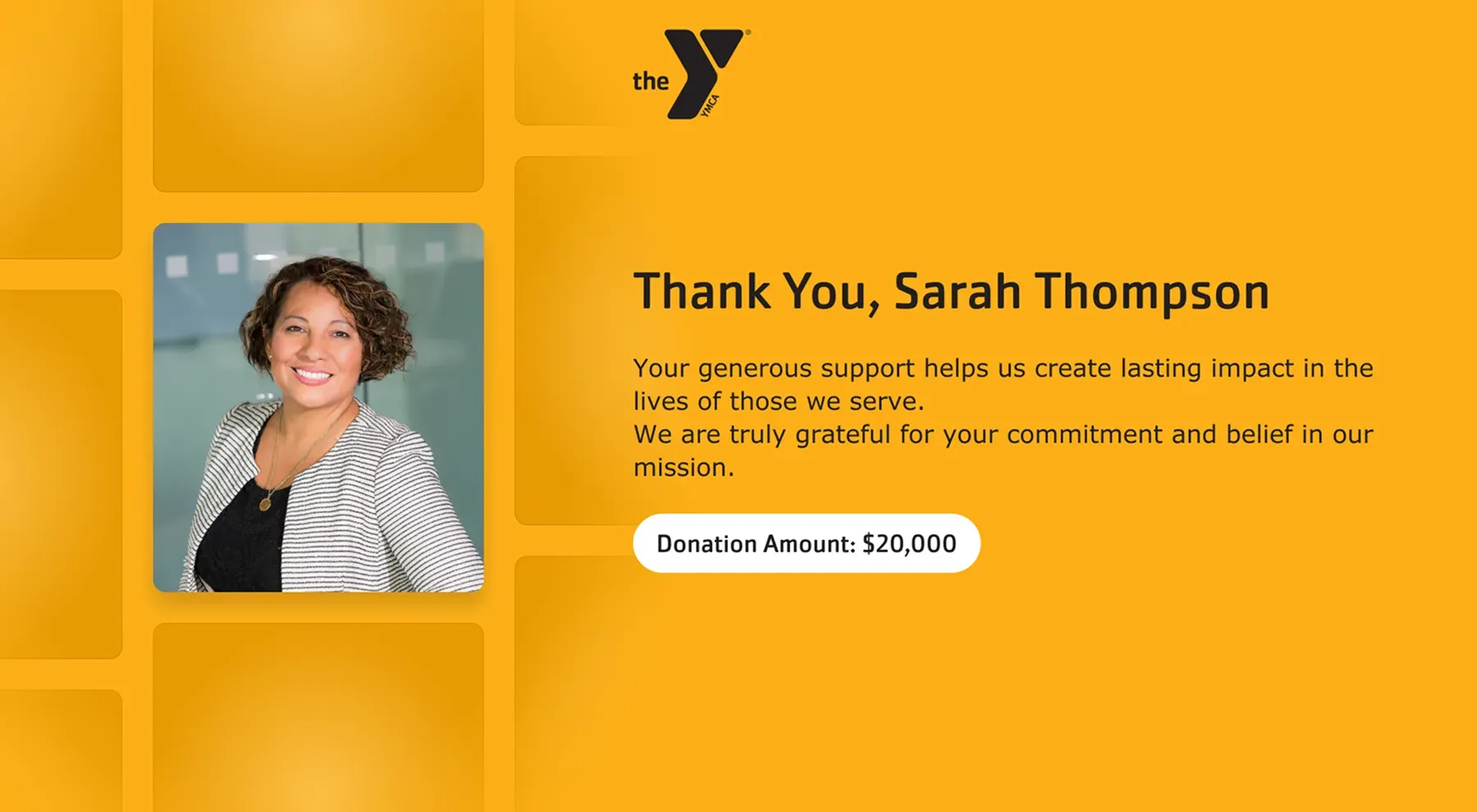
Individual Recognition
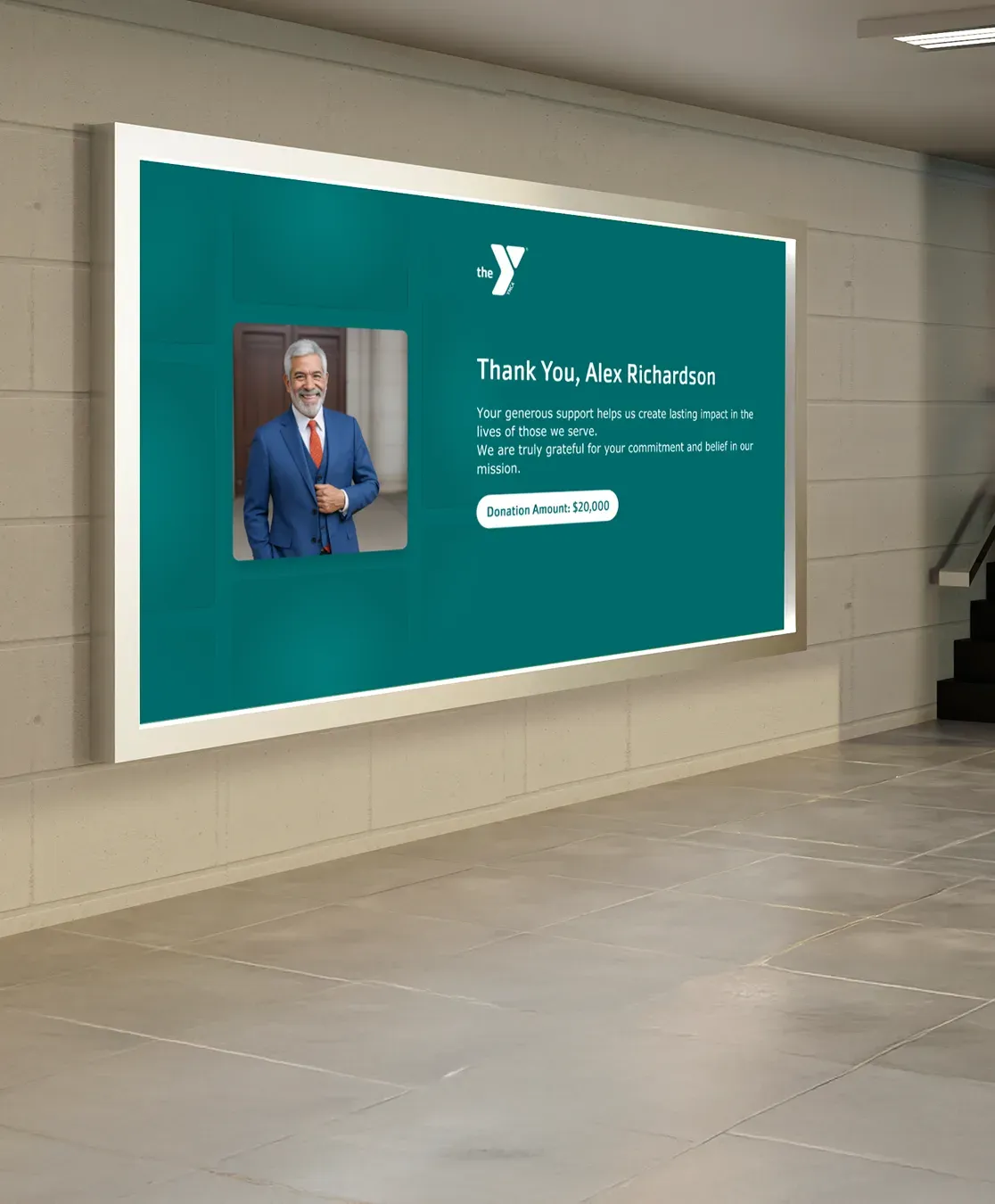
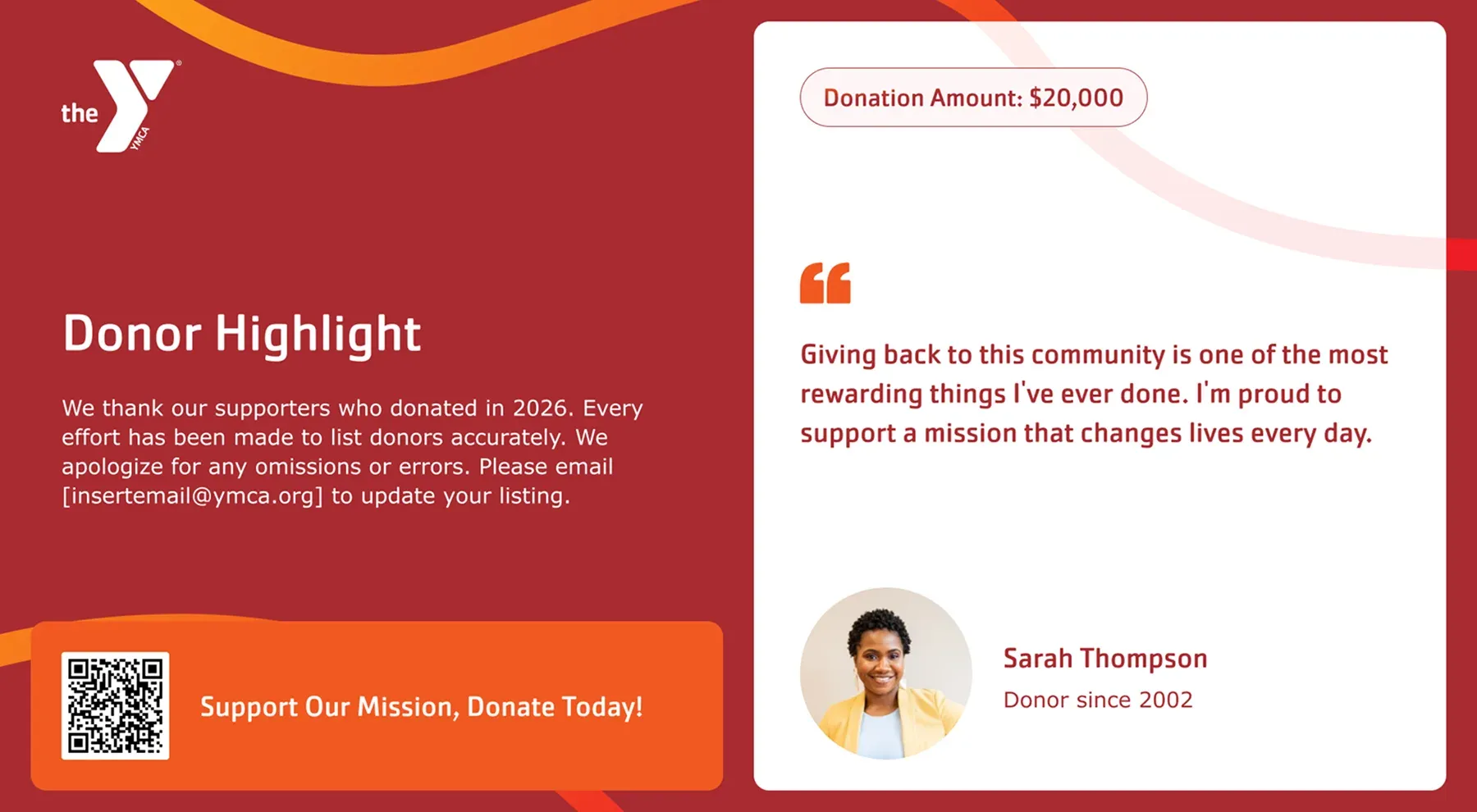
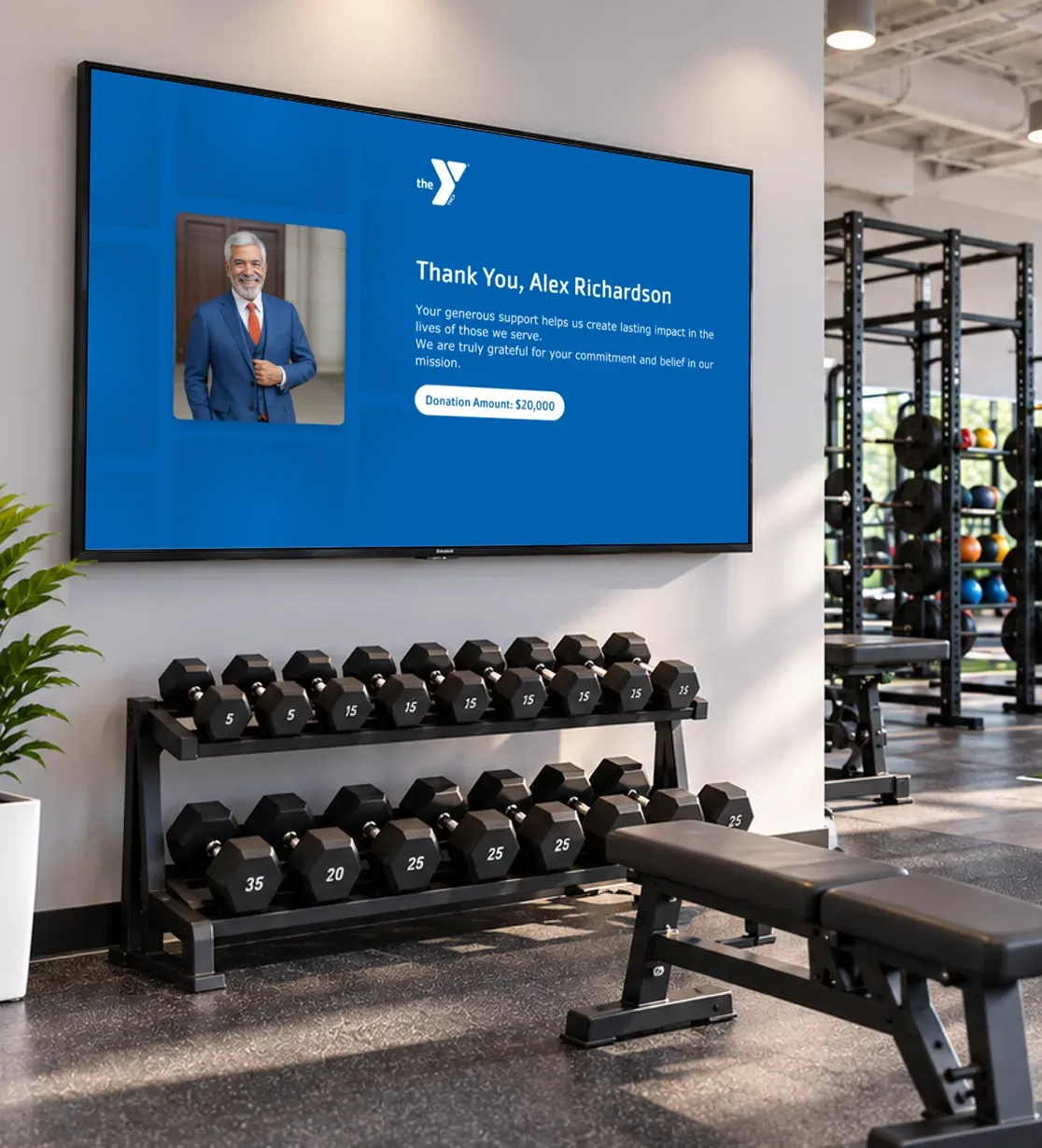
Feature individual supporters through photos, stories, quotes, milestones, and contribution details.
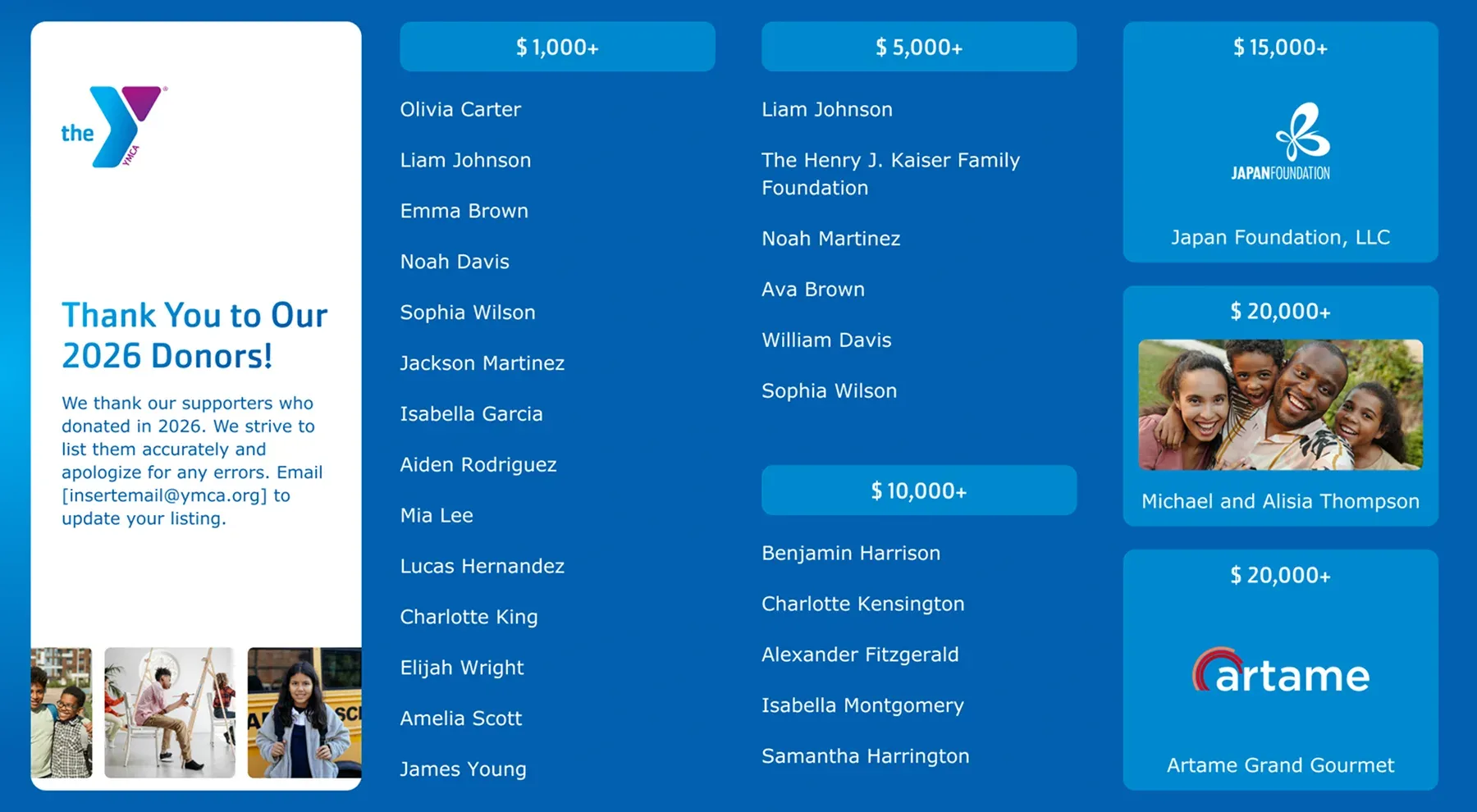
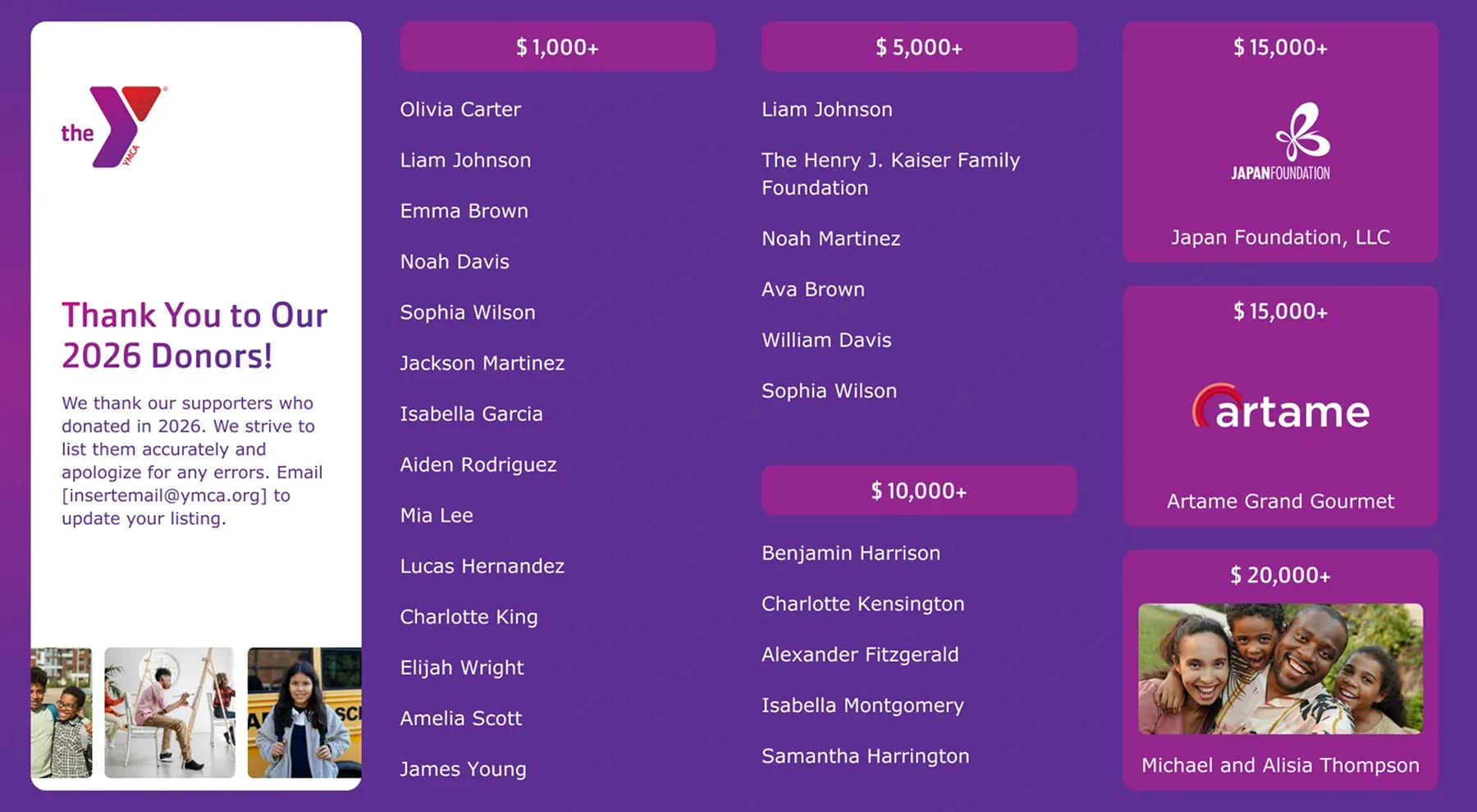
Donor Listings
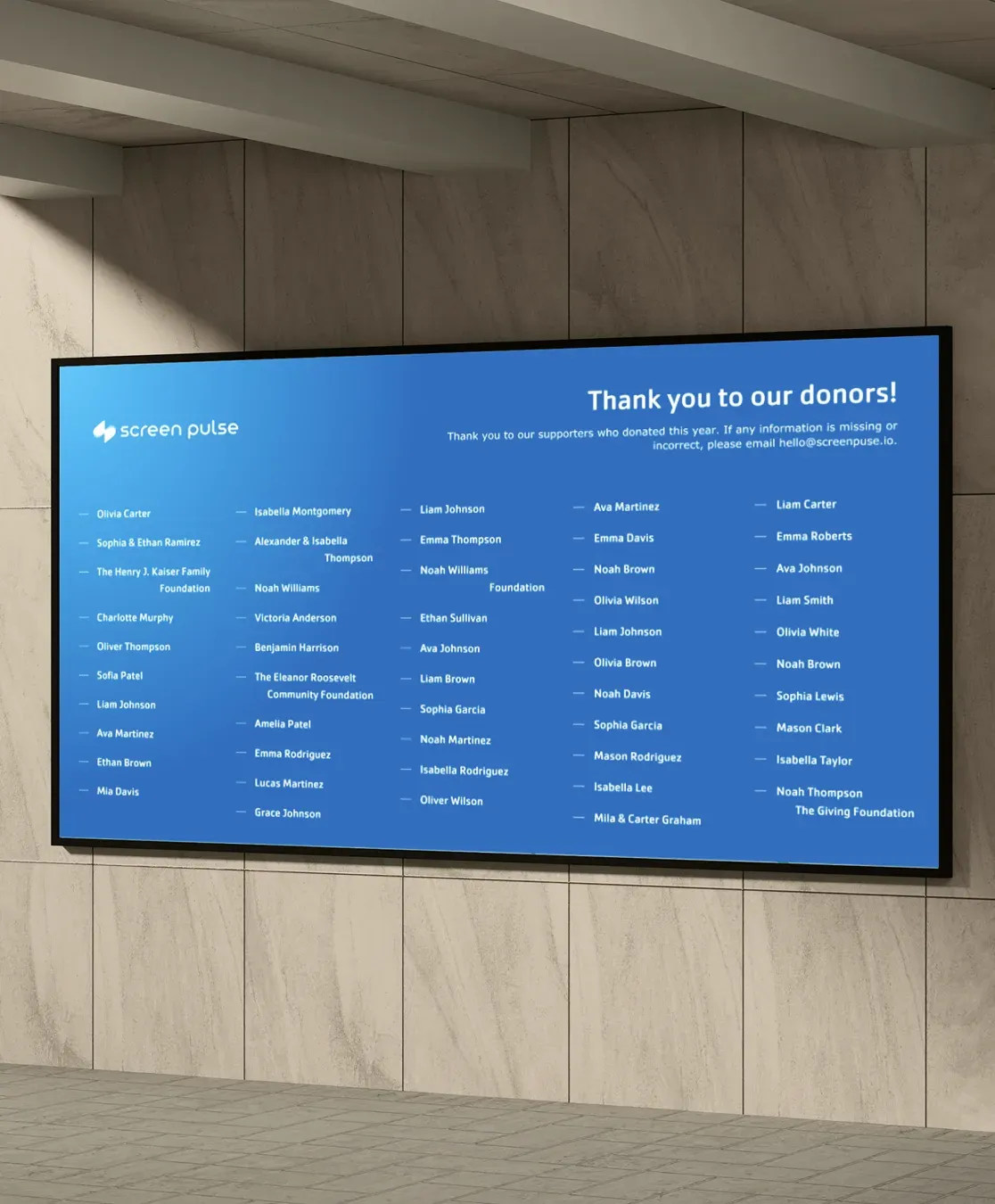
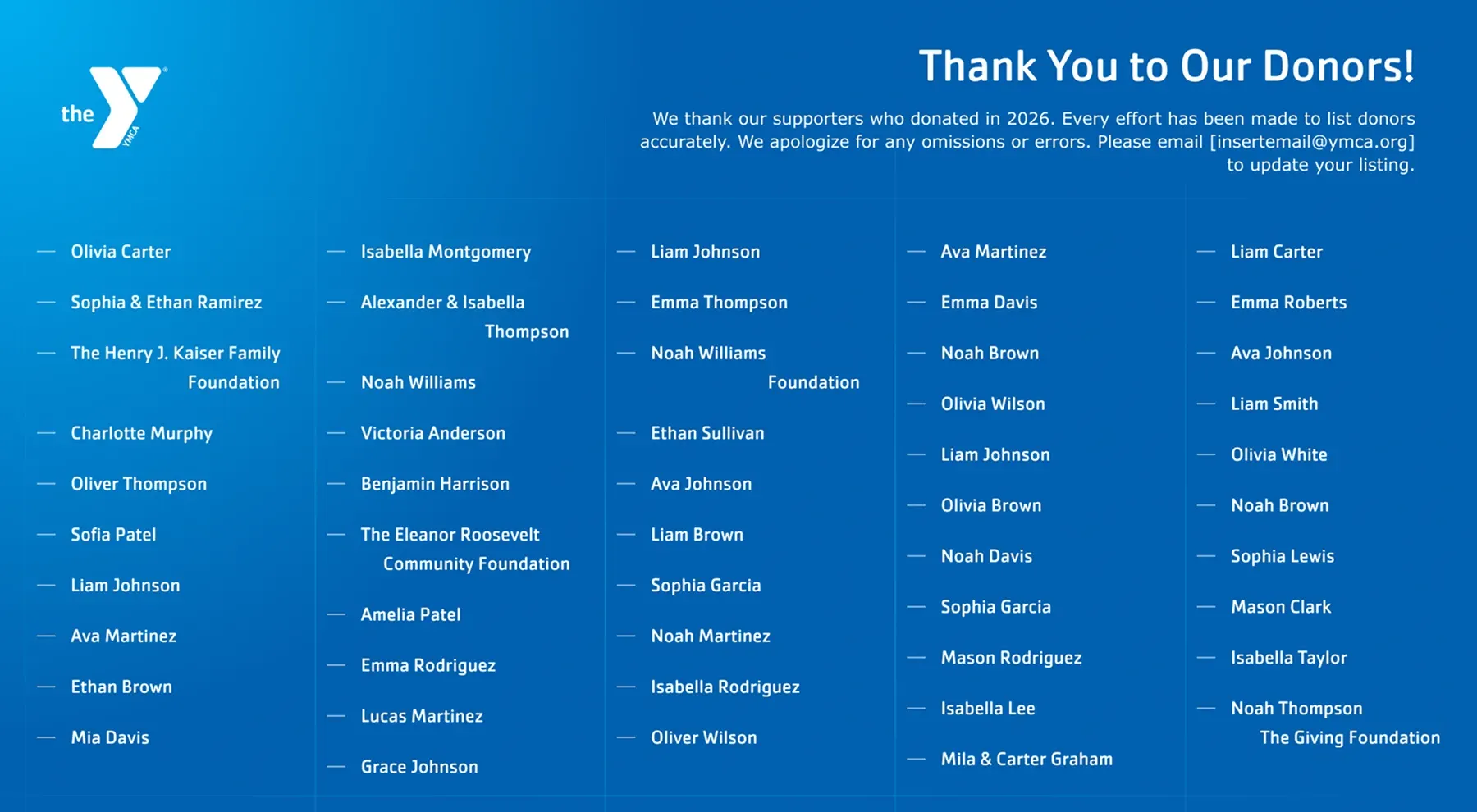
Display structured donor lists organized by giving level, campaign, timeframe, or other criteria.
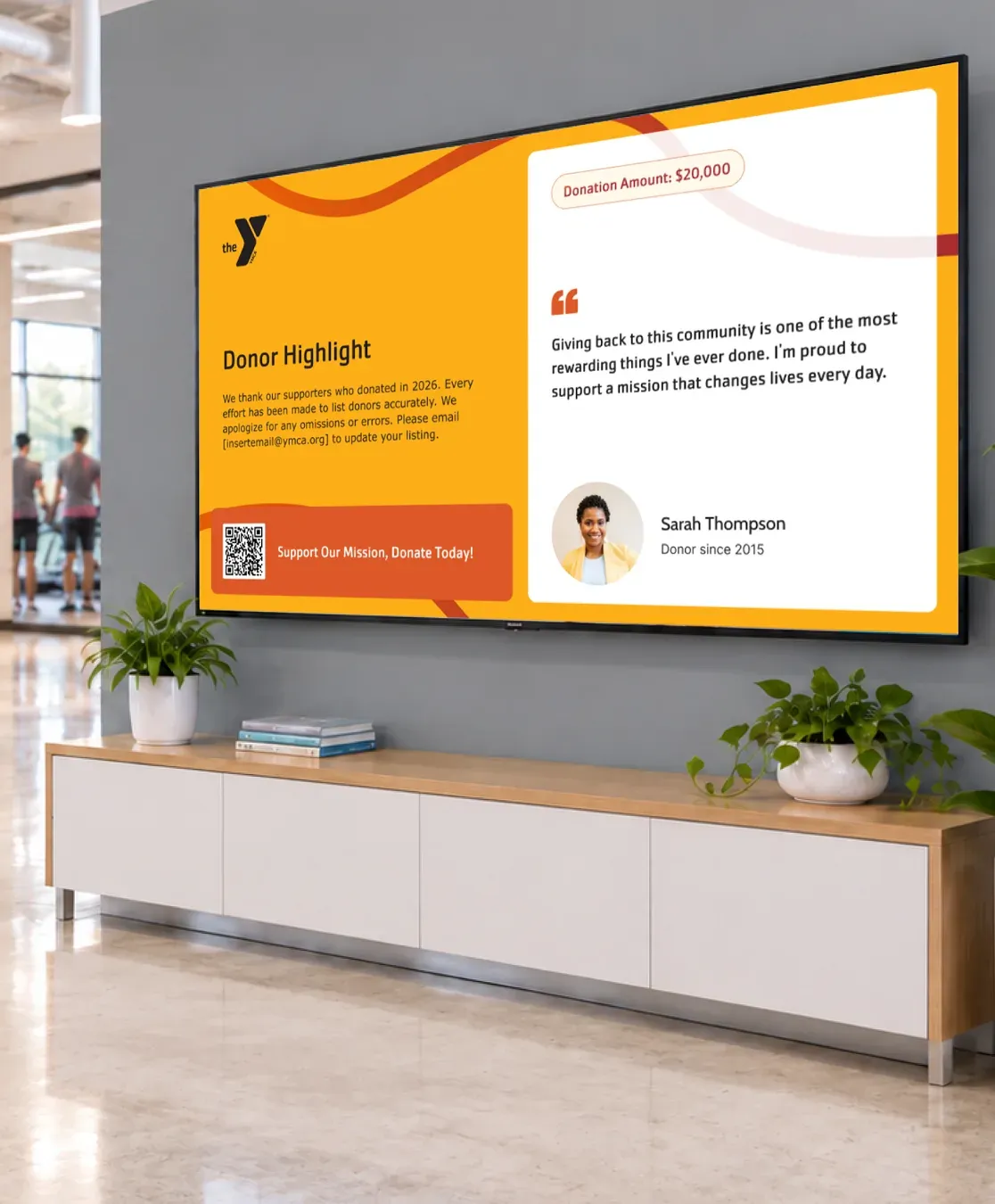
Sponsor Recognition
Recognize corporate partners, in-kind sponsors, and event sponsors in formats designed for sponsorship visibility.
Fundraising & Impact
Bring campaign progress, giving societies, and impact stories into the same recognition experience.
Design & Branding
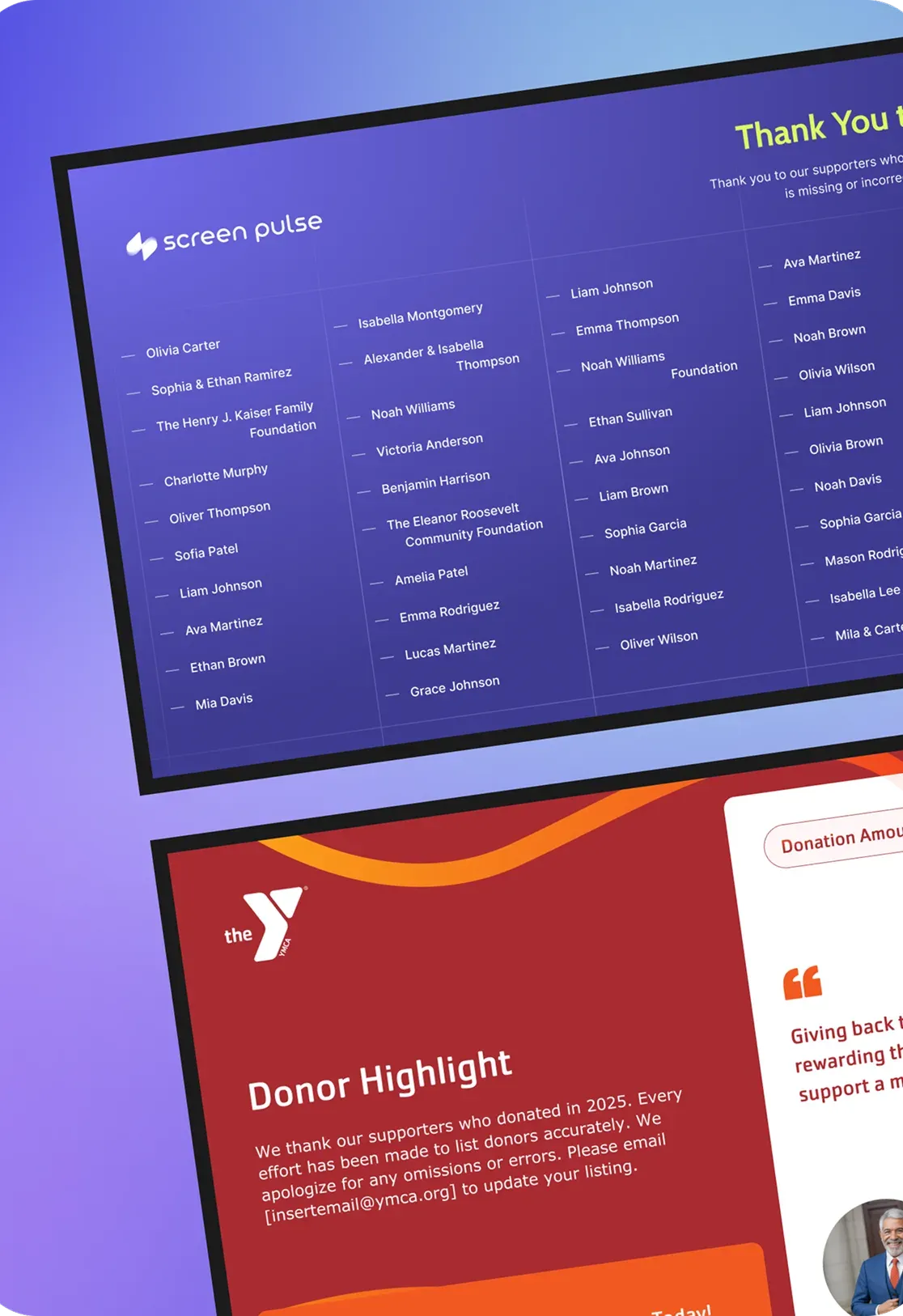
Recognition That Looks Like Your YMCA
Start with YMCA-branded templates and customize colors, logos, imagery, messaging, giving levels, and supporter details to fit your association. Carry the same visual identity across donor walls, sponsor displays, and other recognition experiences, keeping recognition consistent across branches and locations.
Why Digital Recognition
Make Your Screens Part of Donor Stewardship
Recognition isn’t the end of fundraising. It’s one part of ongoing donor stewardship. Your existing screen network can make giving, participation, recognition, and impact more visible while extending the recognition benefits you offer donors, sponsors, and community partners.
Build Awareness
Keep fundraising priorities, community needs, and meaningful opportunities to give visible across your screens.
Show Impact
Connect contributions with the stories and outcomes they help make possible, showing supporters what their giving helps achieve.
Share Progress
Show campaign goals, key milestones, and community participation as fundraising moves forward and support grows.
Recognize Donors
Thank individual donors and acknowledge their contributions in ways that reflect their support and strengthen ongoing relationships.
Recognize Partners
Give corporate sponsors, community partners, and in-kind supporters meaningful visibility across your organization and community.
FAQ
Common Questions on How to Achieve More With Digital Donor Recognition
Practical answers about donor recognition displays, supporter management, data sources, existing screens, and keeping recognition current.
Digital donor recognition uses screens to acknowledge donors, sponsors, partners, and other supporters through content that can change as supporter information, campaigns, and recognition needs change.
Common formats include:
- Digital donor walls
- Giving-level displays
- Donor listings
- Individual donor spotlights
- Sponsor and partner recognition
- Campaign progress
- Impact stories
With Screen Pulse, these experiences can use shared supporter data, so organizations can manage recognition centrally instead of maintaining every display as separate content.
A traditional digital donor wall typically focuses on one dedicated recognition display. Screen Pulse treats donor and sponsor recognition as part of a broader digital signage system.
Organizations can manage supporter data once and use it across multiple recognition experiences, screens, and locations. Recognition can appear on dedicated donor walls or alongside schedules, programs, campaigns, announcements, and other content already managed through Screen Pulse.
Screen Pulse provides a centralized place to manage the information used for donor and sponsor recognition. Depending on the recognition experience, supporter information can include:
- Name
- Relationship type, such as donor, sponsor, partner, or in-kind sponsor
- Recognition or sponsorship level
- Recognition period
- Donor since
- Other information used in specific recognition displays
The same supporter information can then be reused across donor walls, listings, individual spotlights, sponsor displays, campaigns, and other recognition experiences.
You can manage supporter information directly in Screen Pulse or connect data from sources your organization already maintains.
Supported options include:
- CSV files
- Google Sheets
- Microsoft Excel
- Externally hosted CSV files
- Supported fundraising and donor-management integrations
Once connected, the supporter information can be used across multiple recognition experiences without maintaining separate donor lists for every display.
Screen Pulse uses shared supporter data across recognition experiences. Update supporter information at its source, and the change can be reflected wherever that data is being used instead of rebuilding individual donor displays.
For supporter data:
Changes to names, recognition details, giving levels, or other information can flow into the experiences using that data.
For time-based recognition:
Recognition periods can determine when a supporter should appear. When the active period ends, the supporter can automatically stop appearing in the applicable recognition content.
No. Screen Pulse does not require proprietary donor-wall hardware. You can use supported screens and media players you already have or choose new hardware that fits your space, deployment, and budget.
Screen Pulse supports multiple operating systems and player options, making it possible to run donor recognition on anything from an existing screen in a branch to a dedicated digital donor wall.
See supported devices and recommended hardware on the Screen Pulse Digital Signage Players page.
No. Screen Pulse supports both approaches.
Use your existing screens
Add donor and sponsor recognition to playlists alongside schedules, programs, announcements, campaigns, videos, and other content.
Create a dedicated donor display
Use a screen exclusively as a digital donor wall, sponsor display, or other permanent recognition experience when the space calls for it.
Both approaches can be managed through the same Screen Pulse network.
Yes. Screen Pulse provides YMCA-branded templates that can be adapted to an association, campaign, or recognition program.
Brand customization can include:
- Logos and colors
- Photography and imagery
- Recognition messaging
- Giving and sponsorship levels
- Supporter information
The same visual identity can then be carried across donor walls, individual spotlights, sponsor displays, and other recognition experiences, helping maintain consistency across branches and locations.
You do not need to recreate an existing donor or sponsor list one supporter at a time.
If your data is in a spreadsheet:
Import existing supporter information through CSV or use supported spreadsheet sources such as Google Sheets and Microsoft Excel.
If your data is in a fundraising system:
Screen Pulse can review the system and available integration options to determine how the data can be used for recognition.
If you want to manage recognition directly:
Supporter records and recognition details can also be maintained within Screen Pulse.

Make Donor Recognition Part of Your Screen Network
Turn the screens you already use into dynamic donor recognition displays. Recognize supporters in different ways, keep content current, and make recognition part of your wider fundraising communication.