

Trusted by YMCAs, nonprofit, education, healthcare, and cultural organizations











What Your Screens Can Do
Go Beyond Showing Content on Screens
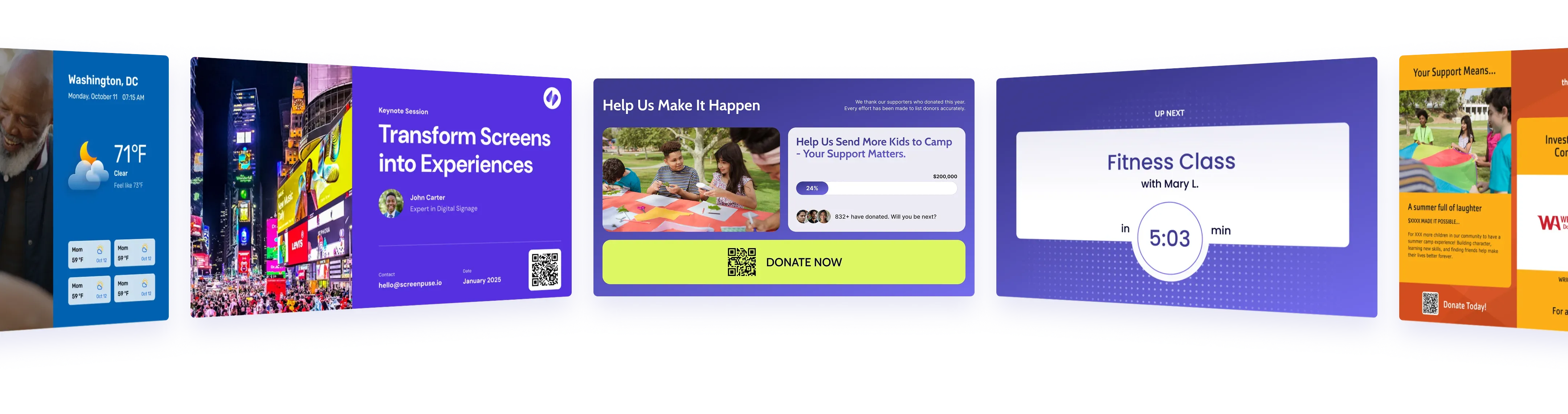
Use screens throughout your locations to support the goals your marketing and communications teams already have. From promoting programs and services to fundraising, community engagement, and everyday communication.

Promote services
Promote programs, services, memberships, events, and other opportunities where your audience can discover them and take action.

Support fundraising
Recognize donors, communicate campaign progress, share impact, and make opportunities to give more visible.

Strengthen engagement
Keep audiences connected with relevant updates, opportunities, stories, and information.
Essential Feature
Digital Signage Built Around Your Data, Content, and Goals
Screen Pulse helps turn screens from a place to publish information into an active part of marketing, fundraising, and engagement. It combines your existing content, live data, and purpose-built apps so teams can do more with this channel without having to manage more content.
Real-time Content Updates
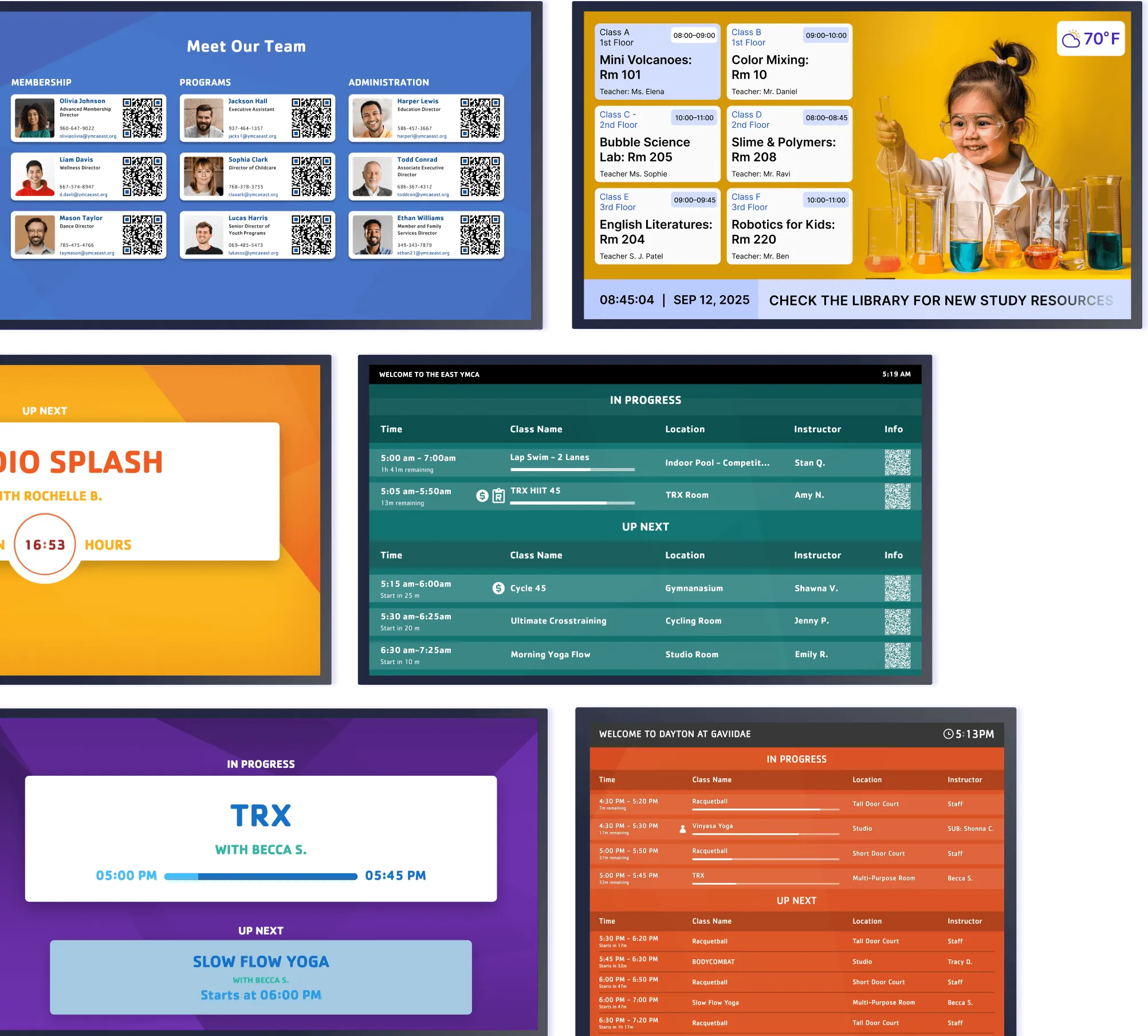
Connect Screen Pulse directly to the systems where your content and data already live. Integrations with Traction Rec, Daxko, YMCA 360, GroupEx Pro, Upace, ACTIVENet, Mindbody, and other platforms keep screen content current as information changes.

Today’s Schedule
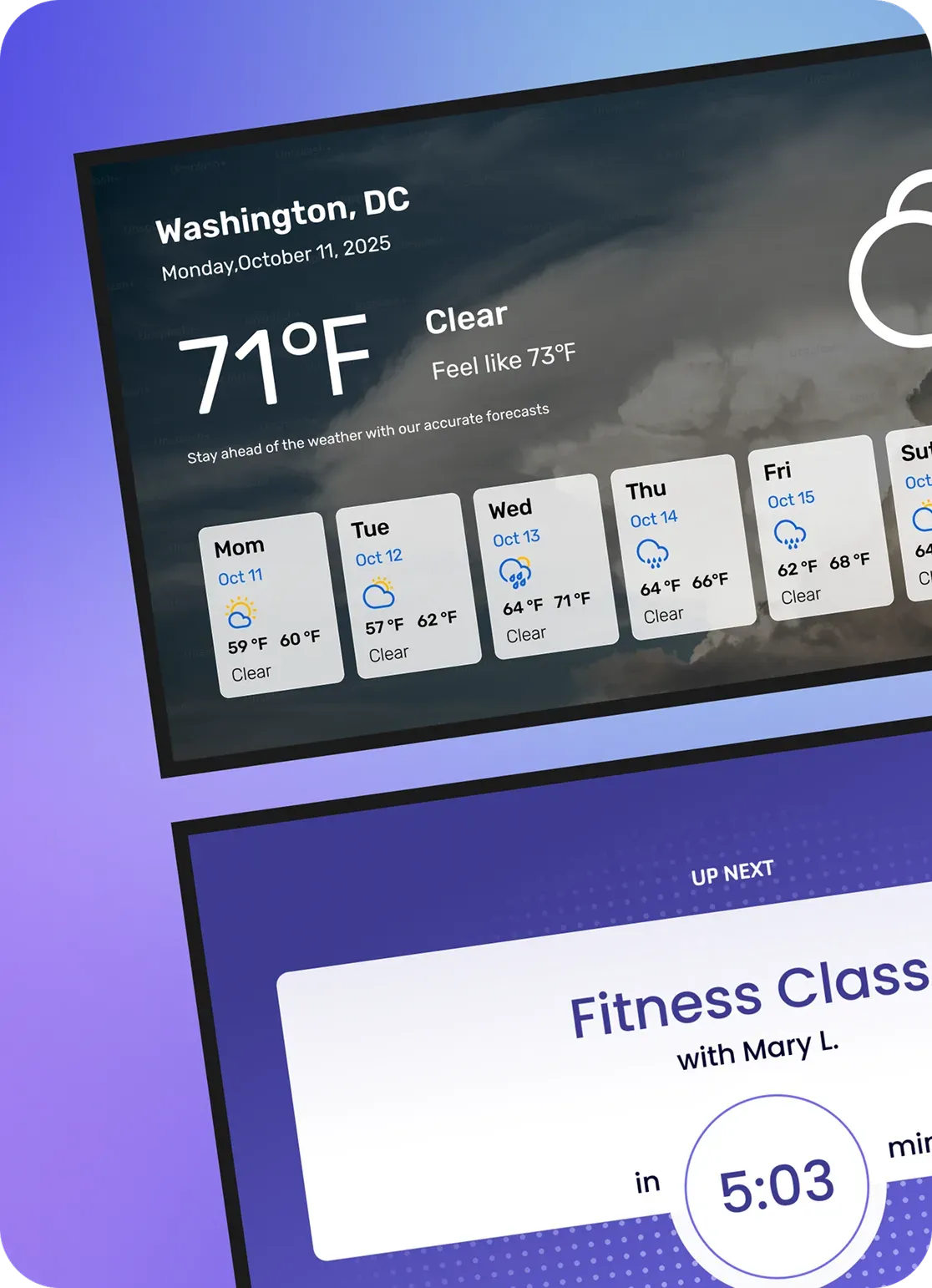
Display current classes, programs, events, or activities throughout the day.

Room Entry Boards
Show what’s happening now and what comes next outside each room.
Donor & Sponsor Recognition
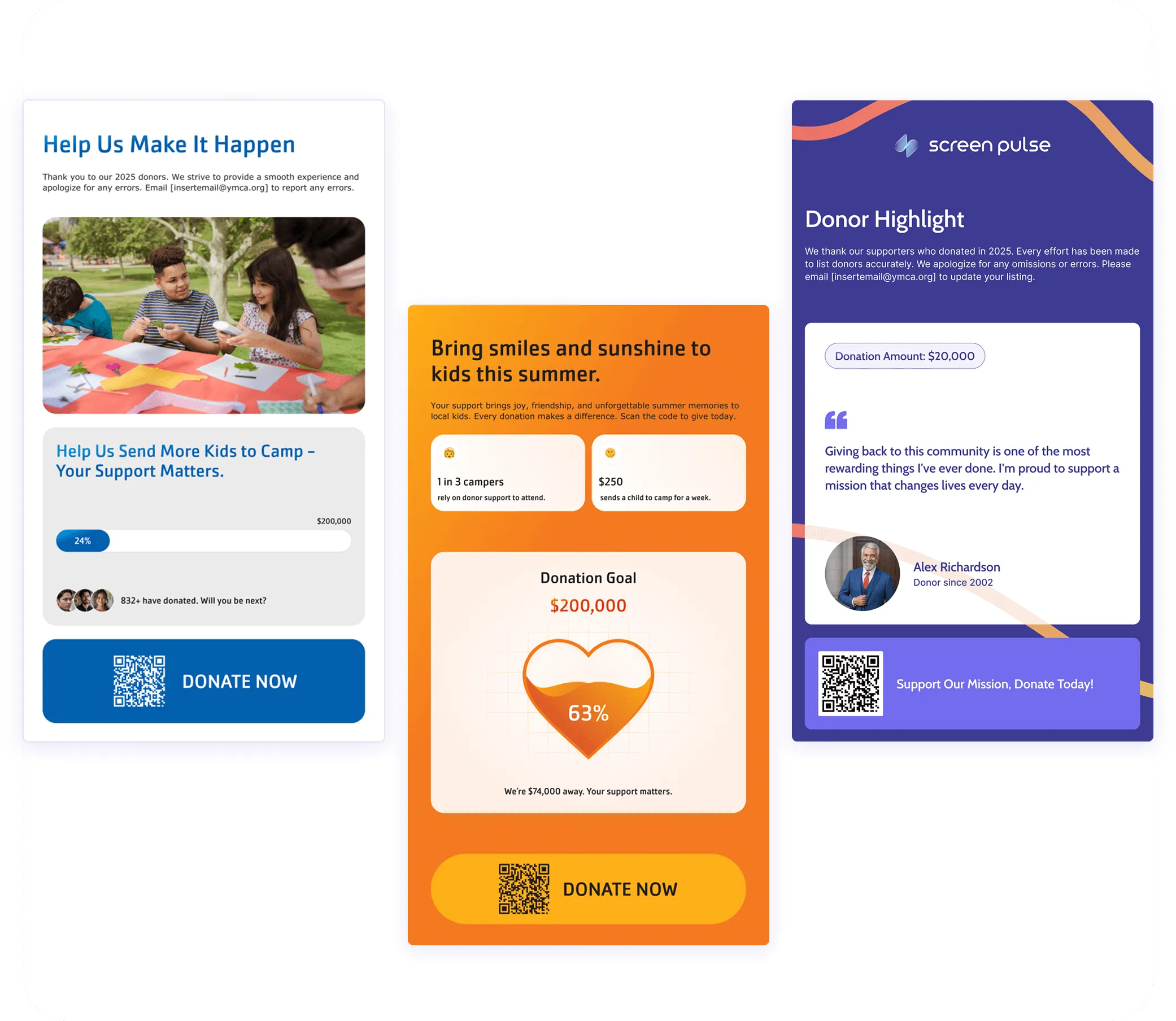
Manage supporter information once and turn it into flexible recognition experiences across your screens. Recognize donors, sponsors, partners, and in-kind supporters while keeping recognition aligned with giving levels, sponsorships, and recognition periods.
-
Connect supporter data through Screen Pulse, CSV files, Google Sheets, Microsoft Excel, and supported external sources.
-
Choose different recognition experiences for donor walls, giving levels, individual spotlights, sponsors, campaigns, and more.
-
Keep recognition current across screens as supporter information and recognition periods change.
Why Screen Pulse
Powerful Digital Signage Software Built Around Your Needs
Turn screens into a useful channel for measurable communication goals while keeping setup and everyday management simple. Screen Pulse gives teams ready-to-use apps, hardware freedom, cloud control, and direct support when they need it.

Integration-first
Connect screens to the systems your organization uses so operational data becomes useful screen content.

Simple to use
Give marketing and local teams the tools they need without requiring technical expertise, even during setup.

Centralized management
Manage screens, content, playlists, schedules, and devices across all your locations from anywhere.

Purpose-built apps
Start with ready-to-use apps designed around specific use cases and communication needs.

Hardware flexible
Use the devices you already have or choose from a wide range of supported hardware and operating systems.

Hands-on support
Get direct help choosing hardware, setting up integrations, deploying screens, and handling ongoing needs.
Setup & Deployment
Start With What You Have. We’ll Help With the Rest
Every signage setup is different. Screen Pulse works with your existing hardware and systems, and our team supports you at every step. From choosing devices and requesting integrations or features to setup and deployment.

Choose your hardware
Use compatible devices you already have or get our help selecting the right hardware for a new deployment.

Connect your systems
Use existing integrations or talk with our team about additional integrations your organization may need.

Launch with support
Set up, configure, and deploy your screens with direct support from our team through launch and onboarding.
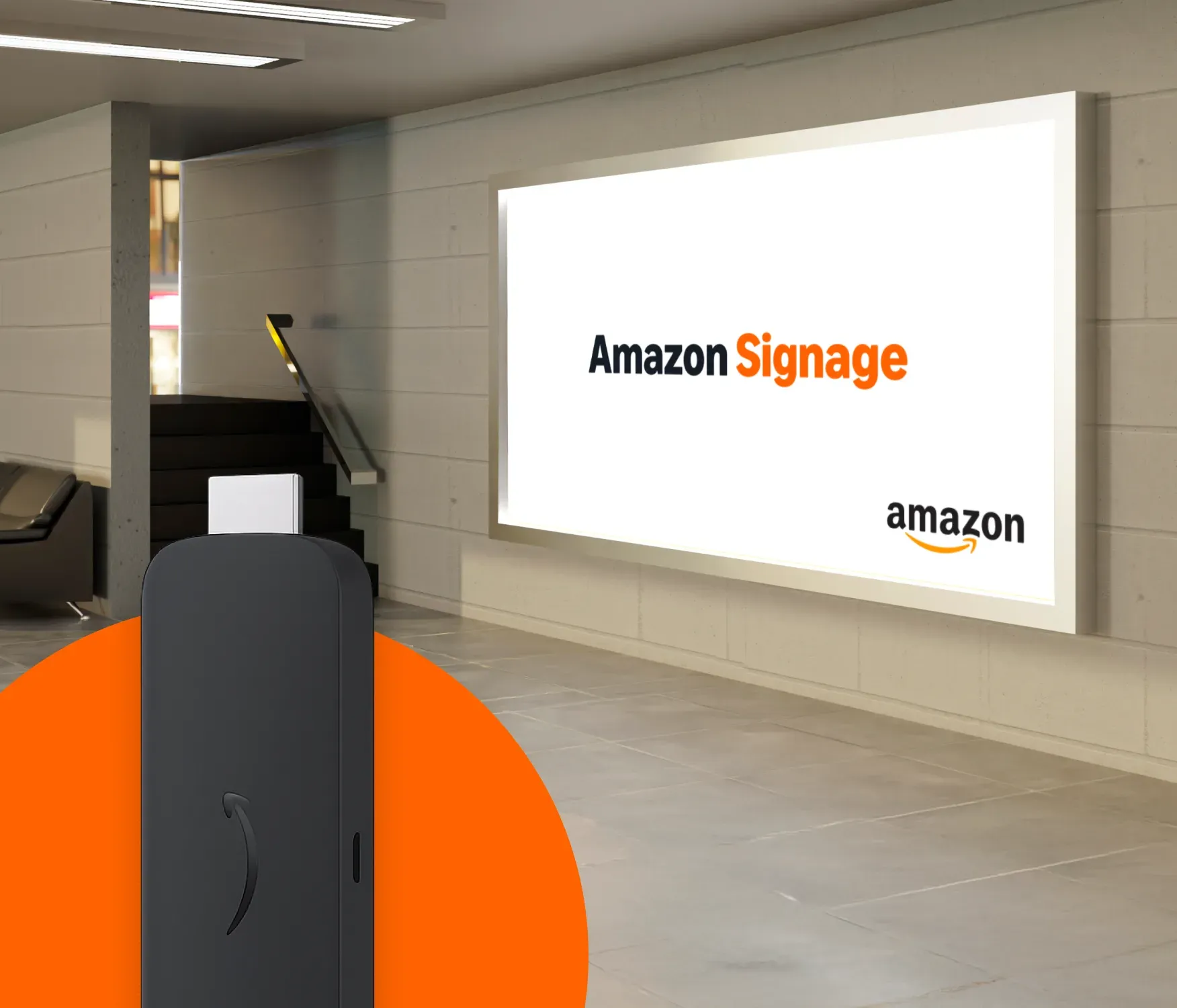
Amazon Signage Stick is our recommended media player
Amazon Signage Stick offers the best balance of affordability, reliability, and ease of deployment for most Screen Pulse customers. Designed specifically for digital signage, it makes it simple to launch screens, expand across locations, and manage content without complex hardware requirements.
-
Purpose-built for digital signage
-
Fast setup and centralized deployment
-
Reliable 4K playback with Wi-Fi 6 connectivity
FAQ
Practical Answers for Getting More From Your Digital Signage
Get practical answers about setup, integrations, hardware, content management, pricing, and running Screen Pulse across your locations.
The best digital signage software for your organization should fit your communication goals, existing systems, hardware, and the way your team works. Key factors to consider include:
- Integrations: Connect to the systems where your schedules, data, and content already live.
- Content automation: Keep connected information current without updating it separately for signage.
- Apps and use cases: Start with ready-to-use solutions for the content you need to display.
- Hardware flexibility: Use compatible existing devices instead of replacing your entire setup.
- Multi-location management: Manage screens, content, playlists, schedules, and devices centrally.
- Ease of use: Make everyday management accessible to marketing, communications, and local teams.
- Support: Get help with hardware selection, integrations, setup, and deployment.
Screen Pulse brings these capabilities together in one cloud-based digital signage system.
Screen Pulse supports both live data and content your team already creates, so the same platform can serve different communication needs across your organization.
- Marketing and promotion: Programs, services, events, campaigns, promotions, videos, and social content.
- Schedules and spaces: Daily schedules, classes, calendars, room activity, and current-and-next displays.
- Fundraising and recognition: Donor walls, gratitude displays, giving levels, donor spotlights, and campaign progress.
- Data and reporting: Dashboards, KPIs, Power BI reports, and operational information.
- Everyday communication: Announcements, alerts, presentations, webpages, wayfinding, and internal updates.
Screen Pulse apps provide ready-to-use ways to turn this data and content into displays for different screens and locations.
Screen Pulse connects with platforms used for scheduling, programs, productivity, reporting, media, and content management. Current integrations and supported sources include:
- Programs and scheduling: Traction Rec, Daxko Operations, Daxko GroupEx Pro, YMCA 360, Upace, Mindbody, and ActiveNet.
- Productivity and content: Google Calendar, Google Sheets, Google Slides, Microsoft Excel, and SharePoint.
- Data and reporting: Power BI and supported data sources.
- Media and web content: YouTube, Vimeo, webpages, Canva, Dropbox galleries, and video.
If you need an integration that isn't currently available, talk to our team about your requirements. New integrations can be evaluated based on your use case.
You don't need to replace your entire screen network to start using Screen Pulse. The platform is designed to support different hardware environments.
- Use existing devices: Screen Pulse supports compatible Android, Fire OS, Windows, Tizen, webOS, and web-based deployments.
- Deploy new hardware: Amazon Signage Stick is our recommended purpose-built media player for new deployments.
- Mix hardware: Existing compatible devices and new players can be managed within the same Screen Pulse network.
- Get help choosing: Our team can review your existing setup and help determine what can stay and where new hardware makes sense.
This gives organizations flexibility to upgrade selectively instead of making hardware replacement a requirement.
Screen Pulse is a cloud-based digital signage CMS, so teams can manage a signage network centrally while still supporting the needs of individual locations.
From one platform, you can manage:
- Screens and devices
- Apps and content
- Playlists
- Publishing schedules
- Location-specific communication
- User access and permissions
- Device status
Central teams can manage organization-wide content and standards, while local teams can be given appropriate access to the screens and content they are responsible for.
Screen Pulse pricing is primarily based on the number of screens in your digital signage network. Premium Apps and certain integrations are licensed separately, depending on the functionality you need.
For larger or enterprise deployments, pricing can also include:
- Hardware
- Onboarding and deployment
- Additional support
- Custom integrations or functionality
You can use compatible hardware you already own or include new hardware as part of your deployment.

Ready to Put Your Screens to Work More Effectively?
Use Screen Pulse to make digital signage a practical part of your marketing, fundraising, engagement, and everyday communication.