

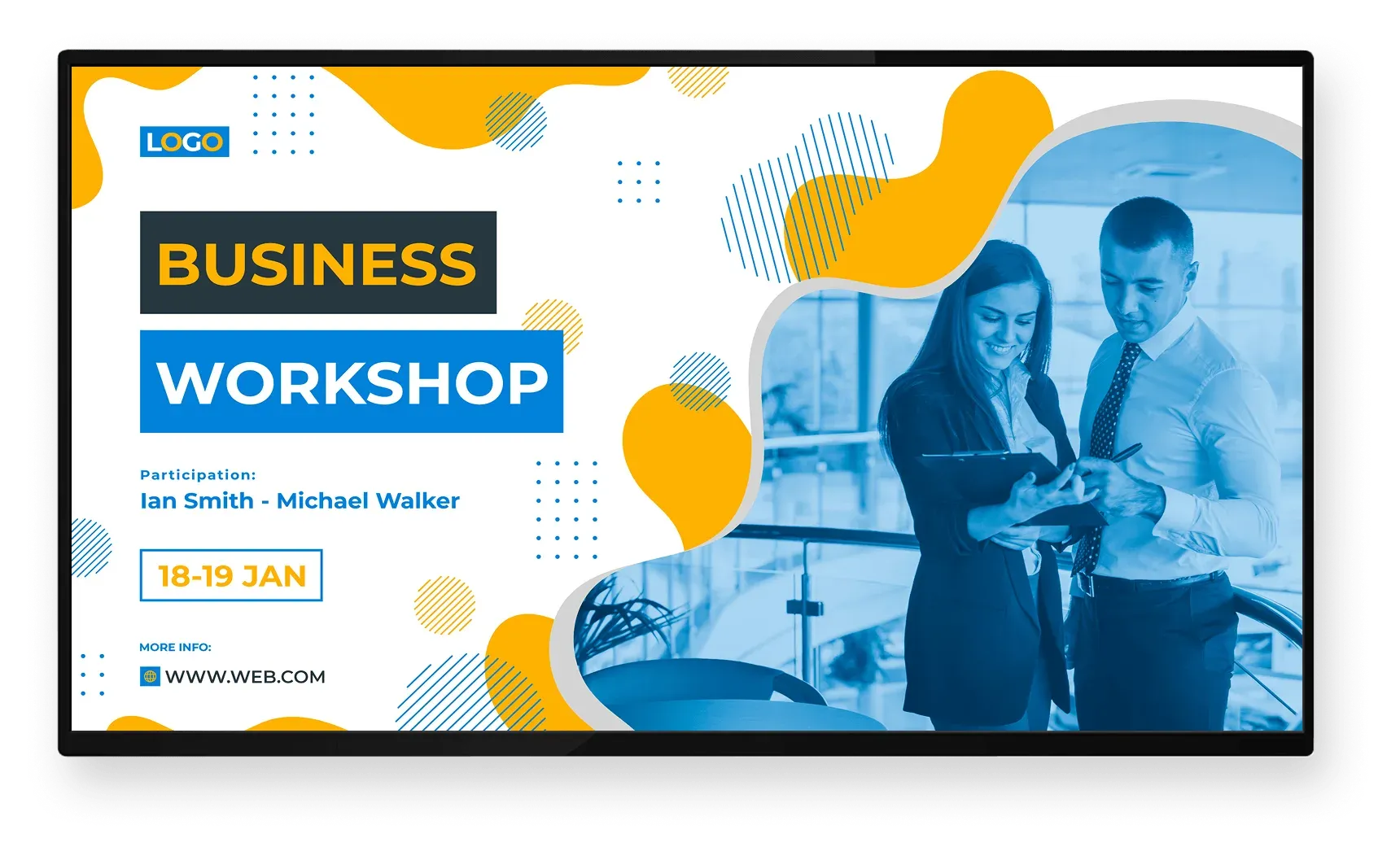

Impact
Screens support measurable business outcomes
In corporate environments, digital screens influence productivity, engagement, and commercial performance by keeping information visible and timely across shared spaces.
Increase in employee productivity
0%
Higher engagement with internal messaging
0%
Improved awareness of key initiatives
0%
Product
Digital signage software for operational screen content
Screen Pulse is a cloud-based digital signage software powered by system integrations. It is used to manage operational screen content across offices, campuses, and shared spaces, so information stays structured, current, and consistent across locations.
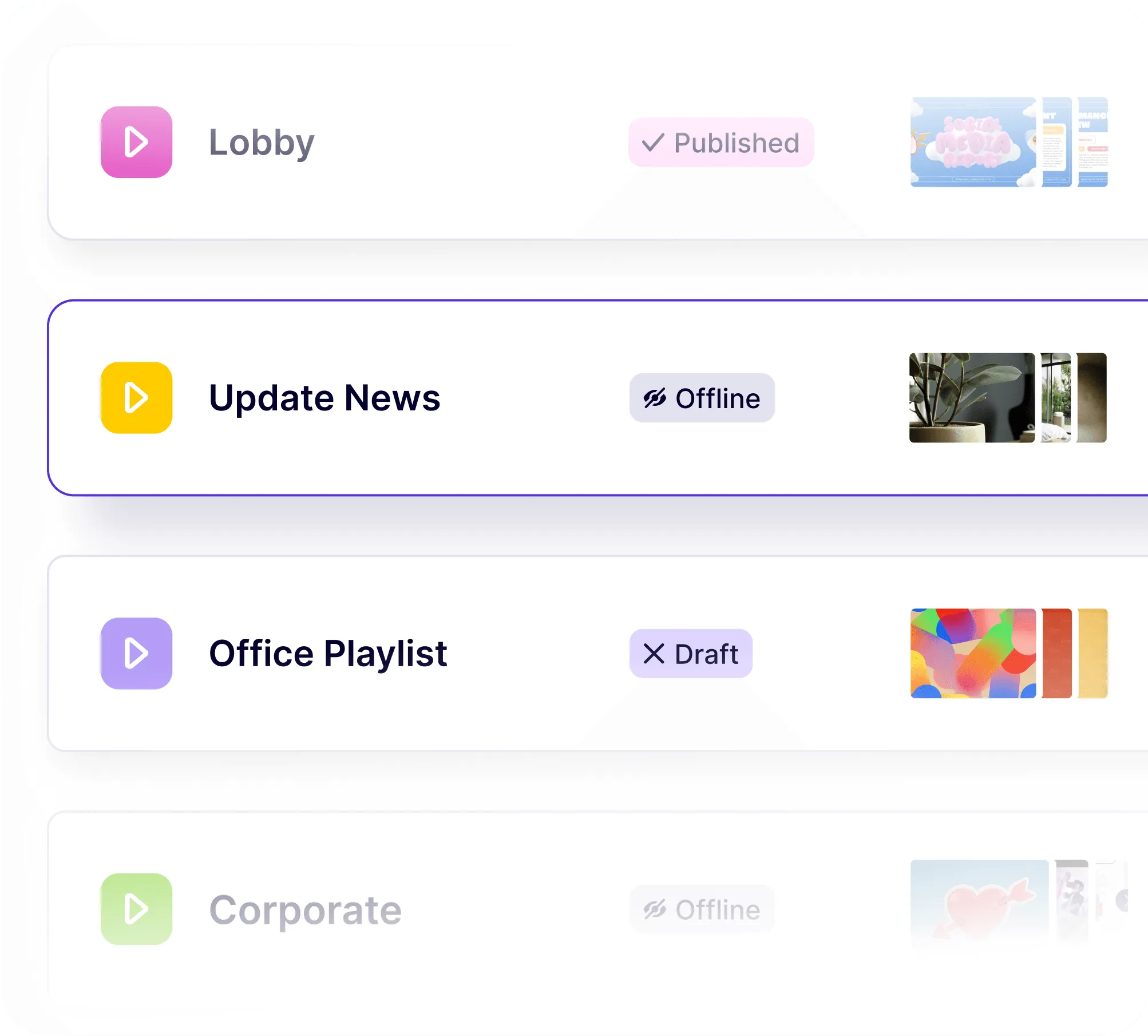
Screens are managed as a shared content system
Teams define screens, playlists, and schedules centrally. Screen Pulse controls what appears on each screen and when, without requiring manual updates for every display.
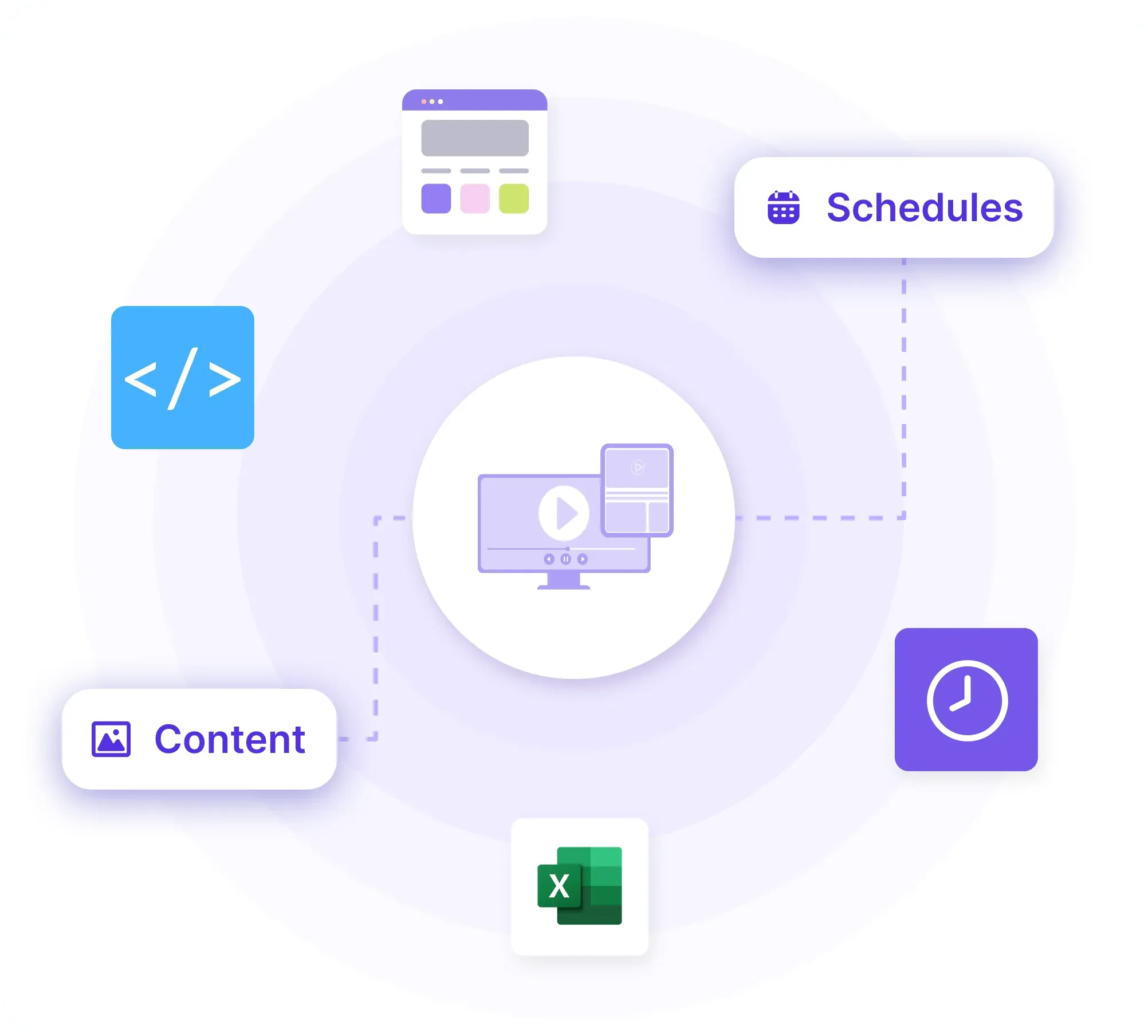
Business systems remain the source of information
Dashboards, schedules, and internal updates stay managed in your existing systems. Screen Pulse reflects that information on screens without duplicating data or changing ownership.
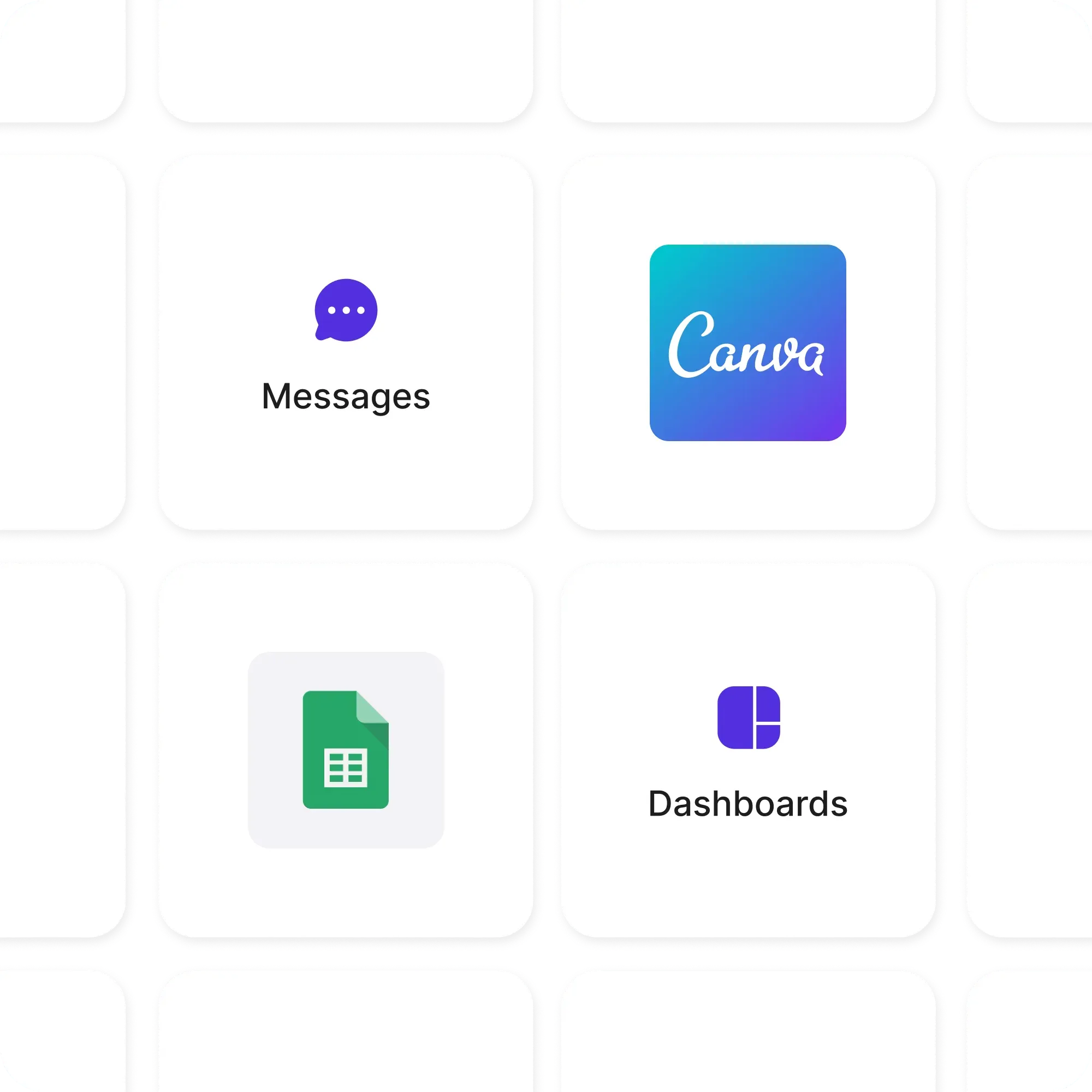
Operational content runs alongside communications
Internal messages, dashboards, and announcements run together as part of daily screen content, supporting both operations and internal communications across locations.
Trusted by YMCAs, education, fitness, healthcare, and corporate organizations











Use Cases
What runs on corporate screens every day
Screen Pulse is configured around common corporate screen scenarios and can be extended with custom use cases based on how your organization communicates and operates across locations.
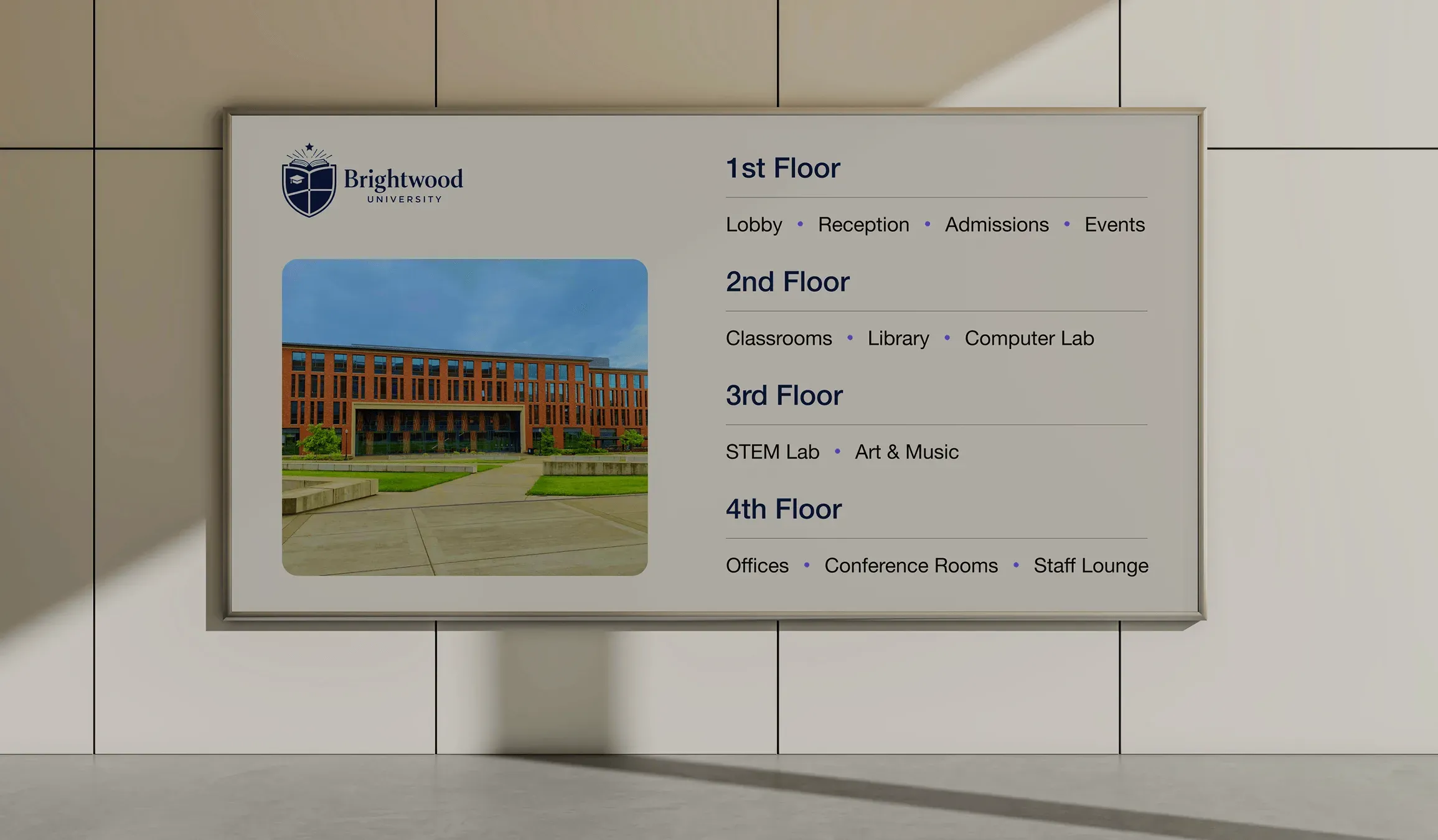
Wayfinding & location information
Provide directions, floor guides, and location-specific information across offices and campuses.
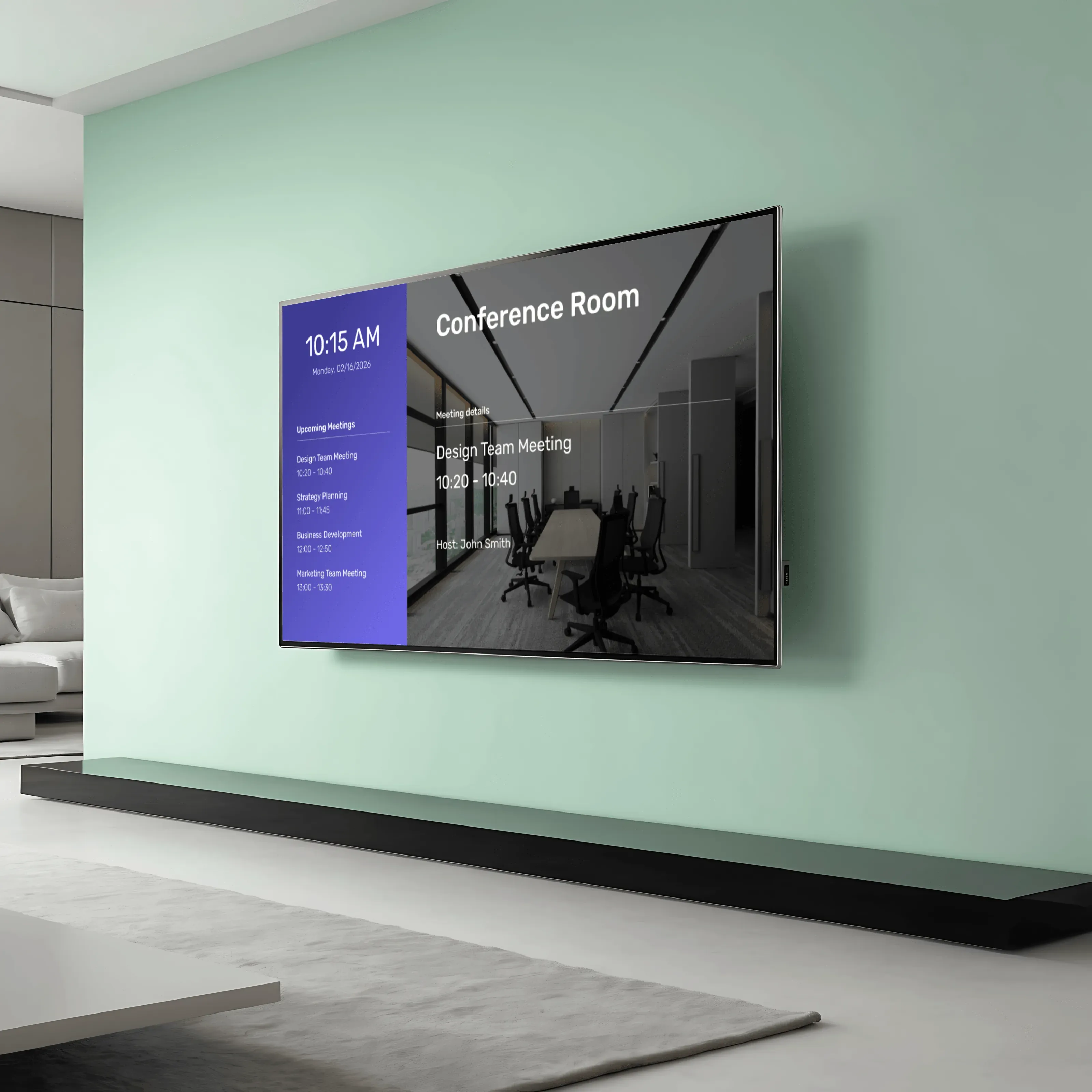
Meeting & room schedules
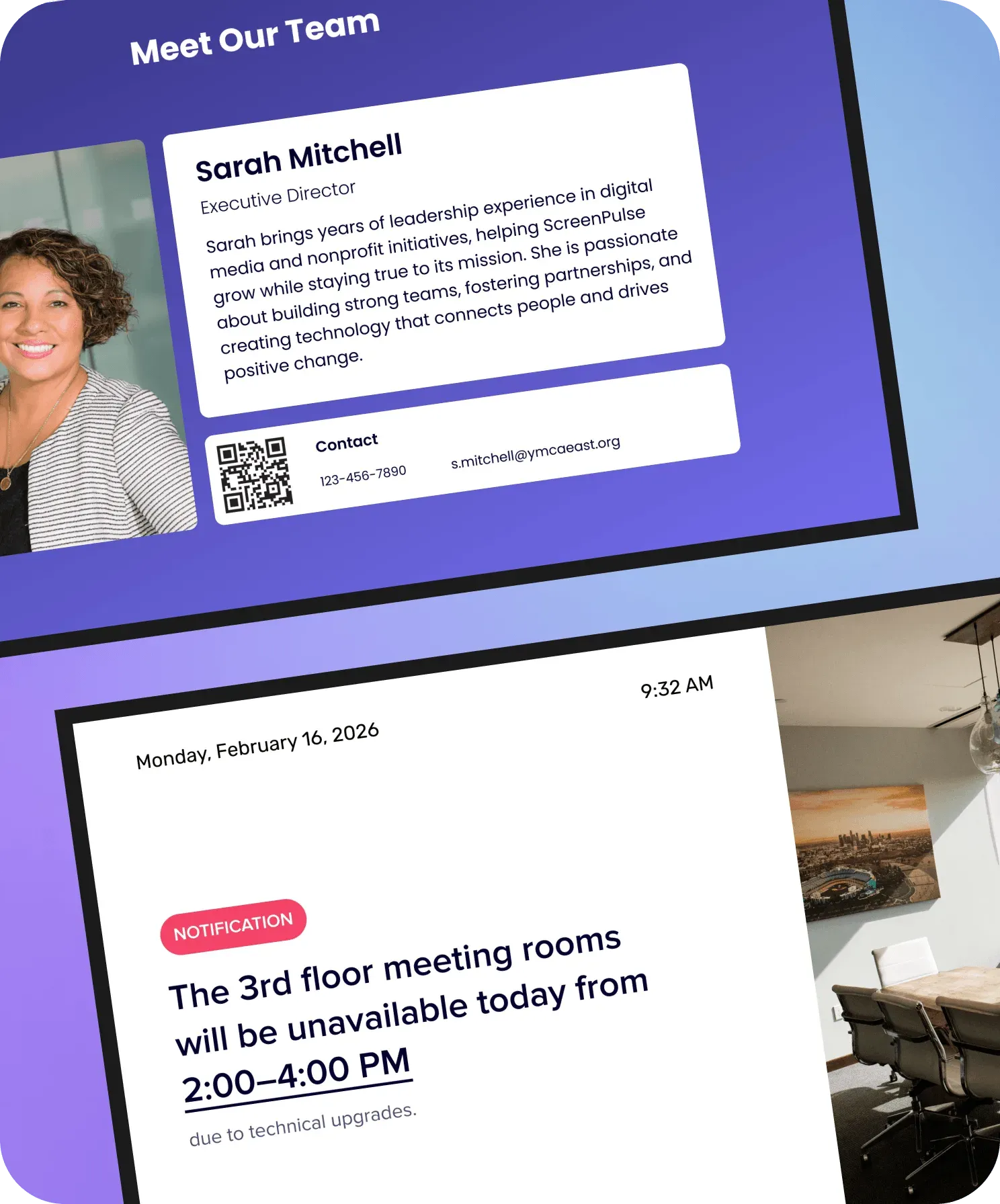
Show room availability, upcoming meetings, and daily schedules outside shared spaces.
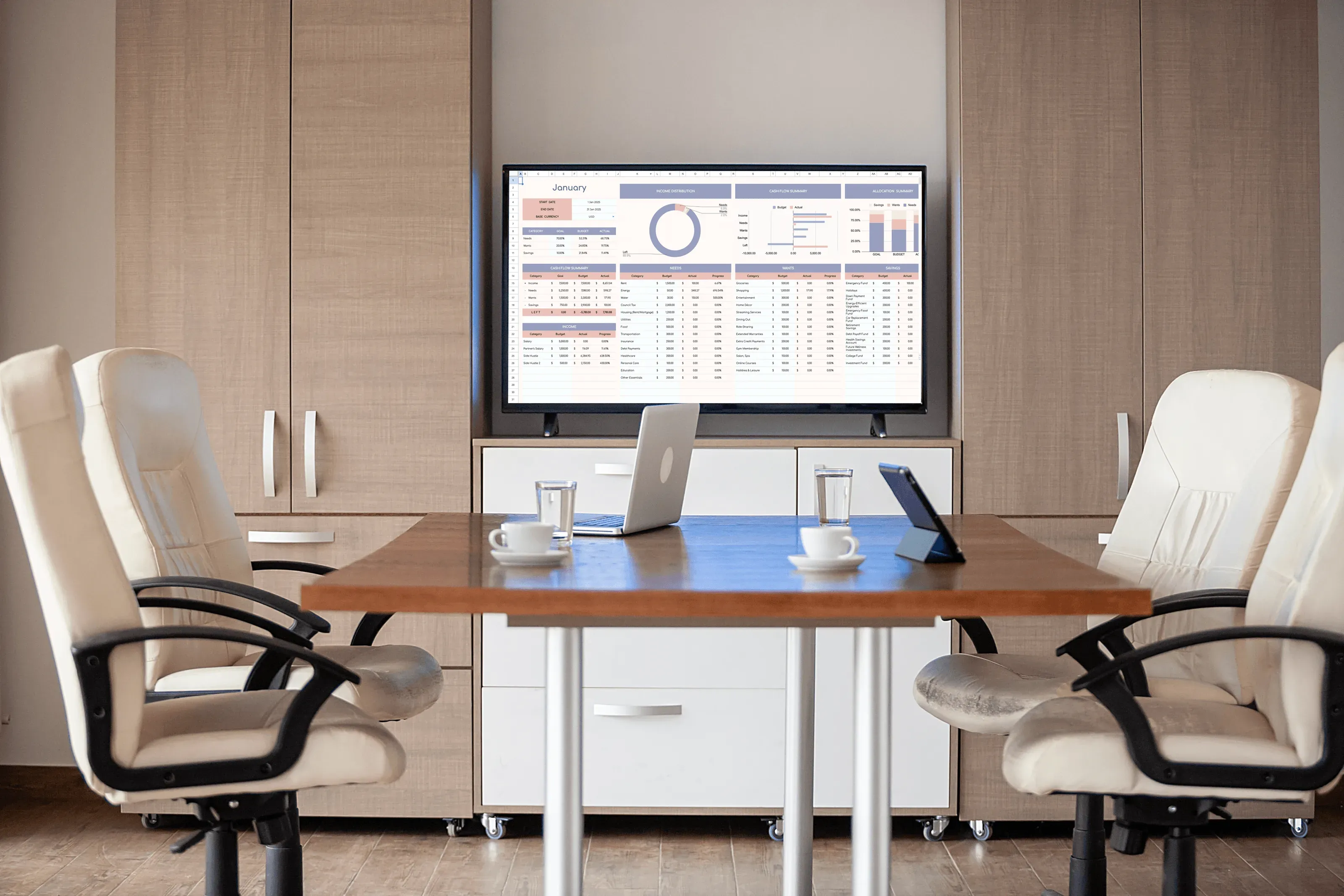
Operational dashboards
Run performance metrics, KPIs, and status views in offices and shared spaces.
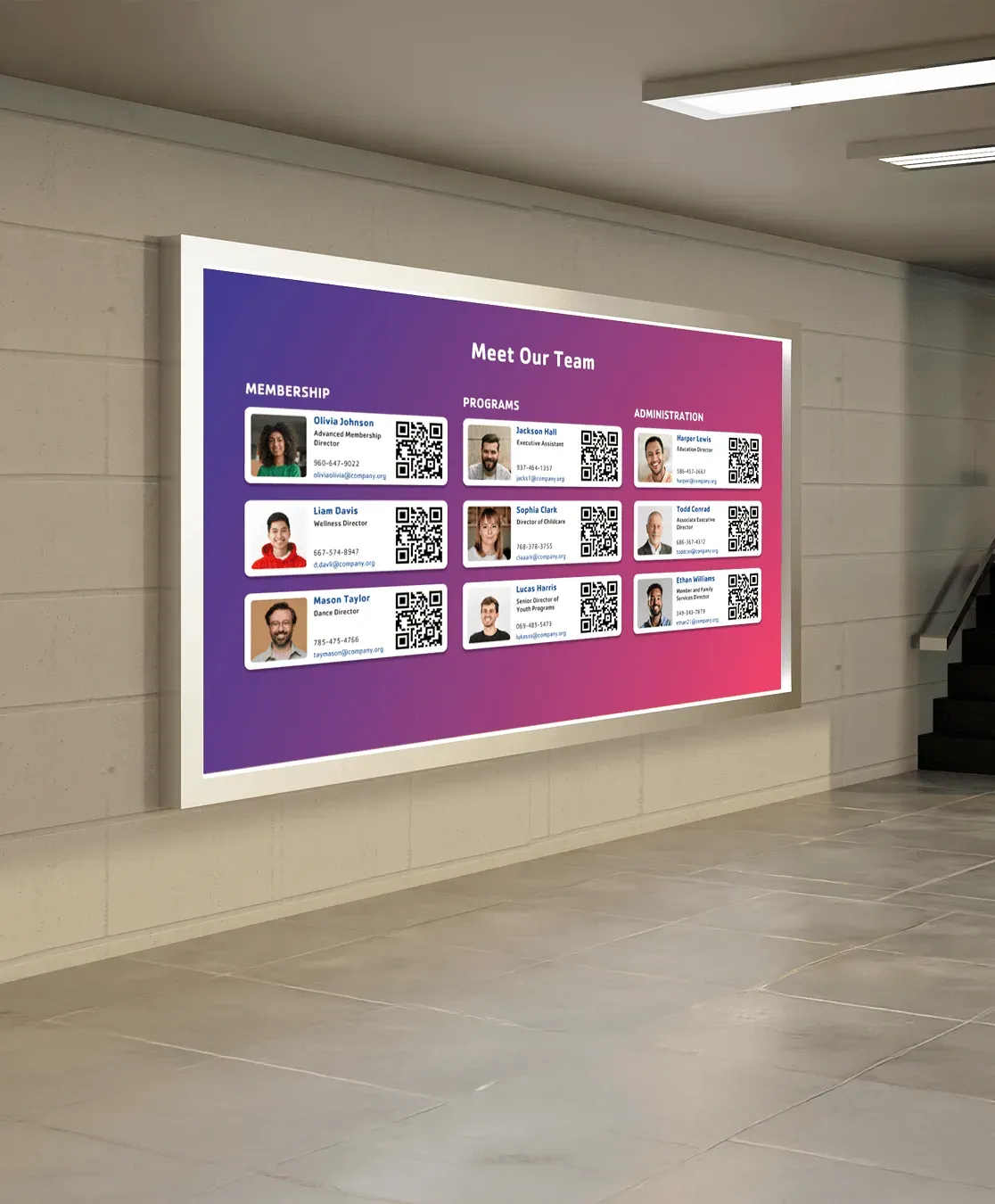
Company announcements
Display internal updates, leadership messages, and timely notices where teams already look.
Initiatives & internal campaigns
Surface priority initiatives, programs, and reminders consistently across locations.
Apps & Integrations
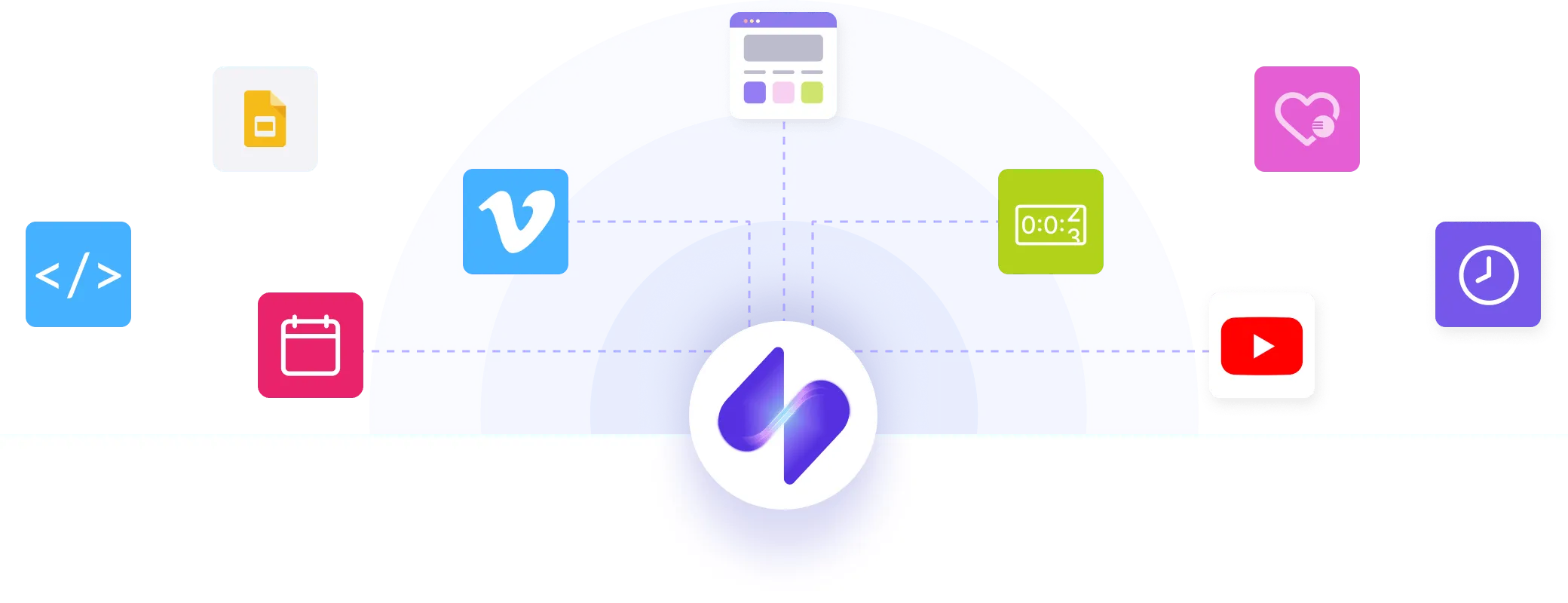
Connect business systems to screens through apps
Screen Pulse uses apps to connect corporate systems to screens. Each app turns live system data into screen-ready content that stays current as information changes.
Support
We support your organization through setup and growth
Corporate environments vary by location, systems, and communication needs. Screen Pulse is configured together with your team so screens work reliably from the start and continue to adapt as your organization evolves.

Pilot development
We map screen locations, prepare hardware, connect business systems, and configure initial screens using real operational data.

Team onboarding
We onboard the teams managing screens and cover how dashboards, updates, and schedules are reviewed, published, and maintained.

Ongoing requests
As needs change, you can request adjustments, new apps, or integrations that extend your setup and inform future corporate use cases.
Why Screen Pulse
Digital signage software for corporations operating at scale
Screen Pulse reflects how corporate organizations operate day to day, where information must stay accurate across locations and screens are part of core business workflows.

Built for scale
Supports many locations without adding coordination overhead.

System-connected
Screens reflect data from business systems teams already rely on.

Clear ownership
Teams control what runs on screens without managing each display.

Flexible hardware
Works with existing hardware or a dedicated Screen Pulse Player.

Configurable setup
Each deployment matches your locations and workflows.

Evolves with use
New apps and integrations follow real corporate needs.
FAQs
Managing screens across corporate environments
These questions cover setup, ownership, integrations, and day-to-day operation of Screen Pulse in mid- to large corporate organizations.
Yes. Screen Pulse is built for organizations managing screens across offices, campuses, and multiple locations, where consistency and accuracy matter at scale.
No. Screen Pulse works with existing screens and standard players. A dedicated Screen Pulse Player is also available for teams that want a standardized setup.
Screen content is typically managed by communications, operations, or IT teams. Screen Pulse is designed for non-technical users responsible for keeping information accurate and up to date.
Screen Pulse uses apps to connect screens to your existing business systems. Those systems remain the source of truth, and screens reflect their data.
Each deployment starts with a guided setup. Screens, systems, and workflows are configured with your team before rollout.
Teams can request new apps, integrations, or use cases. These requests inform how Screen Pulse continues to evolve for corporate environments.
