

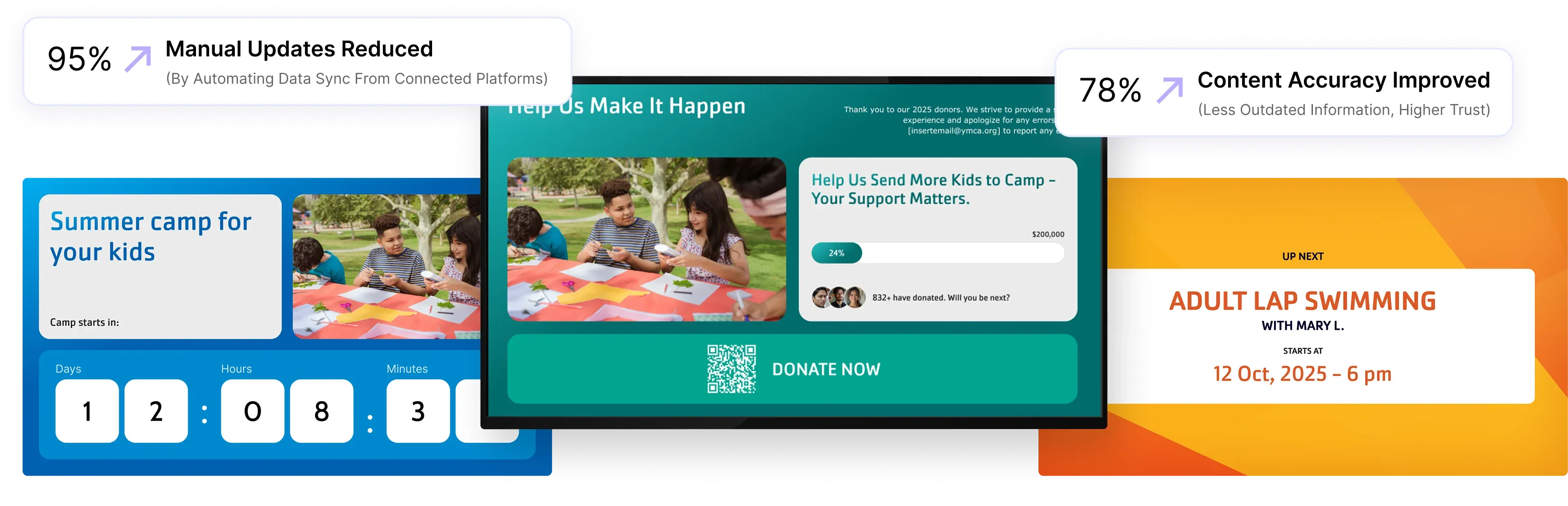

Trusted by leading YMCAs across the US






How Screen Pulse Works
Your Information Changes. Your Screens Keep Up
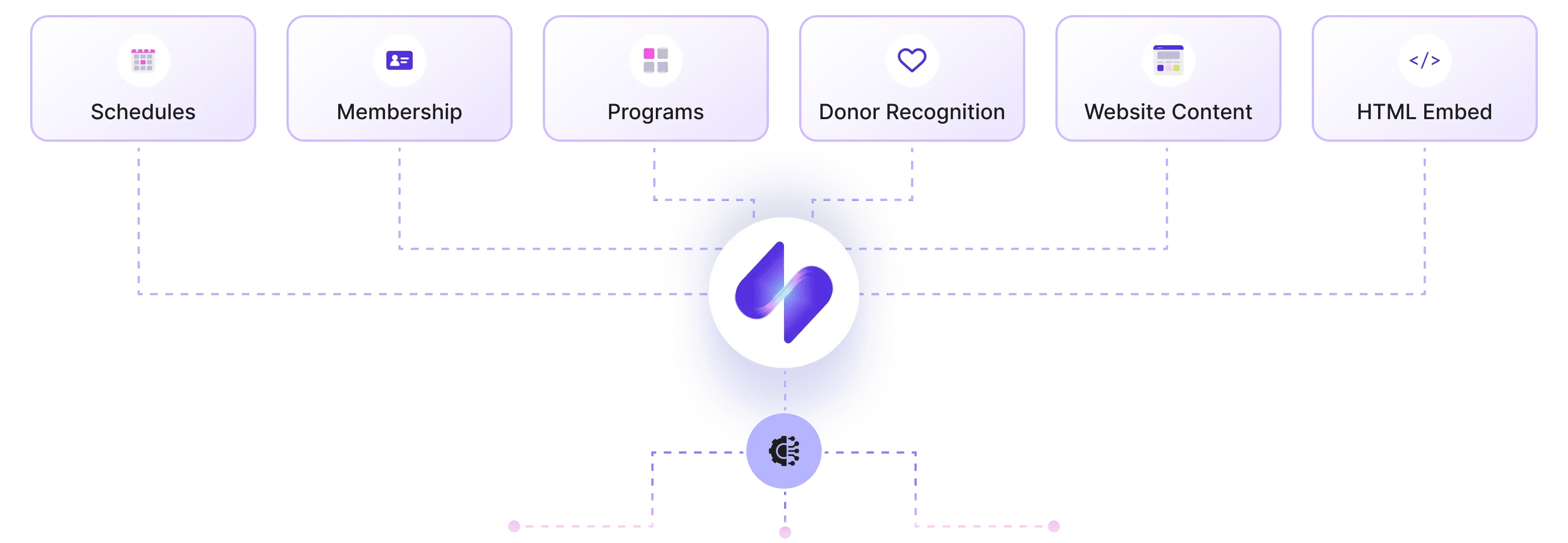
Screen Pulse turns the latest information from your YMCA systems into screen-ready content, so your displays stay aligned without your team rebuilding slides.
Built for YMCA
Your YMCA Needs More Than a Standard Digital Signage CMS
Screen Pulse goes beyond managing content on screens with centralized control across branches, purpose-built apps for YMCA workflows, and donor recognition built into the same platform.
Cloud-based screen management across multiple branches
Manage content, playlists, schedules, screens, and locations from one centralized platform while controlling what appears association-wide and at individual branches.
Purpose-built apps for YMCA workflows
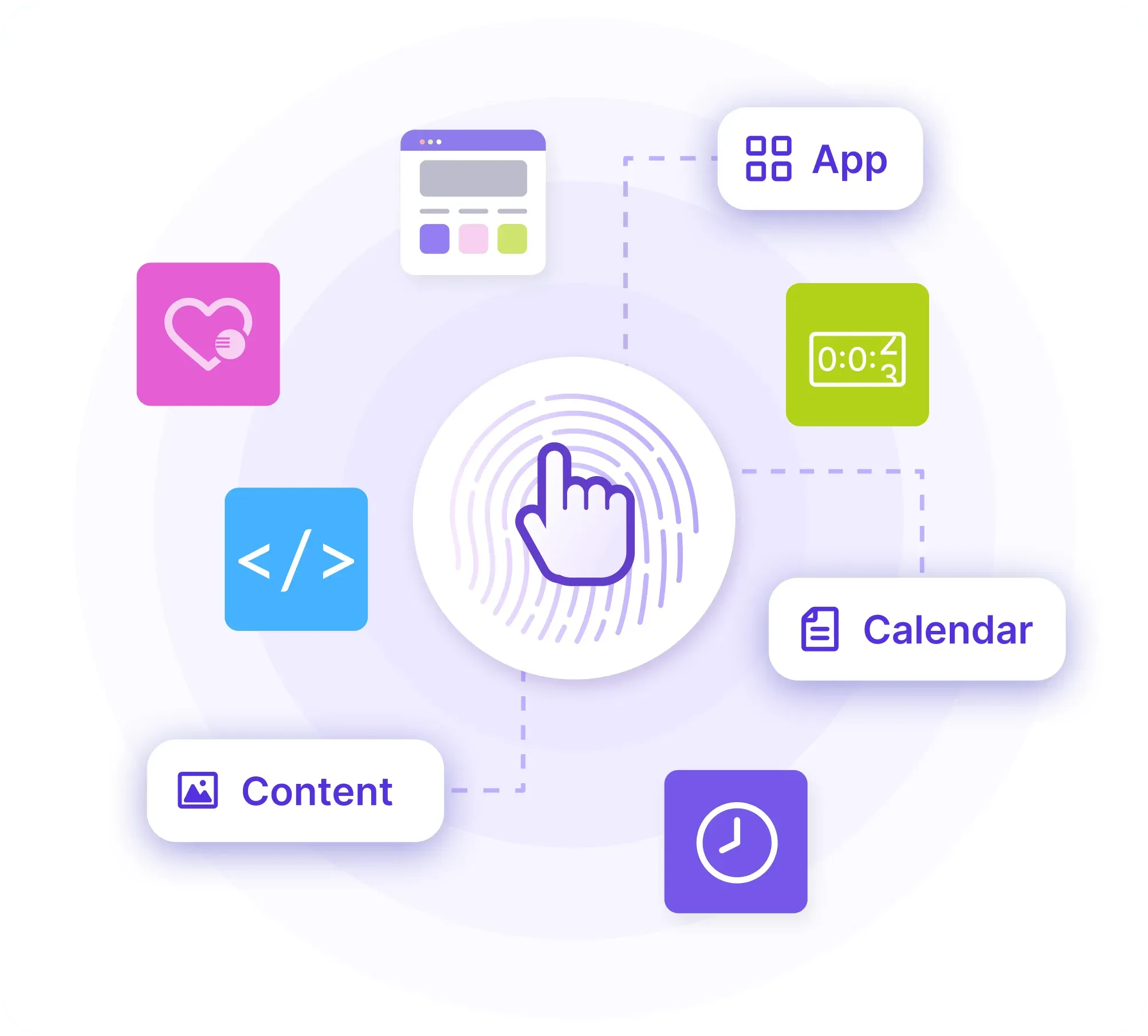
Go beyond standard slides and media with apps designed for YMCA use cases, including live schedules, room displays, program information, promotions, alerts, and more.
Make donor recognition part of your screen network
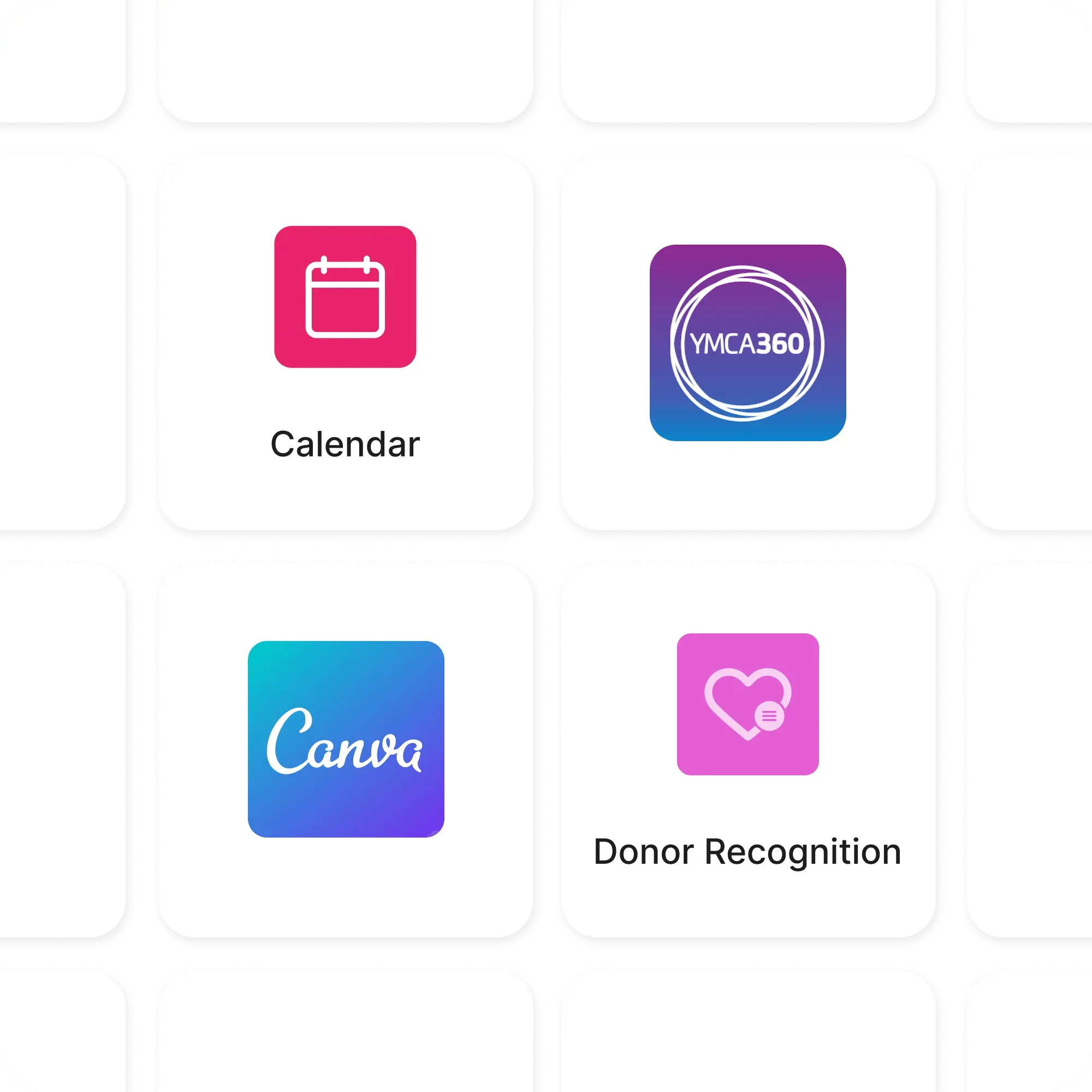
Manage donors, sponsors, partners, and in-kind supporters in one place, then use their information across recognition experiences based on giving levels, relationship types, and recognition periods.
Explore Donor Recognition Details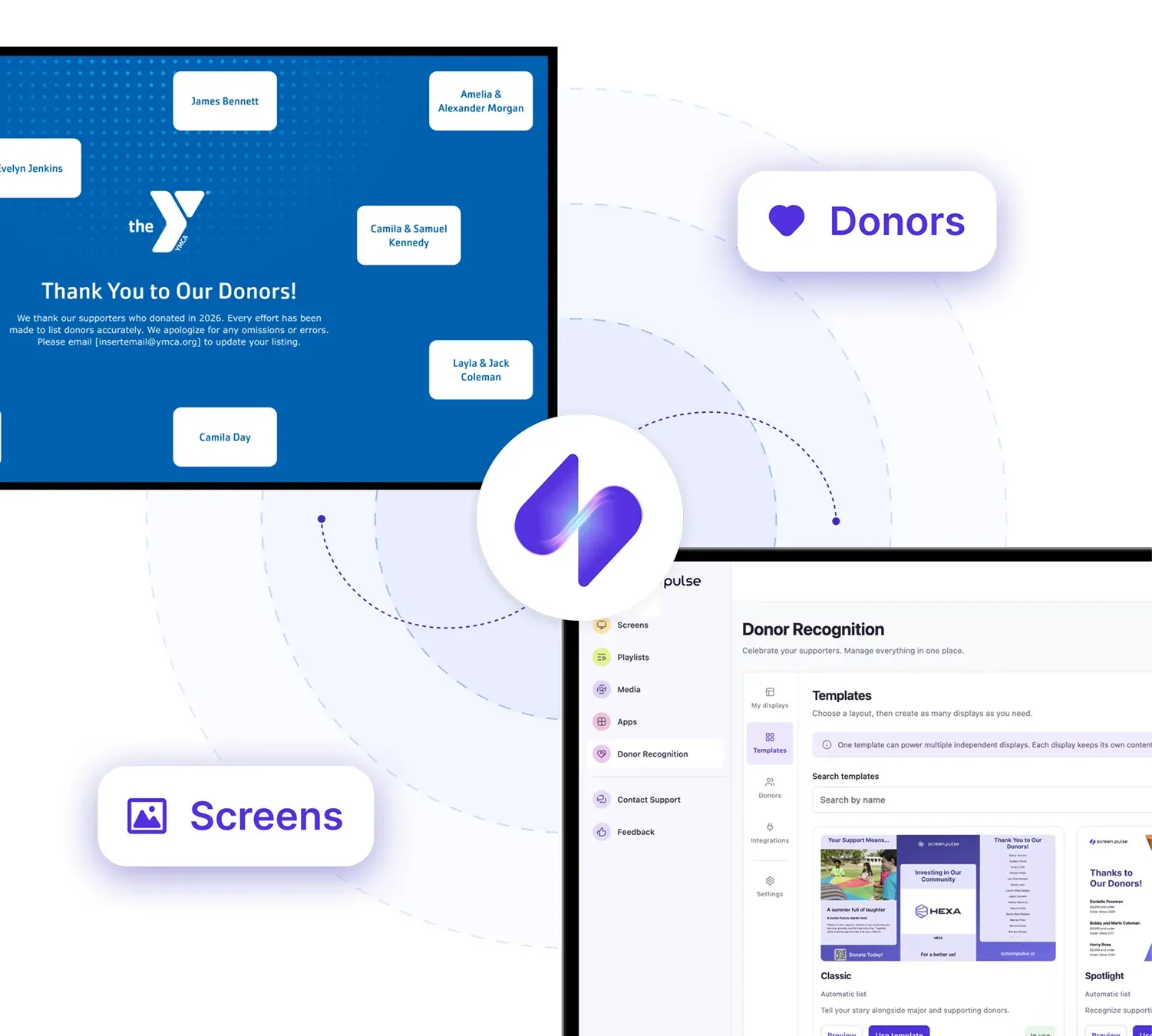
Use Cases
Your schedules, programs, and donors updated automatically
Screen Pulse turns every screen into a live view of what’s happening at your YMCA today, powered by integrations with your scheduling and membership tools.
Group exercise & studio schedules
Sync classes, instructors, and room changes from tools like GroupEx Pro, Upace, YMCA 360, Traction Rec, or Daxko, no more manually updating slides.
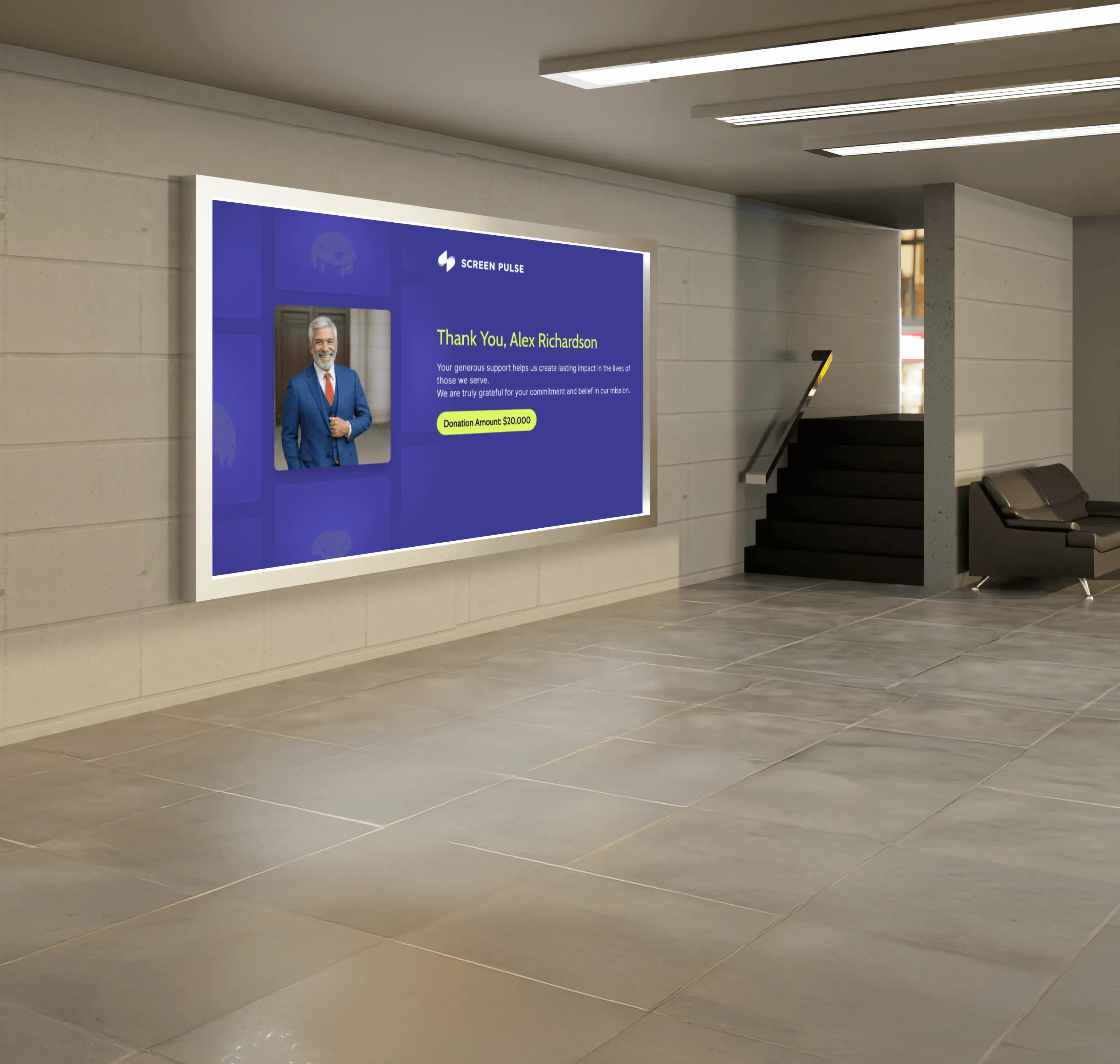
Donor walls & impact stories
Rotate donor lists, campaigns, and impact stories without redesigning boards or reprinting signage.
Camps & programs
Promote sessions, registration windows, and waitlist status using data you already maintain in your YMCA systems.
Pool & gym availability
Show lane availability, open swim, gym closures, and capacity info that matches what your staff sees in their systems.
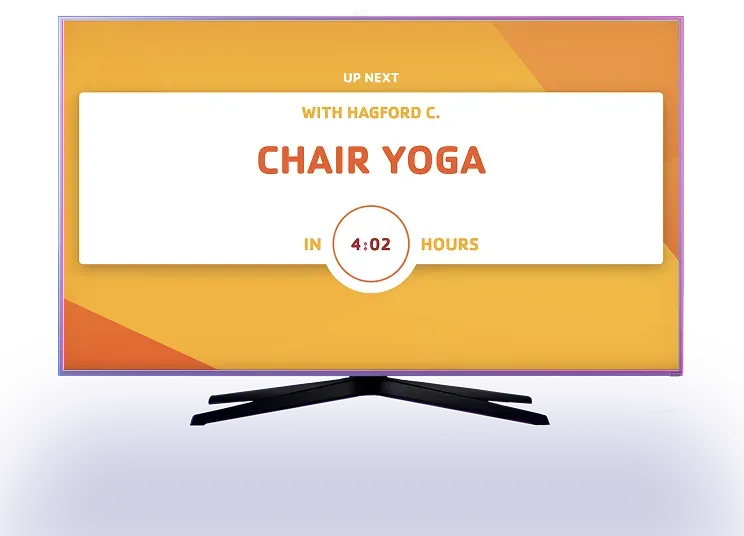
Events, alerts & announcements
Push events, weather closures, and emergency messages instantly to selected screens or all branches.
Child watch & youth programs
Display check-in instructions, age groups, and upcoming activities where parents and kids need them.

Flexible Deployment
Keep What Works. Add What You Need
Screen Pulse works across a wide range of screens, players, and operating systems, so you can keep compatible hardware already in place and add new devices as your network grows. And when you need help, our team is there to support hardware selection, setup, and deployment.

Keep compatible hardware
Run Screen Pulse on compatible existing screens and players instead of replacing your entire digital signage setup.

Choose the right player
Support for Android, Fire OS, Windows, Tizen, webOS, Screen Pulse Web, and other compatible options.

Expand across locations
Add new screens and locations as your network grows, with support for hardware selection, setup, and deployment.
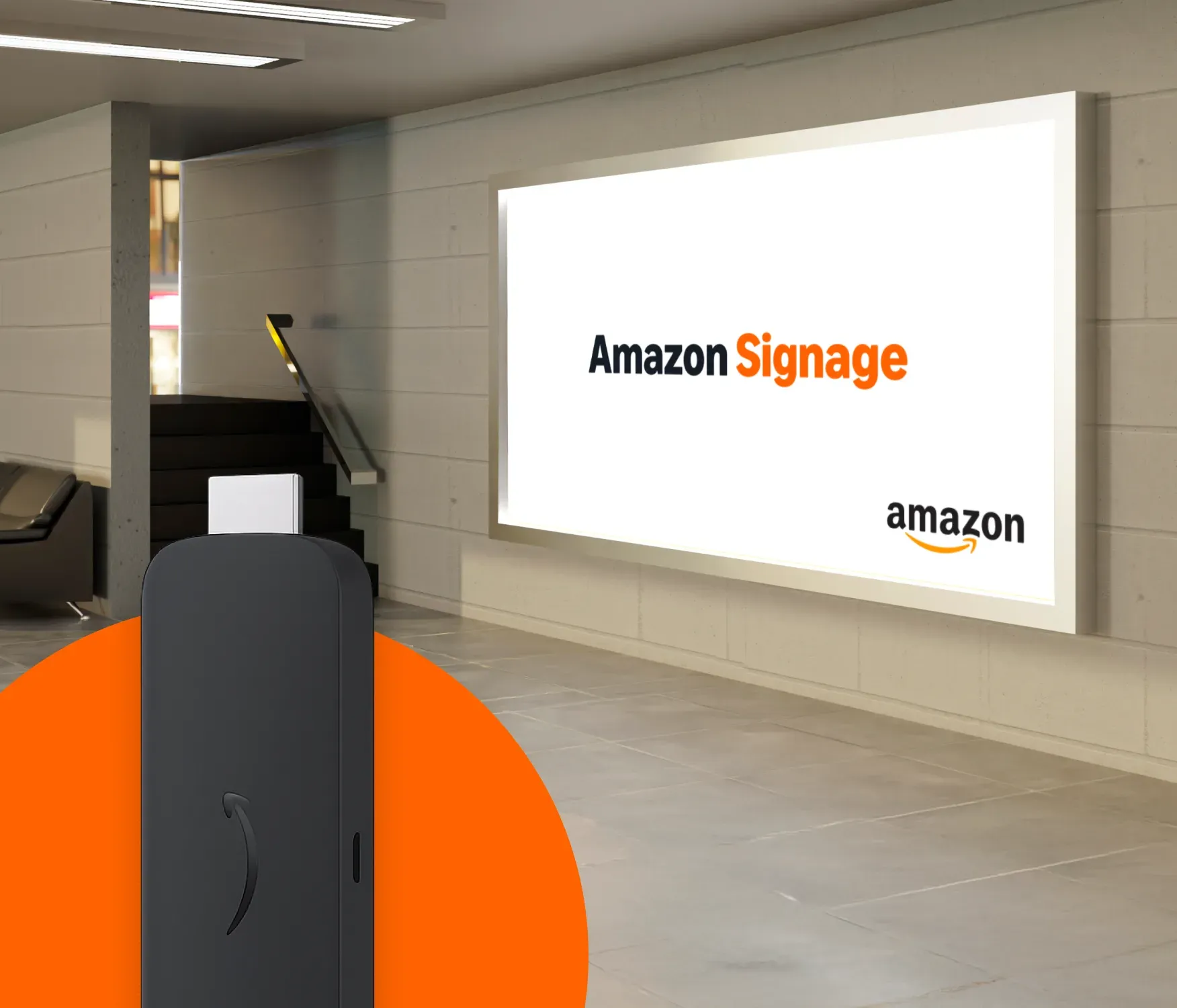
Starting Fresh? Start With Amazon Signage
Our recommended player for new deployments with Special Amazon Signage pricing for Screen Pulse customers.
-
Simple and reliable
-
Cost-effective
-
4K playback
FAQ
Common Questions About Digital Signage for YMCAs
Learn how Screen Pulse connects with YMCA systems, keeps screen content current, works with existing hardware, supports multiple branches, and what support you can expect from our team.
Screen Pulse helps make screens part of how your YMCA communicates with members, promotes participation, and supports fundraising. Instead of using screens primarily for static announcements, you can connect them to the information and campaigns your team is already managing and use them throughout the member experience.
This can include keeping programs and schedules visible, promoting registrations and memberships, recognizing donors and sponsors, sharing fundraising progress and impact, and coordinating timely information across branches. Purpose-built apps and connected data make these experiences easier to keep current without adding another manual content workflow.
Yes. Screen Pulse connects with the systems where your YMCA already manages schedules, programs, classes, and other operational information. Instead of maintaining the same information separately for your screens, connected apps turn that data into screen-ready content.
Screen Pulse works with YMCA platforms including Traction Rec, Daxko Operations, Amilia, ACTIVENet, Daxko GroupEx Pro, YMCA 360, Upace, and Mindbody, with additional integrations available depending on the use case.
Screen Pulse uses data from your connected systems to keep displays aligned with the information your team is already maintaining. When a class time, instructor, room, program, or other connected information changes at the source, the corresponding screen experience can reflect that change automatically.
This reduces workflows such as exporting data, rebuilding slides, uploading new files, and republishing them whenever information changes.
Donor recognition is part of the same Screen Pulse network you use for schedules, promotions, and other content. You can manage donors, sponsors, partners, and in-kind supporters centrally and use that information across different recognition experiences.
Recognition can be organized by giving or sponsorship level, supporter type, location, and recognition period. The same supporter data can then be used for donor walls, listings, individual spotlights, sponsor recognition, campaign progress, impact stories, and other formats without rebuilding the underlying information for each display.
Yes. Screen Pulse is hardware-flexible, so adopting the platform does not automatically mean replacing your existing screen network. If your current screens and players are compatible, you can continue using them and add or replace hardware only where it makes sense.
Screen Pulse supports Android, Fire OS, Windows, Tizen, webOS, Screen Pulse Web, and other compatible options. Our team can also help you evaluate your existing setup and choose hardware for new screens or locations.
No. Amazon Signage is a recommended option when you are starting a new deployment or need new players, but it is not required to use Screen Pulse. You can continue using other compatible hardware across your screen network.
For new deployments, Amazon Signage provides a purpose-built signage player with 4K playback, Wi-Fi 6 connectivity, and straightforward deployment. Screen Pulse customers can also access special Amazon Signage pricing.
Yes. You can control what appears on individual screens, groups of screens, branches, or across your association. Content can be organized into playlists and scheduled around specific dates, times, campaigns, or recurring needs.
For example, a lobby screen can promote programs and fundraising campaigns while a screen outside a studio shows current and upcoming classes. At the same time, association-wide content can be distributed across multiple locations from the same platform.
Our team helps you get Screen Pulse running in your actual environment rather than simply providing access to the software. That can include reviewing your existing hardware, helping select new devices where needed, connecting supported systems, setting up screens, and onboarding the people who will manage them.
Support continues after launch. As your use of Screen Pulse grows, our team can help with troubleshooting and requests related to new screens, locations, apps, integrations, and use cases.
If you don’t see the system, app, or use case your YMCA needs, talk to our team. Screen Pulse continues to expand based on real customer needs, and you can request new integrations, apps, and use cases.
Our team will review what you want to connect or accomplish, how the underlying data is available, and whether it can be supported within Screen Pulse. Customer requests also help shape our product development, especially when we see similar needs across YMCA organizations.

Ready to Put Your Screens to Work More Effectively?
Whether you want to improve one screen, modernize an existing network, or connect your screens to external systems, we’ll help you identify the right starting point.