


Screen Pulse and Amazon Signage Stick work together out of the box
Screen Pulse and the Amazon Signage Stick work together to help organizations launch and manage digital signage across screens, branches, and shared spaces. The setup is affordable, easy to deploy, and designed for reliable day-to-day playback without complicated hardware management.
Learn More Details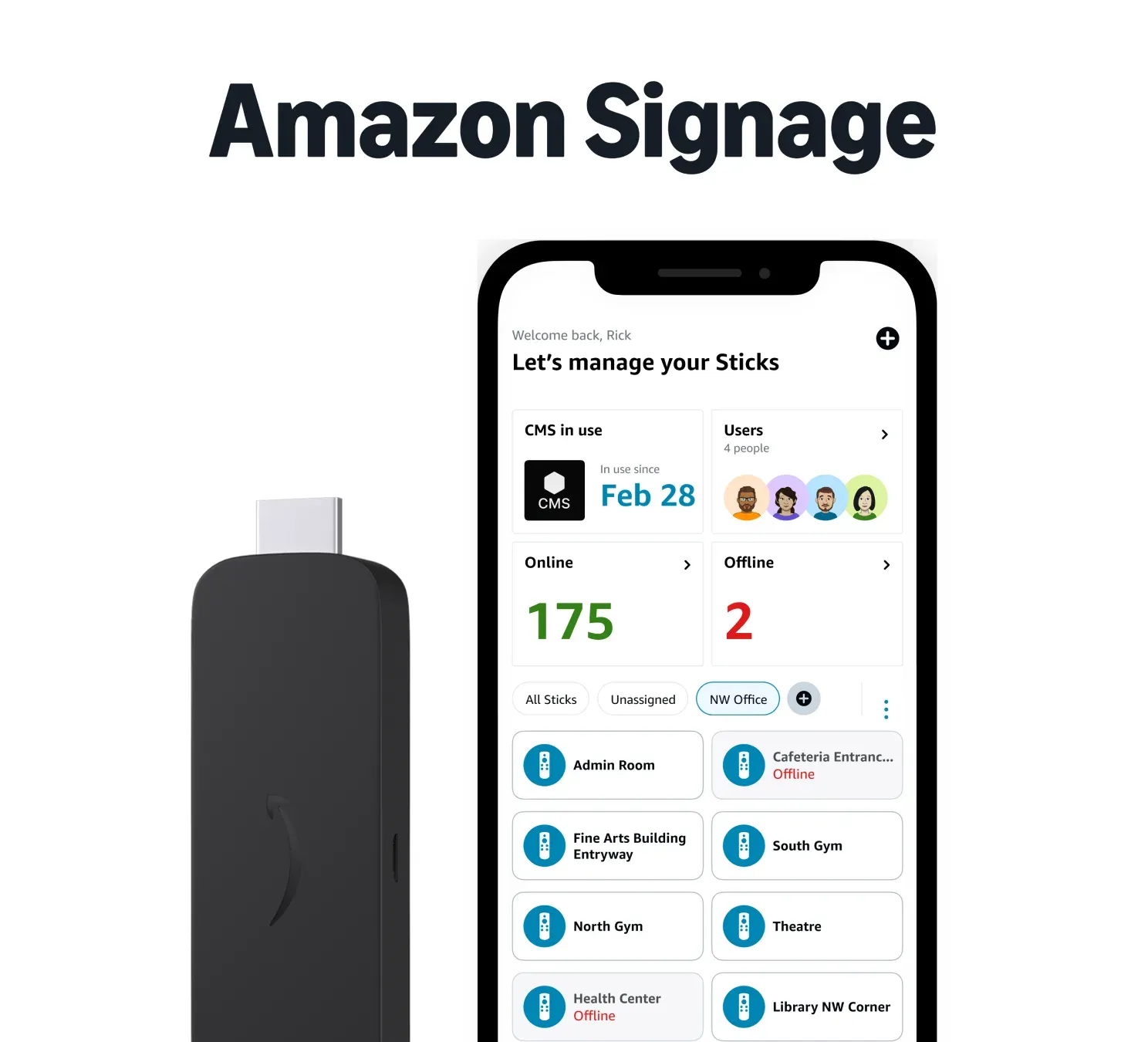
Why Amazon Signage Stick
Built specifically for professional digital signage
The Amazon Signage Stick combines reliable playback, simple setup, and affordable deployment in one compact device designed for business and organizational screen communication.

Affordable professional signage
Professional signage performance for a wide range of businesses and applications, designed for any budget.

Purpose-built for digital signage
Designed specifically for reliable signage playback across day-to-day communication and screen operations.

Easy setup
Set up screens in minutes using a simple installation process designed for both technical and non-technical teams.

Seamless integration
Works directly with Screen Pulse to keep schedules, dashboards, announcements, and media content updated.

Powerful performance
Support smooth Full HD and 4K playback with fast performance and reliable Wi-Fi 6 connectivity.

Built to scale
Deploy one Signage Stick per screen and expand easily across multiple locations, buildings, and facilities.
Setup
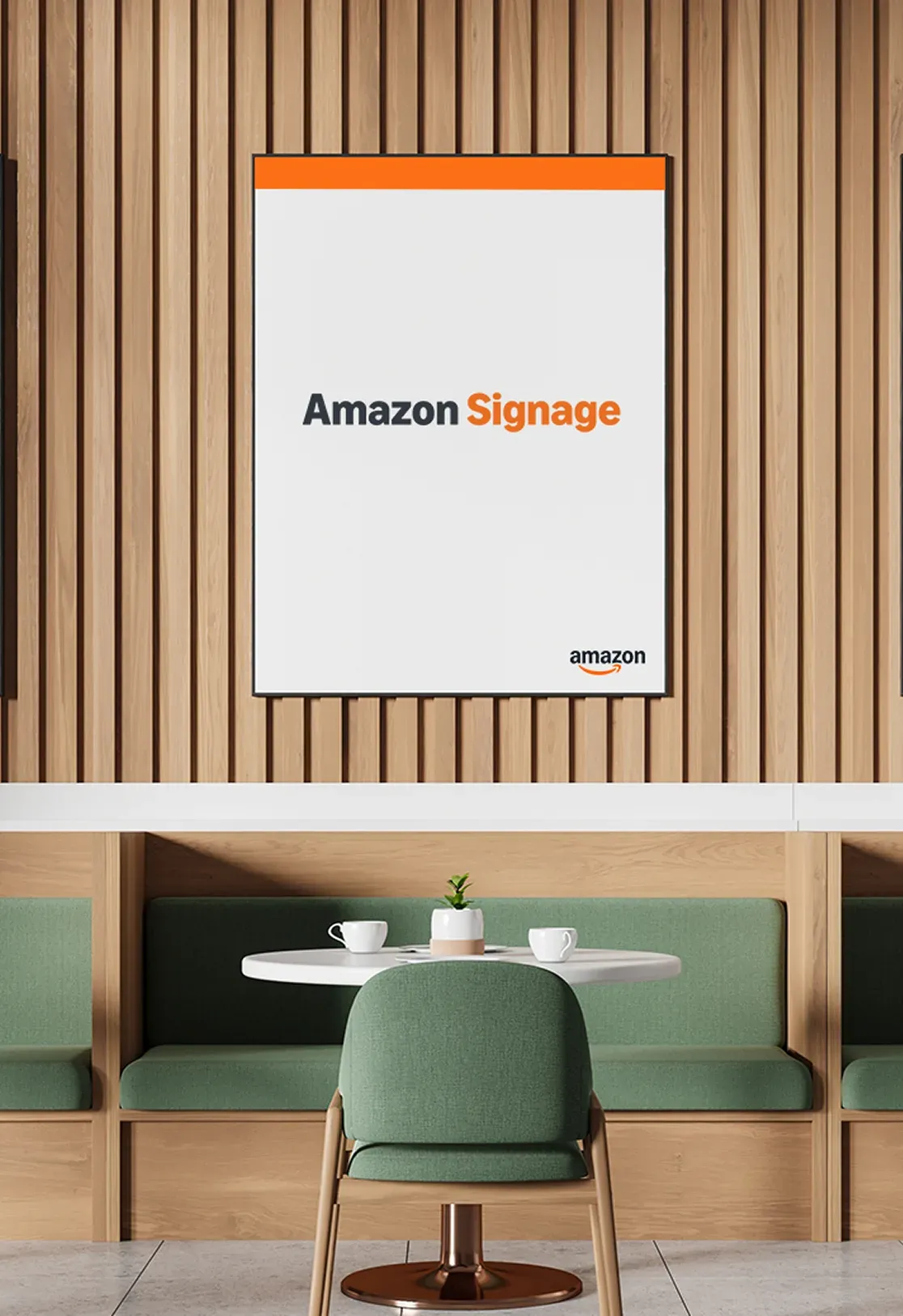
Set up Amazon Signage Stick with Screen Pulse in minutes
Connect your device, choose Screen Pulse CMS during setup, and start managing digital signage across screens in just a few simple steps.
Connect the device
Plug the Amazon Signage Stick into your screen’s HDMI port and connect the power cable.
Select Screen Pulse
Choose Screen Pulse during the device setup process and prepare the screen for digital signage playback.
Pair and publish
Pair the device in your Screen Pulse dashboard and start publishing content to the screen instantly.

Get $20 off Screen Pulse with Amazon Signage Stick
Choose any annual Screen Pulse plan for your Amazon Signage Stick deployment and receive $20 off your first-year subscription per screen.
Industries
Built for every industry that depends on screen communication
YMCA
Keep class schedules, room updates, alerts, and member communication visible across branches and facilities.
Learn More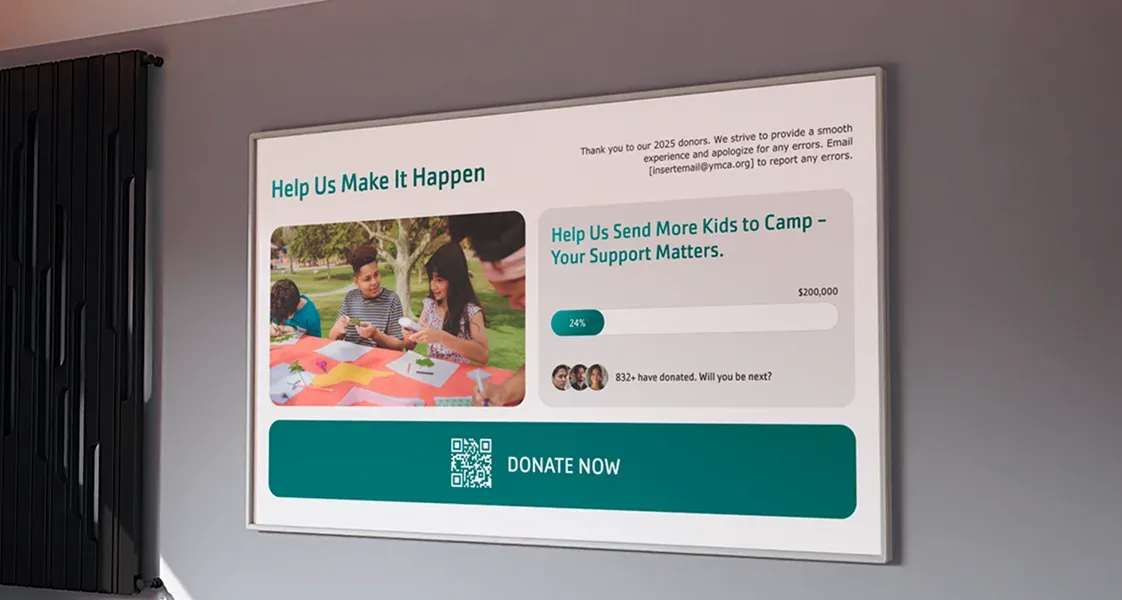
Nonprofit
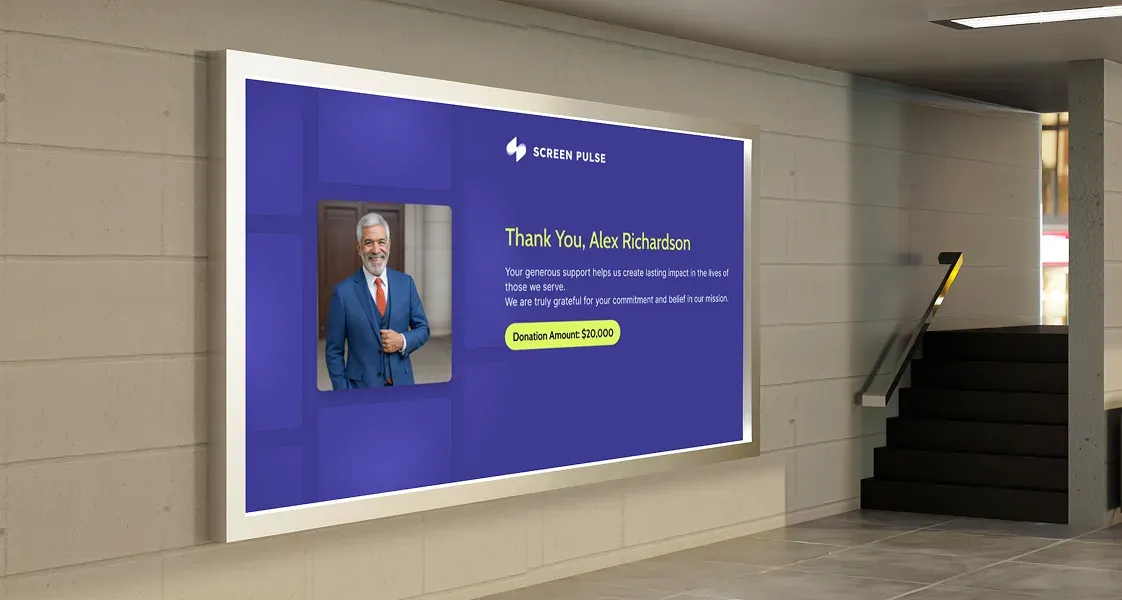
Display donor recognition, campaigns, events, announcements, and community updates across organizational spaces.
Learn More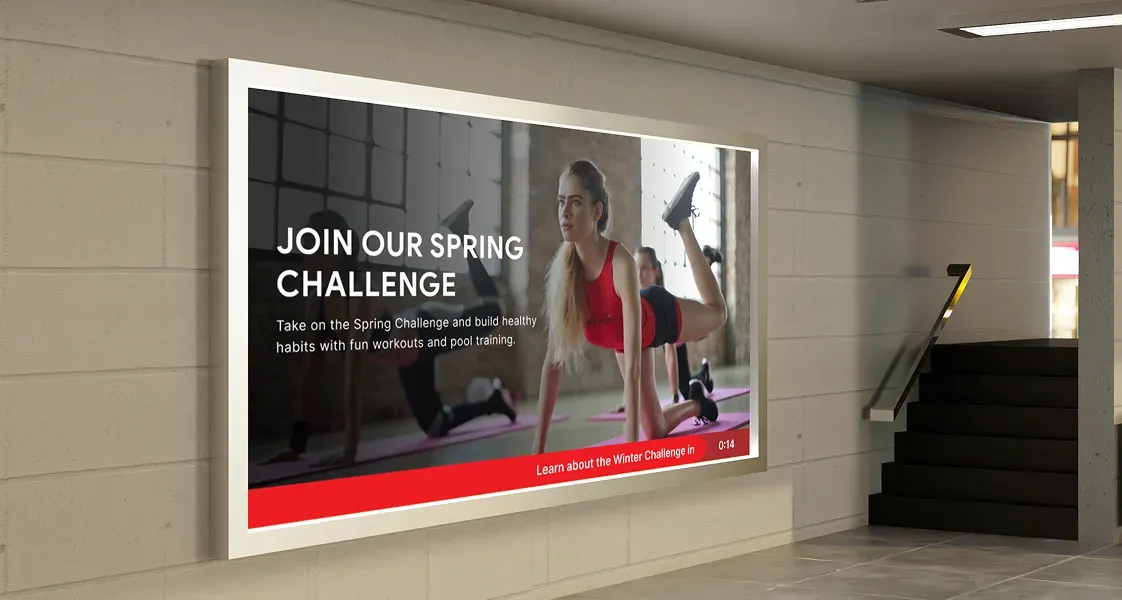
Fitness & Leisure
Show live schedules, studio availability, wellness content, and operational updates across fitness environments.
Learn More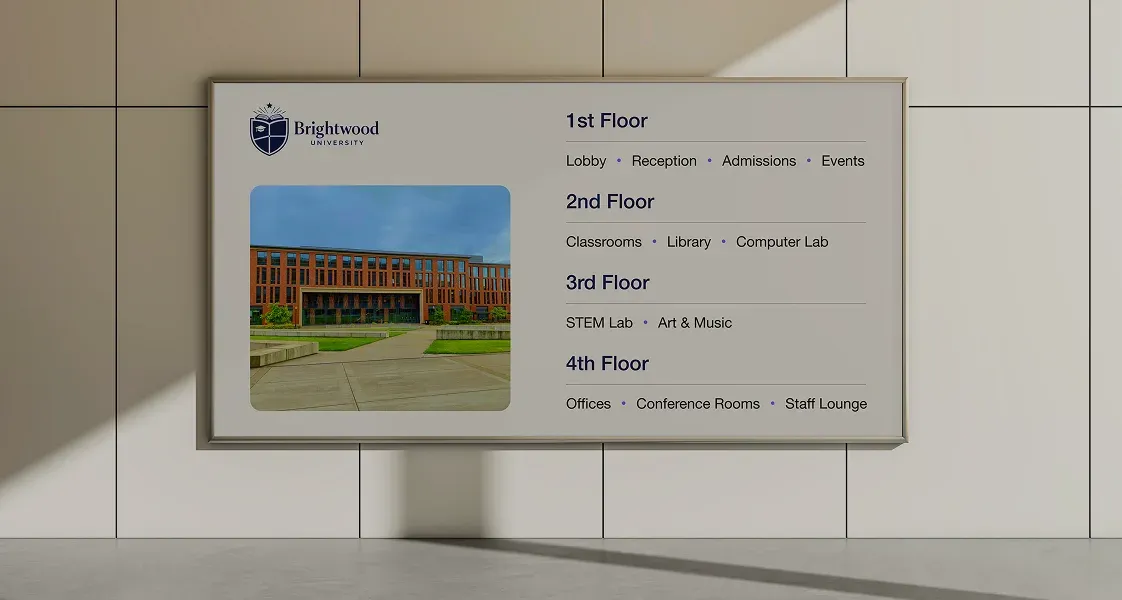
Education
Share campus schedules, announcements, events, room information, and student communication across institutions.
Learn More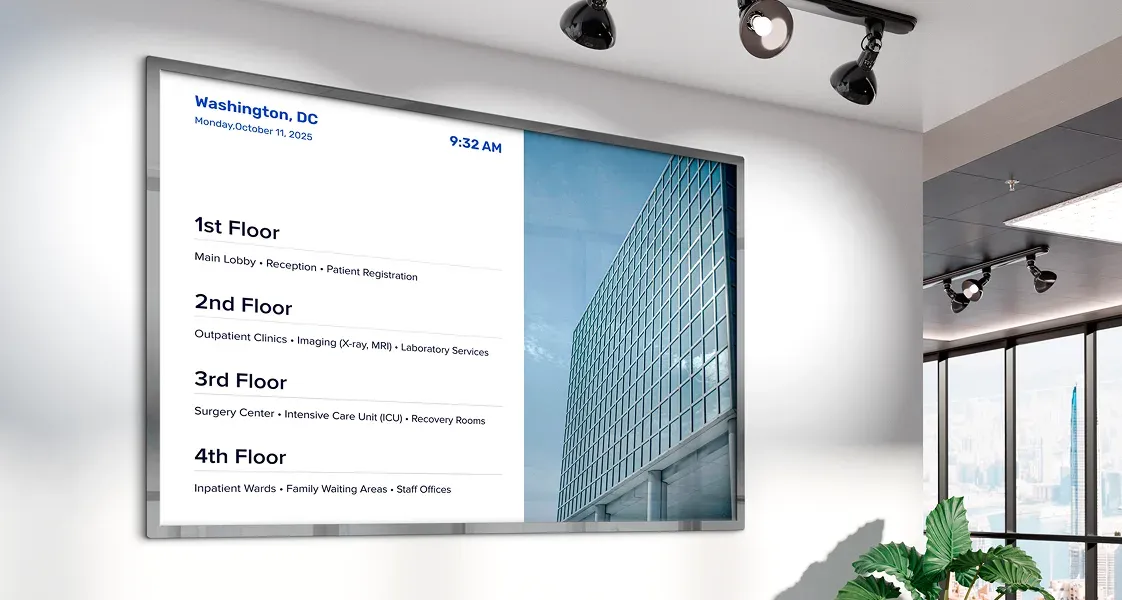
Healthcare
Support patient communication, operational updates, wayfinding, and informational content across healthcare facilities.
Learn More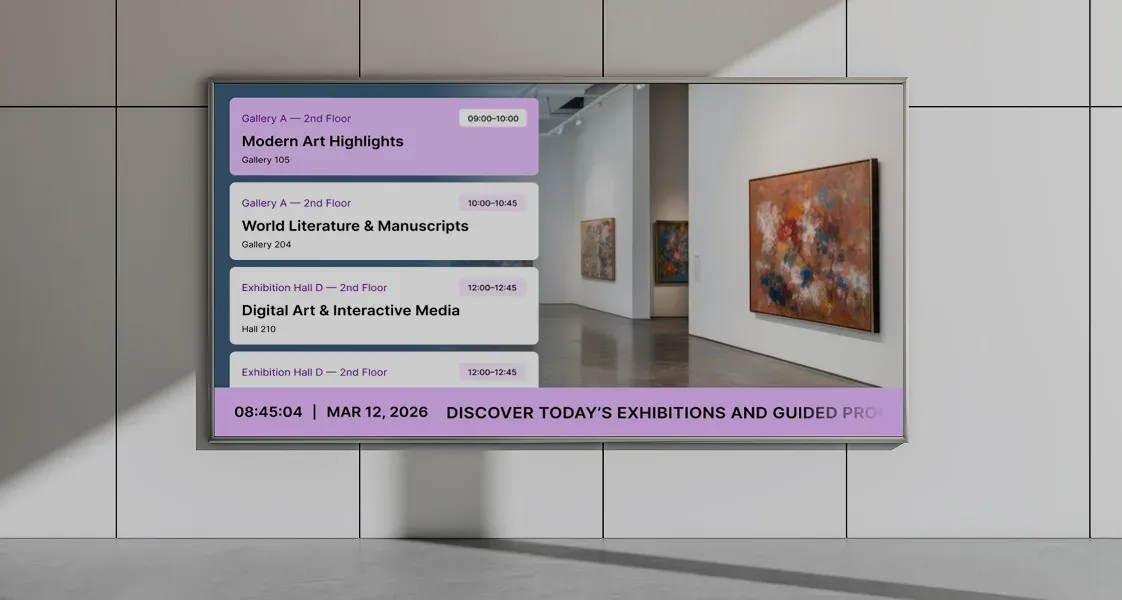
Art & Culture
Display exhibitions, event schedules, donor recognition, and visitor information across museums and cultural venues.
Learn MoreFAQs
Common questions about Amazon Signage Stick and Screen Pulse
Practical answers to the questions organizations ask when deploying Amazon Signage Stick devices with Screen Pulse across screens, branches, campuses, and shared environments.
Organizations use Screen Pulse and Amazon Signage Stick to display a wide range of real-time and scheduled content across TVs, smart displays, and commercial screens.
Common content types include:
- Class and program schedules
- Room availability and wayfinding
- Announcements and operational updates
- Donor recognition and campaign messaging
- Event calendars and upcoming activities
- Dashboards and KPI displays
- Videos and branded media content
- Emergency alerts and important notices
- Social media and community updates
- Weather, clocks, countdowns, and live information feeds
Content can be managed centrally through Screen Pulse and updated remotely across one or many locations.