

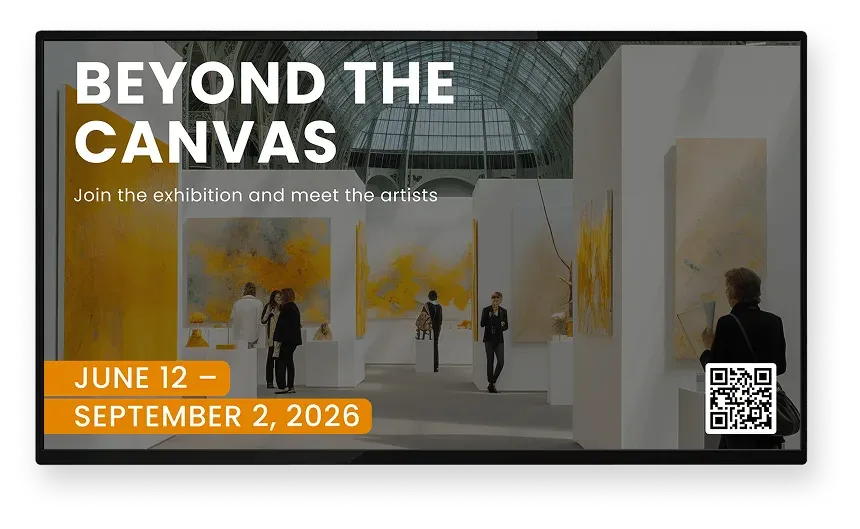

Impact
Screens capture attention and drive engagement in cultural spaces
In museums, galleries, and performance venues, screens help audiences notice programs, recognize supporters, and stay oriented during visits and events.
Higher notice than static signage
0x
Visitors recall on-screen messages
0%
Greater donor and sponsor visibility
0%
Product
Digital signage built for arts and cultural institutions
Screen Pulse is a cloud-based digital signage software shaped around how cultural institutions communicate with visitors and supporters. It brings event details, donor recognition, and exhibition messaging together into screen content that stays current as your systems change.
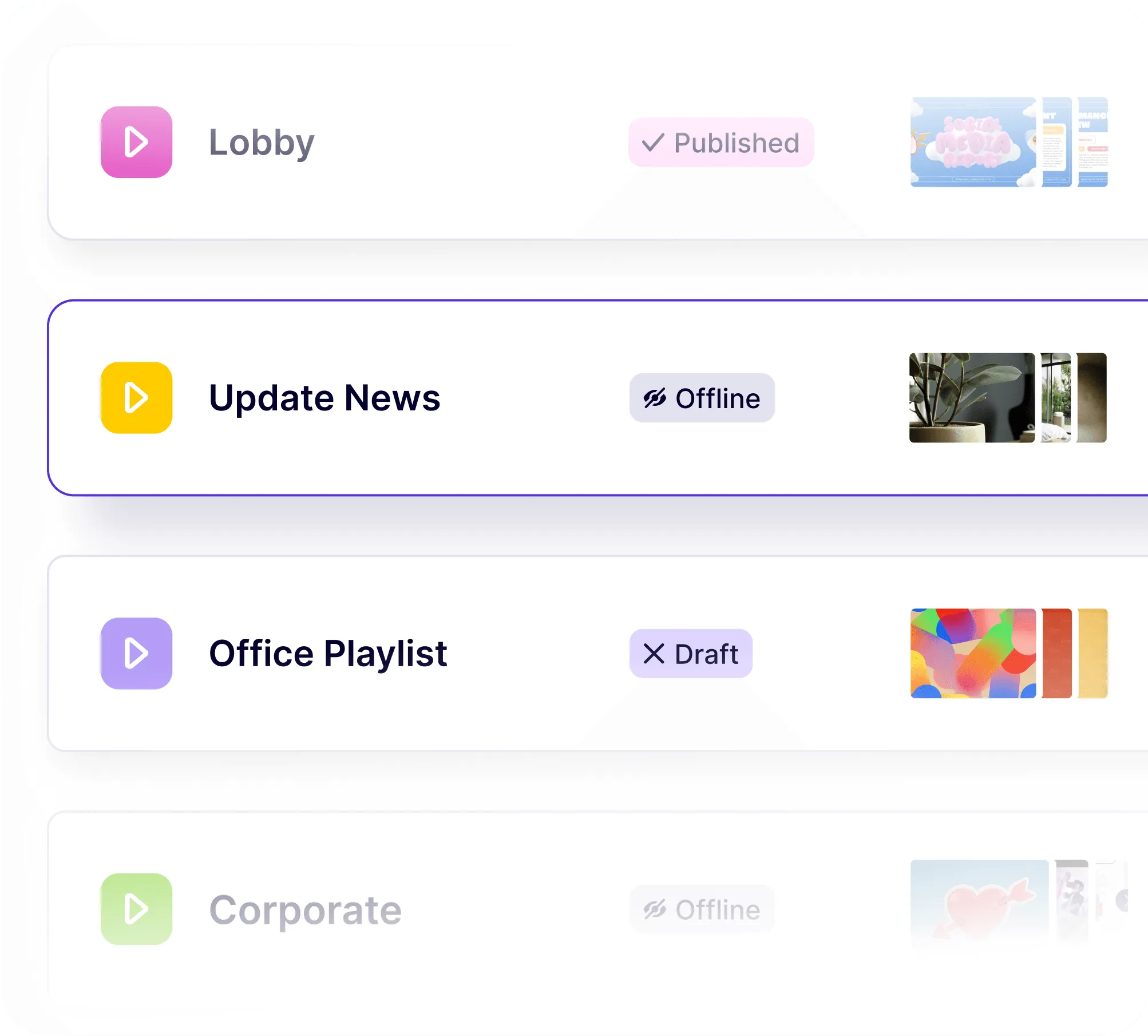
Screens reflect what’s happening in your spaces
Screens are planned, scheduled, and grouped centrally, so each lobby, gallery, or hall shows the right content at the right time. Updates flow through without staff rebuilding layouts or managing displays one by one.
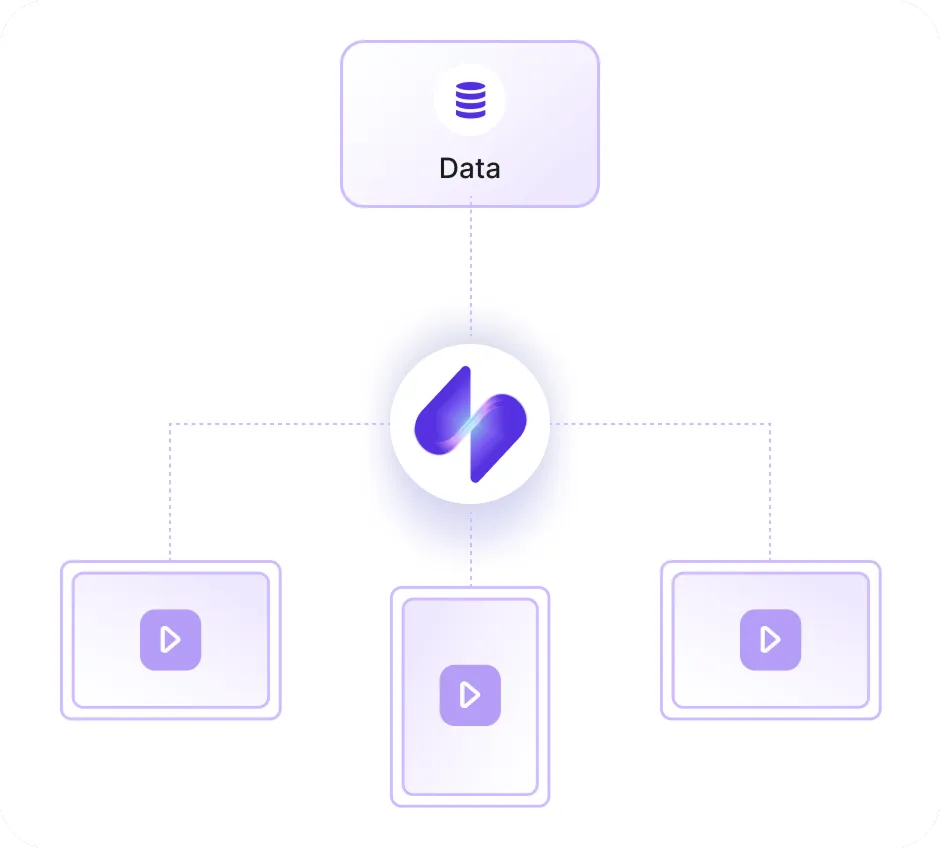
Your existing systems stay at the center
Event calendars, donor lists, and exhibition information continue to live in the tools your team already uses. Screen Pulse draws from those systems so screens stay aligned without introducing new processes.
Donor recognition and exhibits stay alive on screens
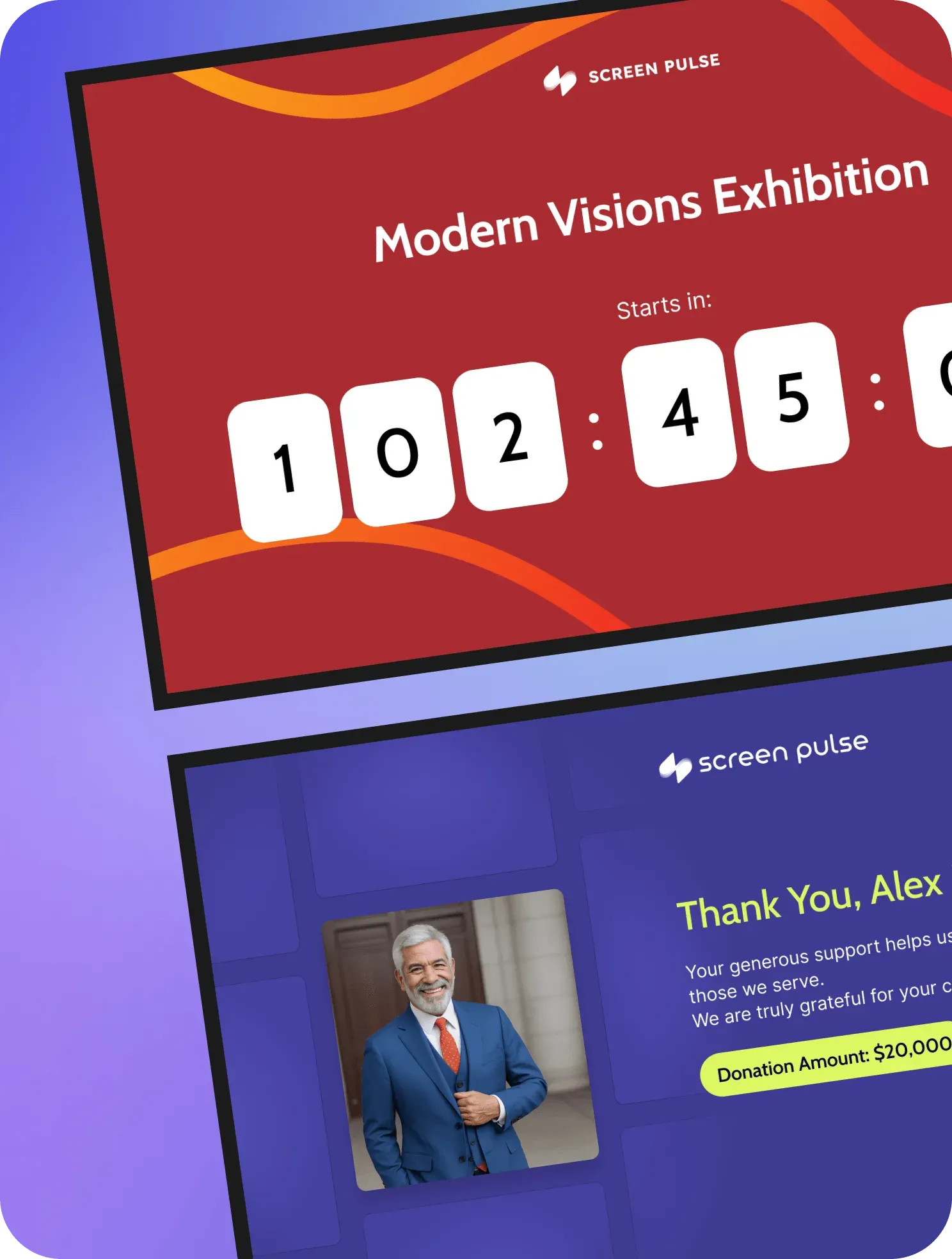
Donor walls, sponsor acknowledgements, and exhibit storytelling are treated as living screen content. They update with new data, rotate naturally alongside events, and adapt to different spaces without constant manual effort.
Trusted by YMCAs, education, fitness, healthcare, and corporate organizations











Use Cases
Covering all screen scenarios across cultural institutions
Screen Pulse is configured around the most common screen needs in museums, galleries, and performing arts venues, and can be extended with custom use cases that reflect how each institution engages its audiences and supporters.
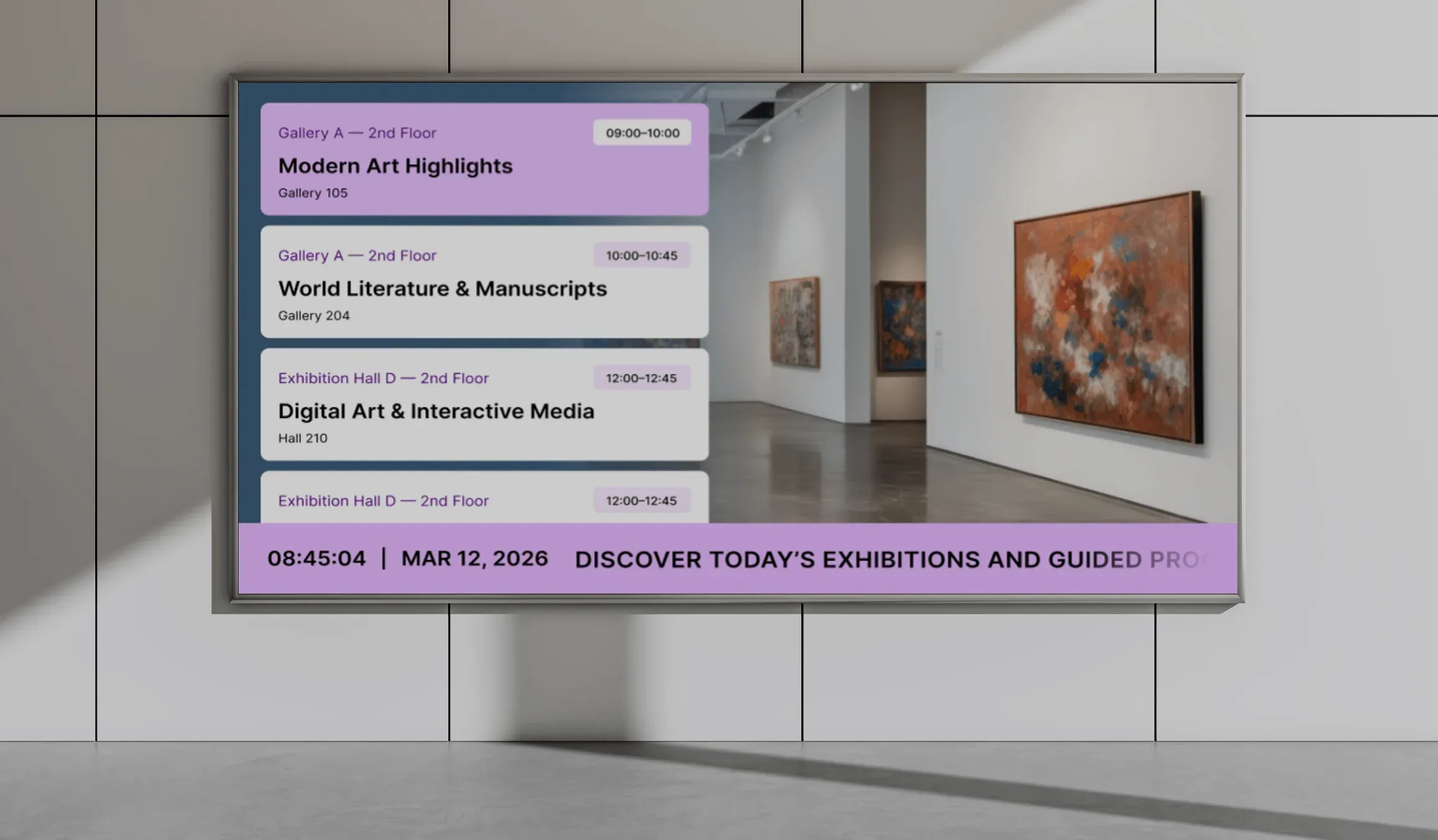
Event & performance schedules
Show what’s happening today and what’s coming next across lobbies, halls, and venue entrances.
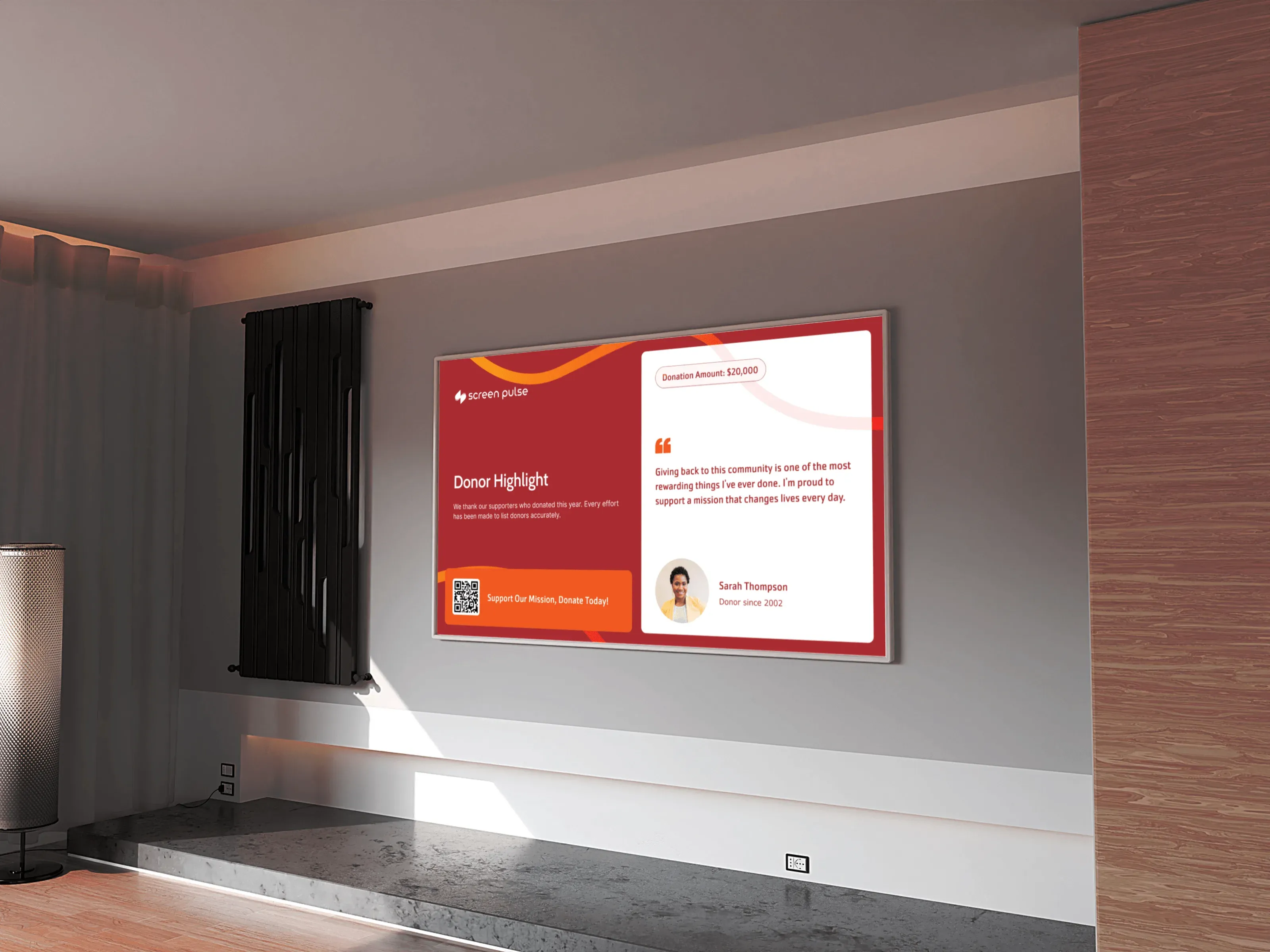
Donor & sponsor recognition
Display donor lists, sponsorship acknowledgements, and campaign milestones as living screen content across public areas.
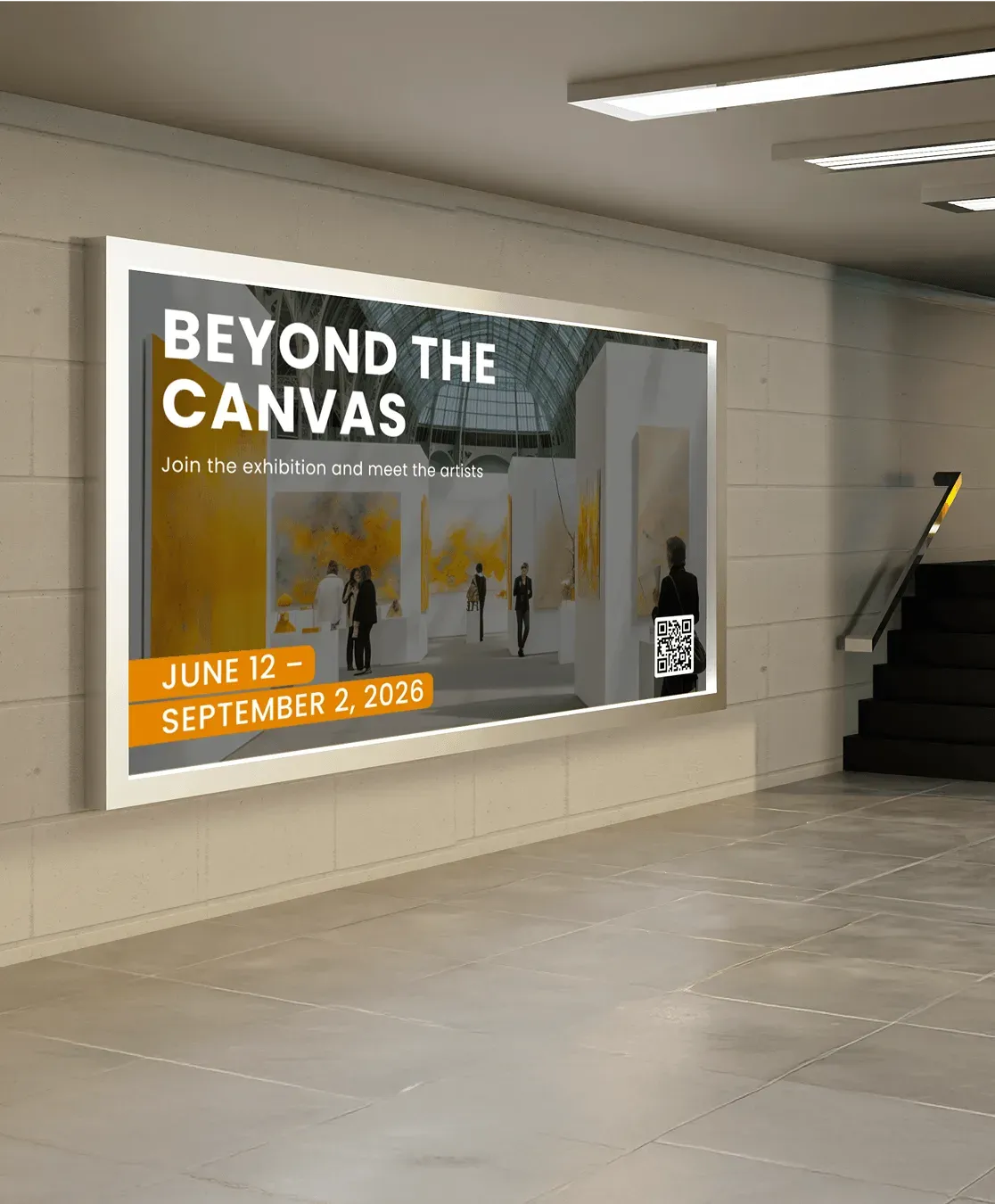
Exhibitions & gallery information
Present exhibit details, artist information, and rotating visuals that adapt to different spaces and exhibitions.
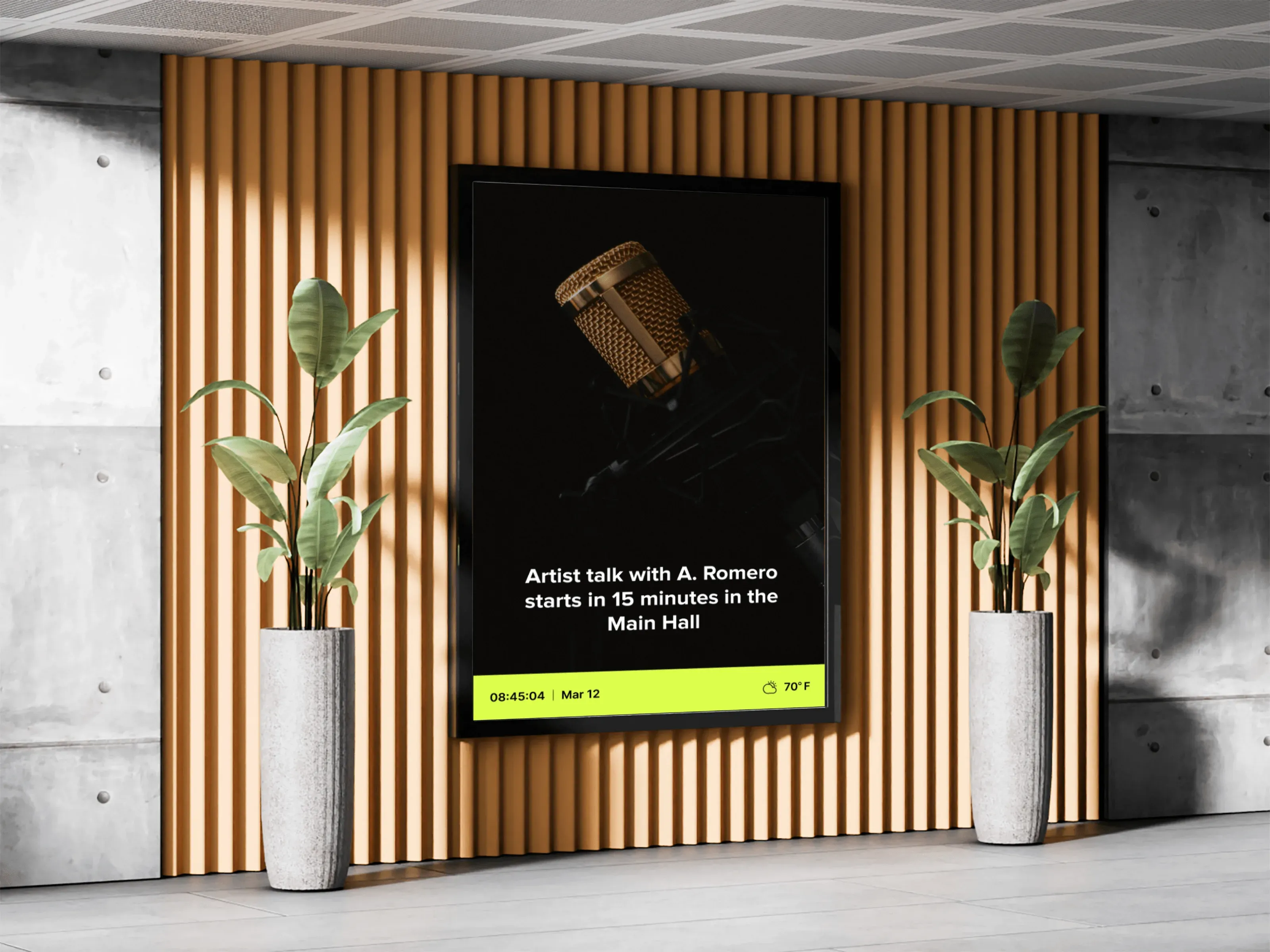
Announcements & day-of updates
Share schedule changes, special notices, and real-time updates where visitors naturally look for information.
Wayfinding & visitor guidance
Help visitors navigate buildings, galleries, and event spaces with clear, timely on-screen direction.
Apps & Integrations
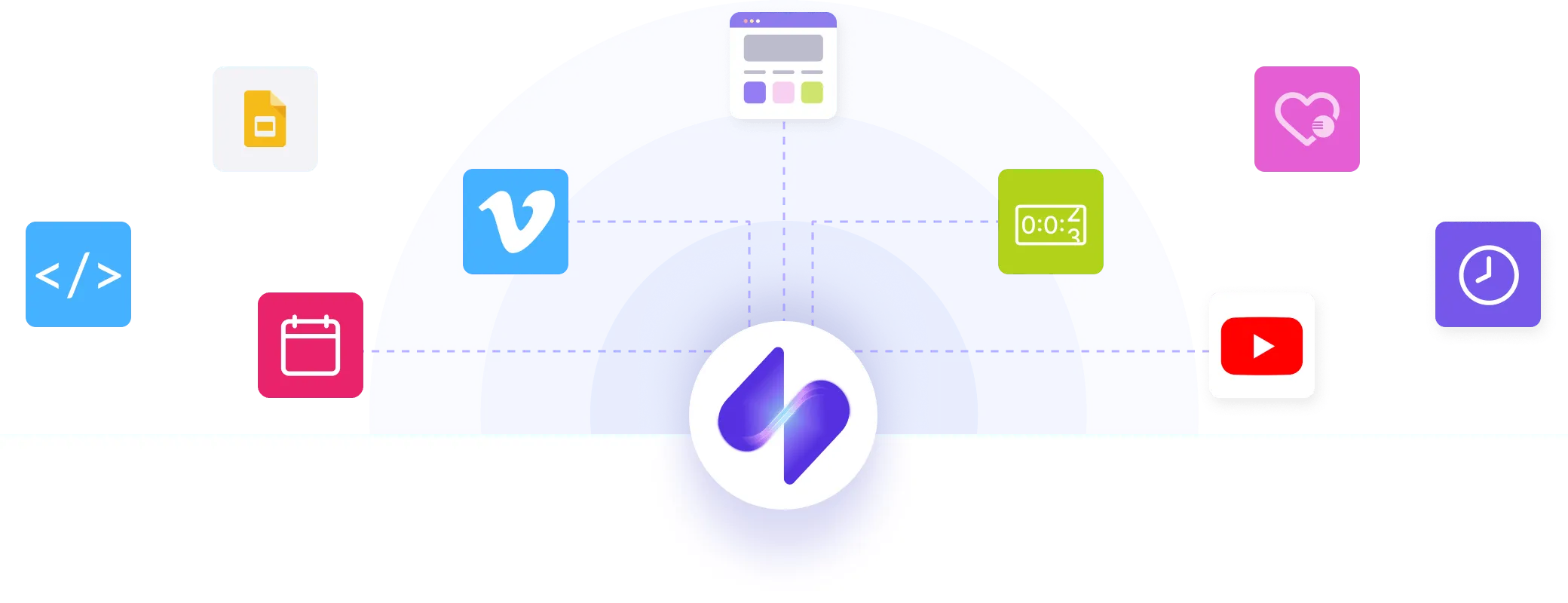
Connecting your systems to screens
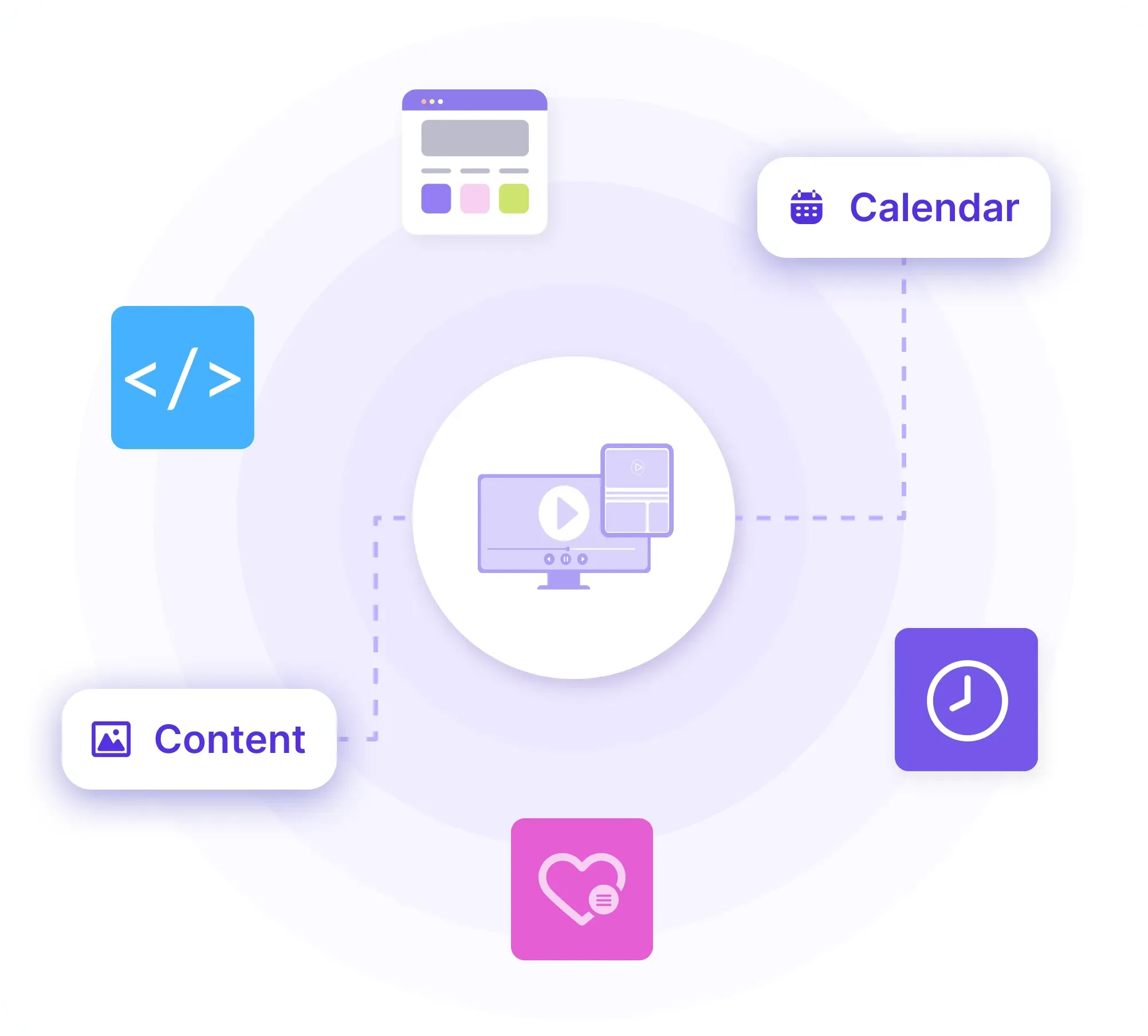
Screen Pulse uses apps to connect the systems that cultural institutions already rely on daily. Each app turns existing data into structured screen content without changing where that data lives.
Support
We support your institution through setup and growth
Every cultural institution uses screens differently. Screen Pulse is configured together with your team so screens reflect your spaces, systems, and programming from the start and continue to evolve as needs change.

Pilot development
We review your spaces, prepare or select hardware, connect key systems, and configure the first screens using real event, donor, and exhibition data.

Team onboarding
We onboard the teams responsible for screens, focusing on how content is organized, scheduled, and updated as part of everyday workflows.

Ongoing requests
As your programs grow, you can request new apps and integrations that extend your setup and help shape future capabilities for cultural institutions.
Why Screen Pulse
Built to support cultural institutions at scale
Screen Pulse fits organizations that manage screens across multiple spaces and rely on accurate, coordinated information to support programs, visitors, and supporters.

Real-life workflows
Use cases follow exhibition, program, and event rhythms across multiple spaces.

Donor recognition
Donor recognition runs as core screen content and updates live directly from data.

System-driven
Event details, donor data, and content stay managed in your existing systems.

Hardware flexibility
Works with existing screens, standard players, or a dedicated Screen Pulse Player.

Multi-location control
Screens across buildings and venues are managed from one cloud platform.

Evolving platform
Apps and workflows grow based on how you use screens in practice.
FAQs
Common questions on managing screens in cultural institutions
These questions cover common topics teams consider when introducing or expanding screen content across museums, galleries, and cultural venues.
Yes. Donor walls and sponsor recognition are built-in screen use cases that update from data and can run across lobbies, galleries, and event spaces.
No. Screen Pulse works with existing screens and standard players. A dedicated Screen Pulse Player is also available for a more consistent hardware setup.
Exhibition details and event schedules remain managed in your current systems. Screen Pulse reflects those updates on screens as they change.
Configuration is collaborative. We work with your team to set up screens, systems, and use cases based on how your institution operates.
You can request new apps, integrations, or screen scenarios as needs evolve. These requests also help guide future platform development for cultural institutions.
