


Impact
Screens reach students and staff where information is needed
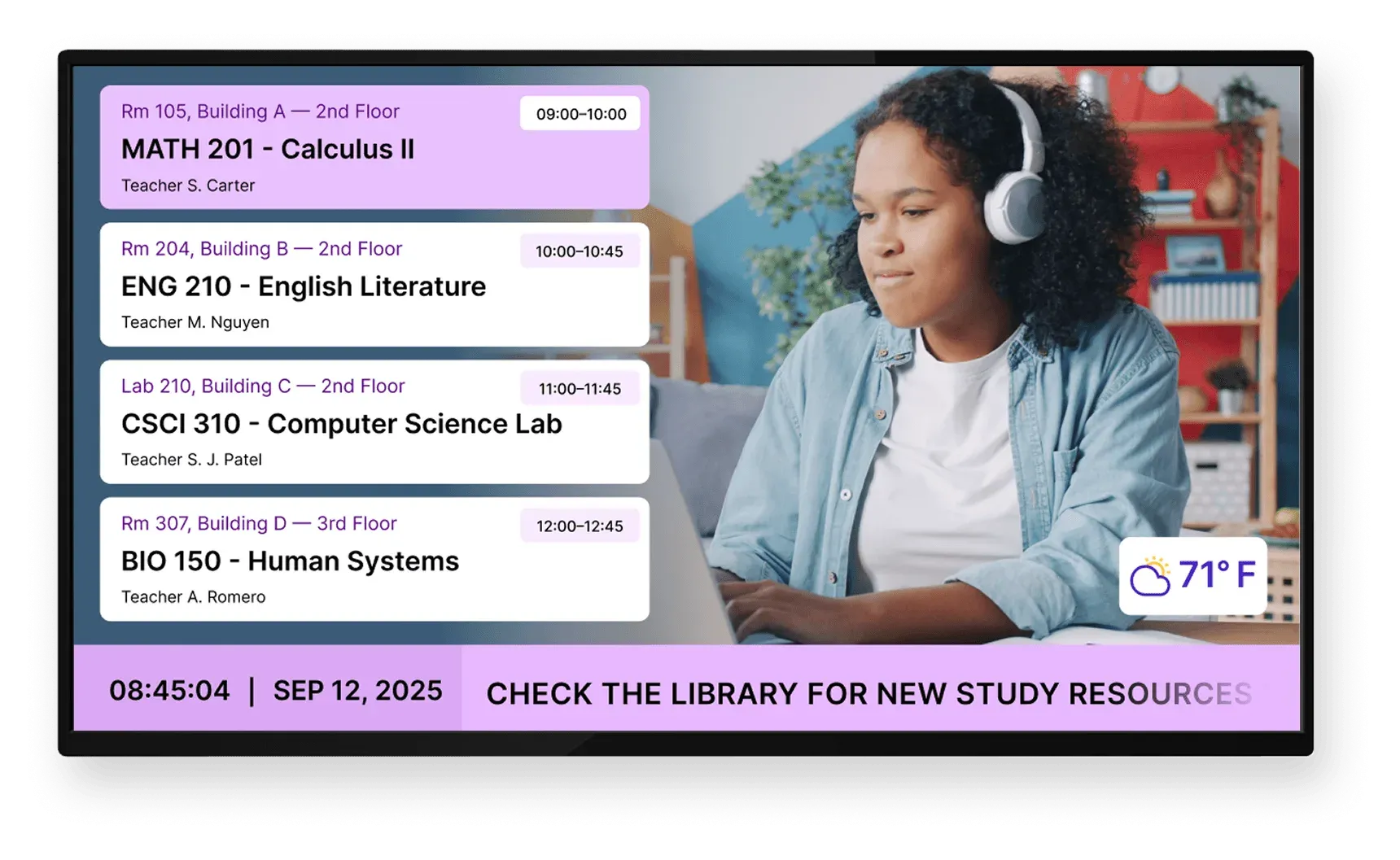
On campuses, information changes often and attention is fragmented. Digital screens cut through noise and make key updates visible.
Students notice campus digital screens
0%
Higher engagement with dynamic content
0x
Improved awareness of campus updates
0%
Product
Manage campus screen content from one cloud system
Screen Pulse is a digital signage software designed for educational environments where schedules change often and information must stay consistent across buildings. It organizes system-driven content into screens and playlists so campus updates remain accurate without constant coordination.
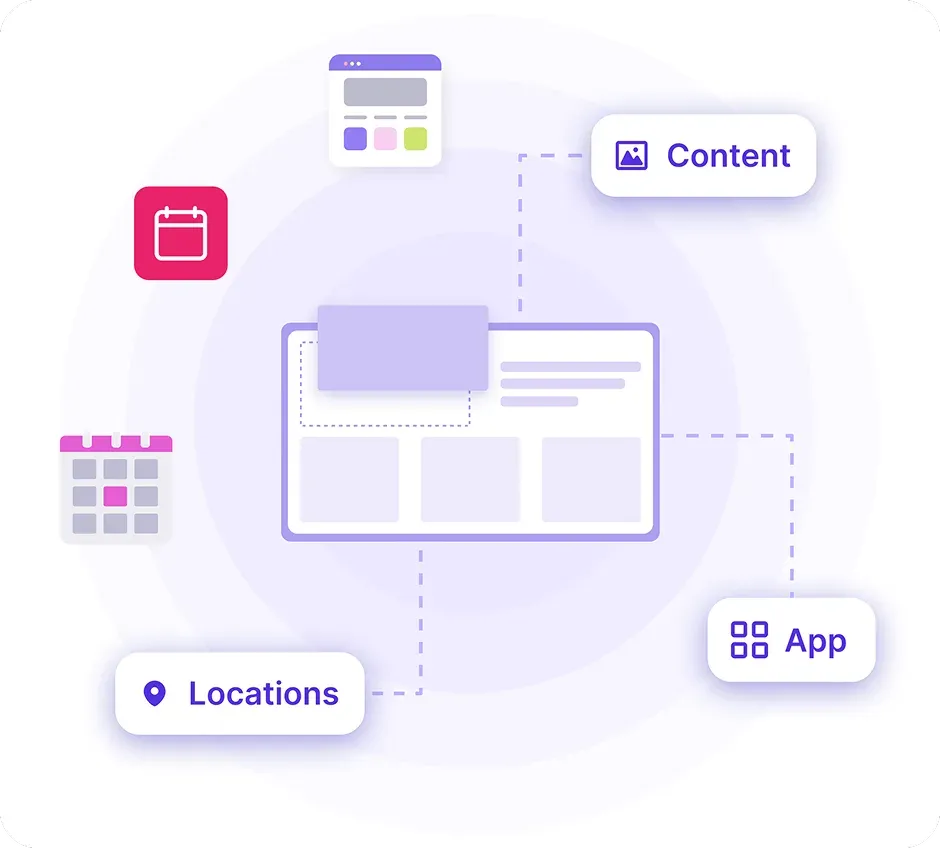
Screen content is organized once and runs across campus
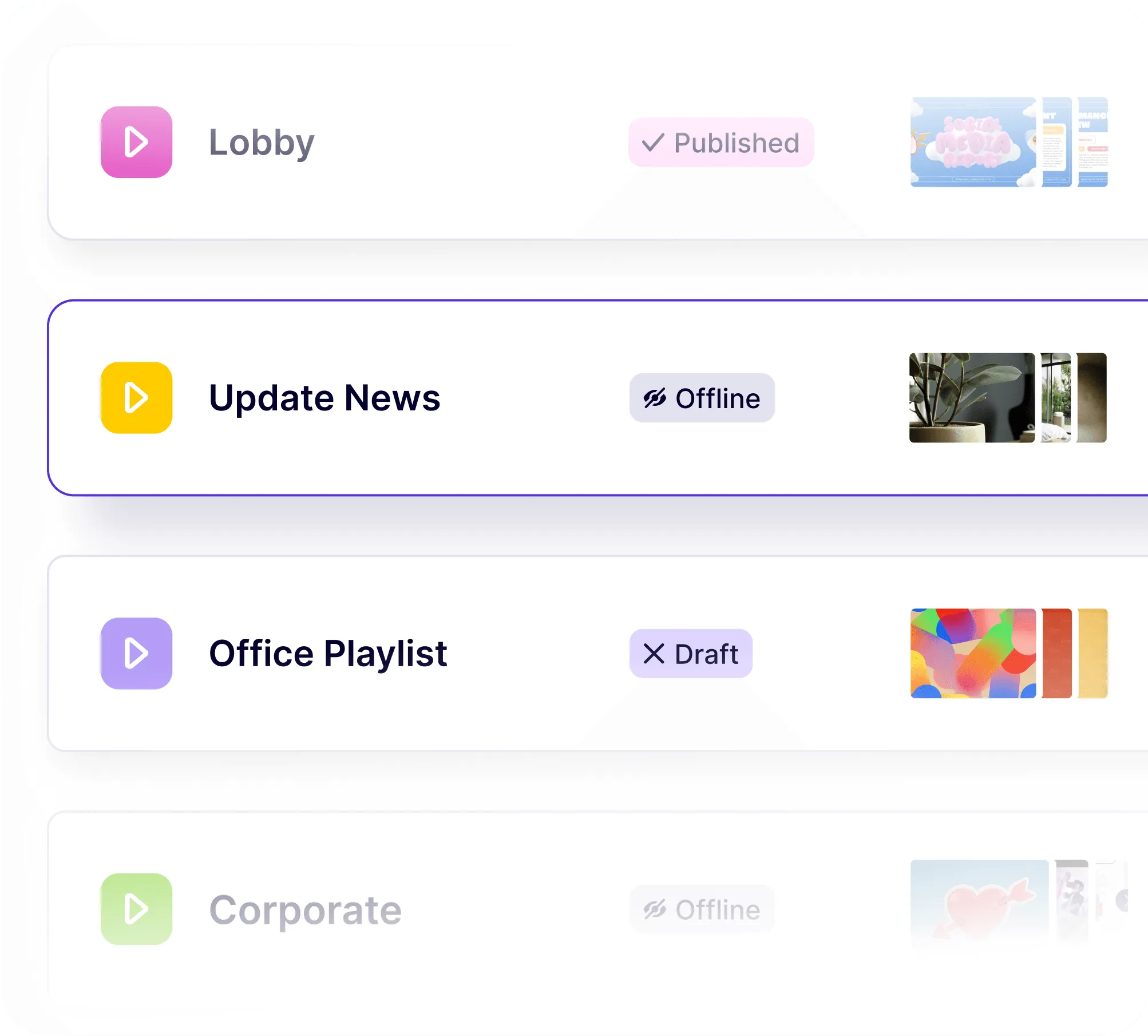
You set up screens and playlists once, then assign them to buildings and spaces. Screen Pulse keeps that structure in place, so you change content centrally instead of updating screens one by one.
Campus screens behave predictably every day
Screen Pulse keeps screen behavior consistent across classrooms, halls, and common areas. Content follows defined rules so students and staff see the right information in the right place.
Your systems provide information and Screen Pulse controls presentation
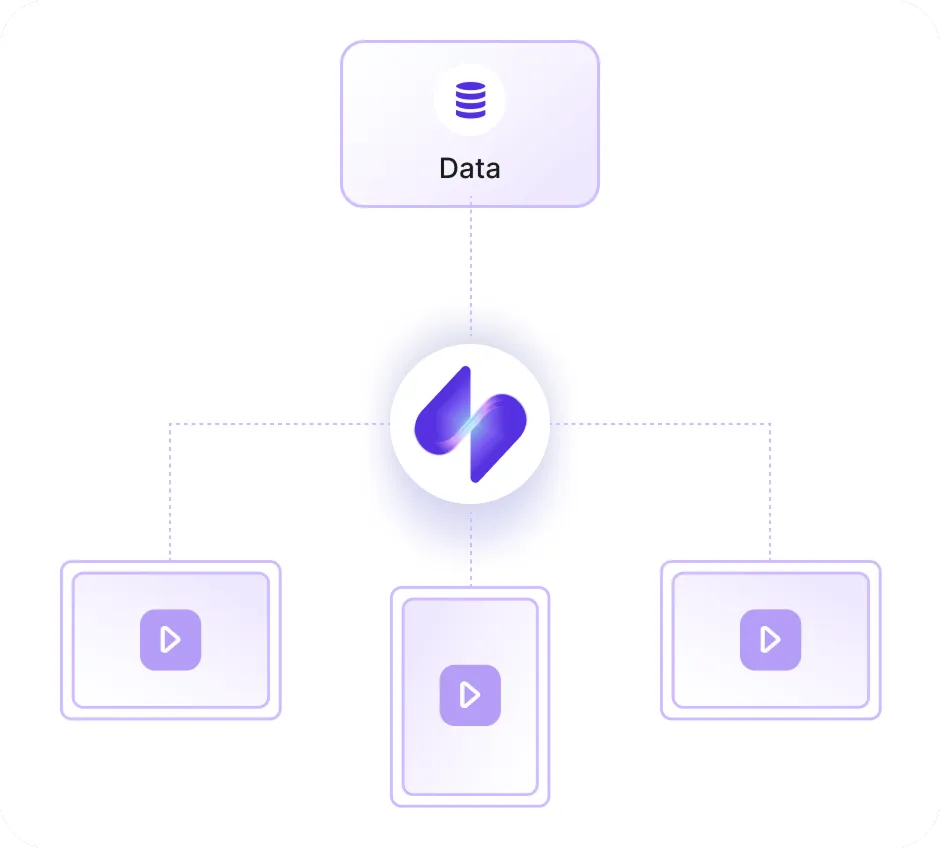
Class schedules, room data, and campus updates come from existing systems. Screen Pulse pulls that information in and controls how it is shown on screens.
Trusted by YMCAs, education, fitness, healthcare, and corporate organizations











Use Cases
Screen content campuses rely on every day
Screen Pulse is configured around the most common needs across educational institutions and can be extended with custom use cases based on how your organization communicates with students and staff.
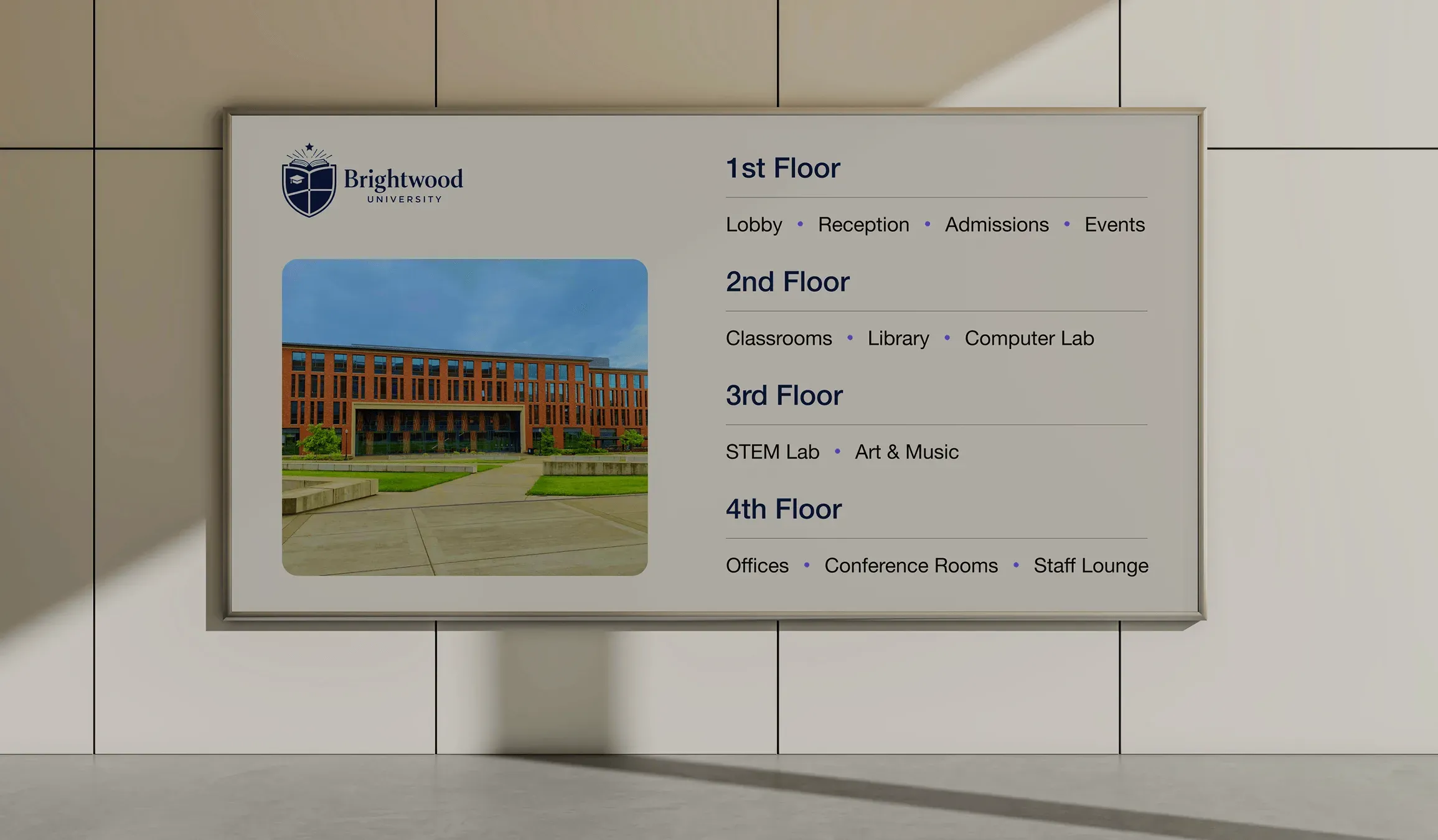
Wayfinding & building information
Help students and visitors navigate buildings with floor information, room listings, and directional guidance.
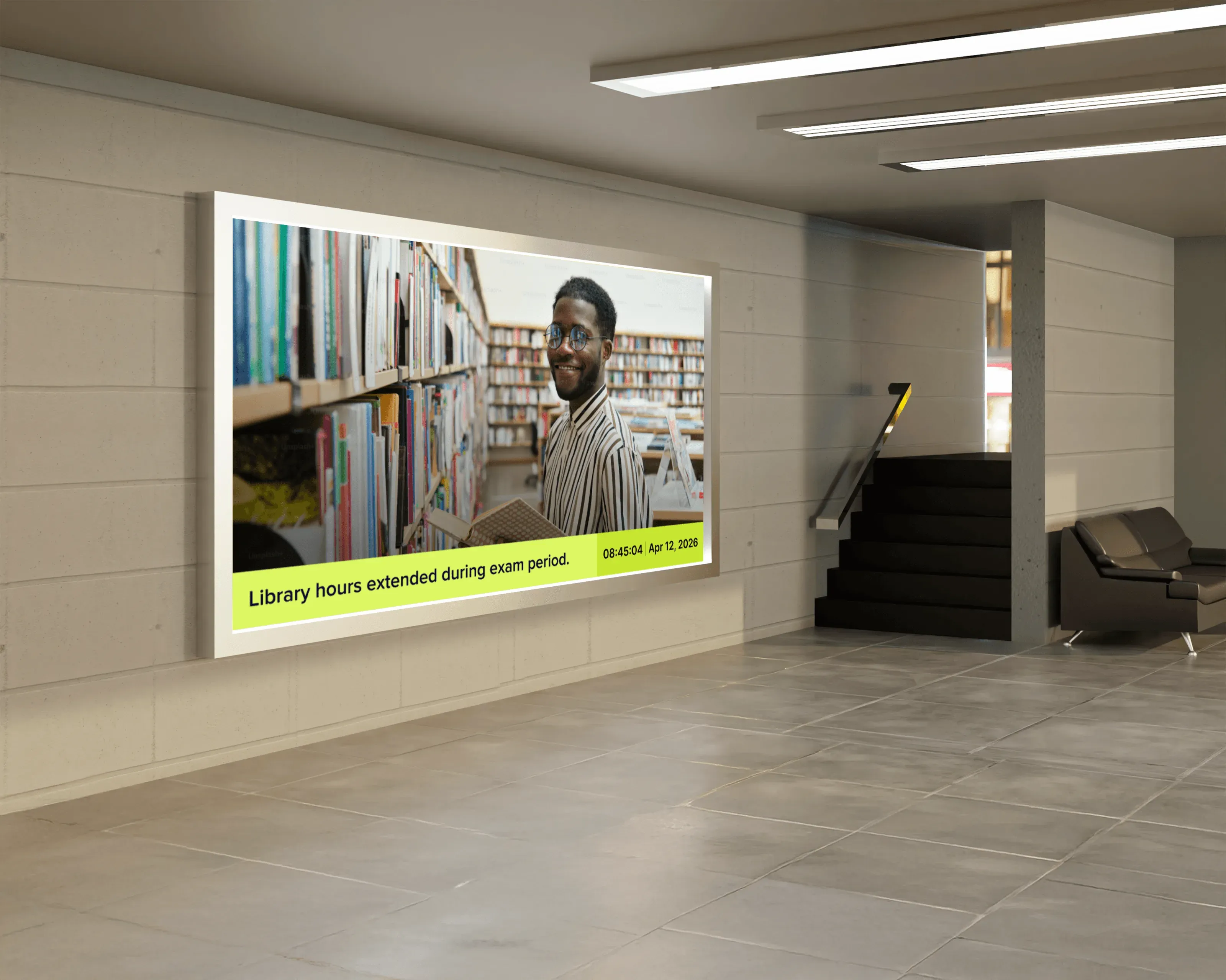
Academic & administrative updates
Share announcements from departments, services, and administration without relying on email alone.
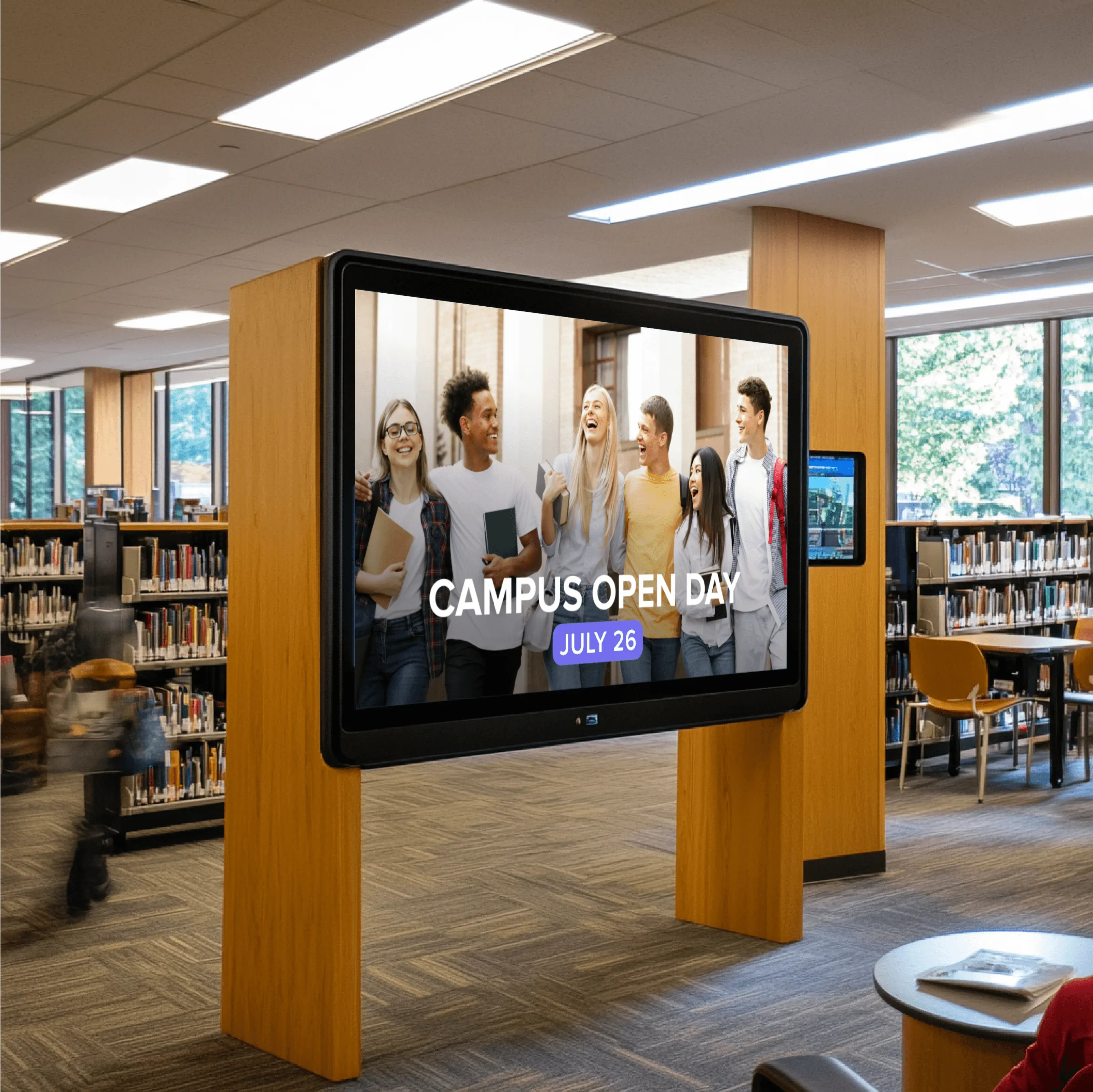
Campus events & activities
Display lectures, student events, deadlines, and campus-wide activities across high-traffic areas.
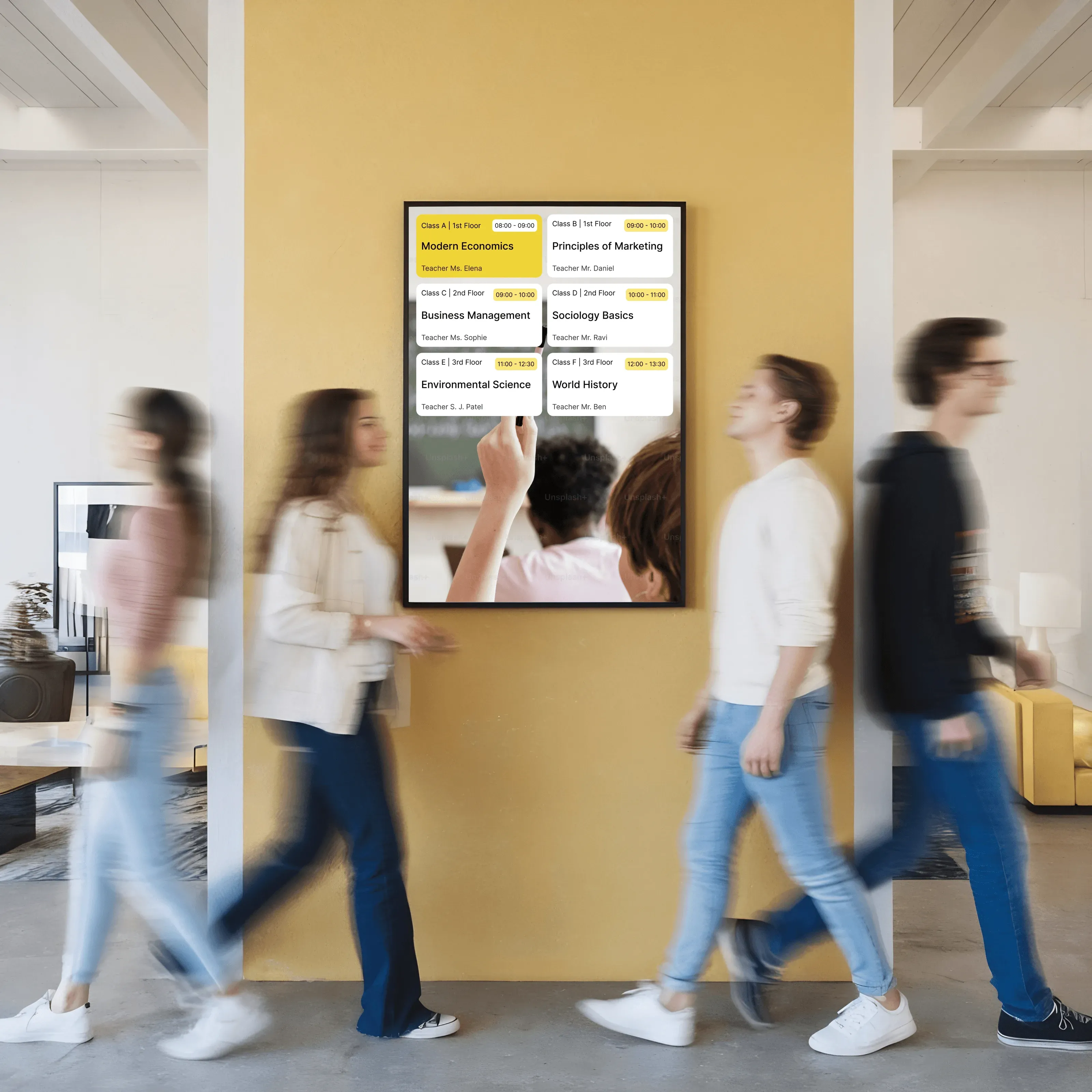
Class & room schedules
Show current and upcoming classes, room assignments, and changes where students and faculty need them.
Safety & urgent notifications
Communicate closures, alerts, and important notices on screens across campus when timing matters.
Apps & Integrations
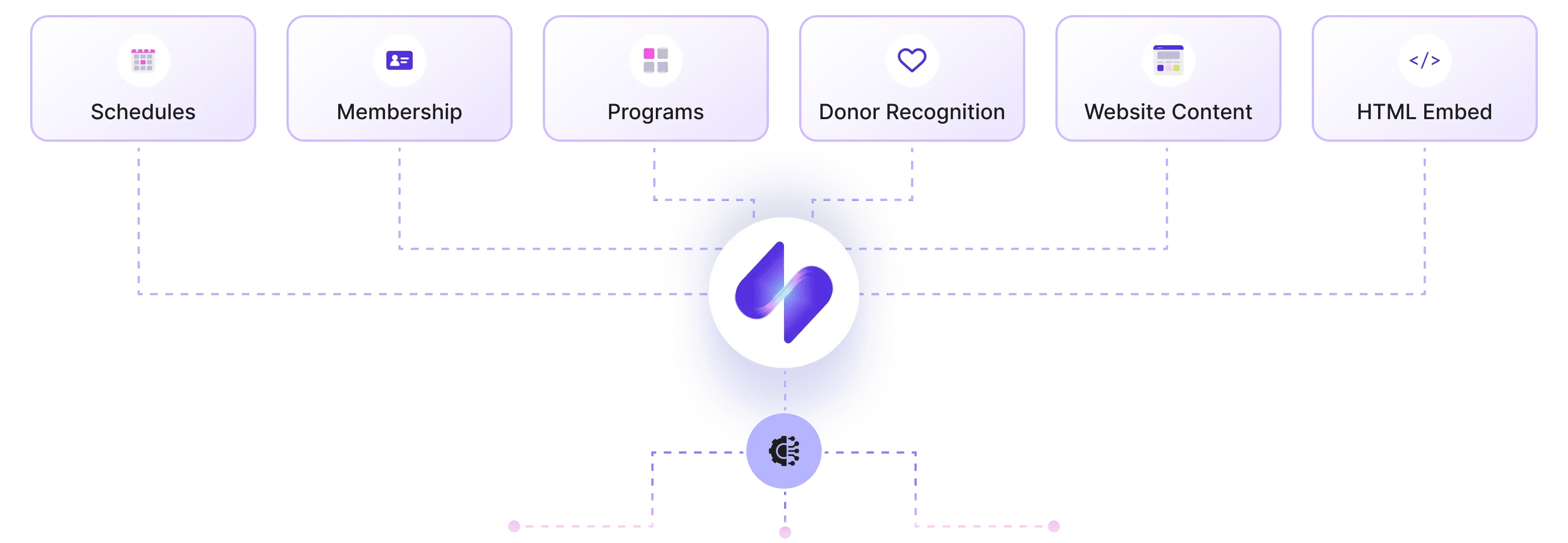
Apps that connect campus systems to screens
Screen Pulse connects screens to the academic, scheduling, and communication systems already used on campus. Apps pull structured information such as class schedules, room assignments, events, and announcements and present it as screen content that stays aligned with how that information is managed institution-wide.
Support
We support your institution through setup and growth
Every institution uses screens differently. Screen Pulse is configured together with your team to match your buildings, systems, and communication patterns, so screens work reliably from day one and continue to adapt as needs change.

Pilot development
We map screen locations, prepare hardware, connect campus systems, and configure initial screens using real academic and operational data.

Team onboarding
We onboard the teams managing screens and walk through how content is reviewed, scheduled, and updated as part of everyday campus workflows.

Ongoing requests & refinement
As needs change, you can request adjustments, new apps, or integrations that extend your setup and inform future education features.
Why Screen Pulse
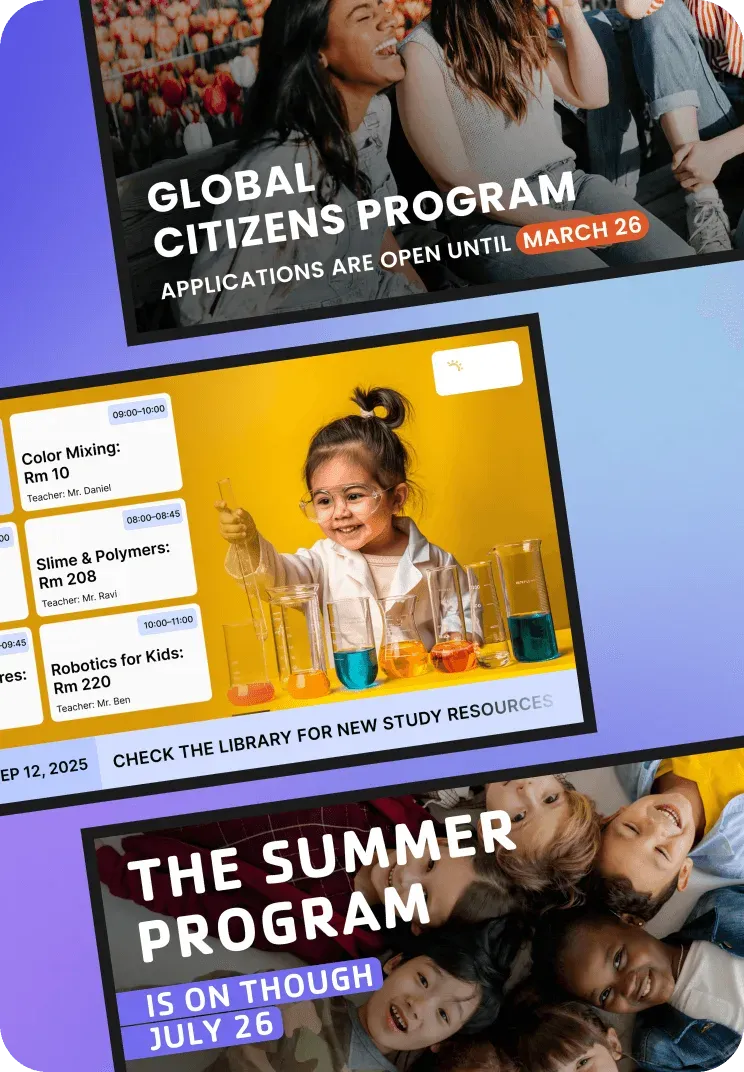
Digital signage software designed for educational environments
Screen Pulse is built for institutions where information changes often, accuracy matters, and screens must work reliably across multiple locations and audiences.

Fits campus workflows
Screen Pulse reflects your everyday communication through schedules, events, and campus updates.

System and data driven
Screen content stays aligned with academic and administrative systems instead of relying on manual updates.

Controls screen behavior
Screens follow defined rules for timing, placement, and content so information appears where it is expected.

Scales across campus
Screen Pulse scales from a few buildings to campus-wide deployments without changing how content is managed.

Configured per institution
Every setup reflects the institution’s systems, spaces, and communication needs rather than a generic template.

Evolves through requests
New apps and use cases are shaped by how institutions actually use screens over time.
FAQs
Common questions from education teams
Answers to practical questions institutions ask when evaluating how Screen Pulse fits into their campus systems, screens, and daily workflows.
Yes. We work with your team to plan where screens make sense, select or prepare hardware, and configure the first screens around real campus use cases.
No. Screen Pulse works with common player devices and browsers, and we also offer a Screen Pulse Player. We help you choose the best option for your environment.
Screen Pulse pulls information from the systems you already use. When schedules, events, or updates change, the screen content updates based on the configurations you have made.
You can request new apps, integrations, or screen use cases. Screen Pulse is built on a flexible foundation and evolves based on real institutional needs.
