

Data Sync
Turn Daxko Operations data into content for your screens

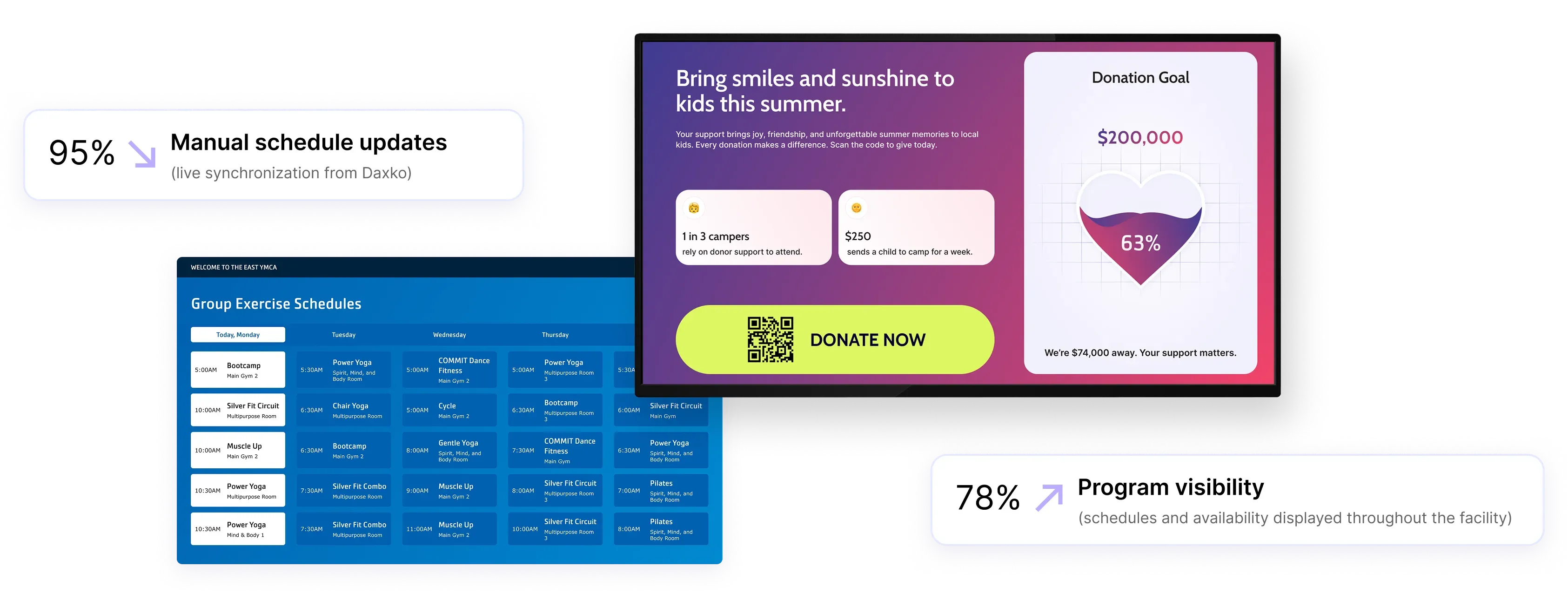
Program schedules
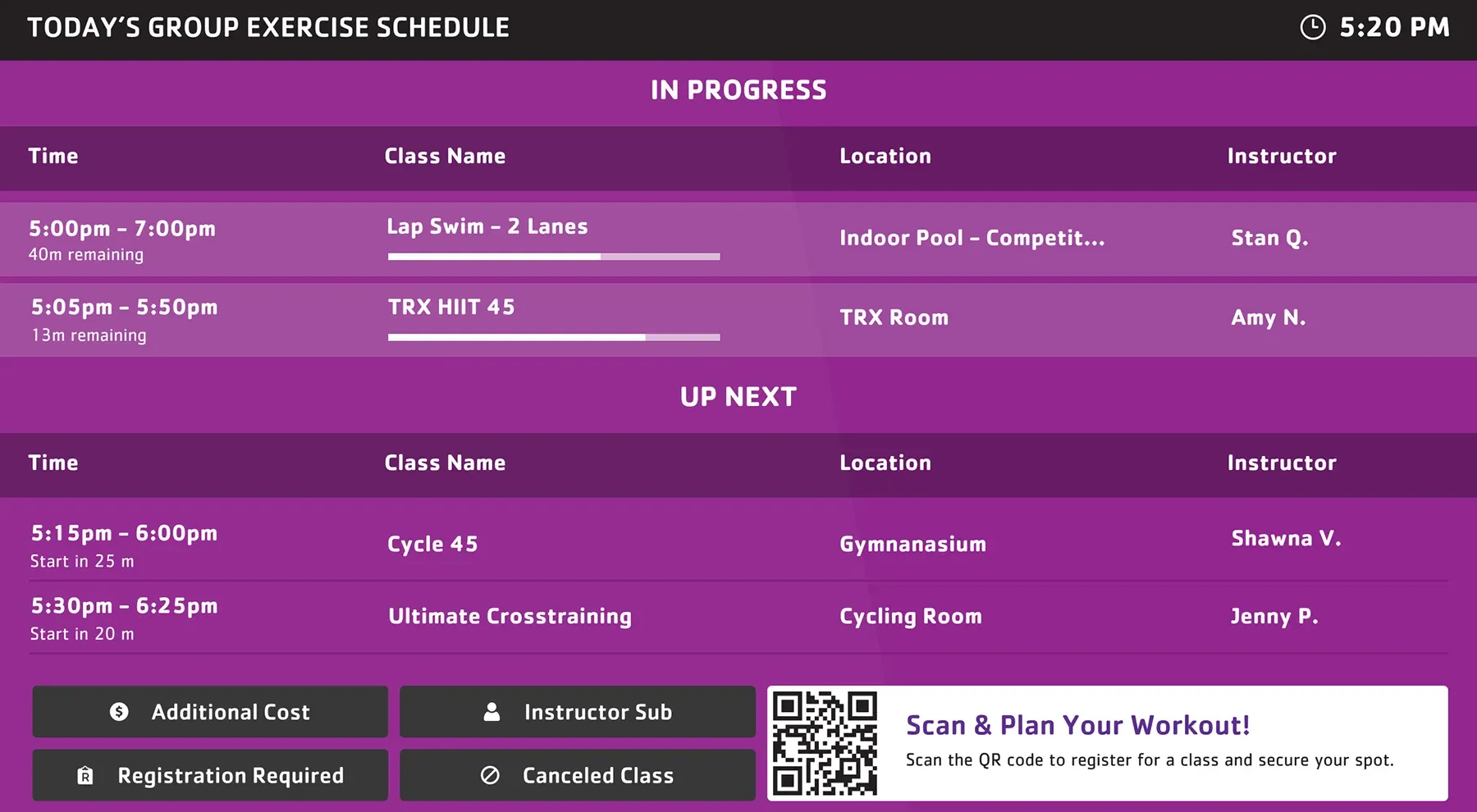
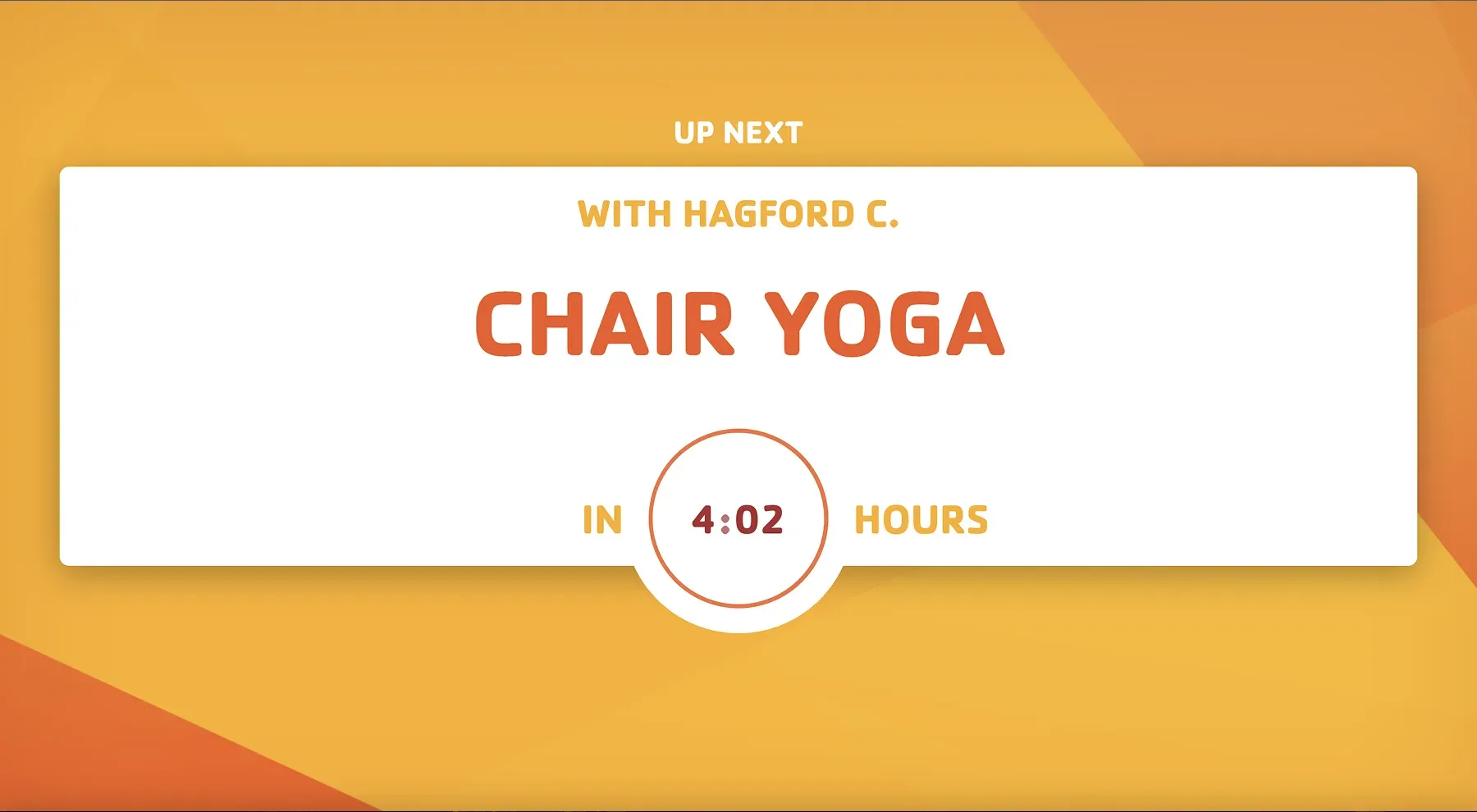
Display current and upcoming programs with accurate timing and location information across your facility.

Program availability
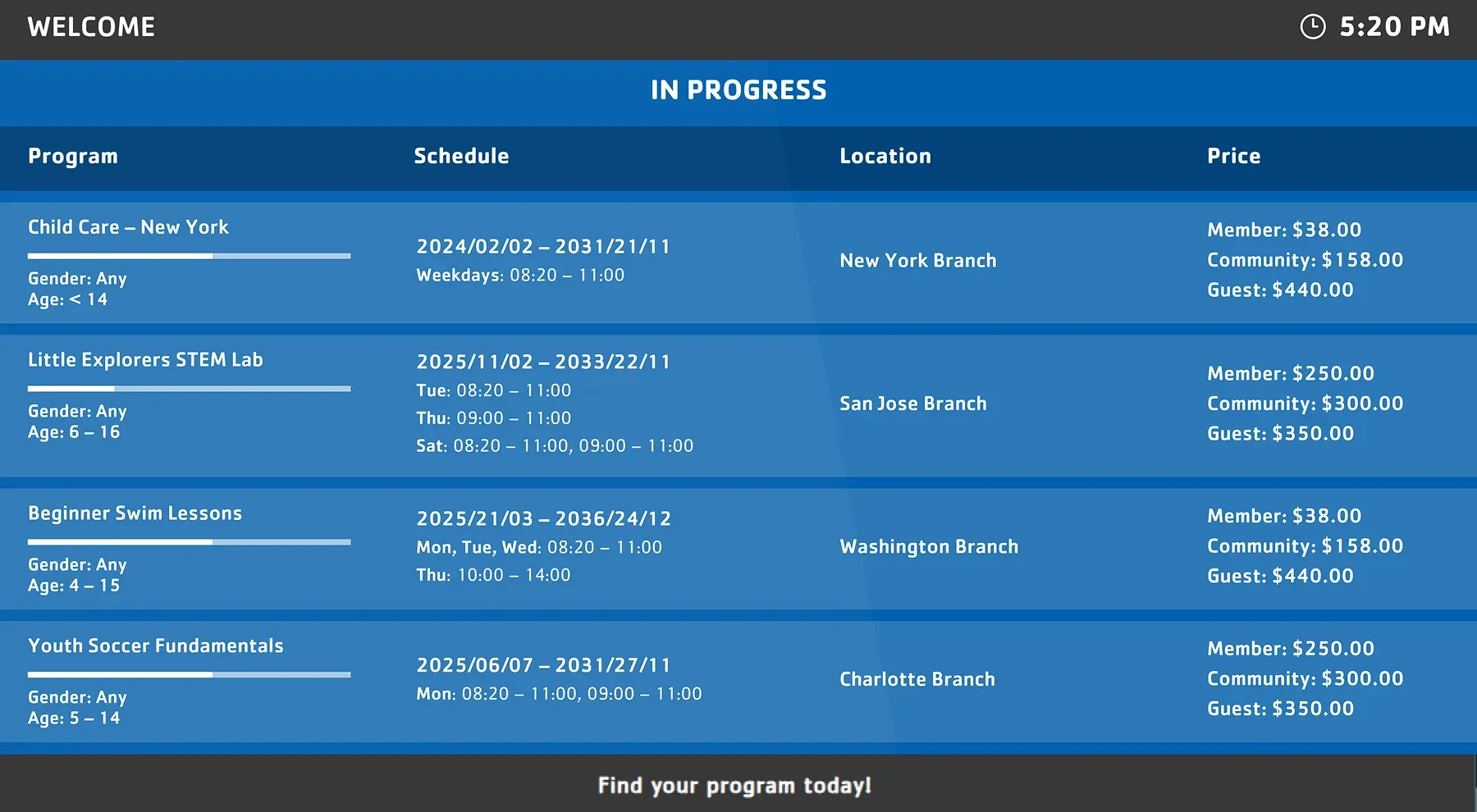
Show available activities and open spots so members can quickly see what they can still join.

Operational updates
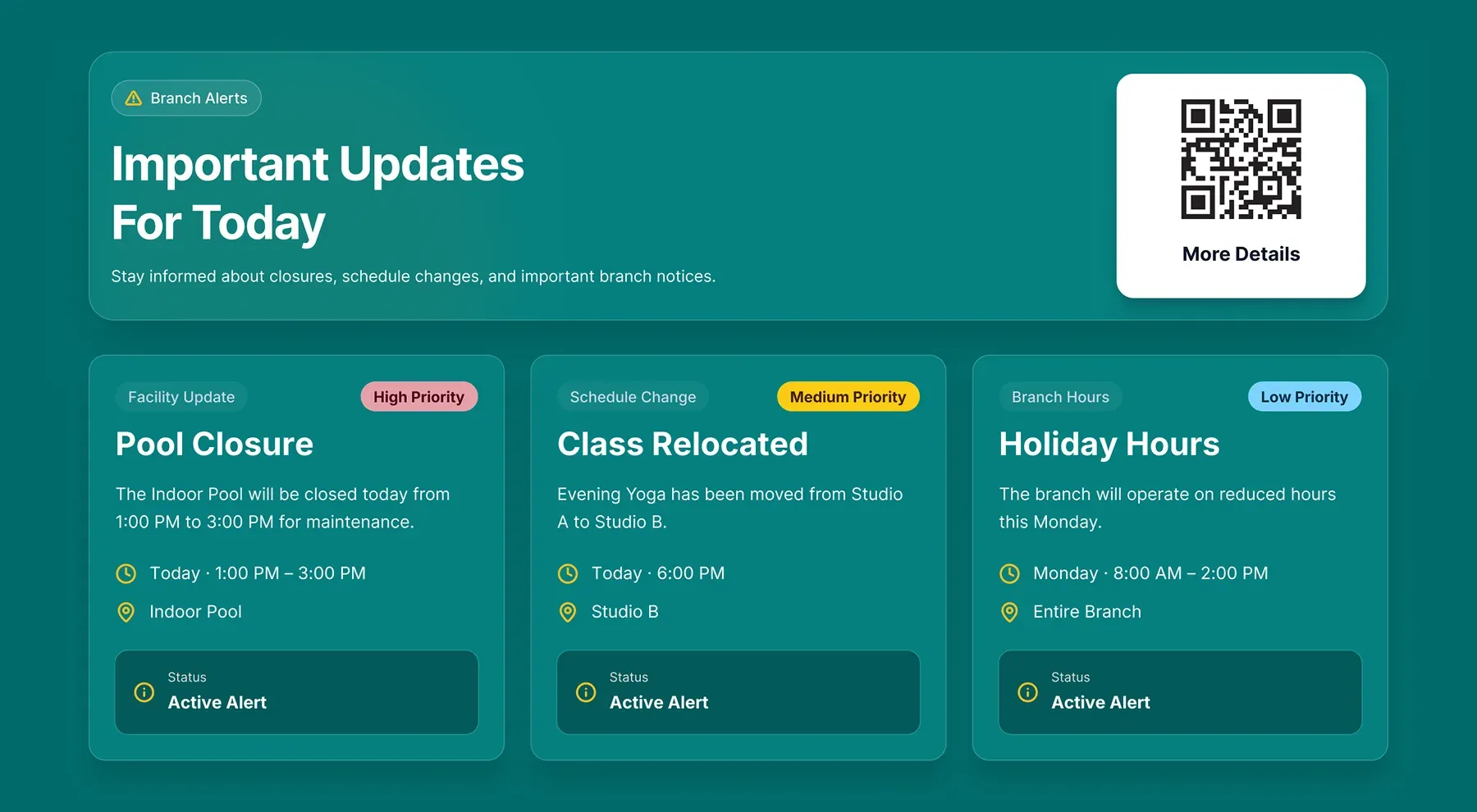
Display branch notices, schedule changes, closures, and cancellations using synchronized operational data.
Use cases
Improve program visibility and operational communication across your facility
Use Daxko Operations data to keep schedules, availability, and branch updates visible where members explore activities, navigate spaces, and ask staff for help.
Lobby screens
Display current programs, open spots, and branch updates as members enter the facility and explore available activities.
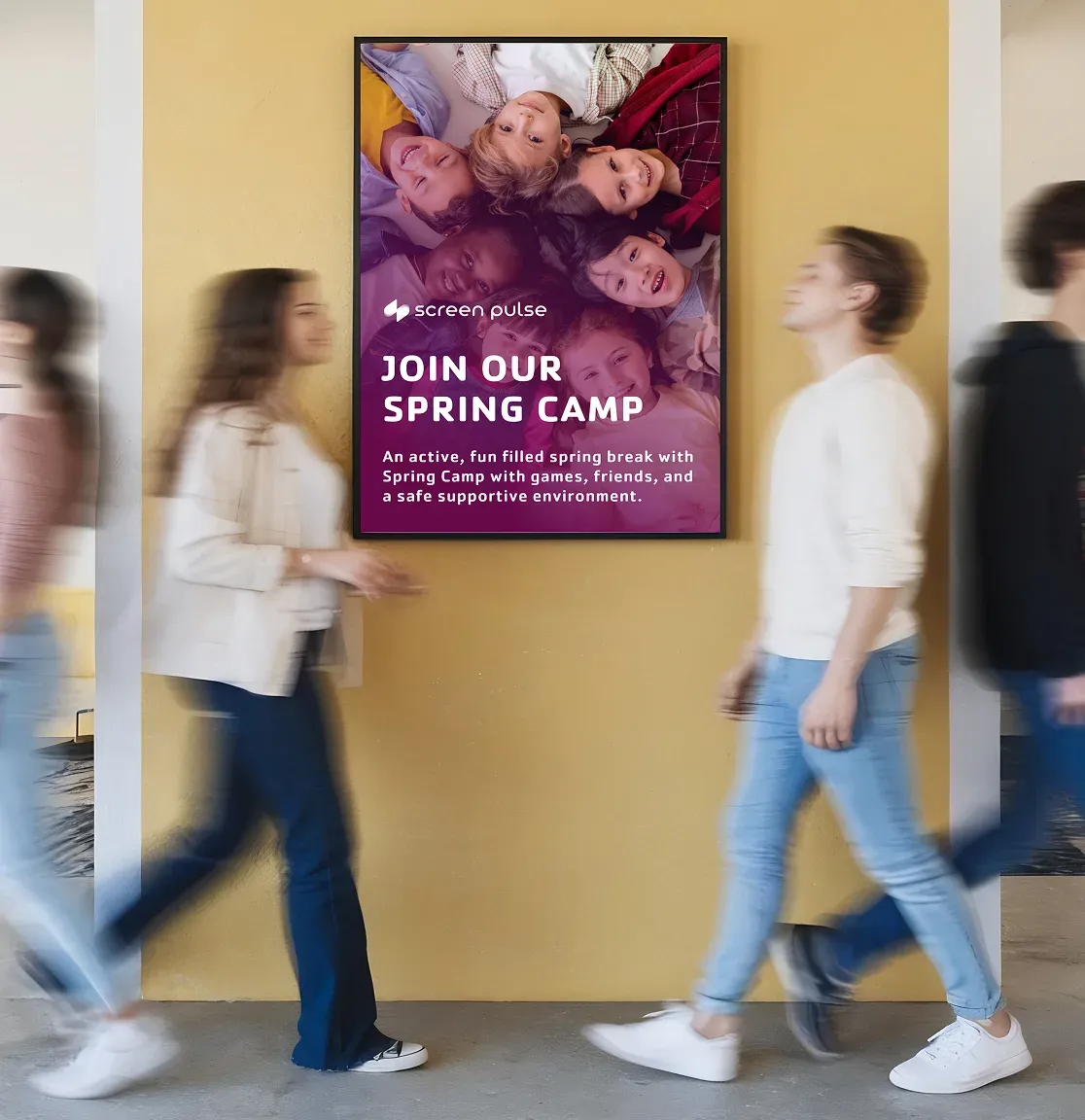
Reception areas
Reduce front-desk questions by showing schedules, availability, and operational notices near service desks.
Program spaces
Show location-specific schedules near studios, courts, pools, or activity areas throughout the branch.
Shared areas
Promote available programs and communicate branch updates in lounges, waiting spaces, and community gathering areas.
Across locations
Keep schedules and operational messaging aligned across multiple branches with automatic real-time updates.
Design & Branding
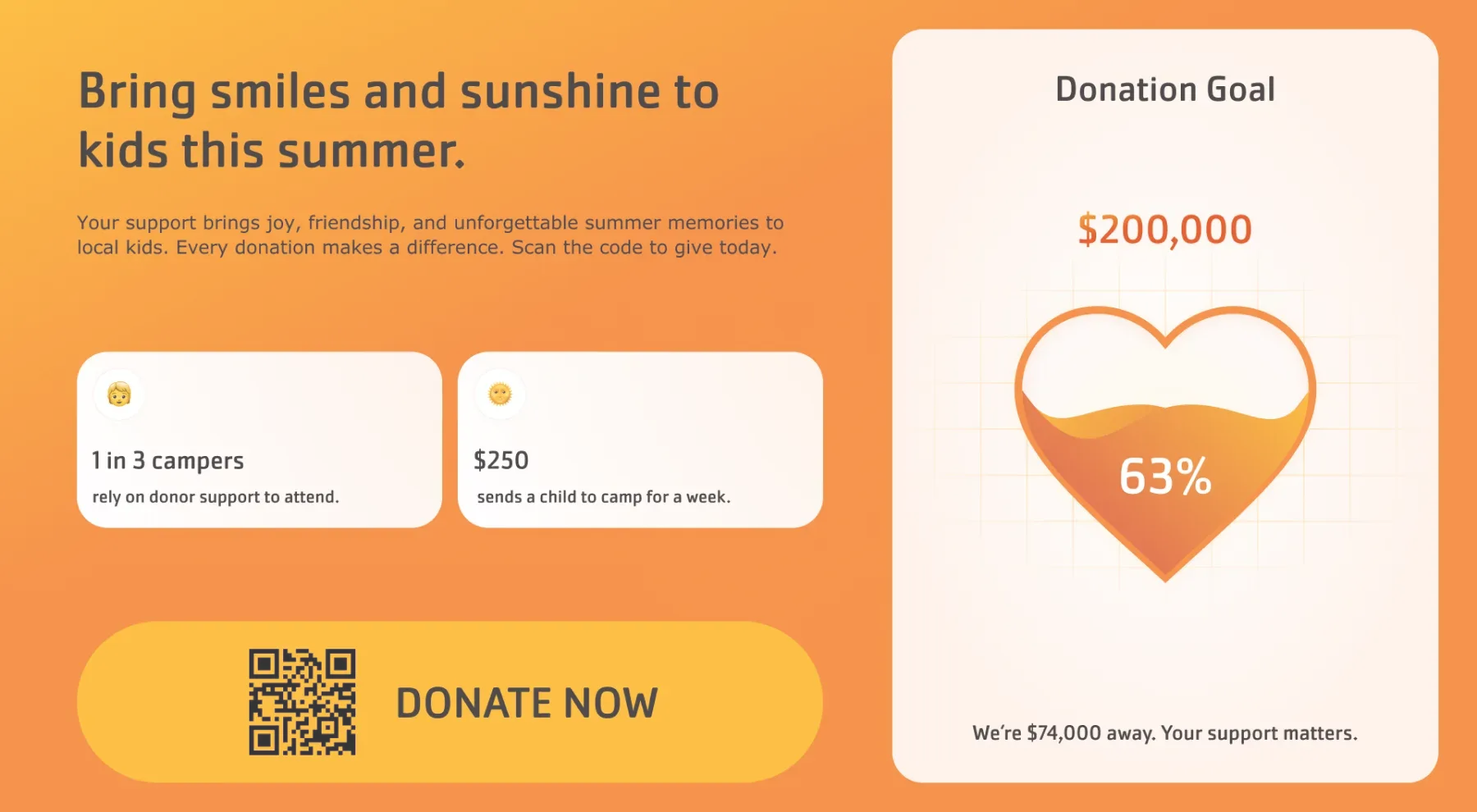
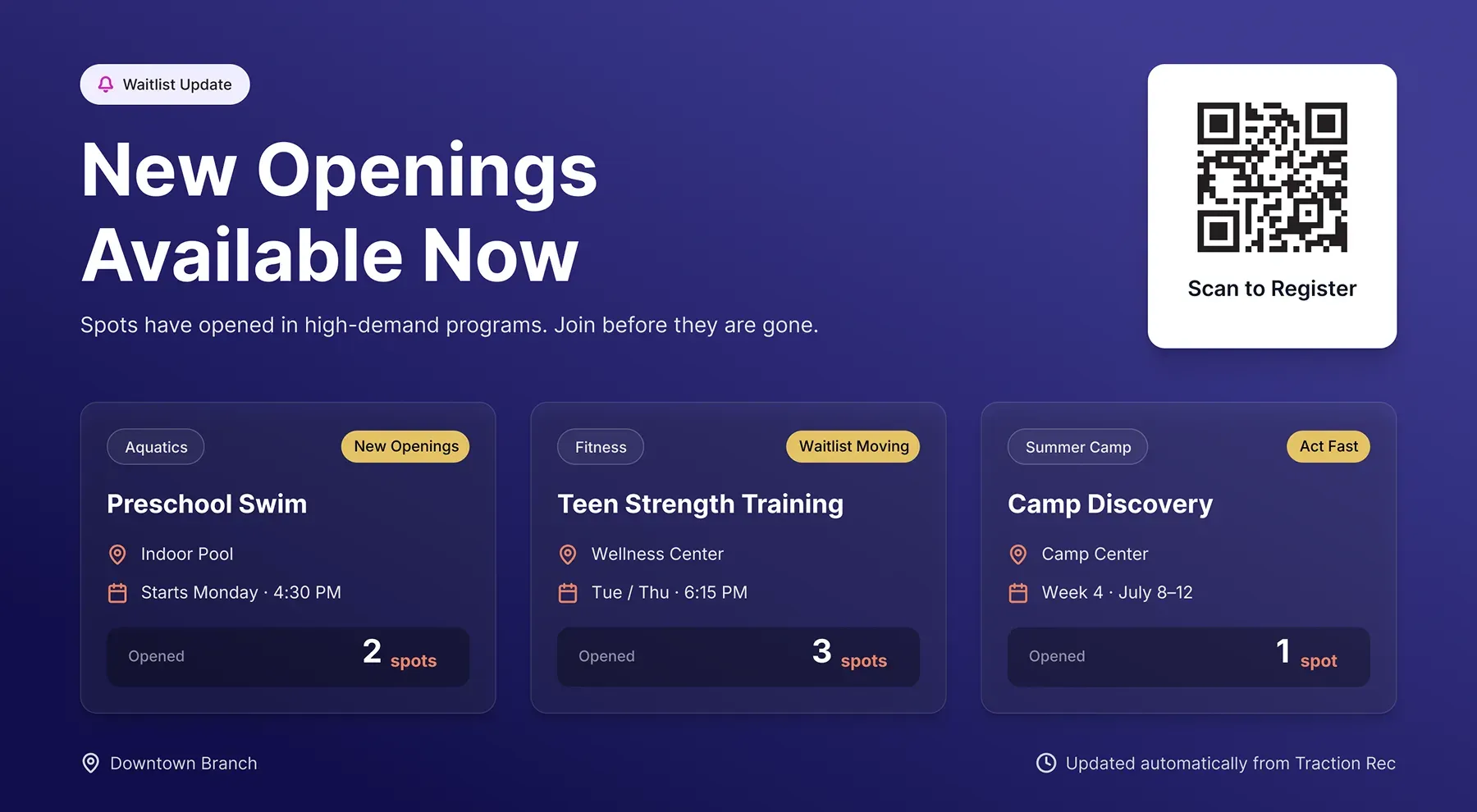
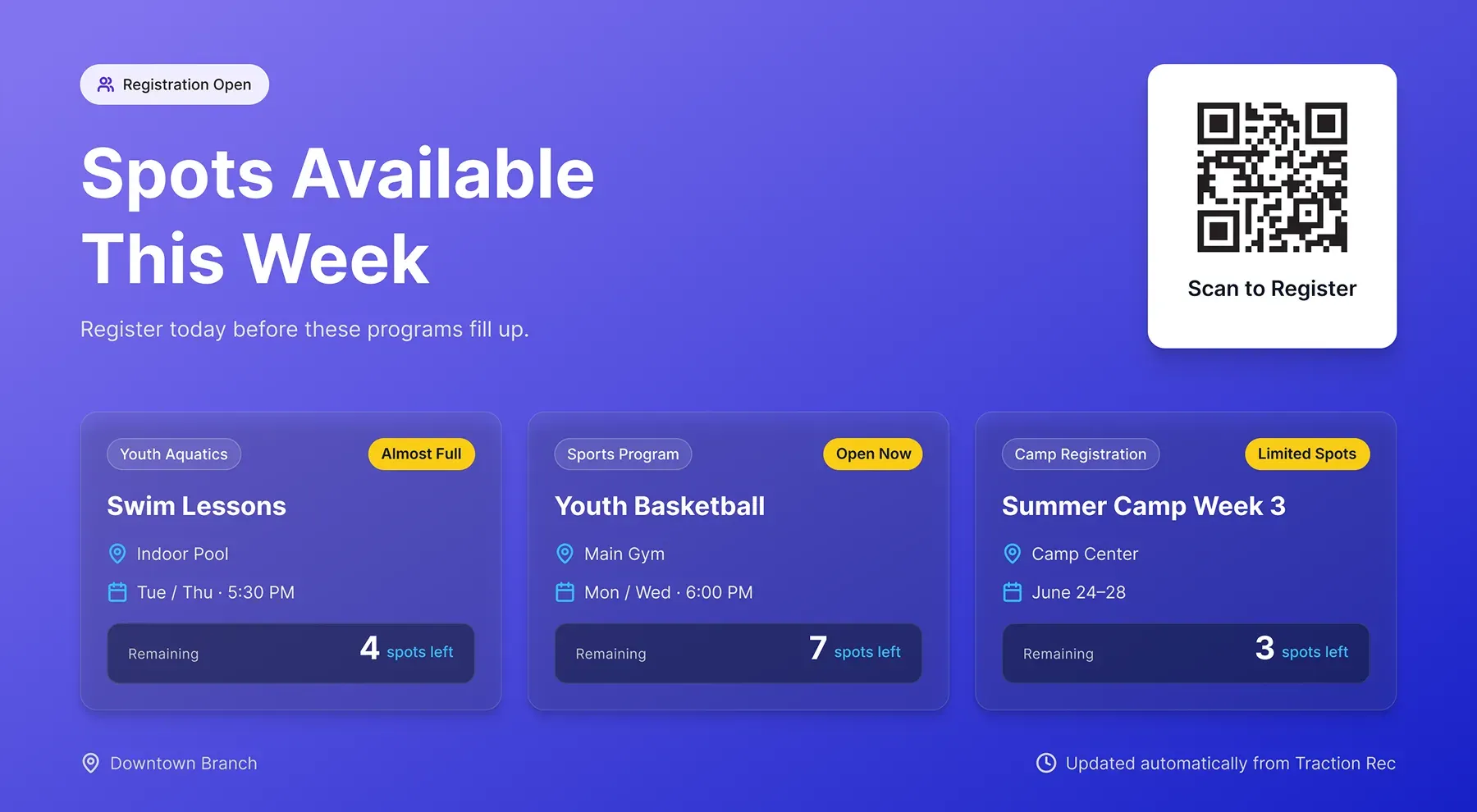
Screen layouts for schedules, availability, and branch communication
Use Daxko Operations data across different screen formats, from branch-wide program displays to operational messaging layouts configured for your spaces and branding.
FAQs
Practical answers about Daxko Operations integration and data syncing
Learn how Screen Pulse uses Daxko Operations data to support program visibility, operational messaging, and day-to-day communication across your facility.
Screen Pulse keeps program information visible where members make decisions throughout the branch.
This helps members:
- See what programs are happening today
- Find activities with available spots
- Understand schedule changes quickly
- Navigate different spaces more confidently
Instead of relying on staff or separate systems, information stays visible directly on screens.
Yes. Screens can answer many of the questions members typically ask staff, including:
- What programs are happening now
- Which activities still have availability
- Where a program is located
- Whether schedules have changed
This reduces repetitive interruptions and helps staff focus on higher-value interactions.
Screen Pulse can support operational communication across the facility, including:
- Facility closures
- Holiday schedules
- Class cancellations
- Program reminders
- Emergency notices
- Community announcements
Messages can be shown on selected displays or across the entire branch network.
Yes. Screen Pulse can scope content to match the physical environment where the screen is installed.
For example:
- A pool screen can show aquatic programs only
- A studio display can show group exercise schedules
- A lobby screen can show a branch-wide overview
This keeps information relevant and easier to understand.
Yes. In addition to schedules, Screen Pulse can support:
- Program promotion
- Open spot visibility
- Community campaigns
- Fundraising communication
- Operational messaging
This allows screens to become part of the branch communication workflow, not just passive schedule displays.
Yes. Organizations can request custom layouts, specialized displays, and extended integration functionality based on operational needs.
This can include:
- New program display formats
- Registration-focused layouts
- Donor and fundraising screens
- Branch-specific operational views
- Additional data integrations connected to Daxko workflows
This approach keeps the platform adaptable to how each organization operates.

Get more value from the systems you already use
Discover how live data from your existing platforms can power screens that increase program participation, improve communication, and reduce operational effort.