

Data Sync
Transform live Traction Rec data into screen-ready content

Class schedules
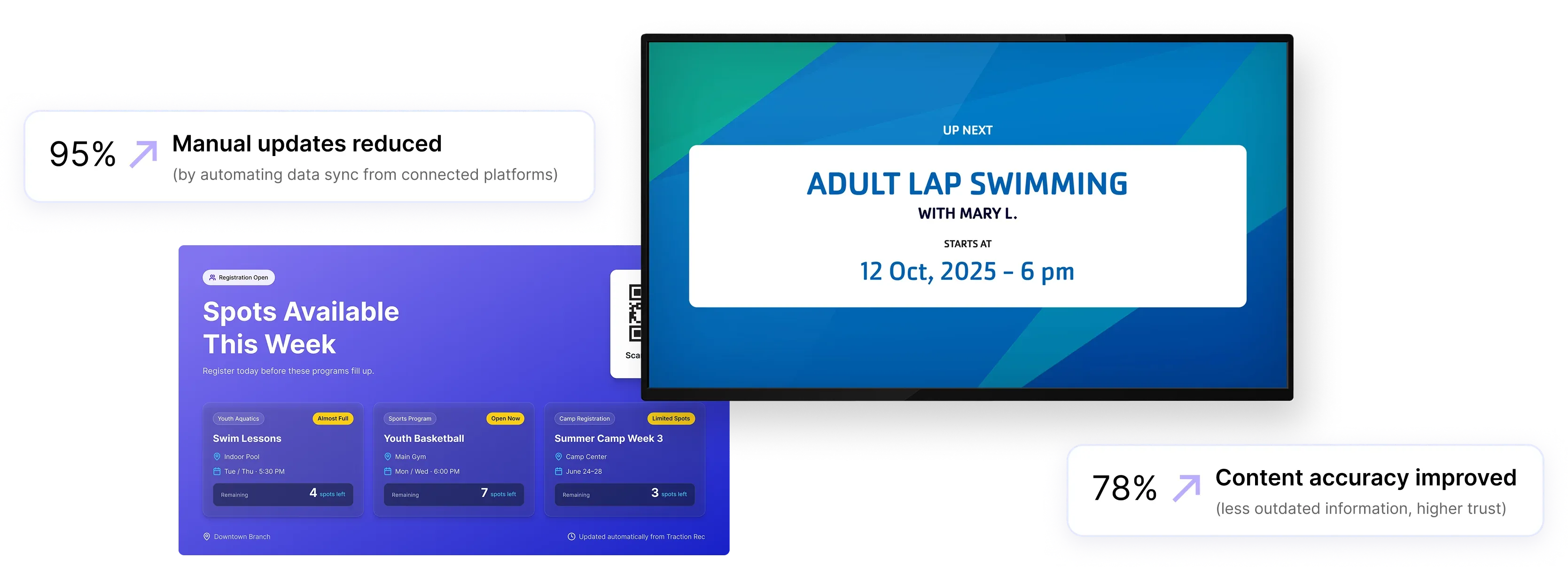
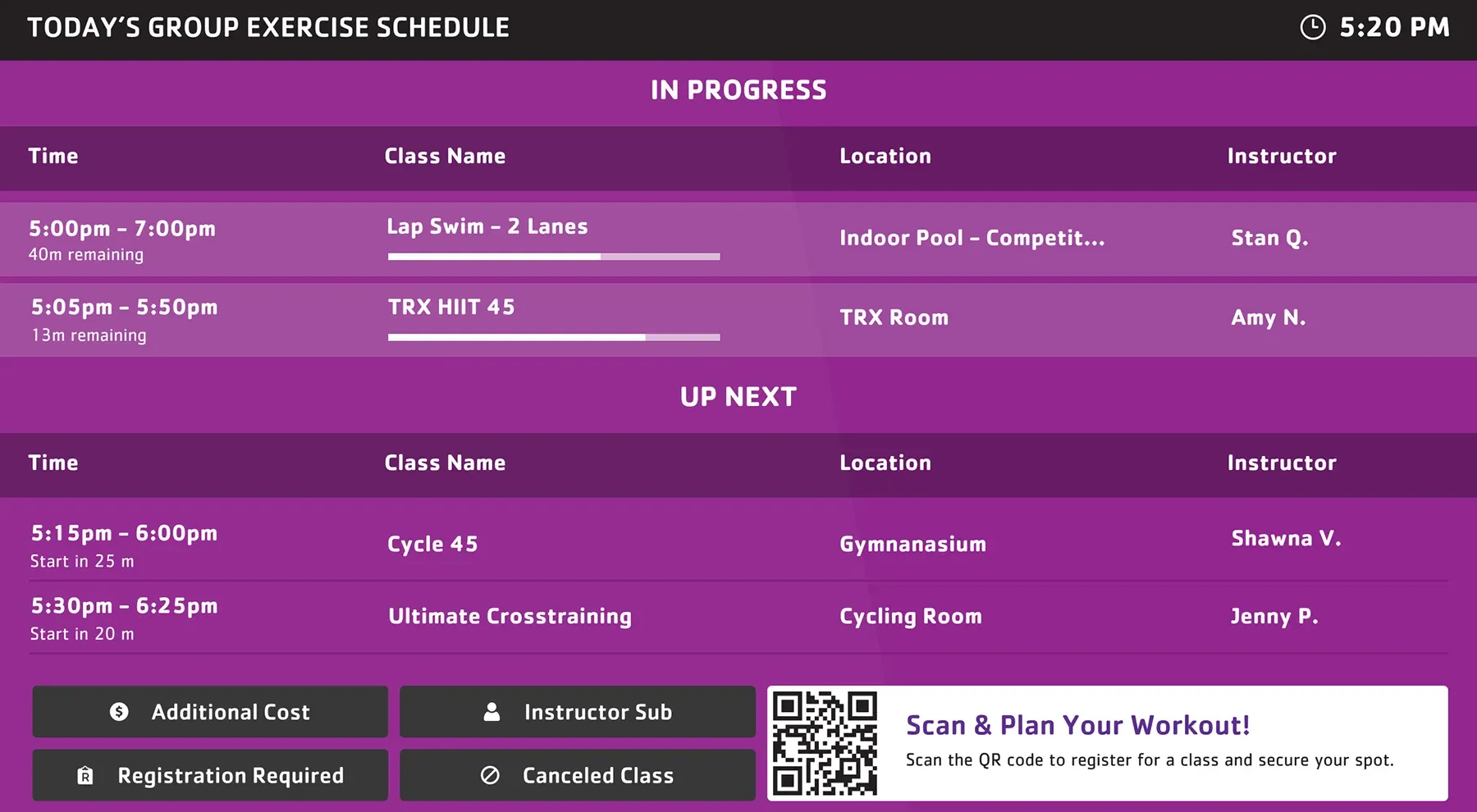
Display current and upcoming classes with accurate timing as schedules update throughout the day.

Program availability
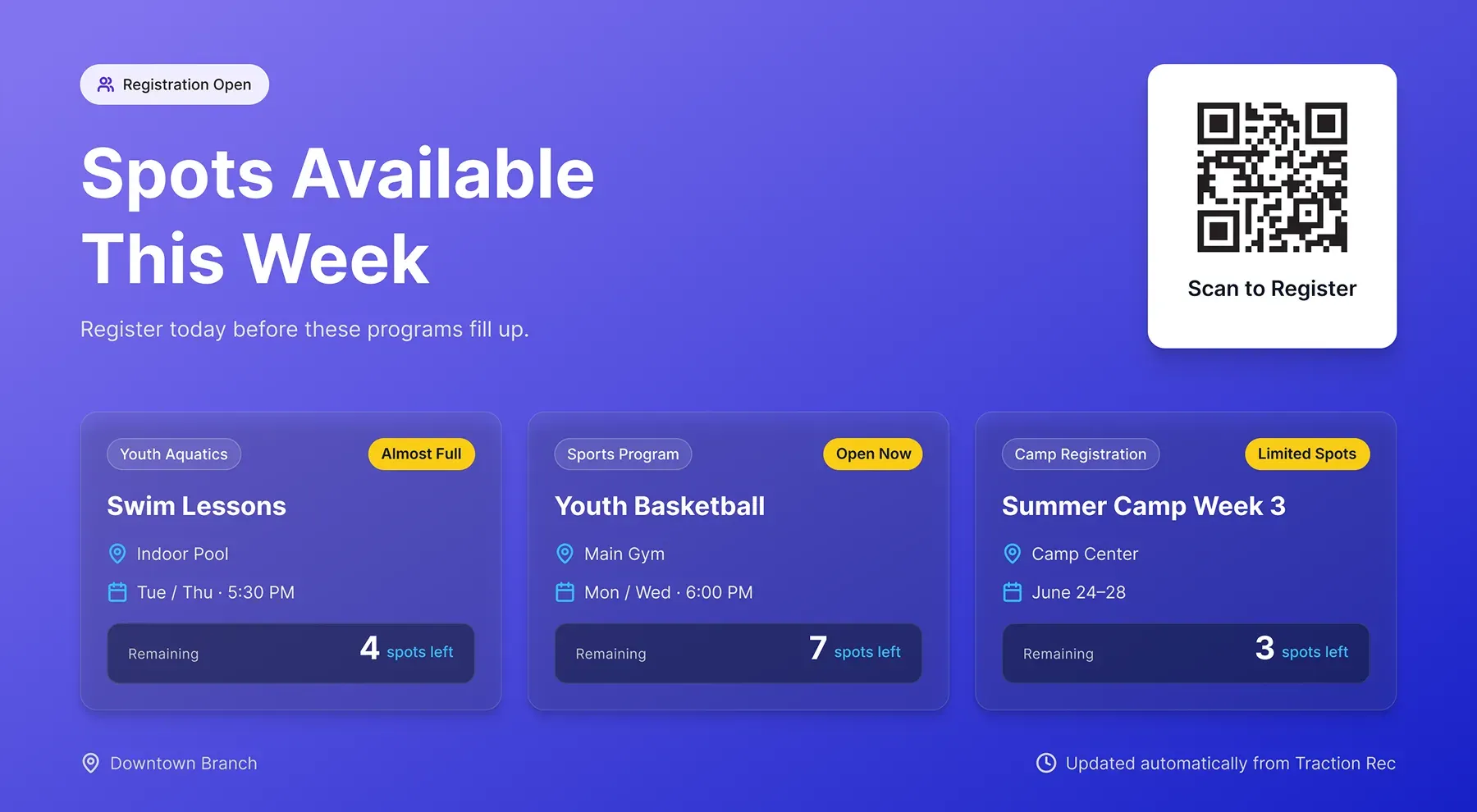
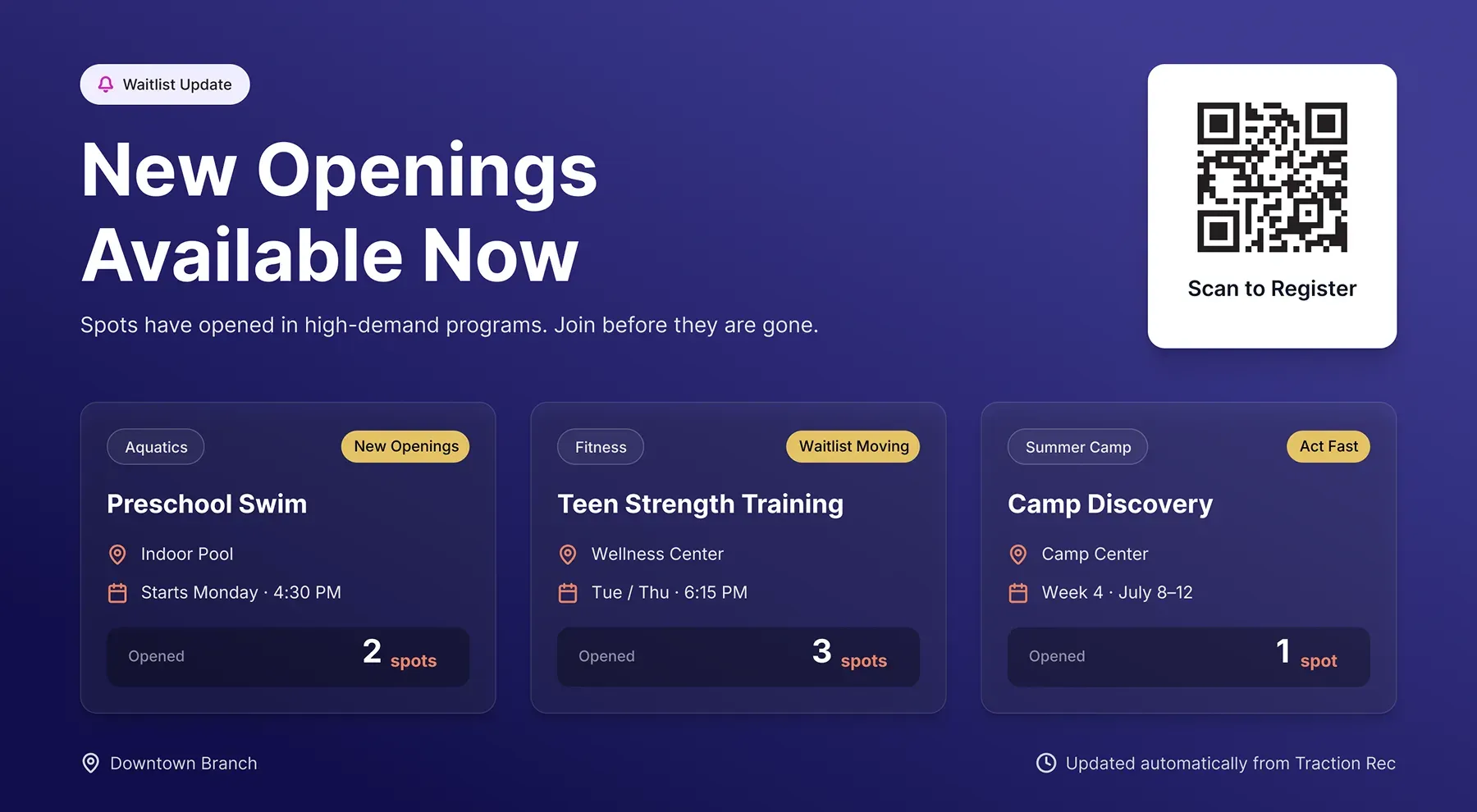
Surface available programs and open spots so members can quickly see what they can still join.

Operational updates
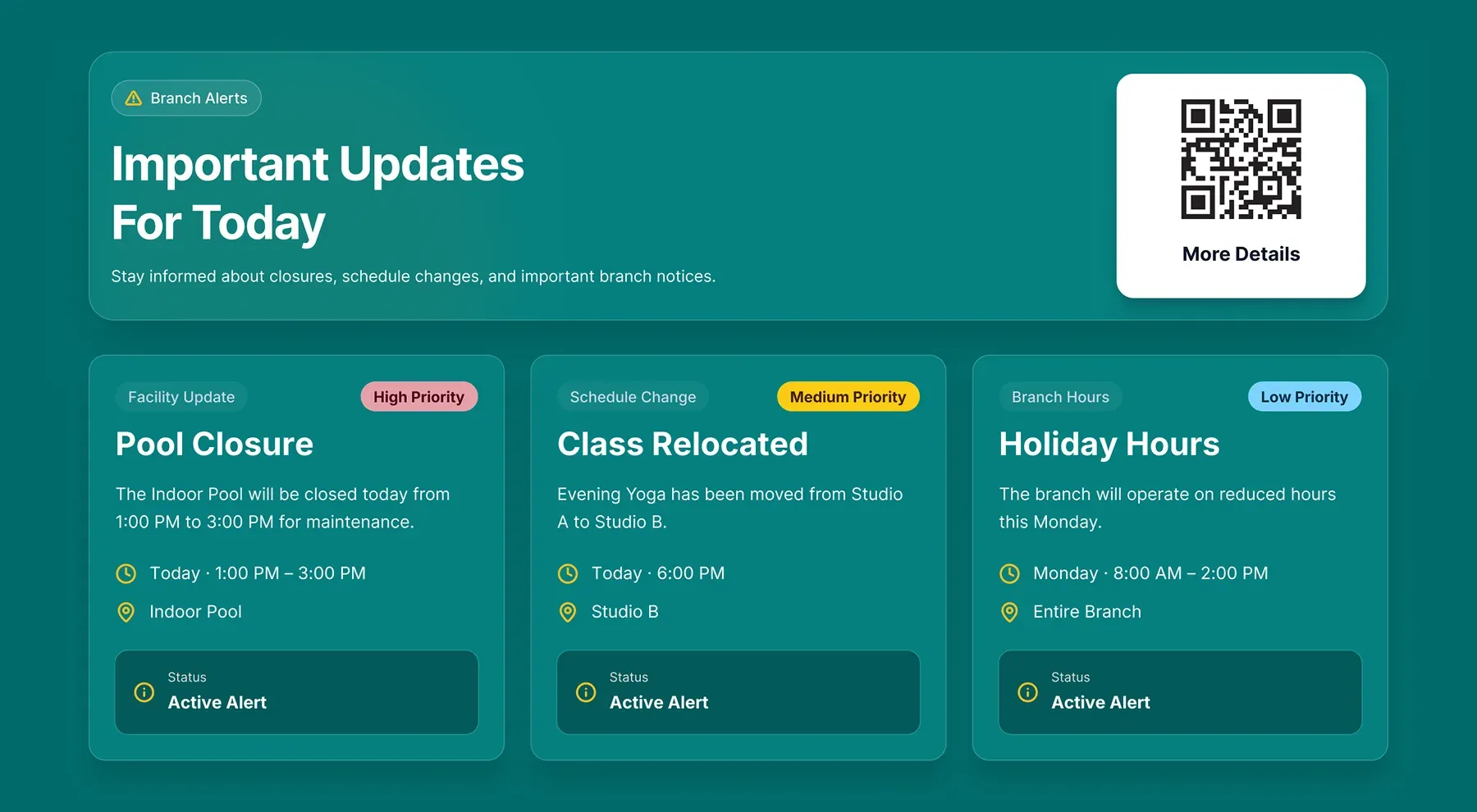
Display branch alerts, closures, cancellations, and fundraising progress using live branch data.
Use Cases
Support navigation, communication, and program discovery
Use Traction Rec data to power schedule displays, operational messaging, program promotion, and room-level communication across your branch screens.
Lobby screens
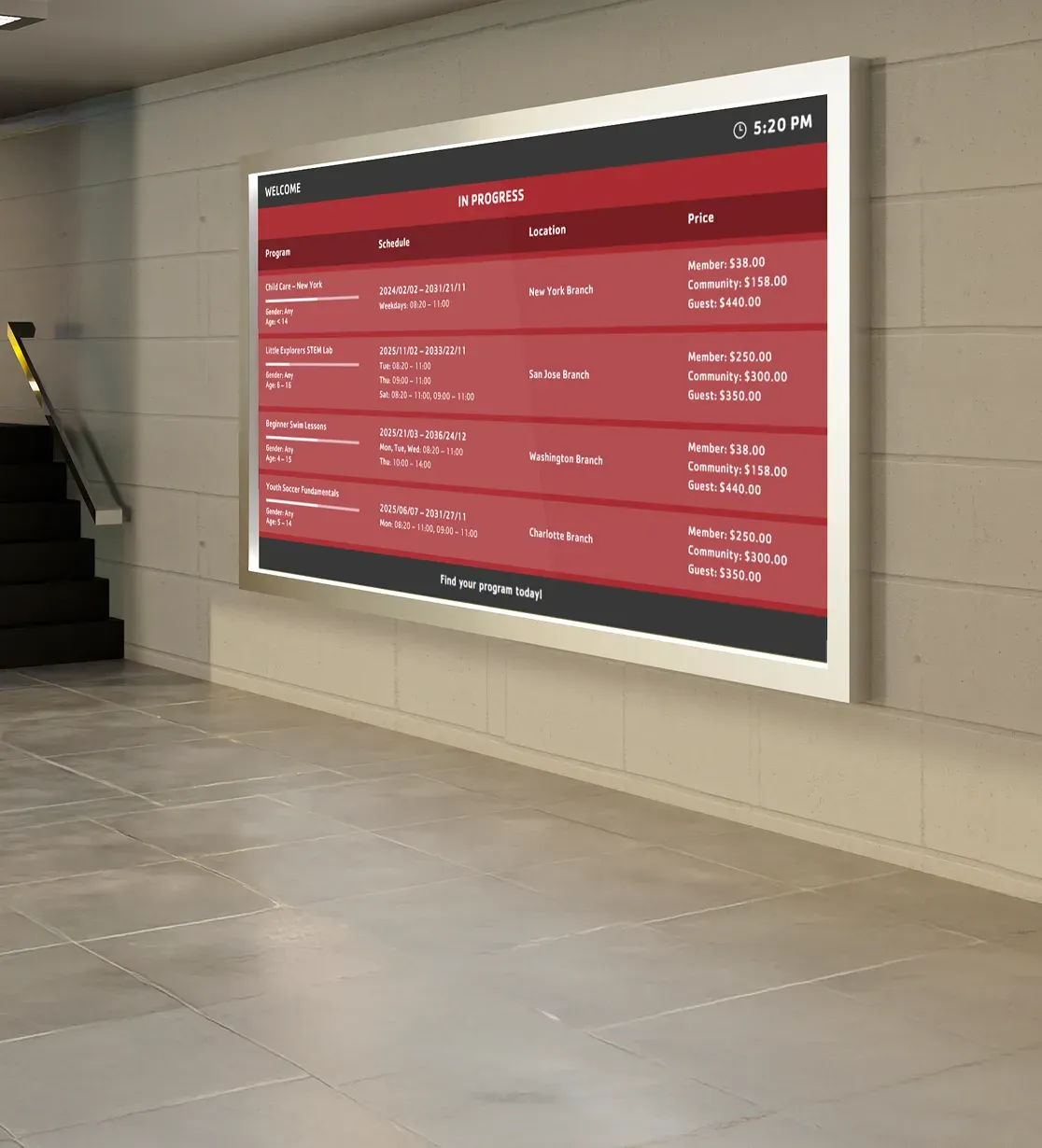
Display schedules, available programs, and branch updates where members first enter the facility and explore activities.
Check-in areas
Reduce front desk questions by keeping schedules, alerts, and program information visible near service desks.
Room entrances
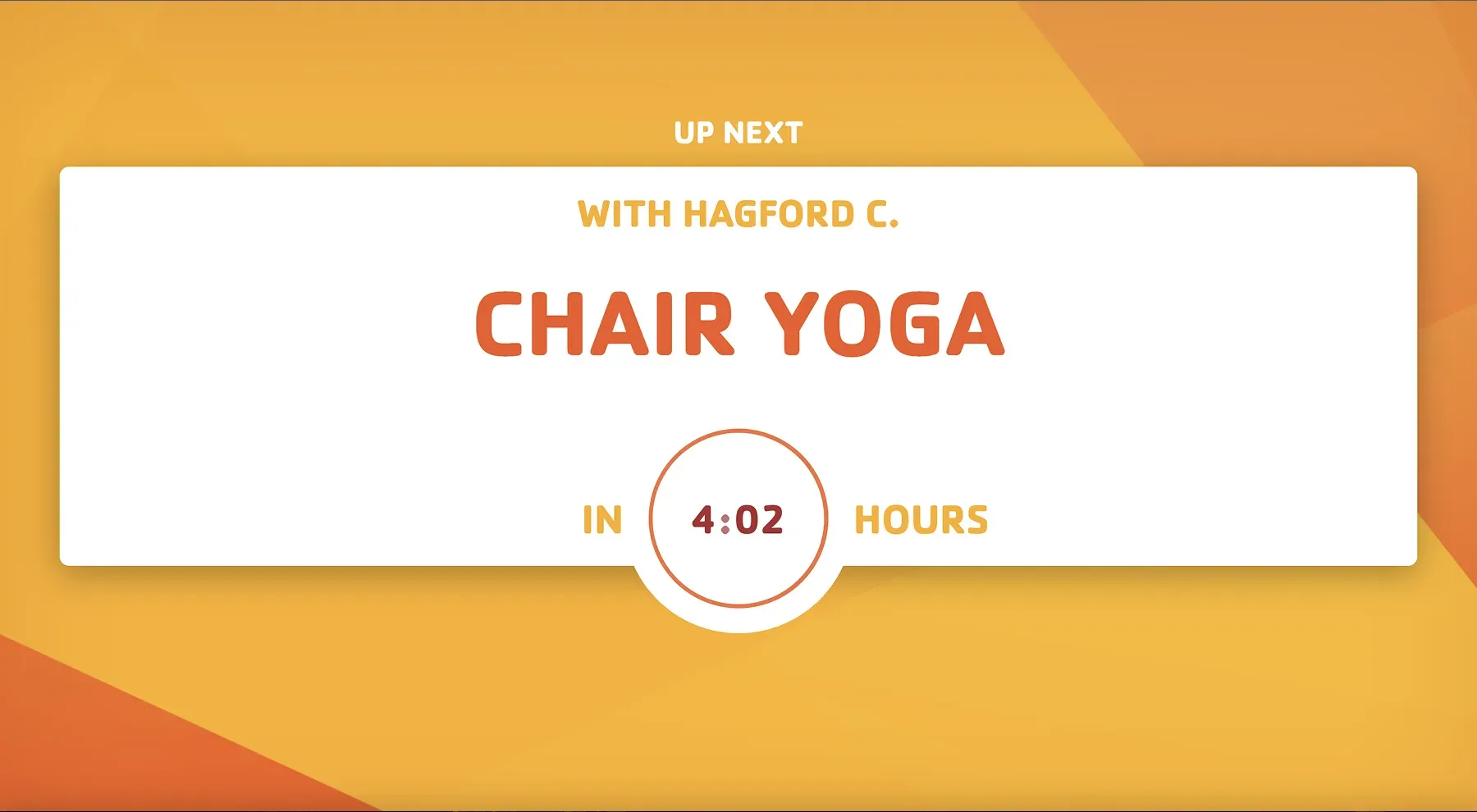
Show current and upcoming classes right at the door so members know whether to join, wait, or head to another space.
Across locations
Keep schedules, alerts, and operational messaging aligned across multiple branches with live updates from Traction Rec.
Shared spaces
Promote programs with available spots and communicate updates in lounges, hallways, and waiting areas.
Design & Branding
Screen layouts built for schedules, rooms, and daily operations
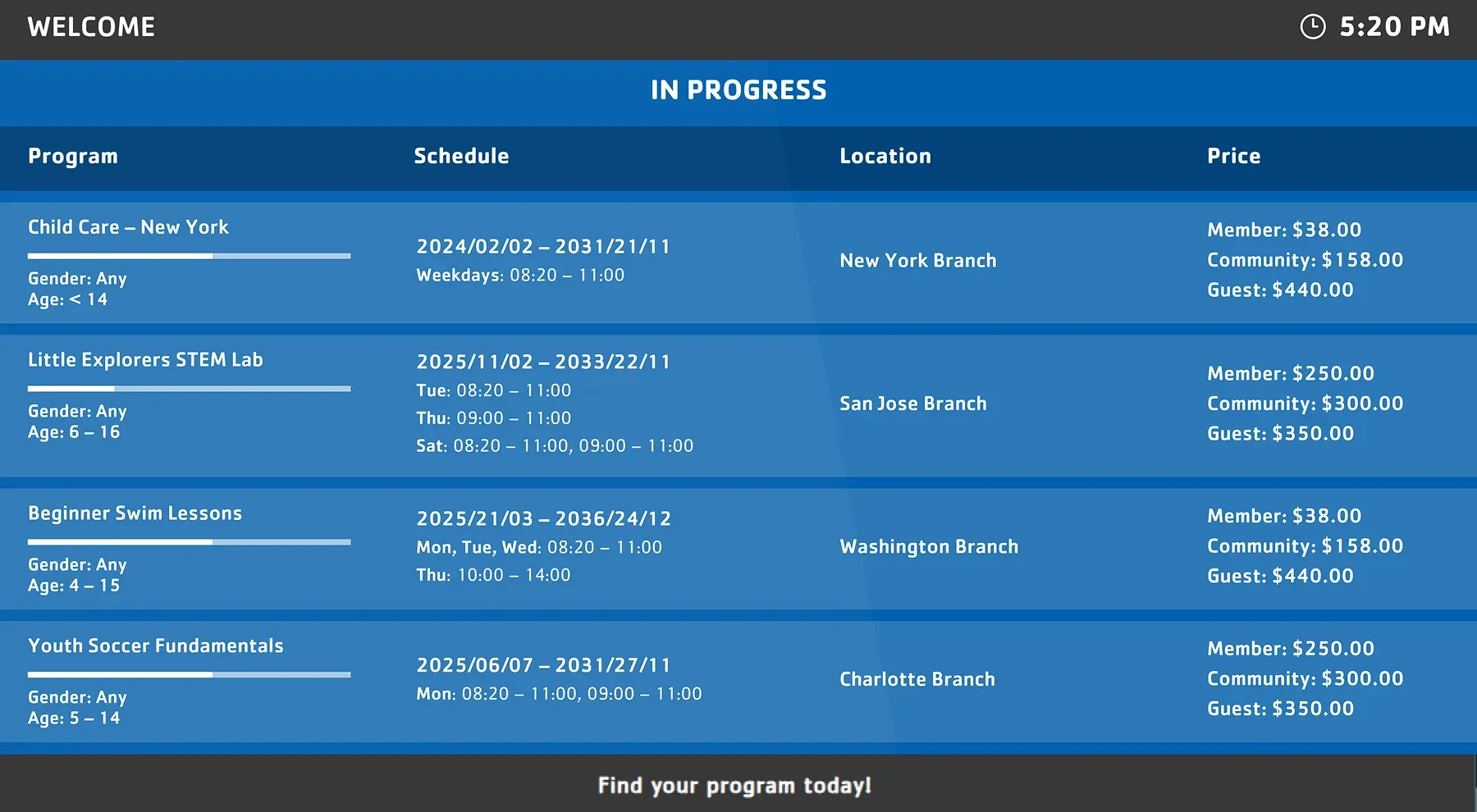
Use Traction Rec data across different screen formats, from branch-wide schedule displays to room-level screens, with layouts and visual styles configured for your spaces and branding.
FAQs
Practical answers about Traction Rec integration and data syncing
Understand what data is synced from Traction Rec, how apps use it on screens, and how updates stay accurate across locations.
Screen Pulse uses structured branch data to power different screen experiences, including:
- Current and upcoming classes
- Program schedules and listings
- Room-level activity by space
- Instructor names and session timing
- Program availability and open spots
- Schedule changes or cancellations
- Operational notices and branch alerts
- Fundraising campaigns and donor recognition content
Each data type is mapped to a specific screen layout depending on where the display is placed.
Updates are reflected automatically as changes happen in Traction Rec.
This includes:
- Schedule edits
- Class cancellations
- Instructor or timing changes
Screens stay aligned with your system without delays or manual refresh.
Yes. Screens can be scoped based on your operational structure:
- Show schedules for a single room
- Display data for a specific branch
- Combine multiple spaces into one view
This ensures each screen only shows what’s relevant in that location.
Yes. Screen Pulse can display programs or classes that still have open capacity using Traction Rec availability data.
This can be used to:
- Promote underfilled classes
- Highlight programs available today
- Encourage same-day participation
- Increase visibility for available activities across the branch
Yes. Screen Pulse supports multi-location setups:
- Connect multiple branches within Traction Rec
- Assign different screens to each location
- Keep schedules consistent across the organization
This is especially useful for organizations managing multiple facilities.
Yes. Screen Pulse supports custom layouts, additional use cases, and integration extensions based on operational needs.
Organizations can request:
- Custom screen templates
- Additional schedule views
- Specialized room displays
- New data visualizations
- Extended Traction Rec functionality
- New operational or fundraising screen experiences
This allows the integration to evolve around how your branch communicates and operates.

Get more value from the systems you already use
Discover how live data from your existing platforms can power screens that increase program participation, improve communication, and reduce operational effort.