

Data Sync
Turn live Mindbody data into content for your screens

Class schedules
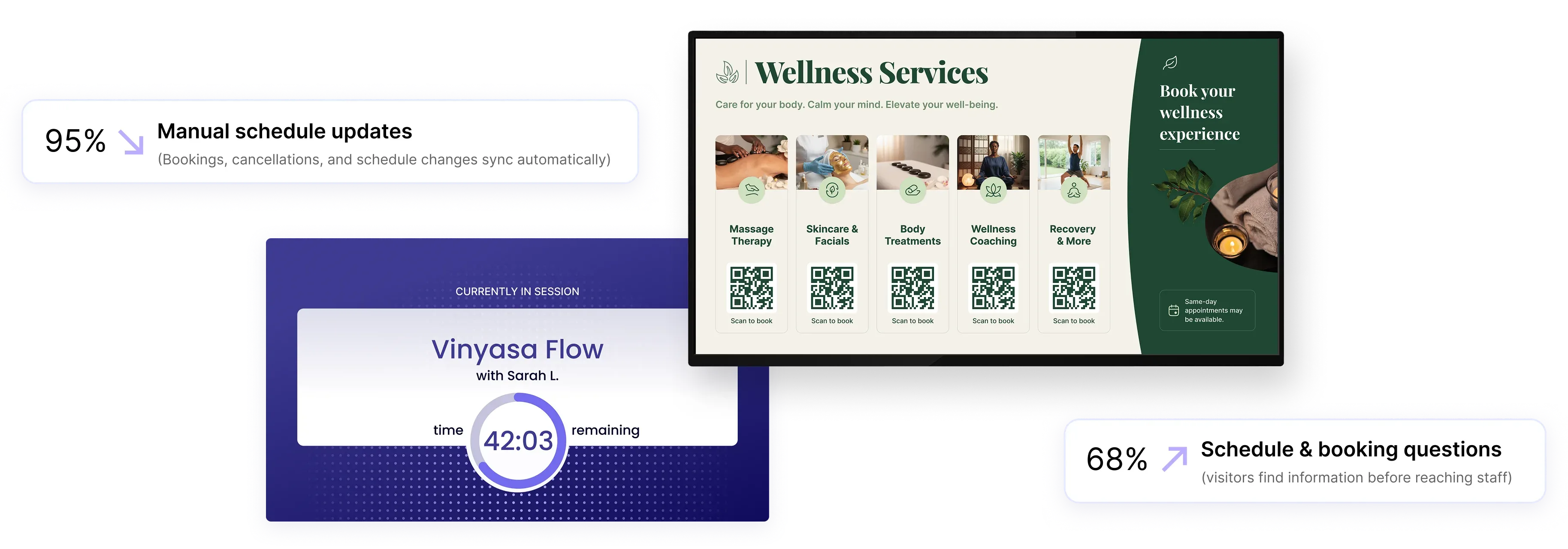
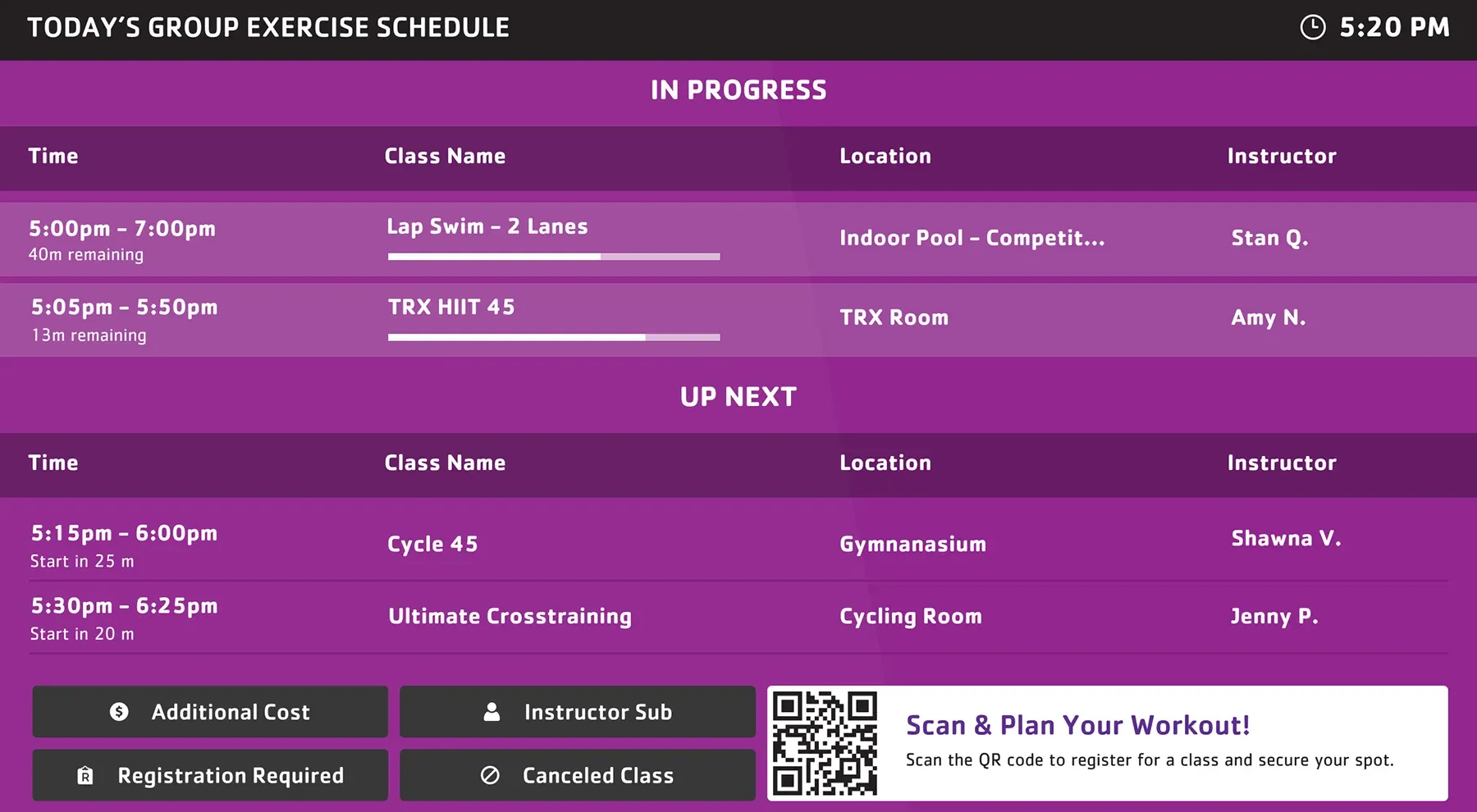
Display current and upcoming classes with accurate timing as bookings and changes happen throughout the day.

Room activity
Show what’s happening in each room, including active sessions, upcoming classes, and instructor details.

Booking updates
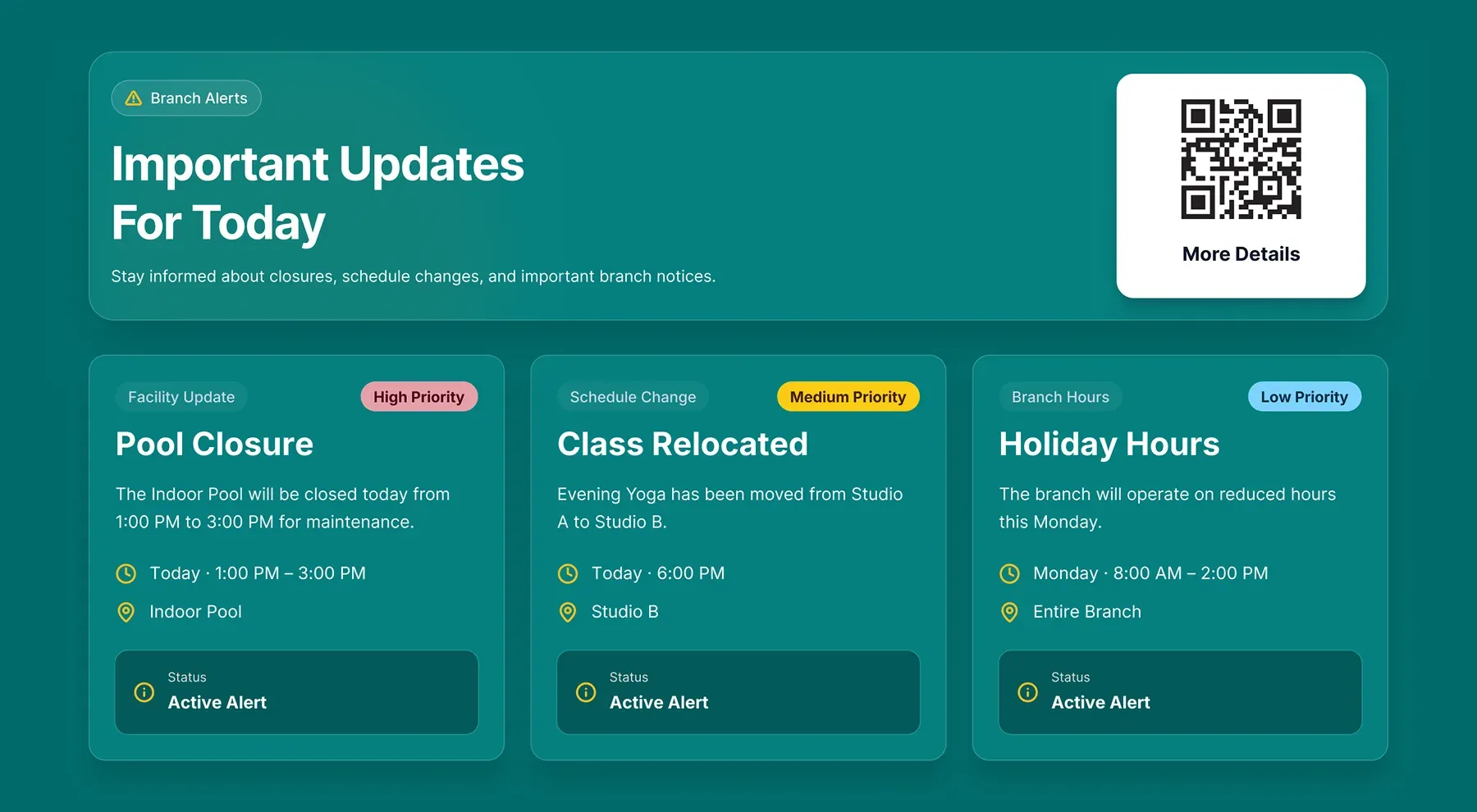
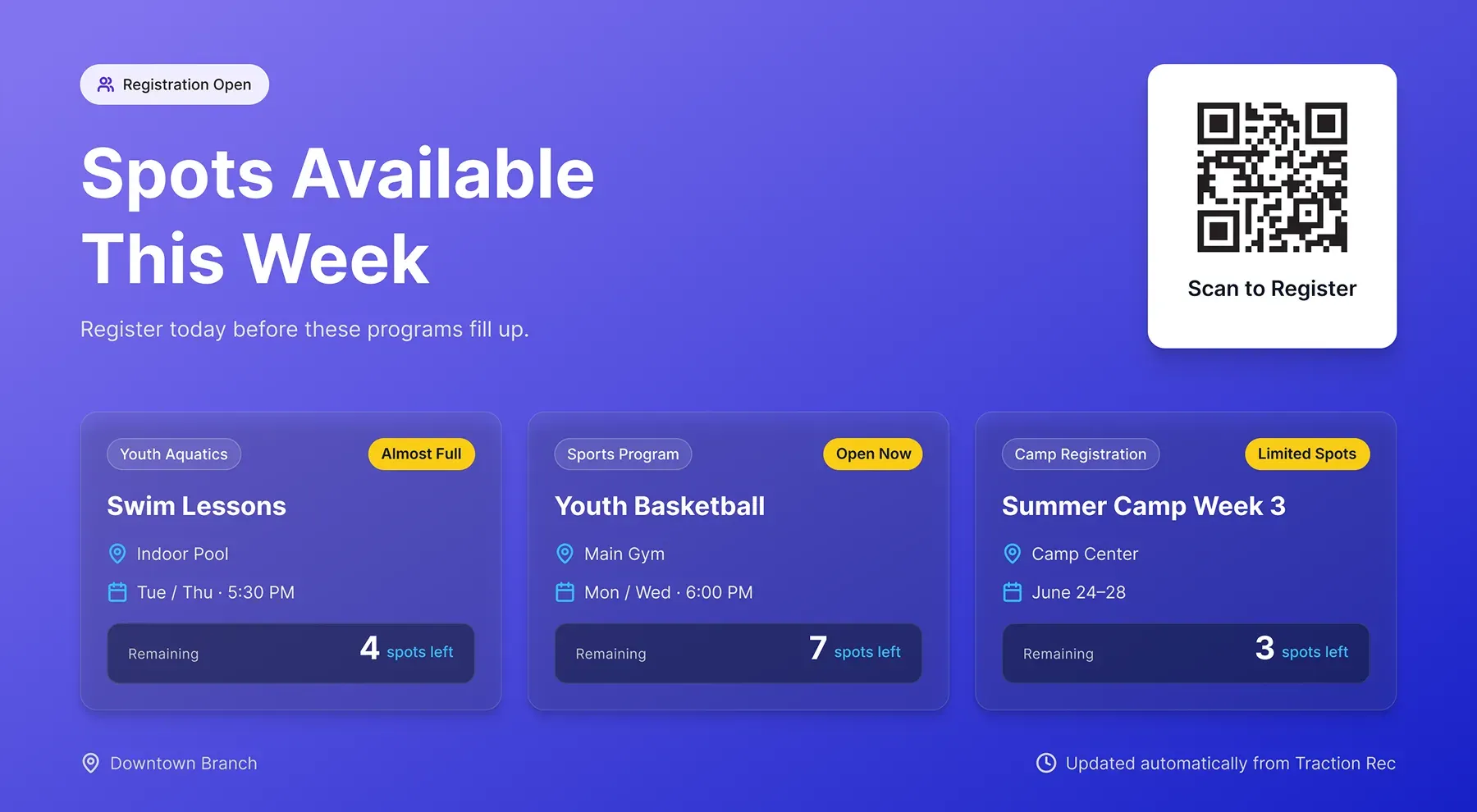
Reflect schedule changes, cancellations, and availability instantly so screens match your system at all times.
Use cases
Display schedules across key areas of your facility
Use Mindbody data to keep class schedules visible where members check availability, find studios, and move between sessions.
Lobby screens
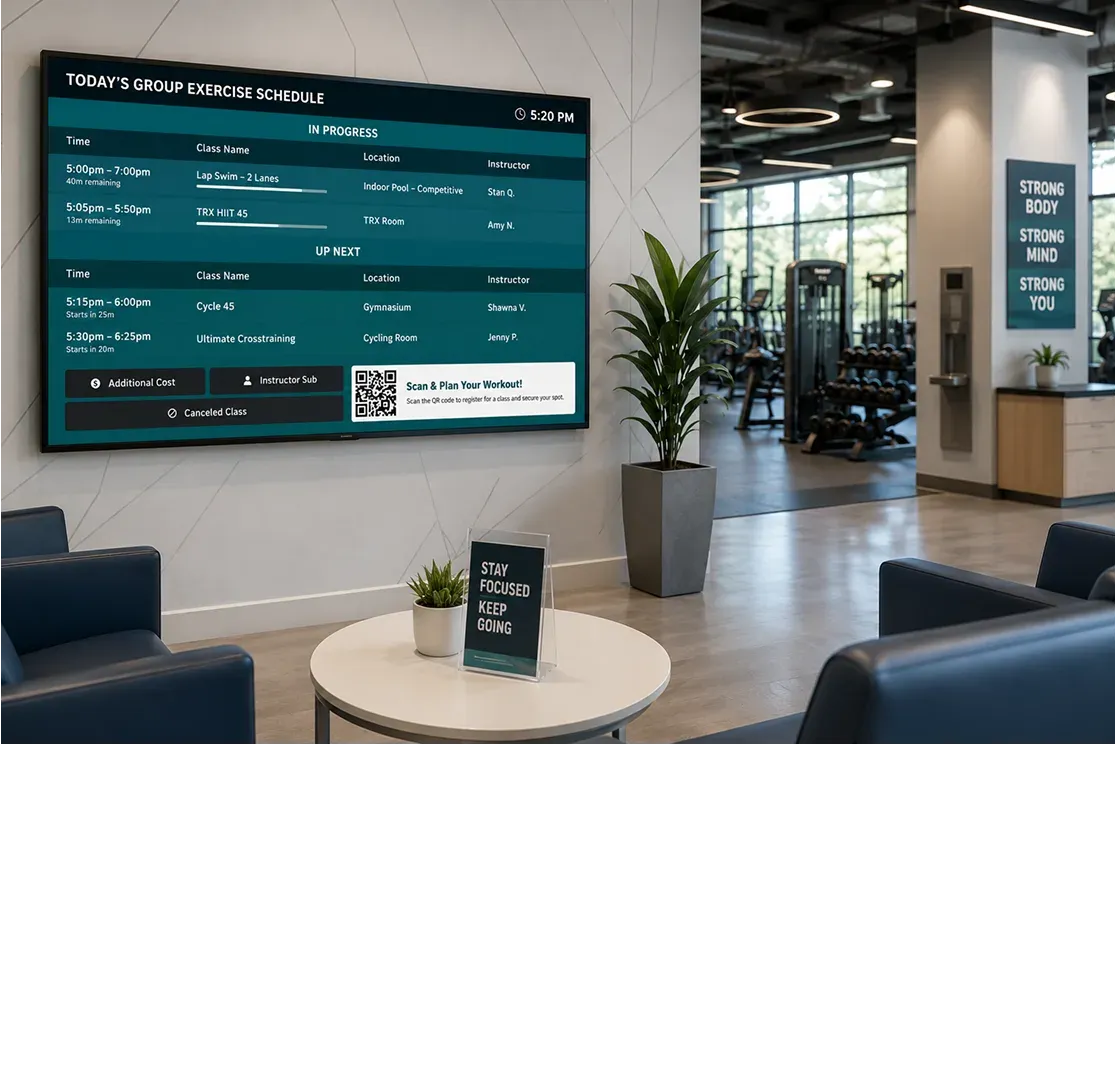
Display the full daily schedule so visitors can see what’s available right now, later, and throughout the day.
Waiting areas
Keep upcoming classes visible where members compare available classes before making their next choice.
Reception areas
Provide a clear view of availability to reduce schedule, booking, and class-related questions near staff.
Room entrances
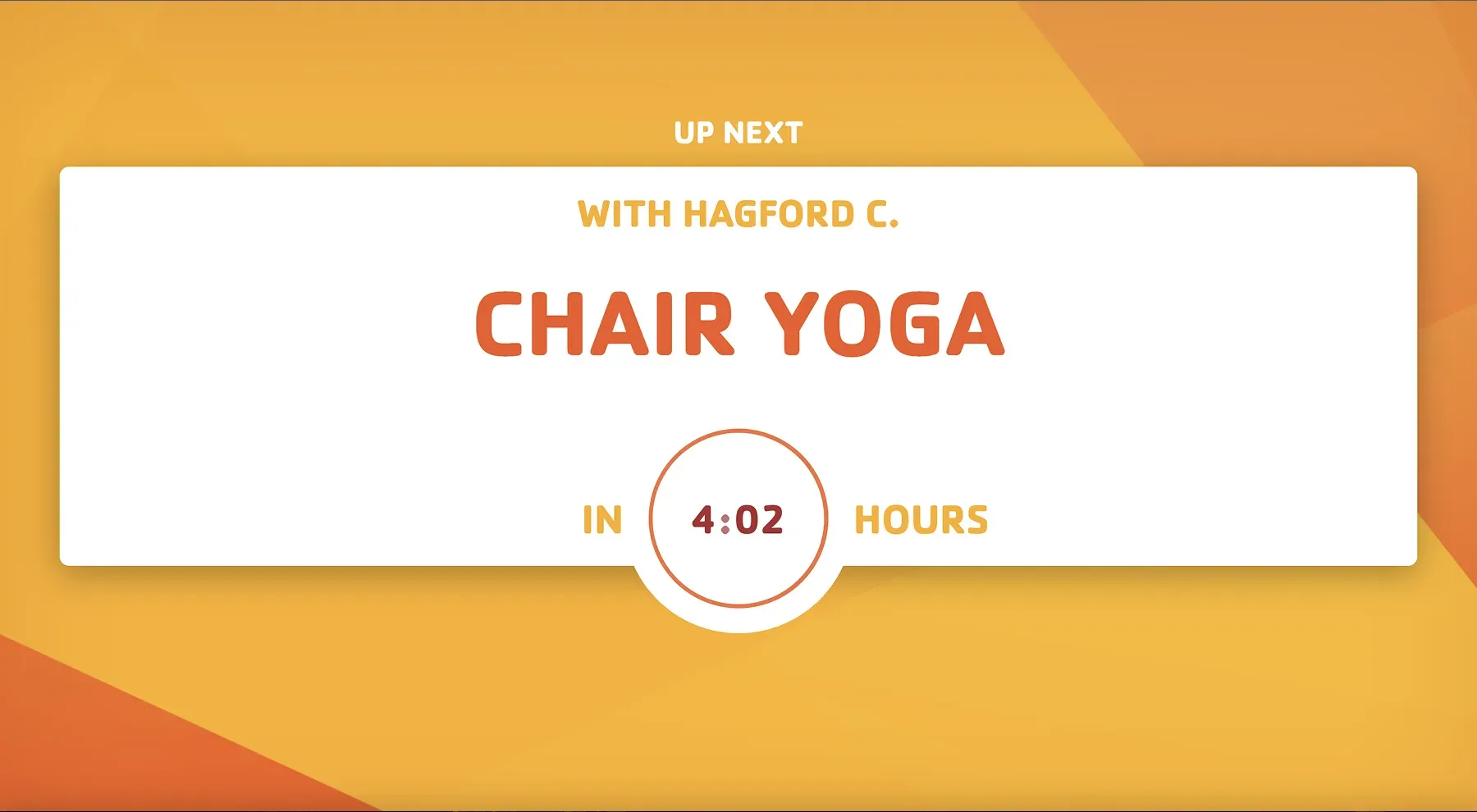
Confirm the current class, next session, instructor, and schedule timing right outside each studio or activity room.
Multi-room facilities
Keep room schedules aligned across studios and activity spaces as bookings and changes happen automatically.
Design & Branding
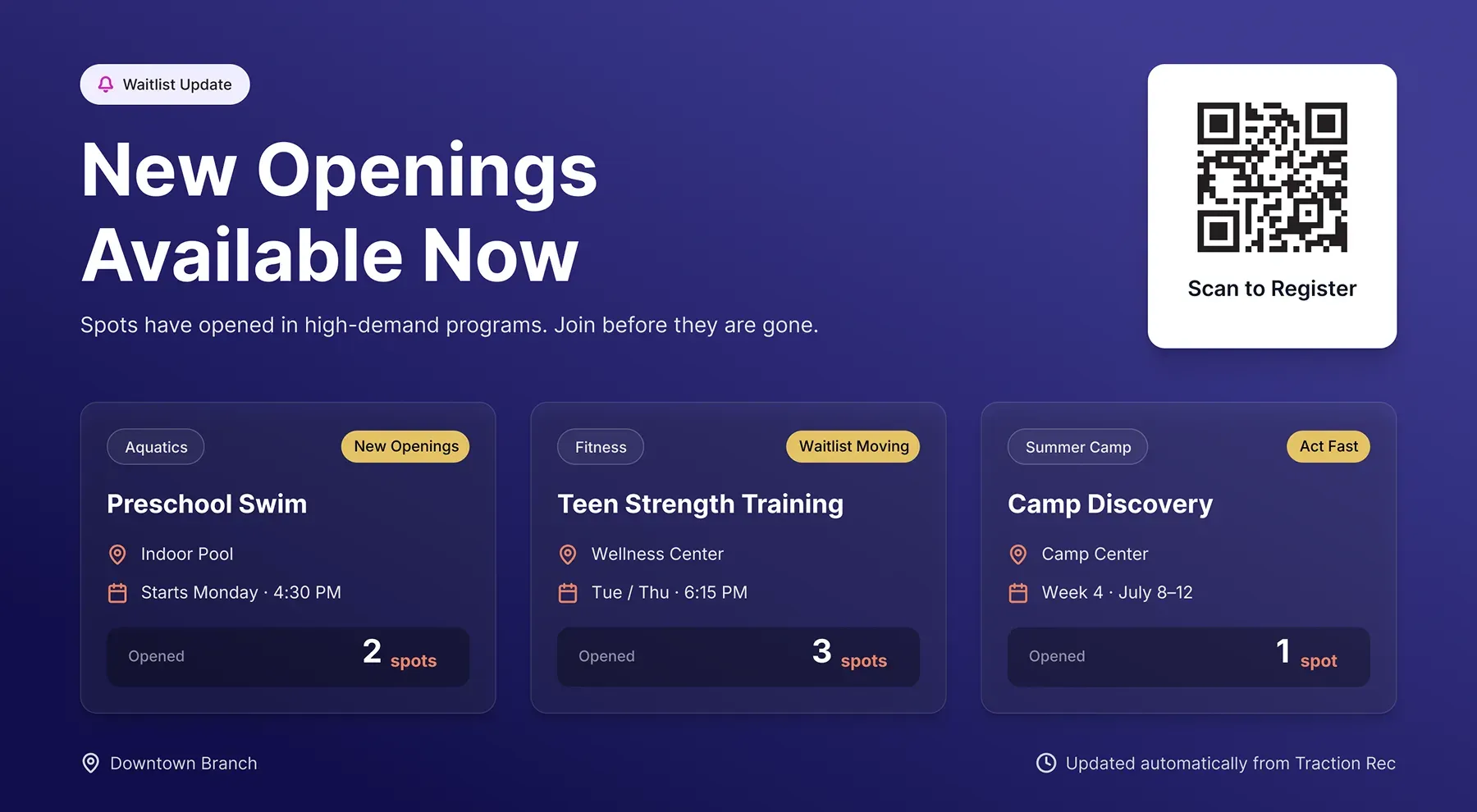
Screen layouts for schedules and studio displays
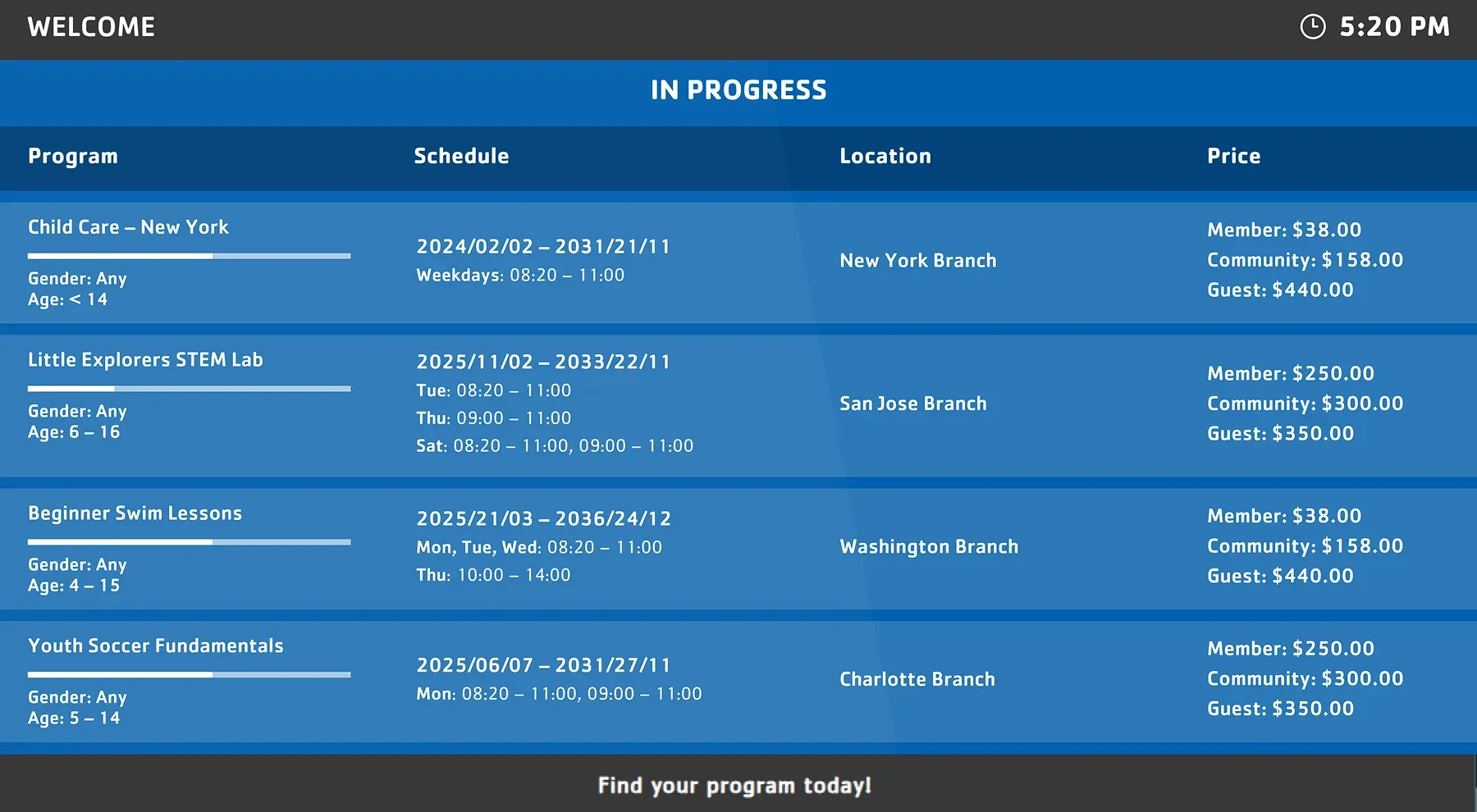
Use Mindbody data across different screen formats, from daily schedule displays to room-level layouts configured for your spaces, branding, and visitor flow.
FAQs
Practical answers about Mindbody integration and live data syncing
Understand how Mindbody schedules appear on screens, how booking changes are reflected, and how displays stay accurate across your facility without manual updates.
Screens display structured class and booking data, including:
- Current and upcoming classes
- Instructor names
- Start times and duration
- Availability and schedule changes
This data is formatted differently depending on the screen, such as room entry displays or daily schedule screens.
Screens update automatically as changes happen in Mindbody:
- New bookings
- Cancellations
- Schedule adjustments
This keeps displays aligned with your system throughout the day.
Yes. You can configure each screen to show:
- A specific room or studio
- A full facility schedule
- Selected locations or class types
This ensures each screen matches its physical placement.
No. Once the integration is configured:
- Schedules update automatically
- Booking changes are reflected in real time
- No manual content updates are required
This reduces front desk workload and keeps information consistent.
Yes. Screen Pulse supports multi-location setups:
- Connect multiple studios or facilities
- Assign screens by location
- Keep schedules consistent across all sites
This is useful for organizations managing multiple spaces.
Yes. Screen Pulse supports custom screen experiences and extended functionality based on how your facility operates.
Organizations can request:
- Custom class schedule layouts
- Specialized studio displays
- Additional booking visibility features
- Expanded operational messaging
- Branded screen experiences
- Extended Mindbody data integrations
This allows screens to evolve around your workflows, spaces, and communication needs.

Get more value from the systems you already use
Discover how live data from your existing platforms can power screens that increase program participation, improve communication, and reduce operational effort.