

Data Sync
Turn GroupEx PRO schedules into live screen experiences

Daily schedules
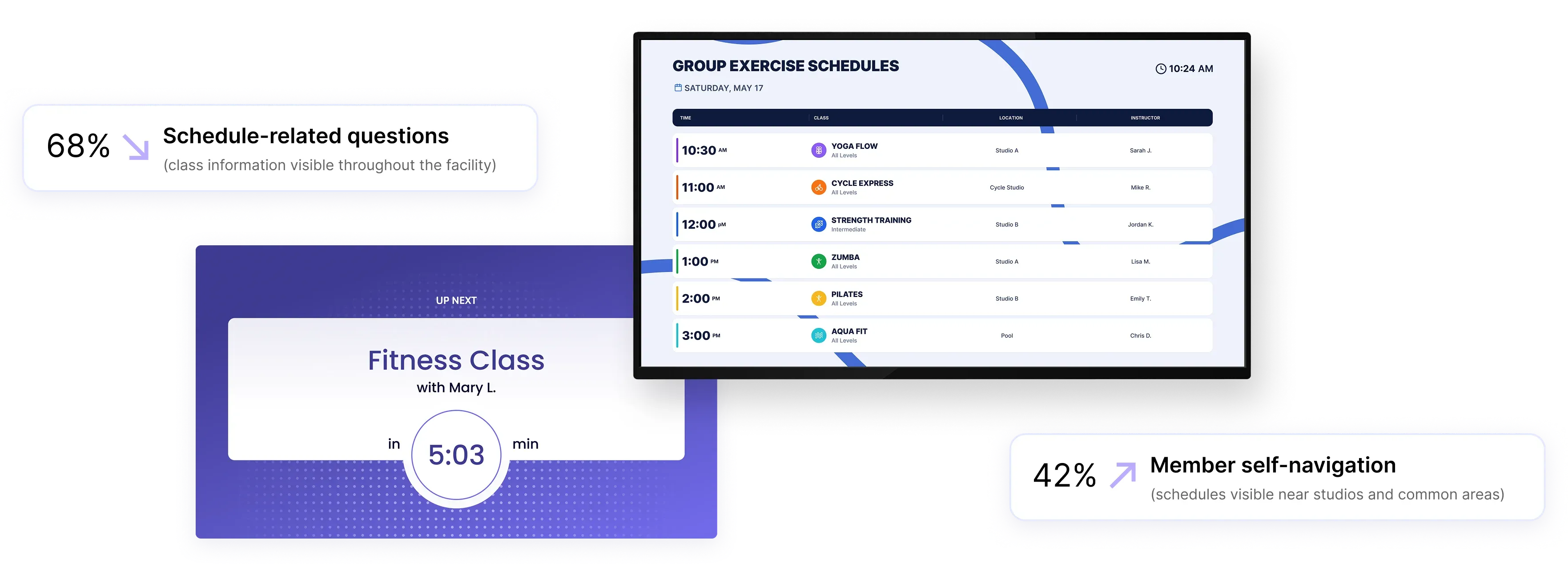
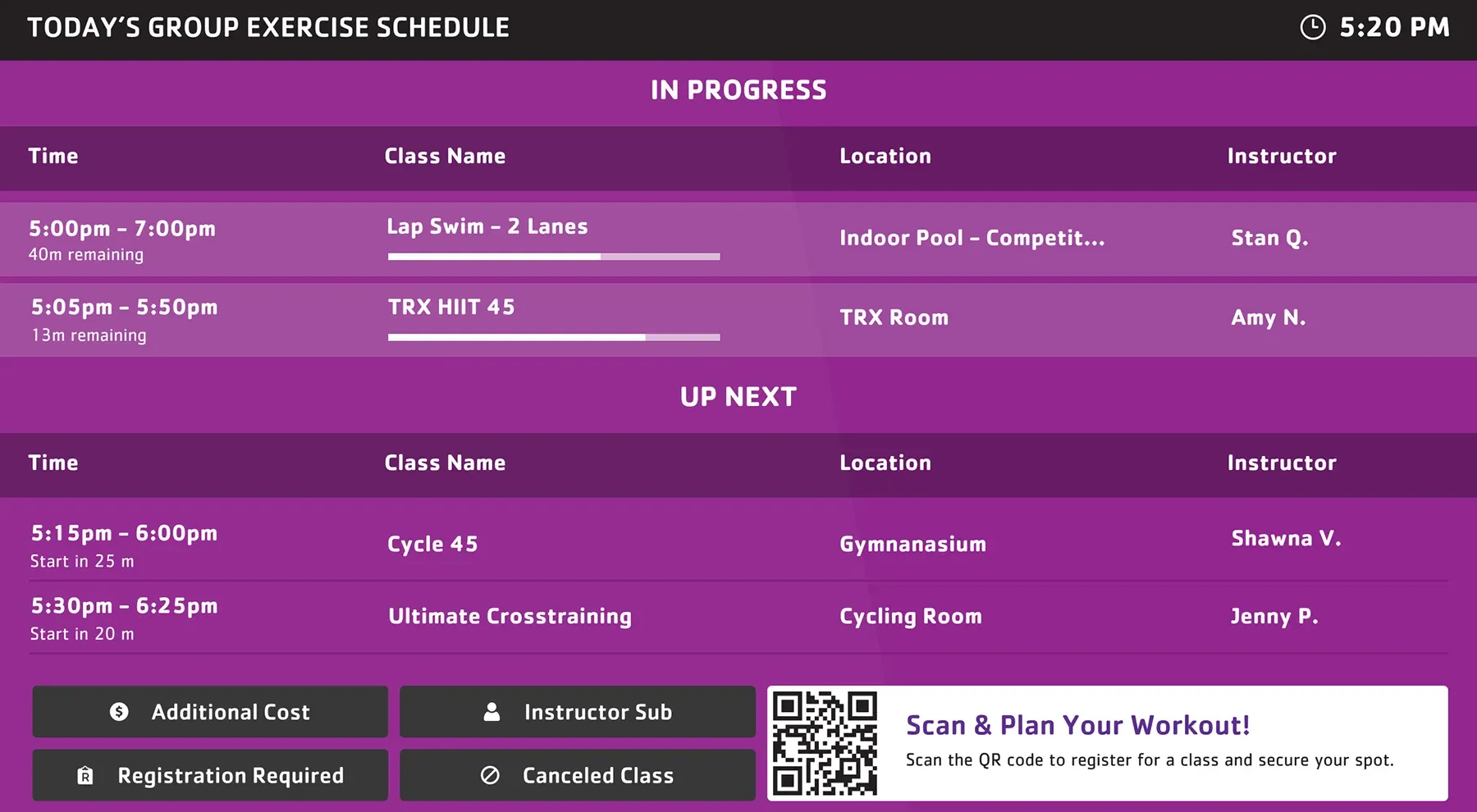
Display current and upcoming group exercise classes with real-time schedule updates across your facility.

Room activity
Show what’s happening in each studio, including instructor details, next sessions, and time remaining.

Schedule updates
Reflect class changes, cancellations, and timing adjustments automatically as updates happen in GroupEx PRO.
Use cases
Help members navigate classes and studios throughout the facility
Use GroupEx PRO data to keep schedules visible where members explore classes, move between studios, and look for schedule information throughout the day.
Lobby screens
Display the full daily class lineup so members can quickly see what’s happening before choosing their next class.
Studio entrances
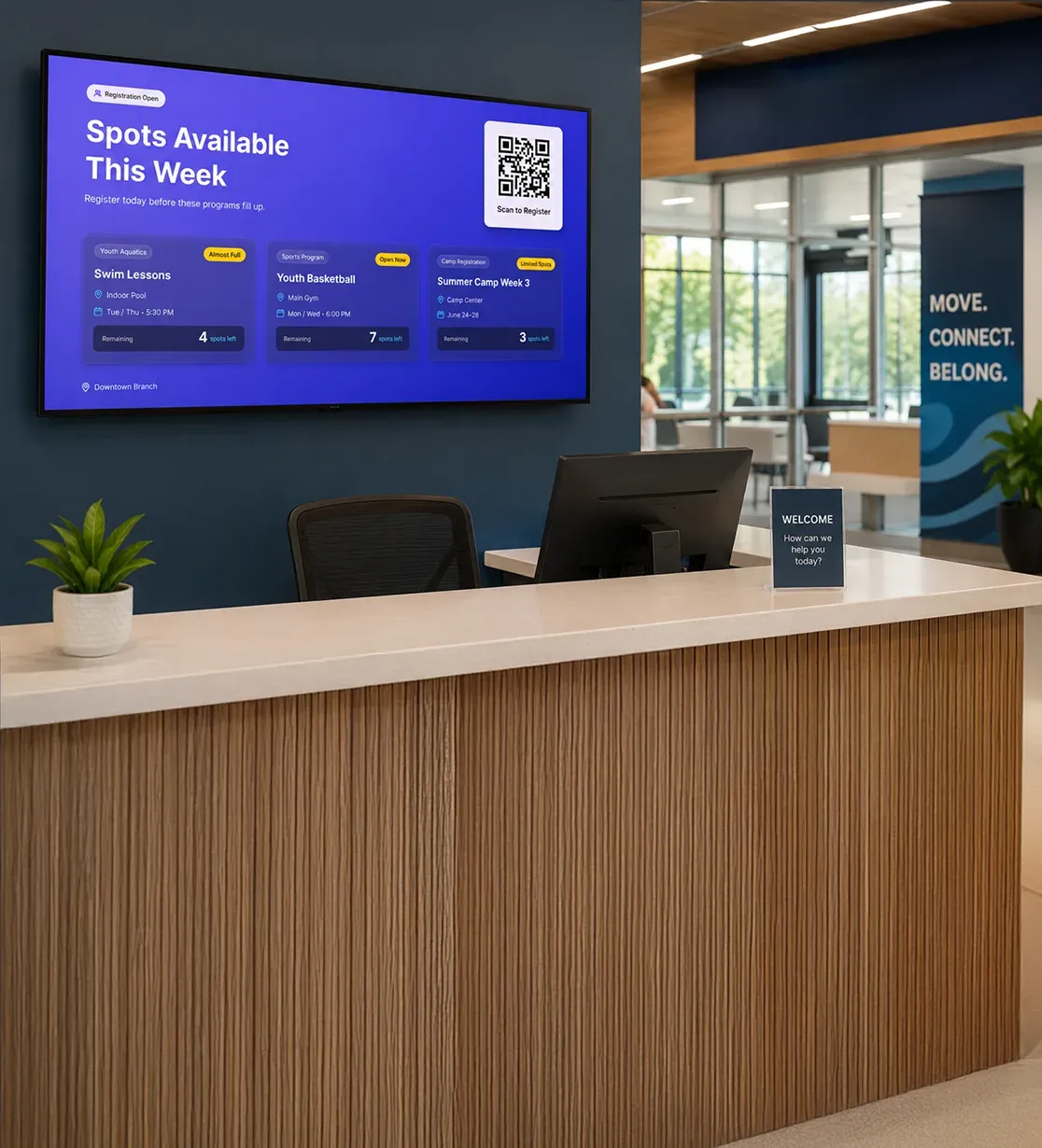
Show current and upcoming classes outside each room with instructor details, class timing, and what's coming next.
Reception areas
Reduce schedule-related questions by keeping live class information visible near staff areas and welcome desks.
Fitness corridors
Guide members between studios with real-time schedule visibility throughout high-traffic fitness and activity spaces.
Across locations
Keep class schedules aligned across multiple branches and group exercise areas with automatic live schedule updates.
Design & Branding
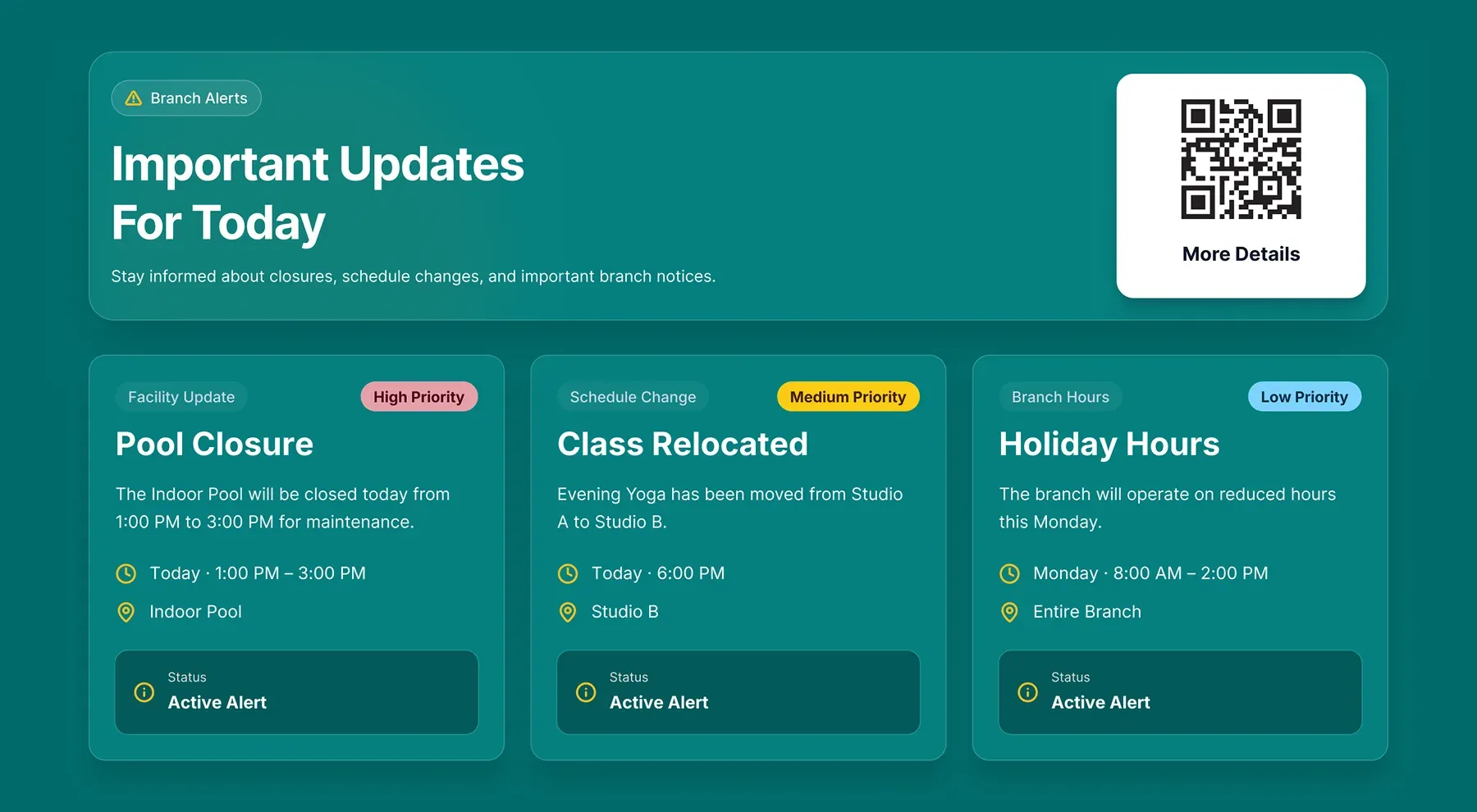
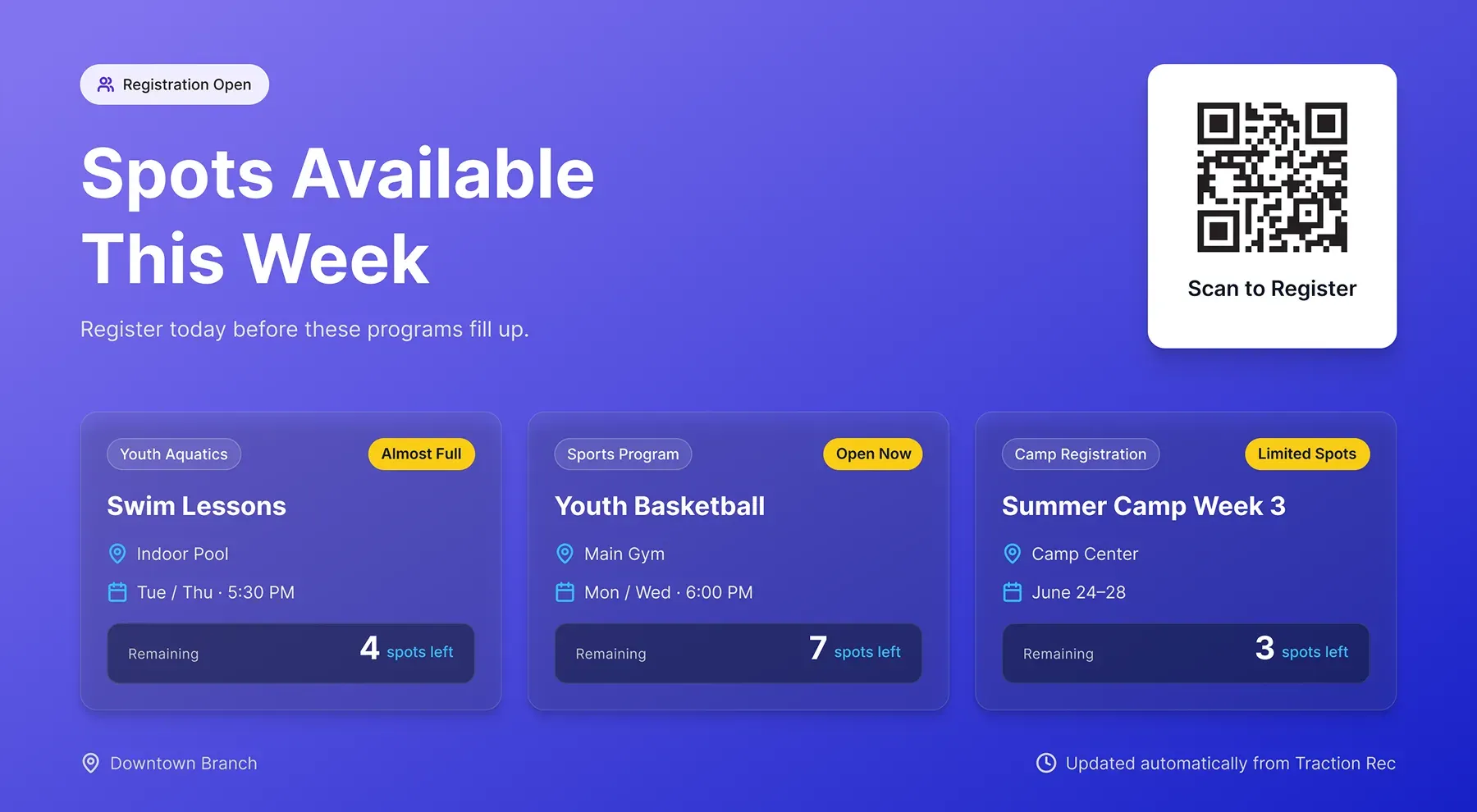
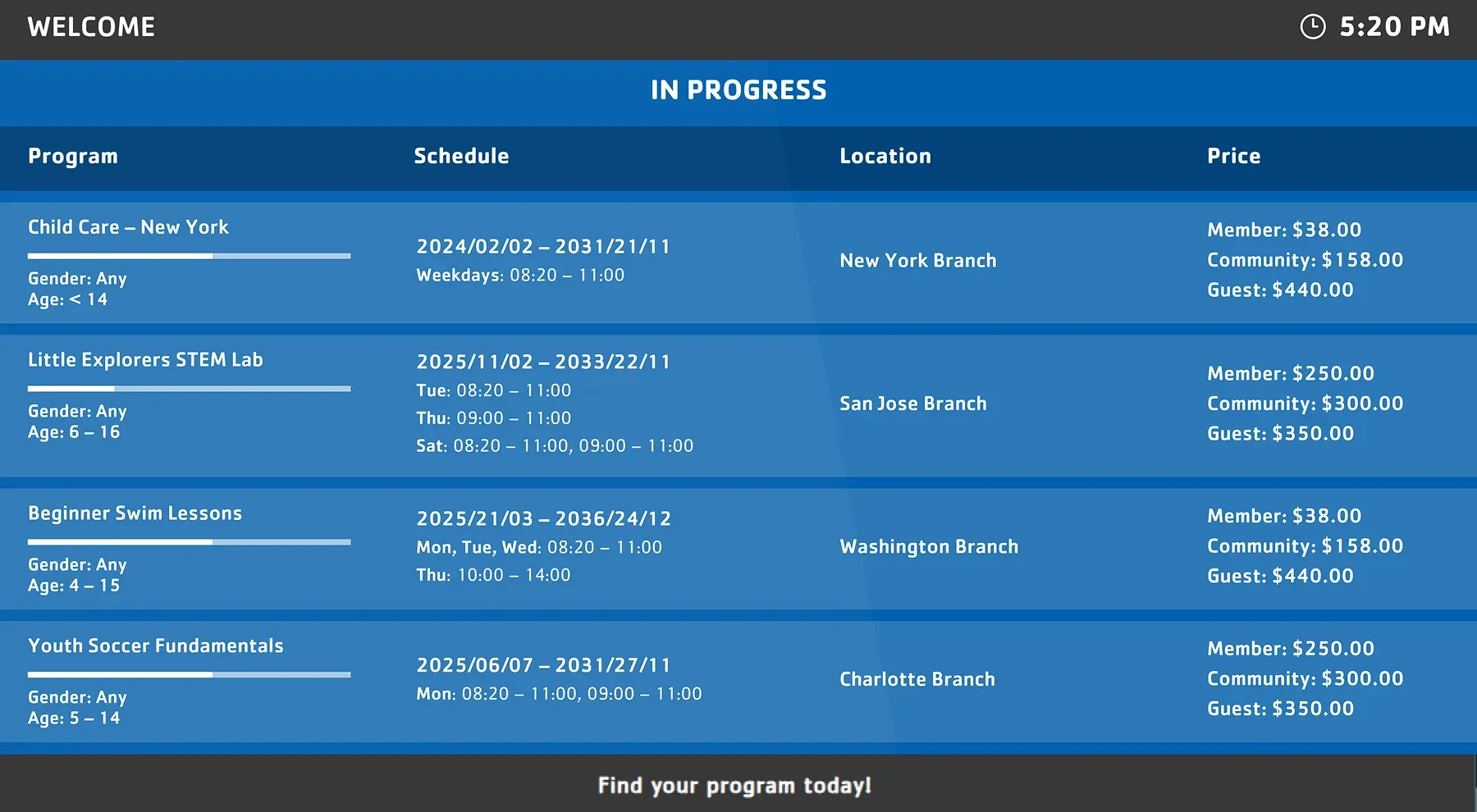
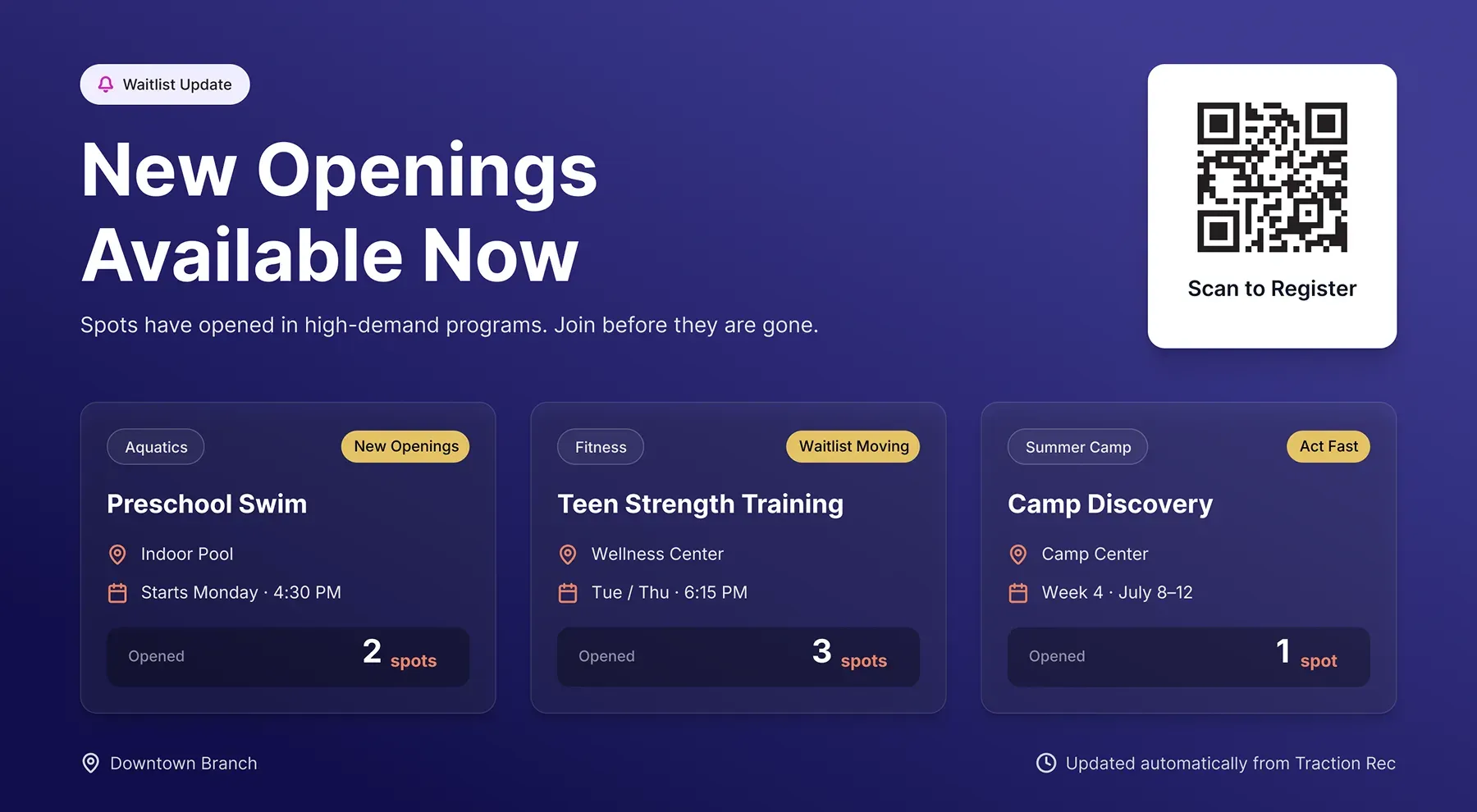
Screen layouts for class schedules and studio displays
Use GroupEx PRO data across different screen formats, from branch-wide class schedules to room-level displays configured for your spaces, branding, and member flow.
FAQs
Practical answers about GroupEx PRO integration and live schedule syncing
Learn how Screen Pulse uses GroupEx PRO data to power lobby schedules, studio displays, and real-time class visibility across your facility.
Screen Pulse can use synchronized class data to power different screen experiences, including:
- Current and upcoming classes
- Studio-level schedules
- Instructor names and timing
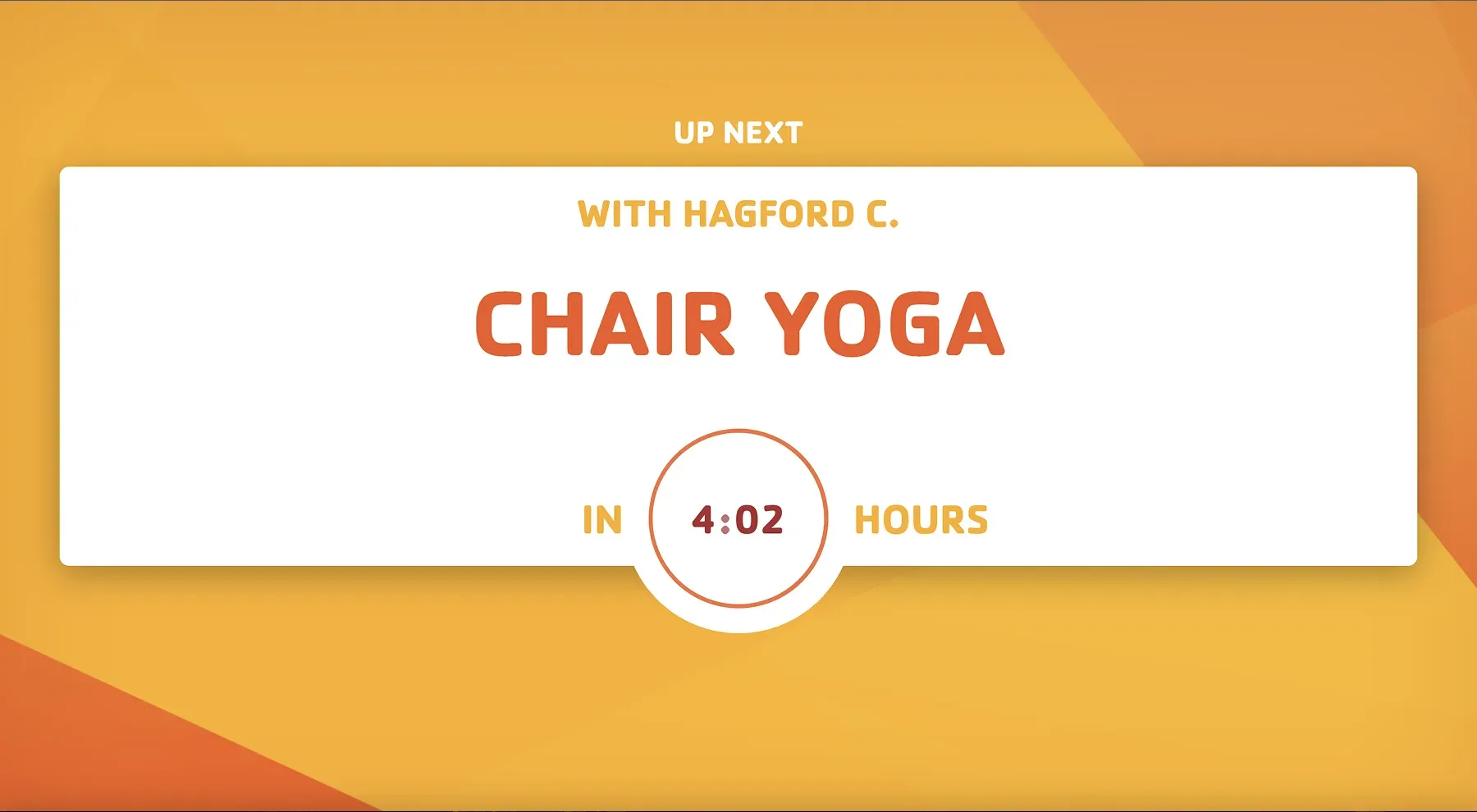
- Class countdowns and transitions
- Schedule changes or cancellations
- Branch-wide daily class overviews
Each screen layout is configured based on where the display is placed.
Yes. Screens can be configured for individual rooms or studios so members only see schedules relevant to that space.
For example:
- A studio entrance can show current and upcoming classes
- A lobby screen can show the full branch schedule
- A hallway display can highlight nearby sessions only
This keeps the schedule information easier to understand and navigate.
Updates are reflected automatically as changes happen in GroupEx PRO.
This includes:
- Class changes
- Instructor updates
- Cancellations
- Timing adjustments
Screens stay aligned with your live schedule data throughout the day.
Yes. Members can quickly check:
- What class is happening now
- Which studio to go to
- What’s coming up next
- Whether schedules have changed
This reduces repetitive schedule-related questions and improves self-service navigation throughout the facility.
Yes. Screen Pulse supports customizable visual layouts, including:
- Themes and colors
- Welcome messaging
- Countdown timer styles
- Room-specific layouts
This helps screens stay aligned with your facility environment and visual identity.
Yes. Organizations can request custom screen layouts, additional display formats, and integration extensions based on operational needs.
This can include:
- New room display formats
- Alternative schedule layouts
- Expanded studio communication views
- Additional operational messaging features
This allows the integration to adapt to how your facility operates.

Get more value from the systems you already use
Discover how live data from your existing platforms can power screens that increase program participation, improve communication, and reduce operational effort.