

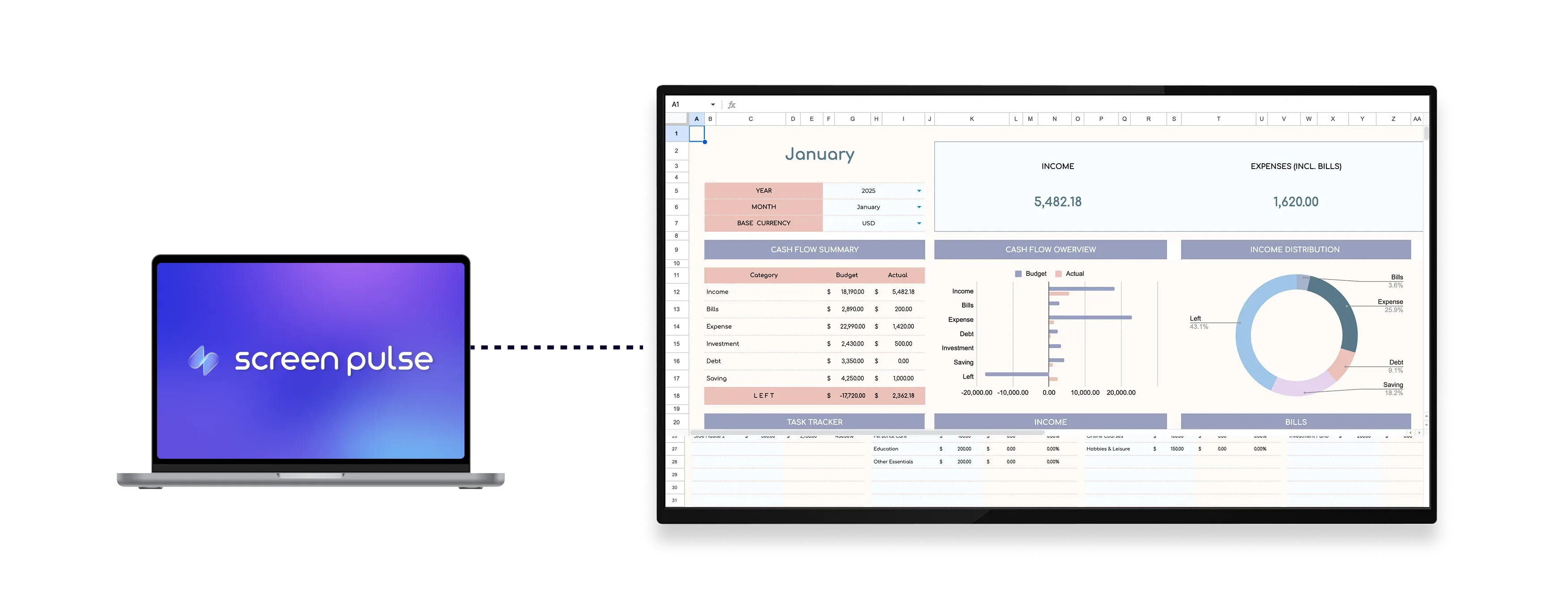

Core Features
Turn Microsoft Excel into live, screen-ready data views

Access spreadsheets
Log in to your Microsoft account to access shared files across screens and locations.

Select tabs ranges
Choose specific worksheets or cell ranges to display the most relevant data on screen.

Keep data updated
Keep screens updated as changes are made in Excel in real time across displays.
Use cases
Keep operational data visible across shared screens
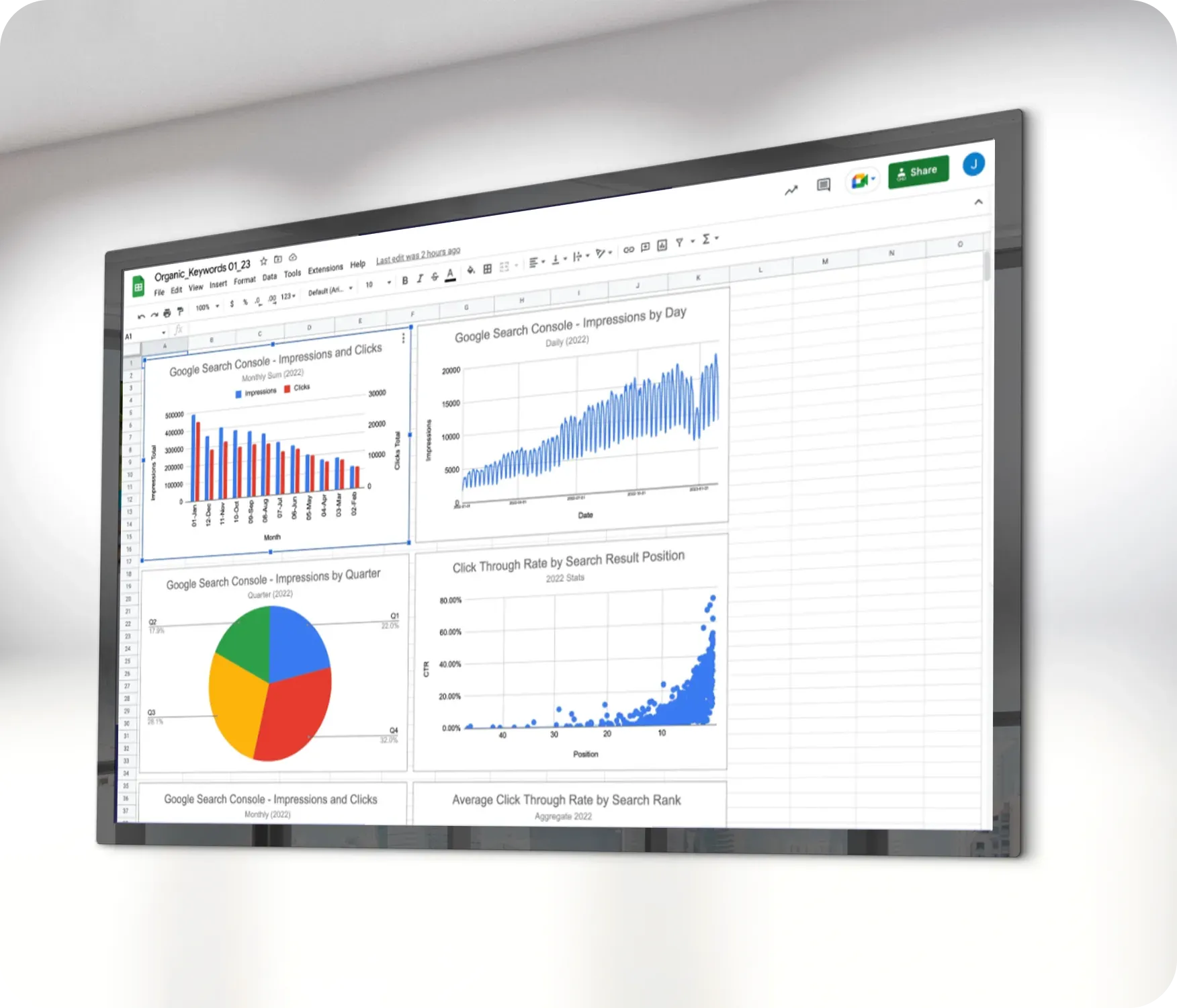
Common use cases
Use the Microsoft Excel app when important data needs to stay accessible and automatically updated in shared spaces.
-
Displaying performance metrics and KPIs
-
Showing production or sales dashboards
-
Sharing team rosters or shift schedules
-
Tracking financial summaries or trends
-
Presenting collaborative reports across departments
FAQs
Using Microsoft Excel Data in Screen Pulse
Practical answers about connecting spreadsheets, selecting what to display, and keeping data updated on screens.
You can display shared Excel spreadsheets that are accessible through your Microsoft account.
Yes. You can choose specific tabs or select cell ranges to display.
Yes. Changes made in the spreadsheet are reflected on screen without manual re-uploading.
Yes. The layout is optimized both for tablets and large-format displays.
Yes. It can be used as a standalone screen or included in playlists with other content.
