


Core Features
Collect responses from viewers through on-screen questions

Display questions
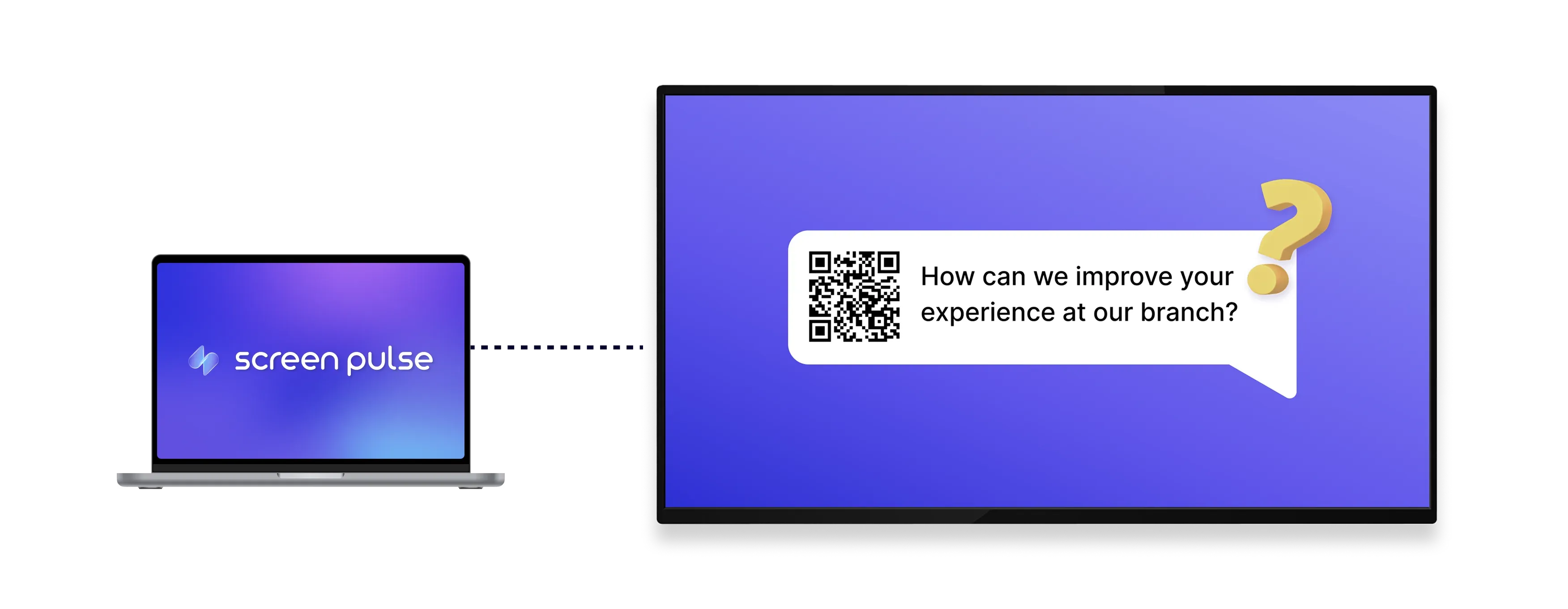
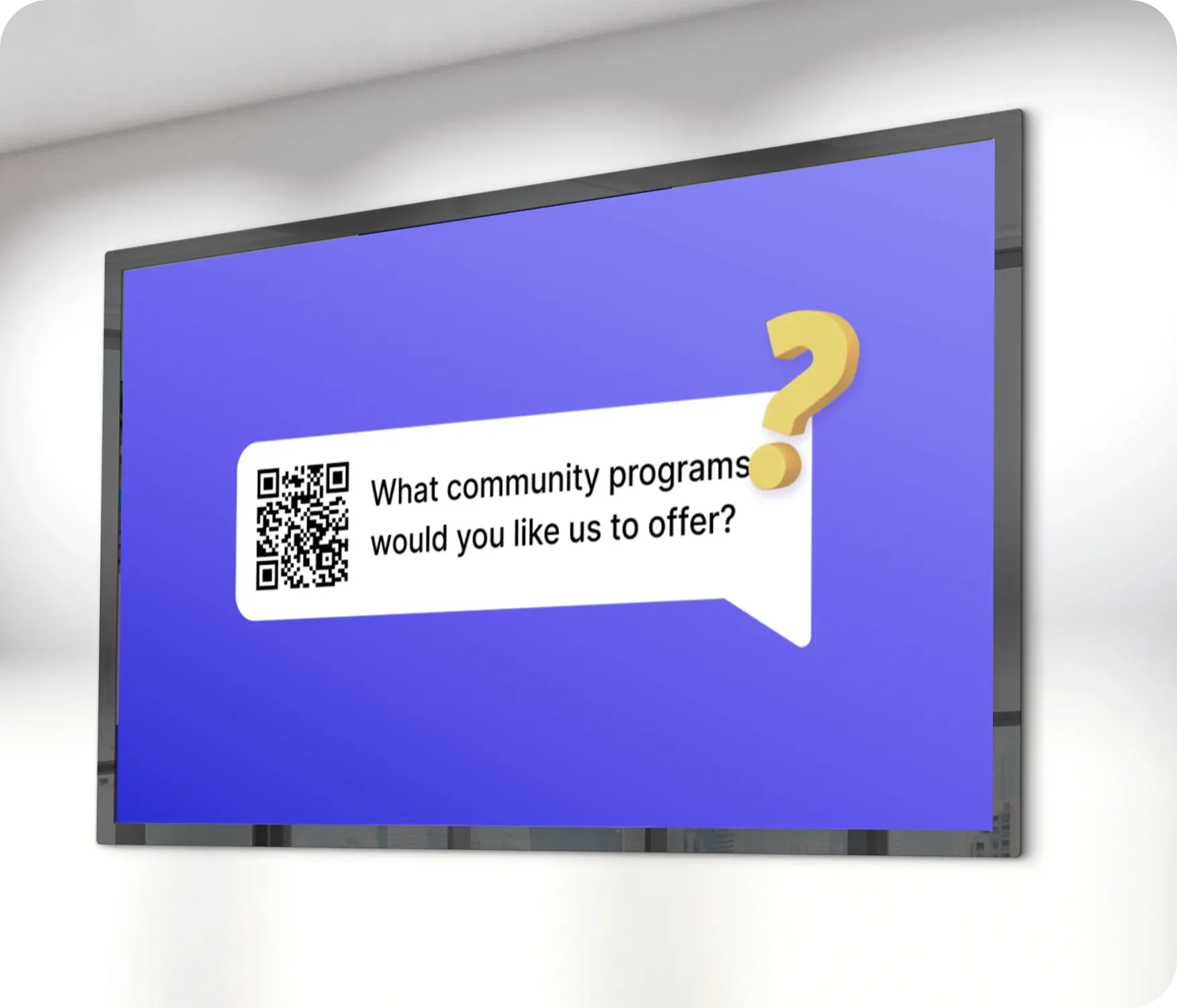
Show a question on screen with a QR code viewers can scan to respond easily.

Collect responses
Receive answers through a linked web form or directly via email in real time.

Customize the layout
Adjust question text, colors, and background images to match your brand and display style.
Use Cases
Encourage audience participation through on-screen questions
Common use cases
Use the Ask a Question app when screens should encourage feedback, input, or interaction instead of passive viewing.
-
Event feedback and post-session surveys
-
Live polls during classes or presentations
-
Audience questions during talks or panels
-
Classroom participation and quick check-ins
-
Community input displayed in shared spaces
FAQs
Using interactive questions in
Screen Pulse
Practical answers about question display, response collection, and customization options.
The Ask a Question app displays a QR code on the screen that users can scan with their phone. When scanned, the QR code opens a link that you define in the app settings, typically a web form where users can submit their responses. Screen Pulse does not handle or store responses; it only provides a simple and visible way for users to access your external form from a screen.
Yes. You need to create the form using a third-party tool such as Google Forms, Typeform, or any web form hosted on your website. After creating the form, you paste the URL into the app settings. The QR code is generated automatically based on that link, so no additional configuration is required.
All responses are collected and stored in the system you use to create the form. For example, if you use Google Forms, responses will be available in Google Forms or connected Google Sheets. Screen Pulse does not collect, process, or store any submitted data.
The link you provide must be accessible from mobile devices, since users will open it on their phones after scanning the QR code. It is also important to keep the question text short and clear so users immediately understand what action is expected. For best results, use a simple form with minimal fields to reduce friction and increase response rates.
Yes. You can create as many instances of this app as needed, with different questions and response destinations as needed.
