


Core Features
Show the current date with a clear monthly calendar on screens

Show date calendar
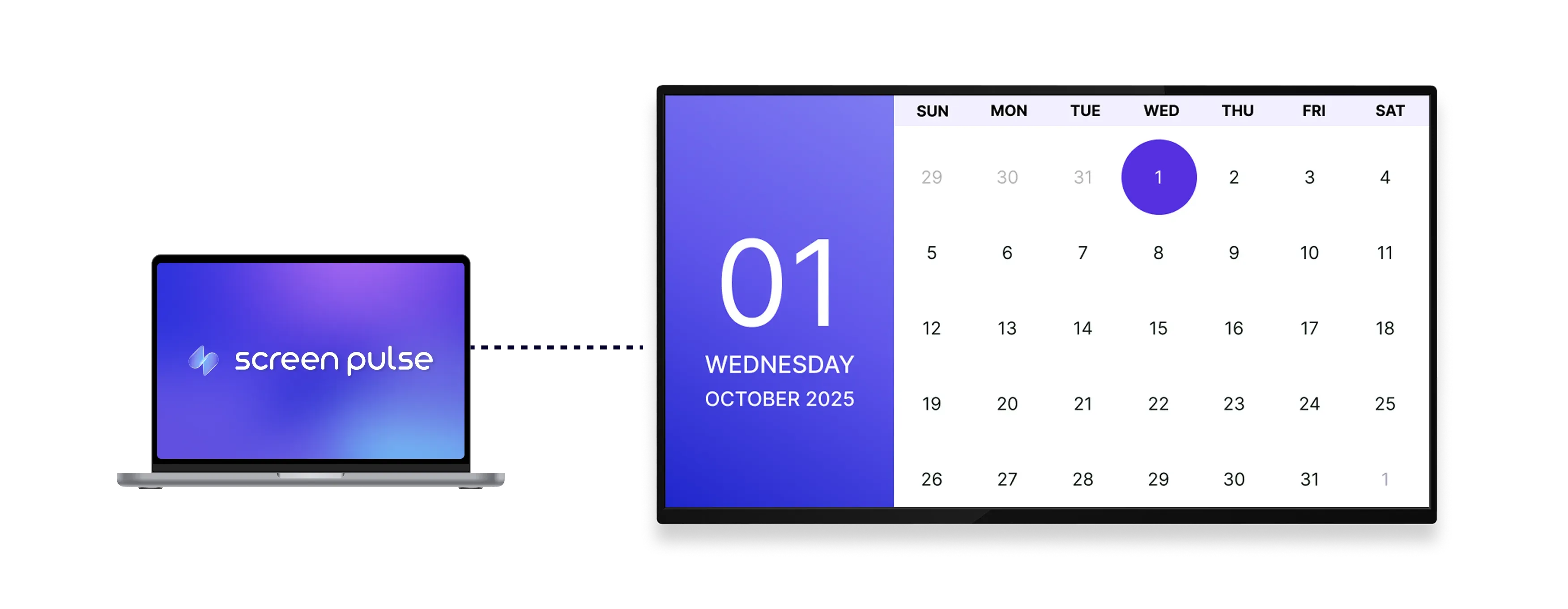
Show today’s date alongside a full monthly calendar view for quick reference on shared screens.

Maintain clear visibility
Present calendar information in a simple, easy-to-read layout designed for shared spaces.

Apply visual themes
Select from pre-designed themes to match your environment and maintain a consistent visual style.
Use cases
Keep people oriented with an always-visible calendar view
Common use cases
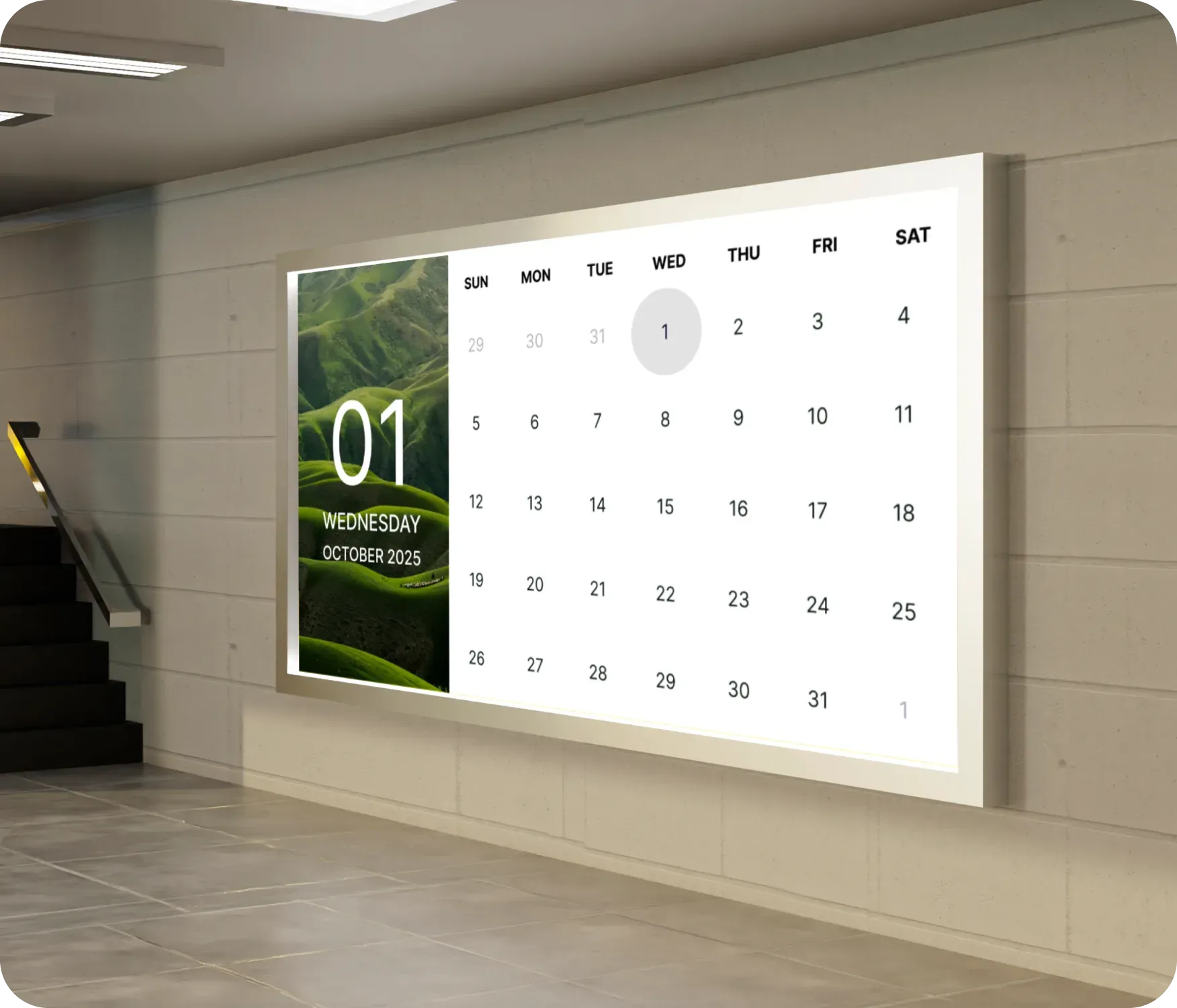
Use the Calendar app when people need a quick visual reference for today’s date and the current month in shared or high-traffic spaces.
-
Office lobbies and common areas
-
School hallways and administrative spaces
-
Gyms, fitness centers, and studios
-
Reception areas and waiting rooms
-
Screens used for all-day informational display
FAQs
Using the Calendar app in Screen Pulse
Practical answers about how the calendar is displayed on screens, how it can be customized, and where it works best.
The app displays today’s date along with a full monthly calendar view.
Yes. You can choose from multiple pre-designed themes to match your brand or environment.
Yes. The Calendar view can be added as a standalone screen or included in playlists alongside other content.
