


Core Features
Embed Canva presentations directly on screens

Control slide timing
Set how long each slide stays on screen or disable auto-advance for different display scenarios.

Show specific slides
Limit how many slides are displayed without editing the original Canva file for flexible control.

Use Canva anywhere
Use Canva presentations as screen content, playlist items, or fallback displays across multiple locations.
Use Cases
Apply Canva presentations to recurring screen content
Common use cases
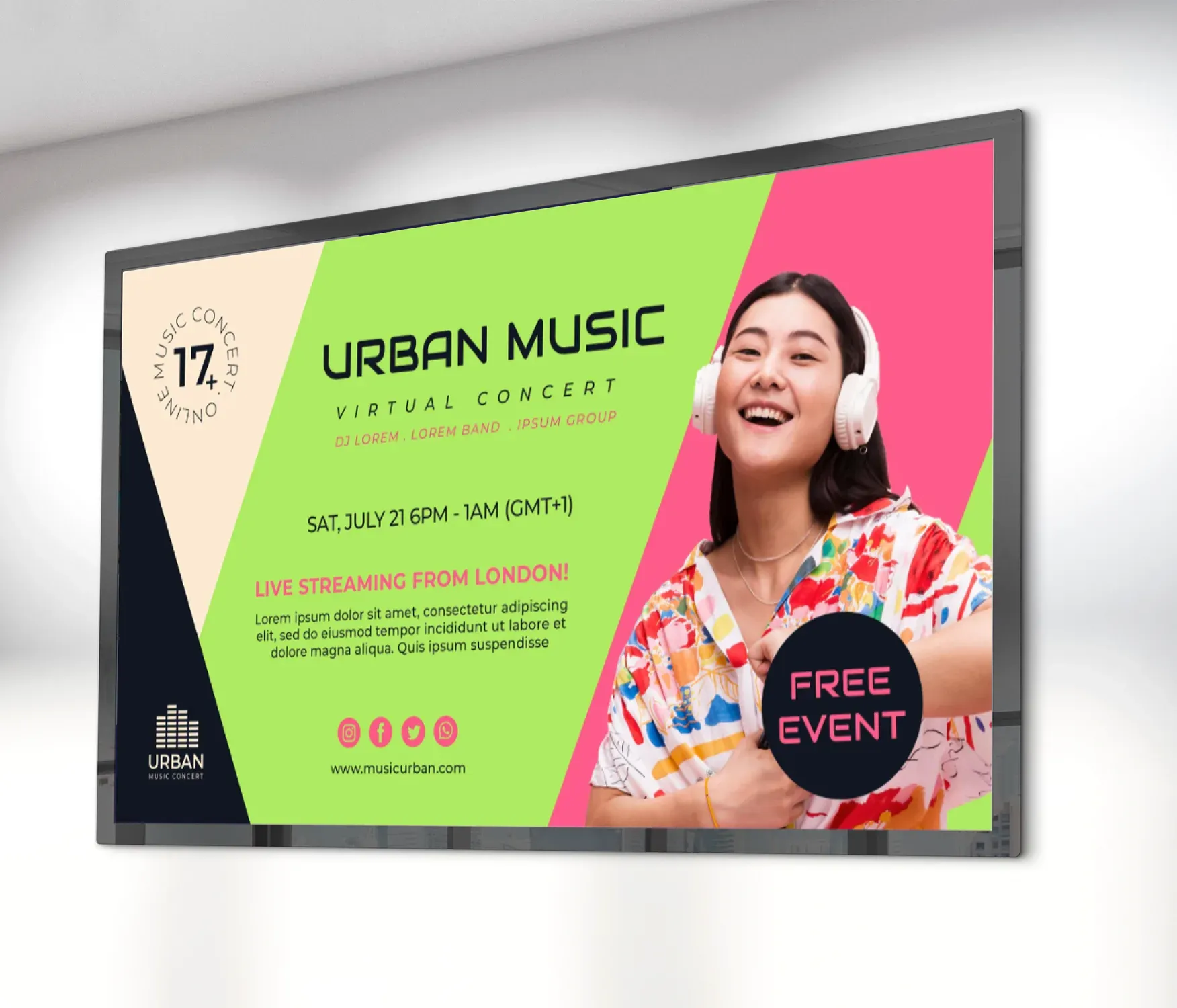
Use Canva presentations where screen content needs regular updates, consistent branding, and simple reuse across locations.
-
Marketing announcements and campaigns
-
Donor recognition and sponsor highlights
-
Event promotions and seasonal messaging
-
Internal communications and staff updates
-
Branded visuals across multiple locations
FAQs
Using Canva with Screen Pulse
Practical answers about using Canva content in Screen Pulse.
No. The recommended approach is to use the Canva Smart Embed link, which allows Screen Pulse to display your design directly and keep it in sync. However, there is an important limitation: Videos inside Canva designs will not autoplay when embedded.
This is a known limitation of Canva embeds; Canva does not allow autoplay for videos in embedded designs. Recommended approach:
- Export the video from Canva
- Upload it to Screen Pulse
- Play it as a standalone media item in a playlist
No. Once the Canva design is embedded, Screen Pulse automatically refreshes the content approximately every 30 minutes. Any updates made in Canva will appear on screens without additional actions. No playlist or screen changes are required.
Yes. In the app settings: Set the slide duration (e.g., 5 seconds per slide), or leave the field empty or set it to 0 to disable auto-advance. When disabled, the presentation will remain on the first slide.
No. Canva embeds include built-in UI elements (such as the progress bar), and there is currently no option to hide or disable these controls. This limitation is controlled by Canva, not Screen Pulse.
Common causes:
- The link is not a published (public) Canva design
- You are using an editor/share link instead of an embed link
- The design is restricted (requires login)
- In Canva, use Share → Embed → Smart Embed link
- Ensure the design is publicly accessible
Content is refreshed approximately every 30 minutes. There is no manual refresh button. If updates are urgent, you can refresh the player app (forces reload) on the Screen page.
