


Core Features
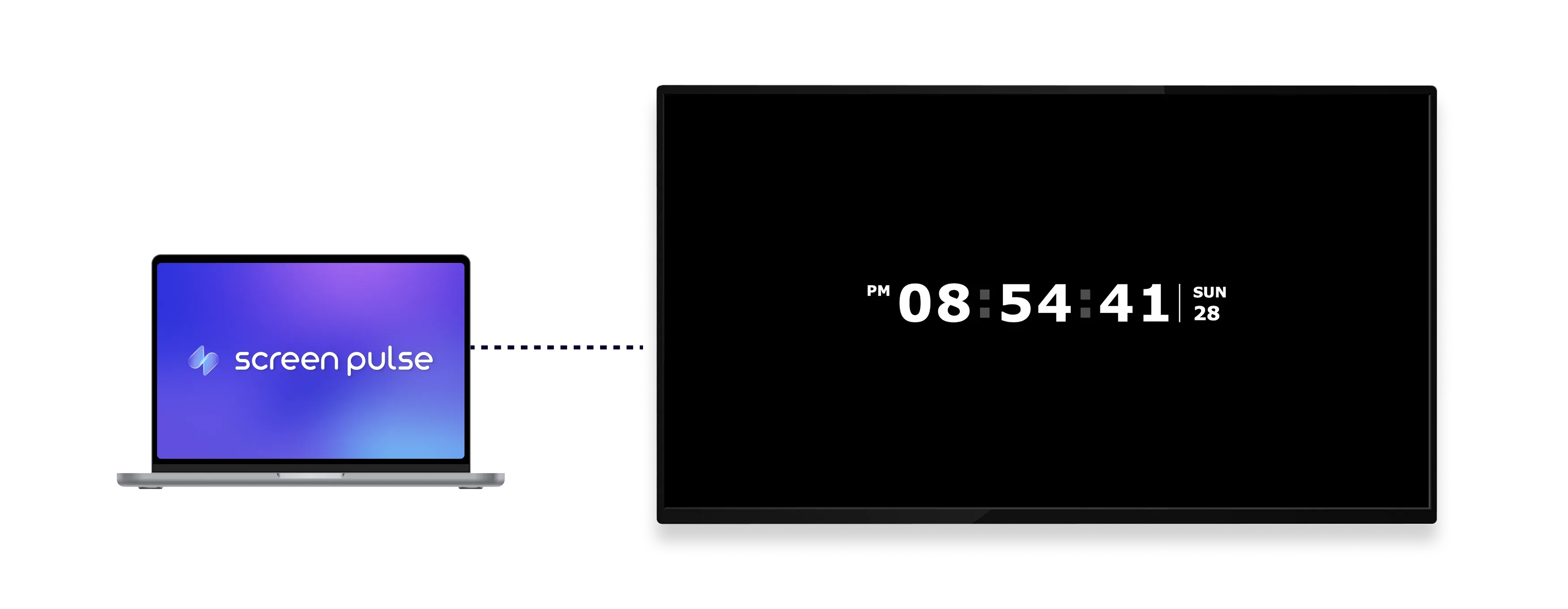
Display accurate time and date on screens throughout the day

Choose clock style
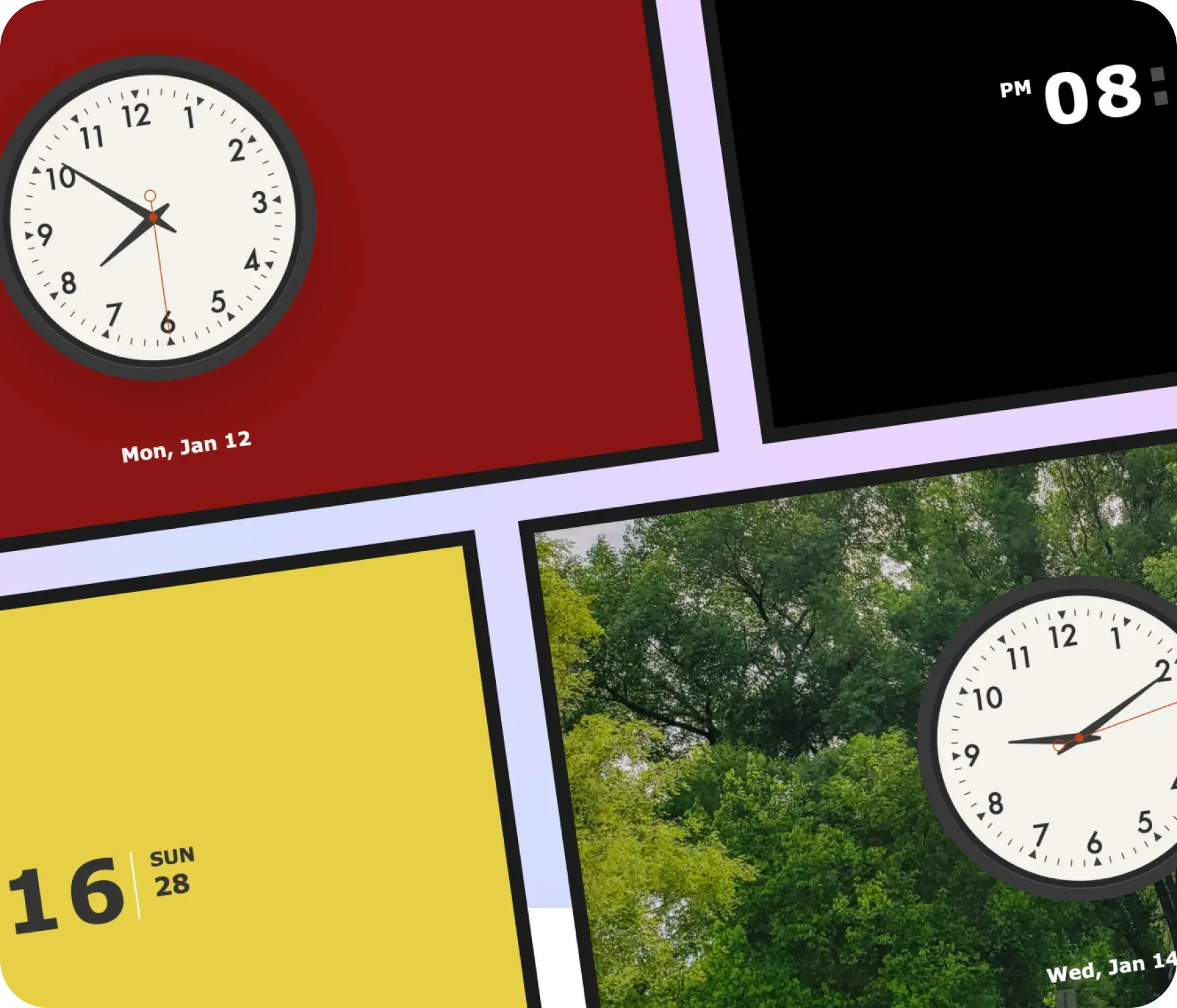
Switch between digital and analog clock layouts for different spaces and displays.

Adjust time format
Show seconds, full date, and choose between 12-hour or 24-hour formats as needed.

Customize the layout
Customize colors or add a background image to fit your environment and visual style.
Use Cases
Make current time visible across shared spaces
Common use cases
Use the Clock app when clear, always-visible time helps people stay on schedule in shared or high-traffic environments.
-
Office lobbies and common areas
-
School hallways and classrooms
-
Gyms, studios, and fitness floors
-
Waiting areas and reception spaces
-
Screens used for all-day informational display
FAQs
Using the Clock app in
Screen Pulse
Practical answers about how time and date are displayed on screens and how the clock can be customized.
The clock displays the current time based on the screen's location and timezone.
Yes. You can switch between a digital clock layout and an analog clock face.
Yes. You can display the date and choose whether to show seconds.
Yes. You can select either a 12-hour or 24-hour time format.
Yes. You can adjust colors or add a background image to match your space.
