


Core Features
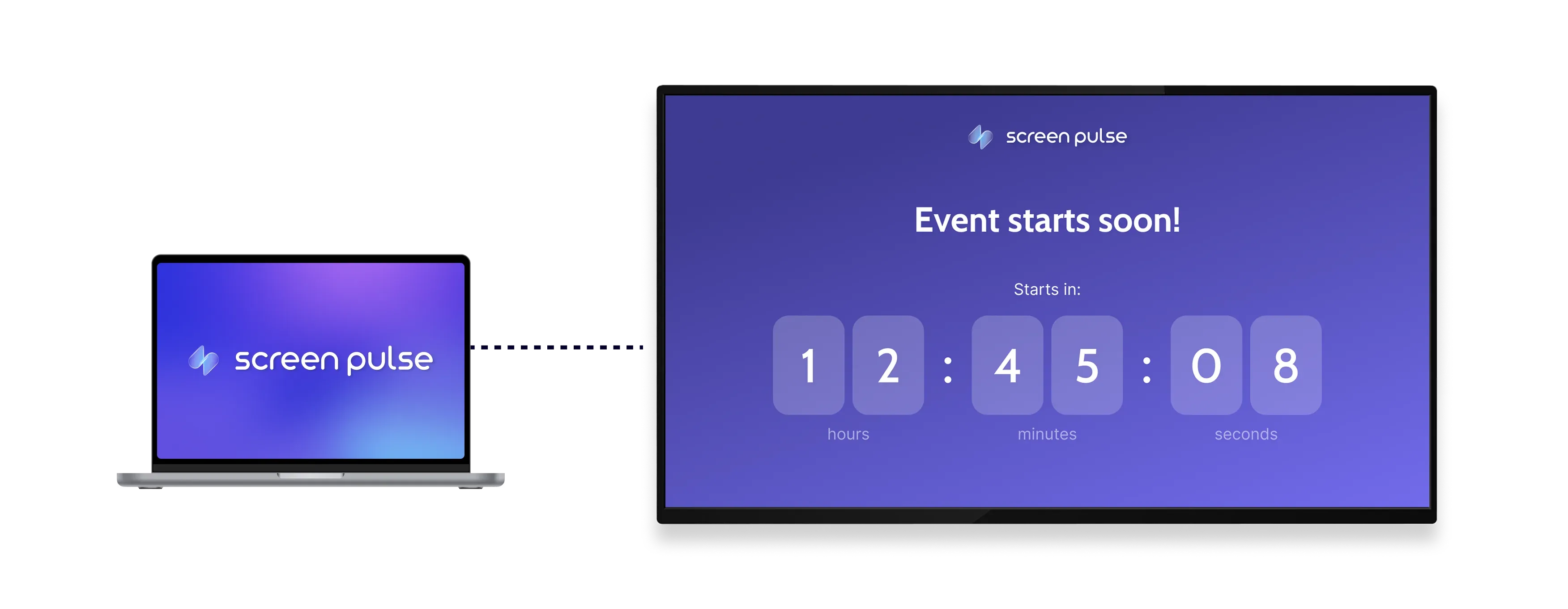
Display a live countdown timer for events and milestones

Set countdown target
Define a specific date and time for the countdown to reach zero for any event or milestone.

Control timer display
Choose which time units to show, from days down to seconds based on your display needs.

Customize appearance
Adjust colors, background images, and animations for the timer to match your screen style.
Use cases
Make upcoming events and deadlines visible with a live countdown
Common use cases
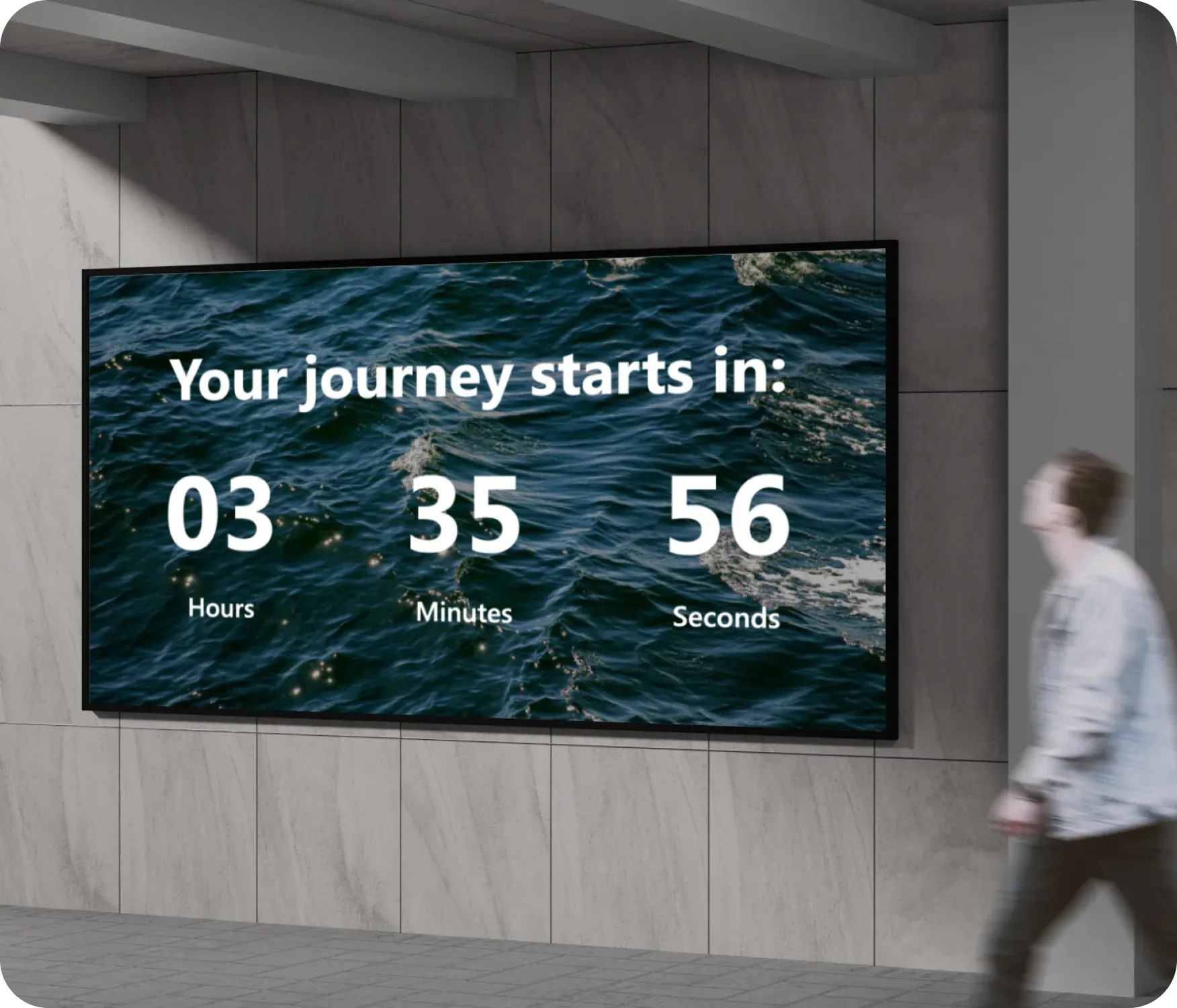
Use the Countdown app when people need a clear, shared sense of how much time remains before something starts or ends.
-
Class start times and session countdowns
-
Event openings and program launches
-
Holiday reminders and seasonal milestones
-
Deadlines displayed in offices or shared spaces
-
Timed announcements in gyms, schools, or public areas
FAQs
Using countdown timers in Screen Pulse
Practical answers about how countdowns are configured, how time is displayed, and what happens when the timer reaches zero.
