

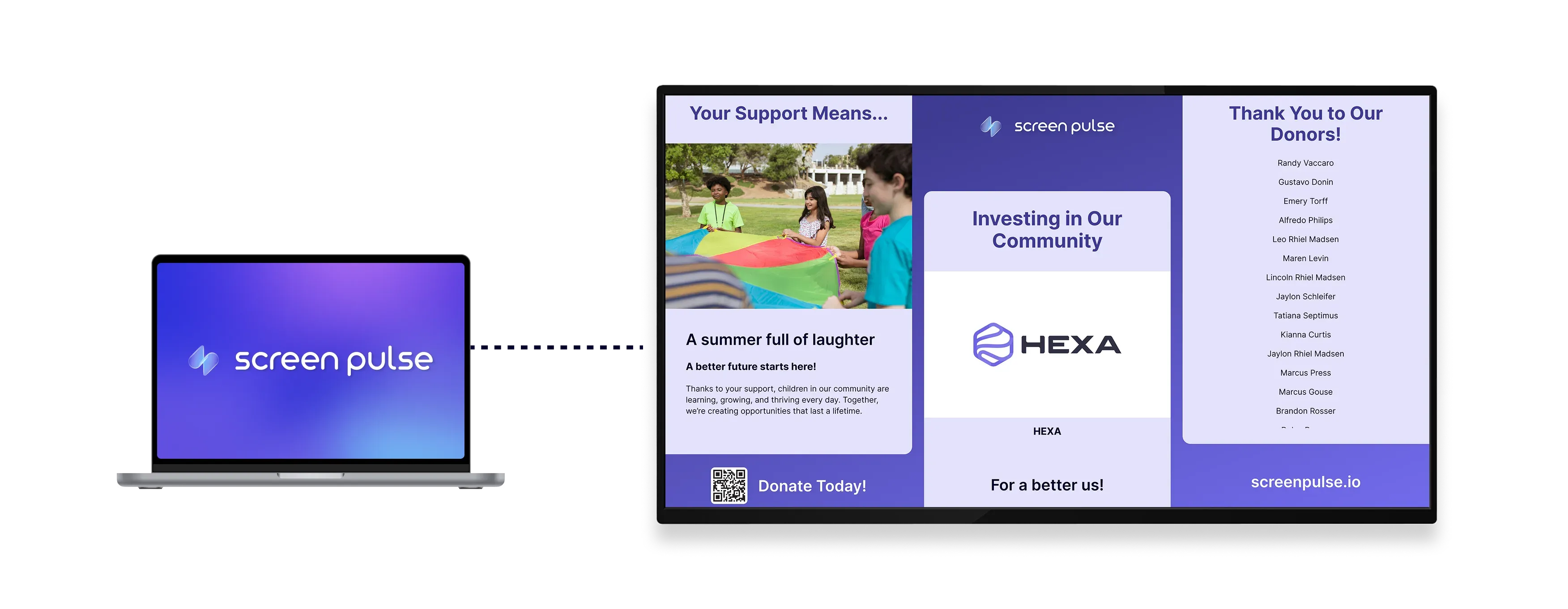

Donor Recognition: Classic

Recognize donors with a clean, structured digital donor wall. Display contributors in a balanced grid layout with clear tiers and consistent rotation across your screens.

Donor Recognition: Classic app

Core Features

Display donor recognition in a structured, tiered grid layout

icon related to Configure display

Configure display

Divide the screen into up to three vertical sections, each with its own title and timing settings.

icon related to Group donors by giving level

Group donors by giving level

Automatically assign and rotate donors within sections based on donation thresholds and tiers.

icon related to Match brand identity

Match brand identity

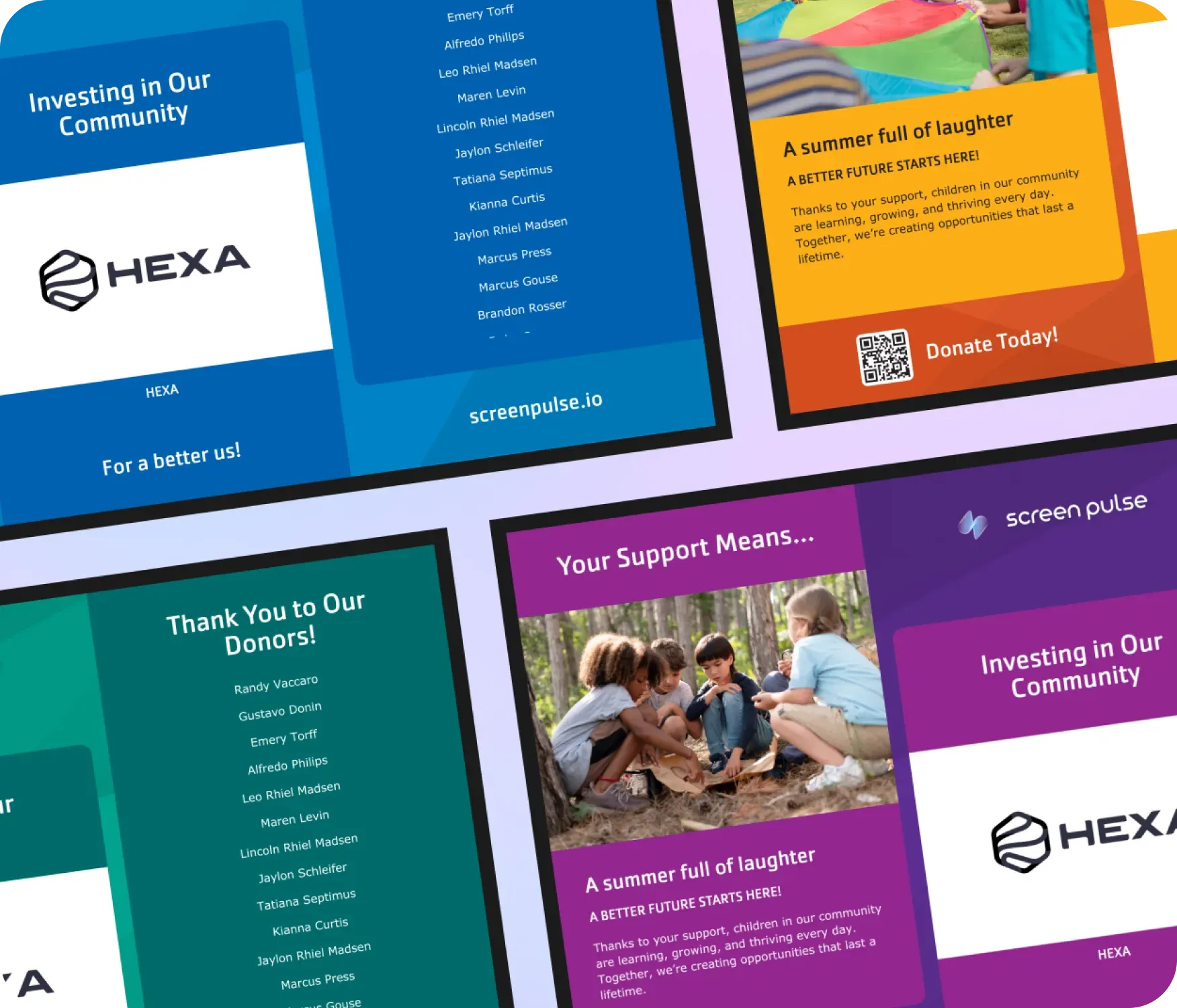
Apply your logo, color theme, and default donor image for a consistent and recognizable brand look.

Use cases

Display a clear donor wall across multiple giving levels
icon related to Common use cases

Common use cases

Use the Donor Recognition: Classic app when organizations want a clear, consistent way to acknowledge many donors without visual complexity or frequent design changes.

  • Lobby donor walls in nonprofit and YMCA facilities

  • Recognition screens in wellness centers or community halls

  • Campaign-based donor recognition with defined giving tiers

  • Long-term acknowledgment of annual or ongoing support

  • Screens where clarity and balance matter more than motion or storytelling

FAQs

Recognizing donors clearly and consistently on screens

Practical answers about how donors are displayed on screens, how tiers work, and how the layout can be customized.

Donor information can be uploaded using a CSV file template or synchronized with external systems such as your CRM or fundraising platform. CSV uploads are managed centrally in Screen Pulse and can be reused across all Donor Recognition apps. When connected through an integration, donor data syncs automatically in real time.
Donors are shown in a structured grid layout and rotated automatically within their assigned sections.
Yes. You can configure donation thresholds so donors appear in different sections based on contribution amount.
The screen can be divided into up to three vertical sections, each with its own title and timing.
Yes. You can add custom section titles, footer text, your logo, and a color theme to match your organization.
A default donor image can be displayed when no donor-specific media is available.
Yes. For best results, the layout is designed for 16:9 screens, including HD, Full HD, and 4K displays.
cta-image

Ready to get started?

Book a Demo
Copyright © 2026 Screen Pulse. All Rights Reserved
Built with love by Five Jars