

Core Features
Spotlight a single donor with detailed, personalized recognition

Show donor details
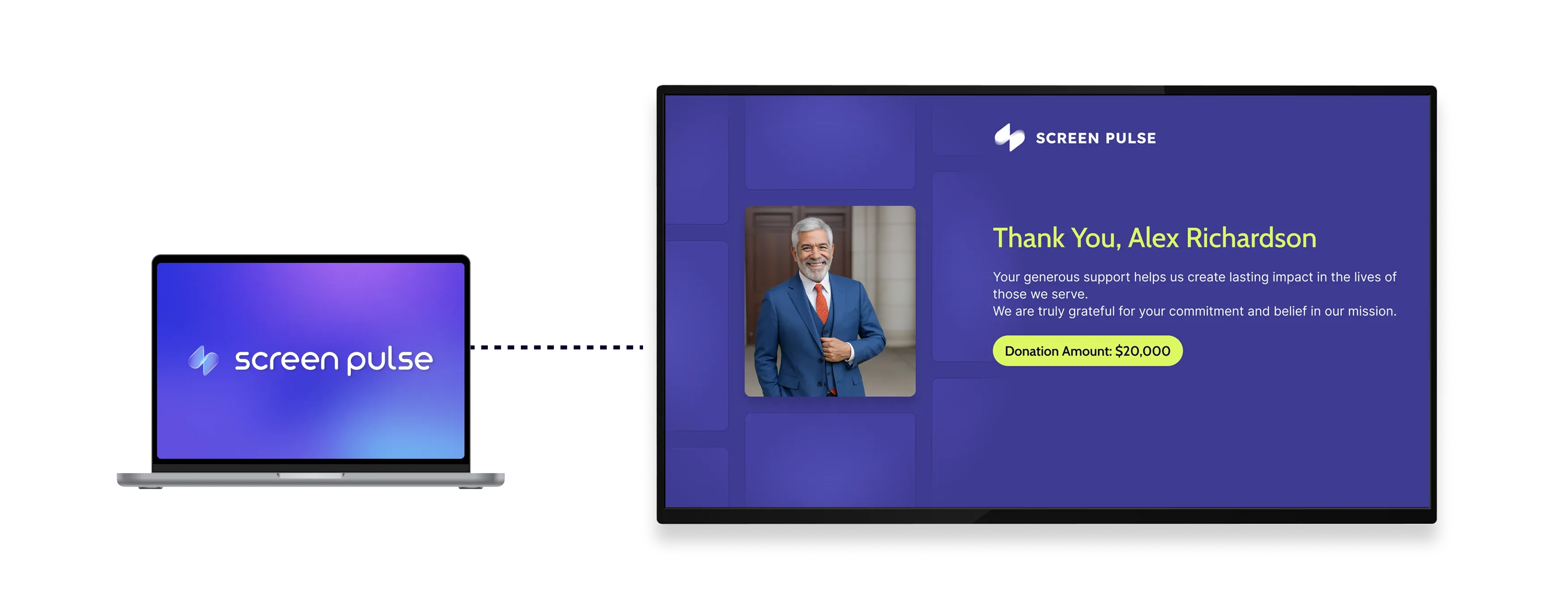
Show a donor's photo, name, donation amount, and profile information clearly on screen.

Add gratitude message
Include a personalized message to recognize the donor's contribution and highlight their impact.

Apply visual themes
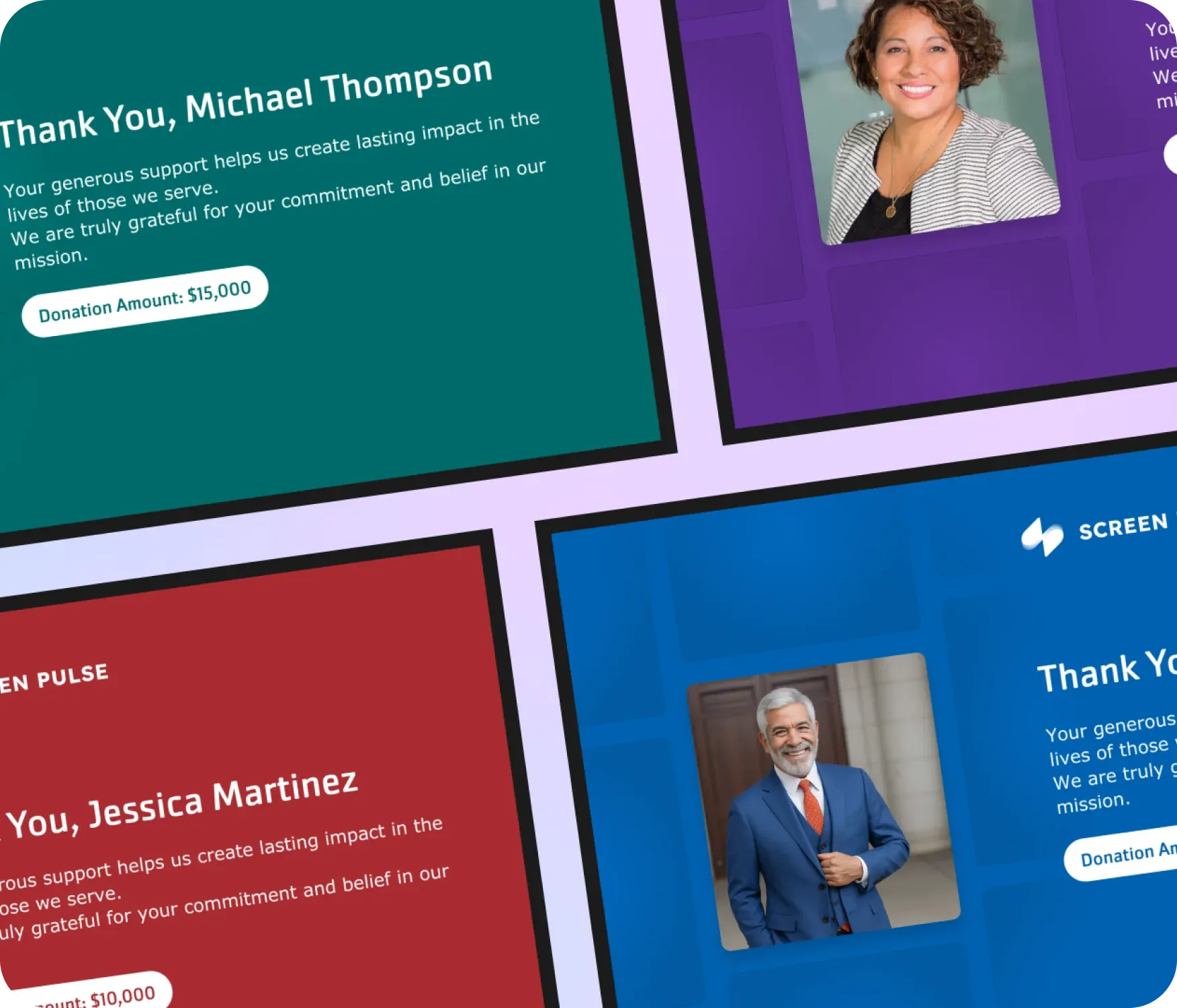
Choose from multiple color themes designed for tablets and large-format displays across environments.
Use cases
Highlight individual contributions with detailed, personal recognition
Common use cases
Use the Donor Recognition: Individual Spotlight app when the goal is to recognize a specific contribution and make the impact of that gift visible.
-
Recognizing major or milestone donations
-
Highlighting a featured donor during events or campaigns
-
Lobby or hallway screens celebrating individual contributions
-
Event displays acknowledging sponsors or lead donors
-
Tablet or large-screen displays focused on one supporter at a time
FAQs
Highlighting individual donors with detailed recognition
Practical answers about how donor details are displayed, how appreciation messages work, and where this layout fits best.
Donor information can be added manually through the Screen Pulse interface, uploaded using a CSV file template or synchronized with external systems such as your CRM or fundraising platform. CSV uploads are managed centrally in Screen Pulse and can be reused across all Donor Recognition apps. When connected through an integration, donor data syncs automatically in real time.
The screen displays the donor's photo, name, donation amount, and a personalized message of appreciation.
Yes. Donation details can be configured based on how you want the contribution to be presented.
Yes. Each donor can have a custom message tailored to their contribution or campaign.
Yes. You can choose from multiple color themes designed for tablets and large displays.
Yes. It works well for both long-term recognition and highlighting donors during specific events or milestones.
