


Donor Recognition: Listing

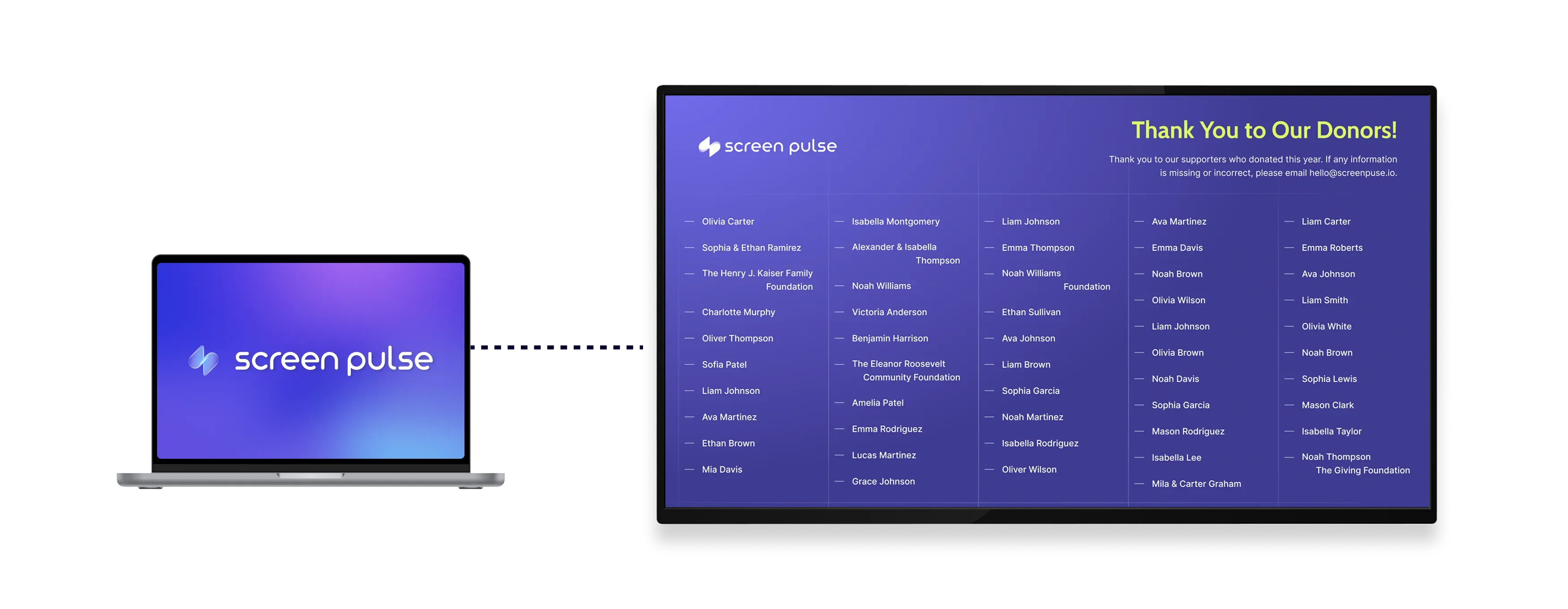
Recognize donors with a clean, list-style display. Show donor names under a customizable title and description, designed for clear visibility on tablets and large screens.

Donor Recognition: Listing app

Core Features

Display donor recognition in a simple, list-based format

icon related to Show donor names

Show donor names

Display donor names in a clean list optimized for easy reading on screens in shared environments.

icon related to Add title description

Add title description

Include a customizable heading and description above the donor list for added context and clarity.

icon related to Apply visual themes

Apply visual themes

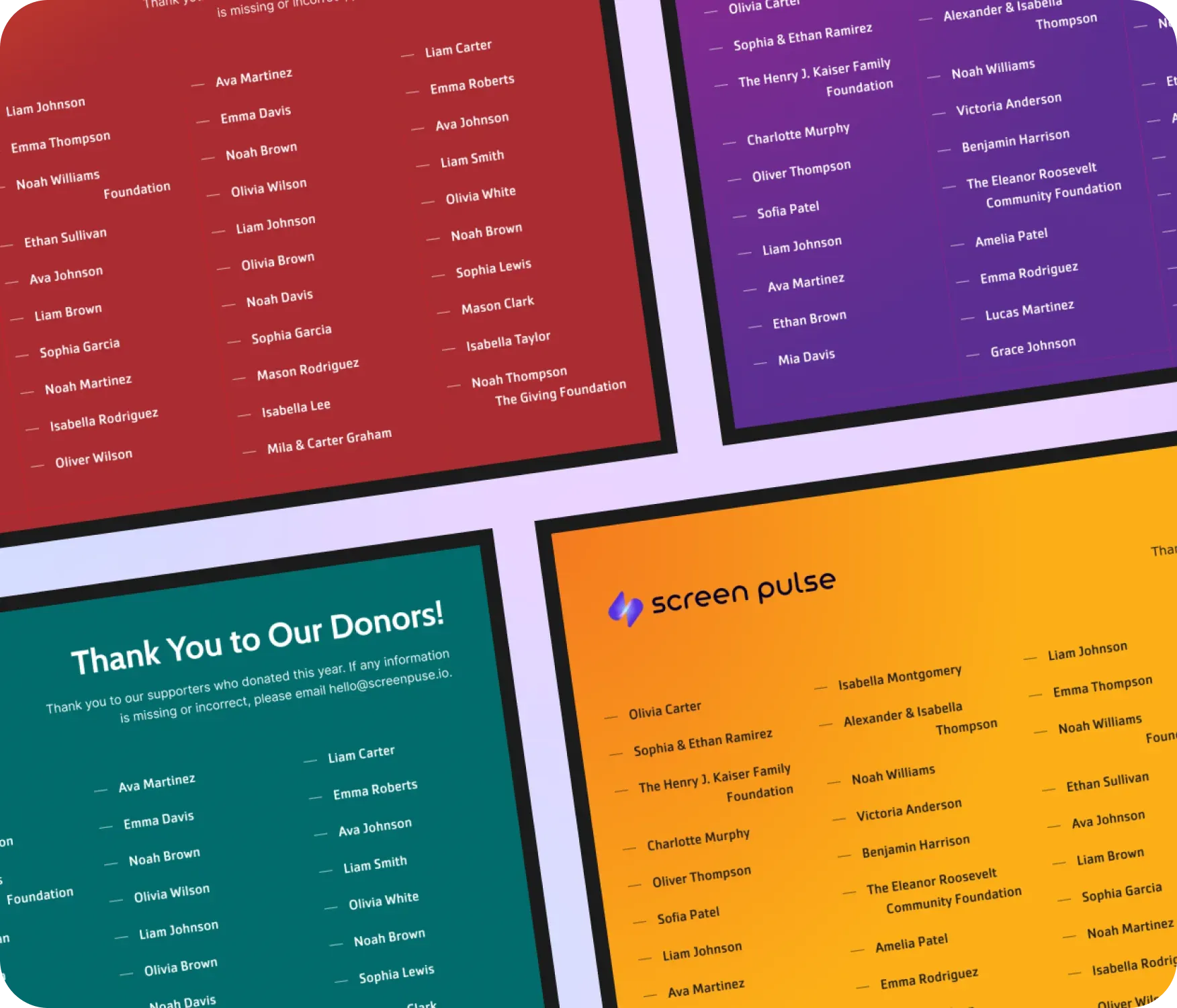
Choose from multiple color themes designed for tablets and large-format displays across environments.

Use cases

Provide a clear, readable donor list for shared spaces
icon related to Common use cases

Common use cases

Use the Donor Recognition: Listing app when recognition needs to be straightforward, easy to scan, and consistent across screens.

  • Lobby displays listing current or annual donors

  • Hallway screens recognizing contributors without visual complexity

  • Event spaces showing donor acknowledgments during programs

  • Tablet or large-screen displays with limited space for visuals

  • Situations where clarity matters more than storytelling or tiers

FAQs

Recognizing donors using a list-style display

Practical answers about how donor names are displayed, how titles and descriptions work, and where this layout fits best.

Donor information can be uploaded using a CSV file template or synchronized with external systems such as your CRM or fundraising platform. CSV uploads are managed centrally in Screen Pulse and can be reused across all Donor Recognition apps. When connected through an integration, donor data syncs automatically in real time.
Donor names are displayed in a clean, list-style layout designed for easy reading on screens.
Yes. You can add and update a title and description that appear above the donor list.
Yes. You can choose from multiple color themes to match your brand or environment.
Yes. The layout is optimized for tablets and large-format displays.
No. Once configured, the layout remains consistent and does not require ongoing design work.
cta-image

Ready to get started?

Book a Demo
Copyright © 2026 Screen Pulse. All Rights Reserved
Built with love by Five Jars