


Core Features
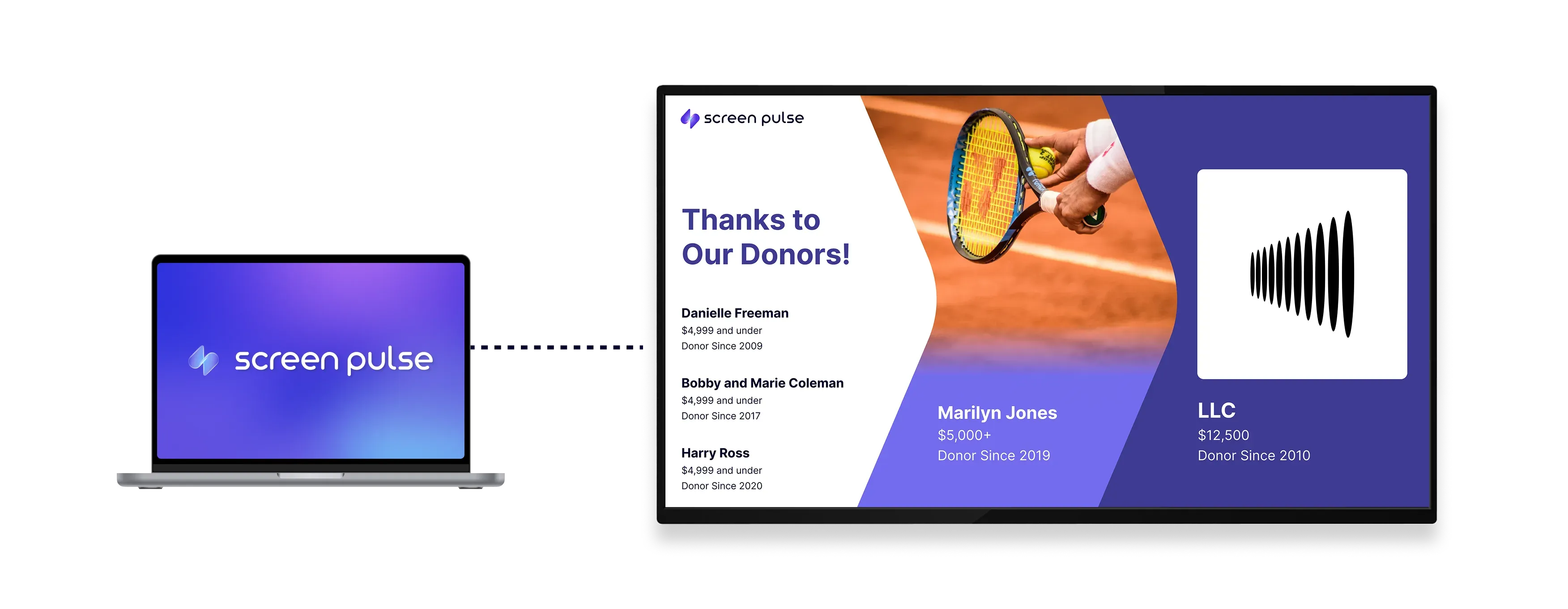
Highlight individual donors or contributions in a rotating spotlight

Show one spotlight
Display a single donor or contribution on screen for focused and clear recognition.

Customize content
Include names, messages, descriptions, and images to personalize each spotlight.

Control rotation timing
Set how long each spotlight appears before transitioning to the next item in the sequence.
Use cases
Give individual donors or contributions focused visibility on screens
Common use cases
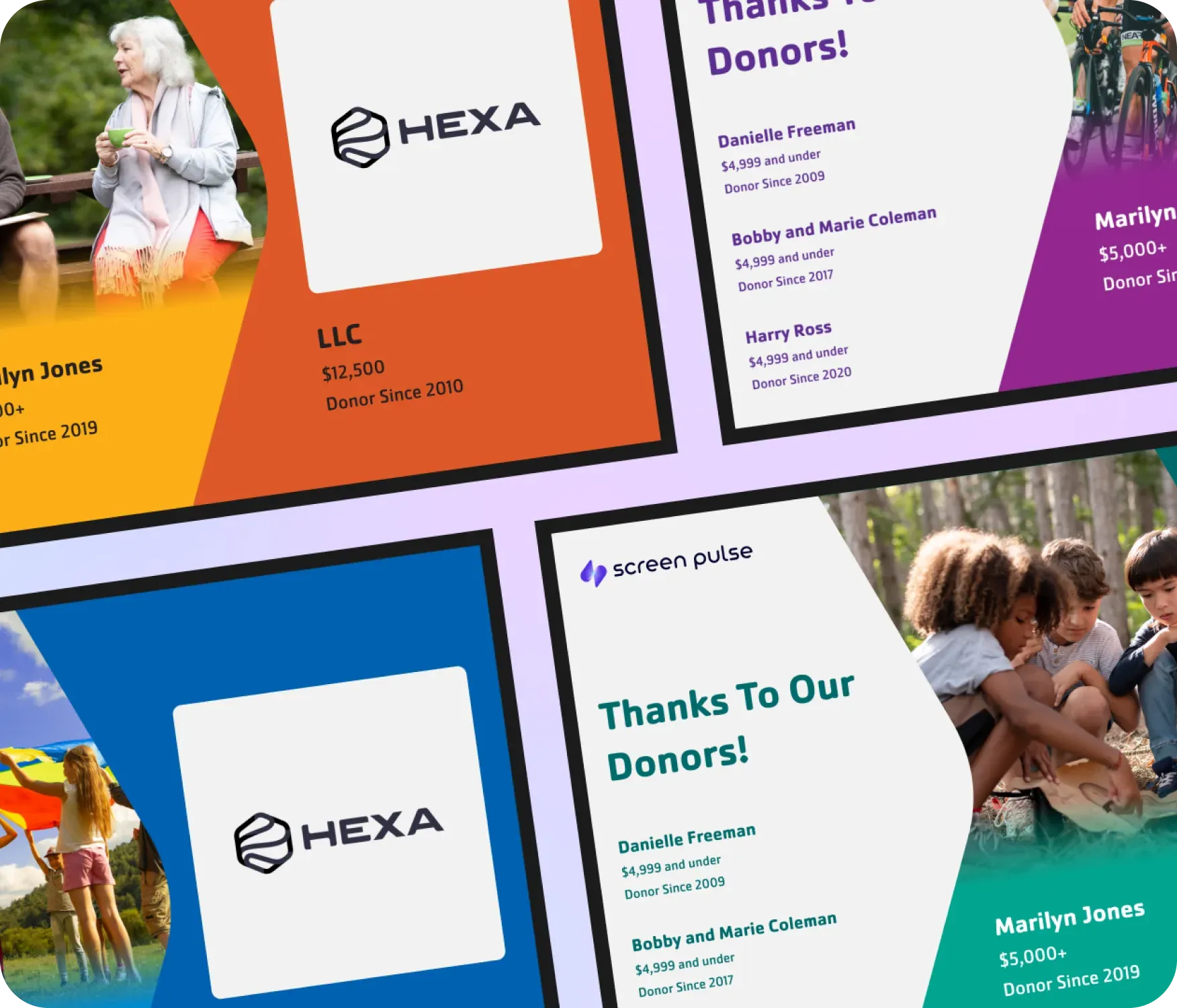
Use the Donor Recognition: Spotlight app when recognition should highlight one supporter or gift at a time and give it full attention.
-
Featuring major donors or milestone contributions
-
Highlighting monthly giving champions or board members
-
Event screens rotating through recognized gifts during galas or fundraisers
-
Screens near donor walls emphasizing individual contributions
-
Lobby or hallway displays celebrating supporters one by one
FAQs
Using spotlight screens for focused recognition
Practical answers about how spotlight content is displayed, how rotation works, and where this layout fits best.
