


Core Features
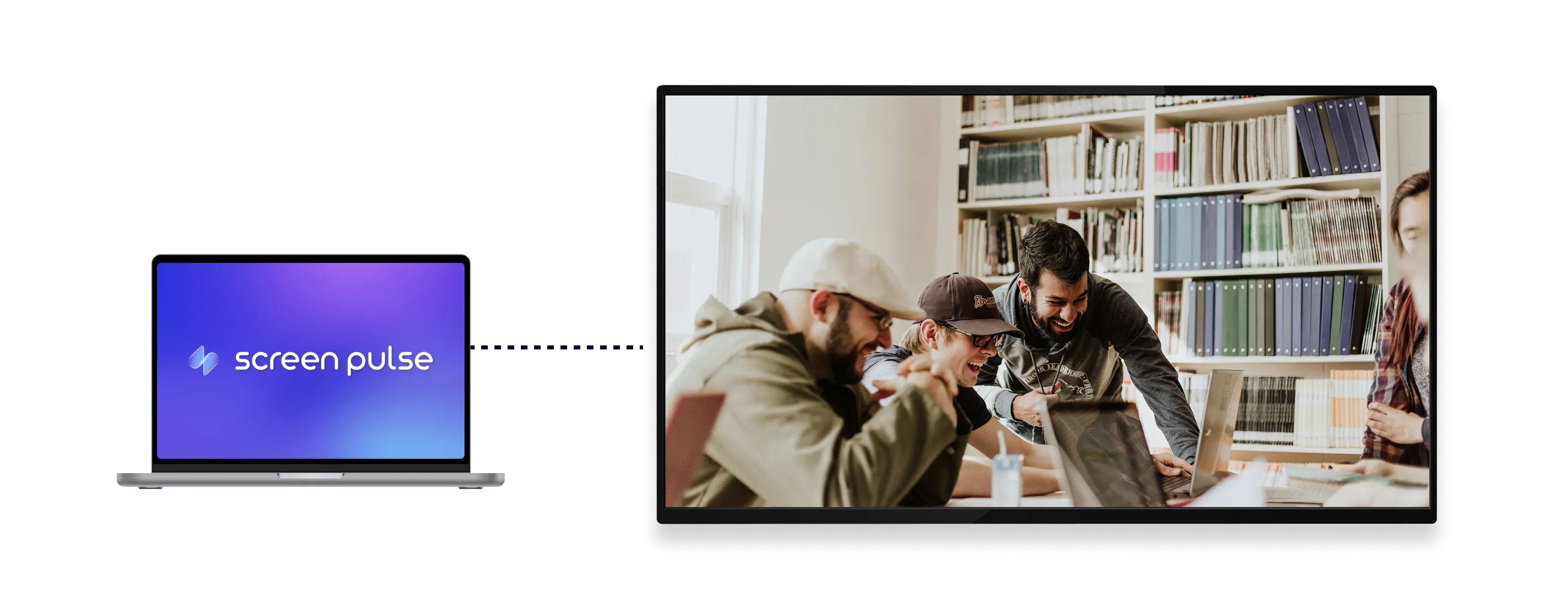
Display images and videos from Dropbox as a live screen gallery

Sync Dropbox media
Sync images and videos automatically from a connected Dropbox folder in real time.

Control playback order
Play media in a set order or shuffle items for rotating displays across screens.

Customize gallery view
Adjust animations, background colors, and display timing for media to match your setup.
Use Cases
Keep image and video screens updated using shared media folders
Common use cases
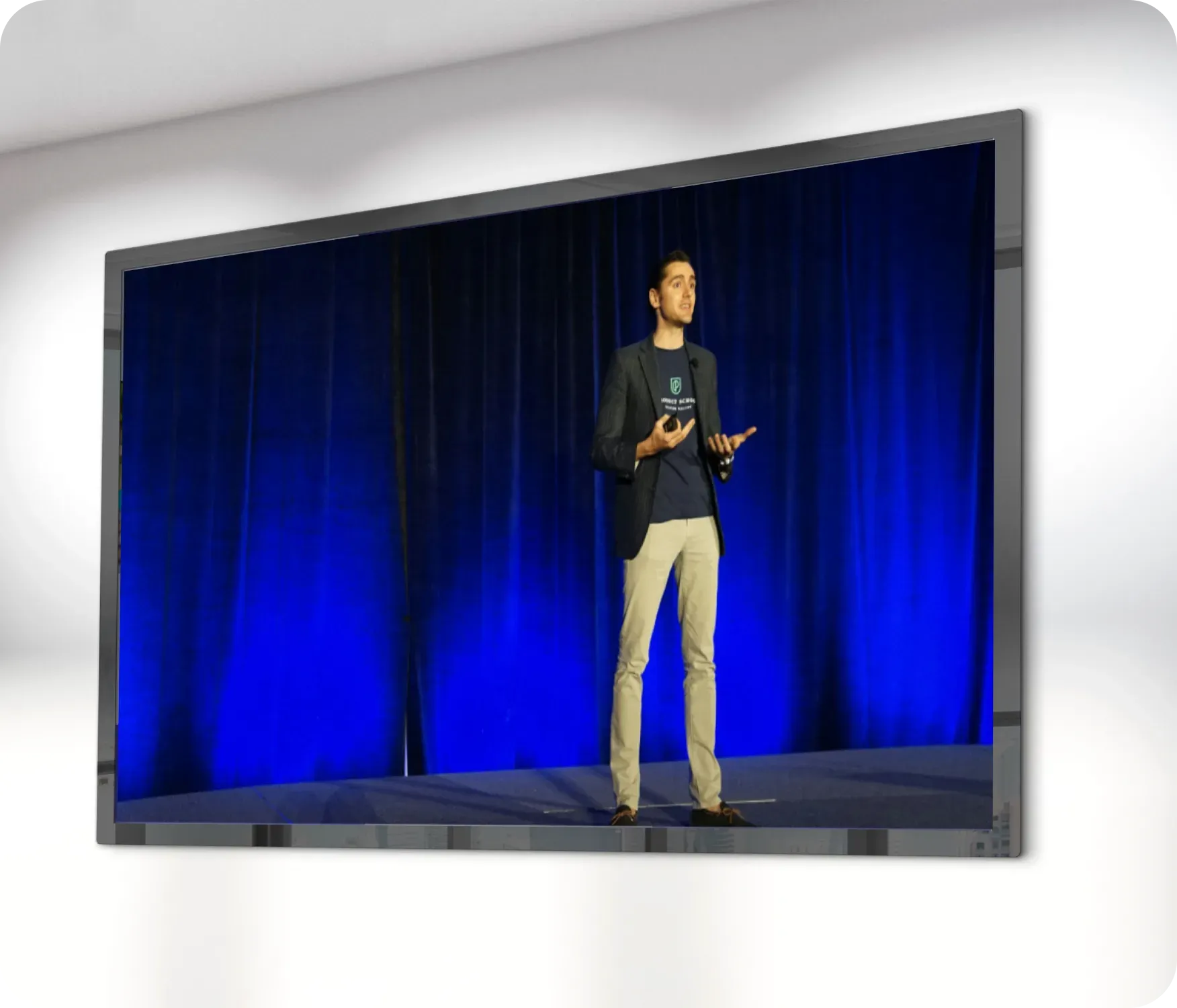
Use the Dropbox Gallery app when images and videos are updated regularly by different teams and need to appear on screens without manual uploads.
-
Digital bulletin boards and announcements
-
Event photos and highlights
-
Rotating photo galleries in lobbies or hallways
-
Visual storytelling for nonprofits and community spaces
-
Branded visuals shared across multiple locations
FAQs
Using Dropbox folders as screen galleries in Screen Pulse
Practical answers on how media is synced from Dropbox, how playback works, and how gallery screens are managed.
You can display images and videos stored in a connected Dropbox folder.
When files are added, removed, or updated in the Dropbox folder, the gallery updates automatically on screens.
Yes. Media can be displayed in a fixed order or shuffled automatically.
Yes. A single gallery can include both images and videos with configurable display duration.
Yes. You can adjust animations, background colors, and timing to match your visual style.
No. Media is managed entirely through Dropbox, without manual uploads to Screen Pulse.
