


Core Features
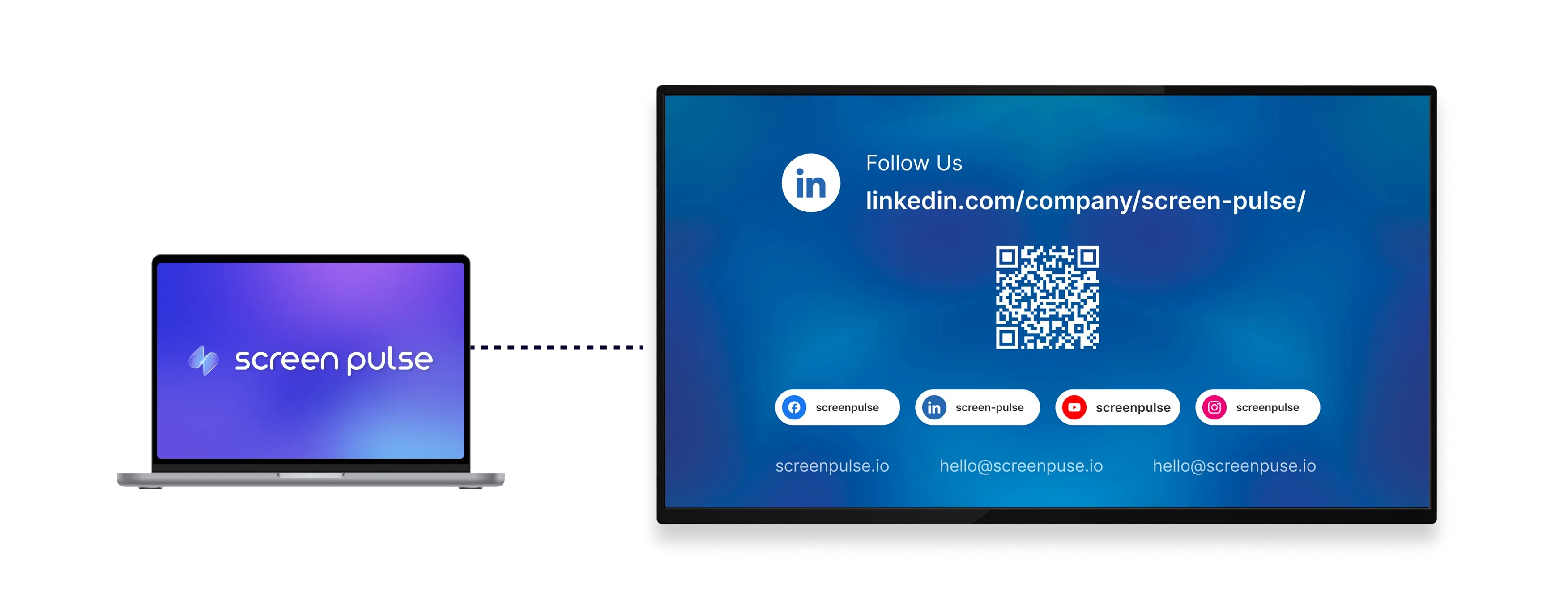
Display social media and contact details for easy connection

Show accounts
Display social media handles and URLs for popular platforms across your screens.

Generate QR codes
Provide QR codes that link directly to your profiles or pages for quick access.

Apply brand styling
Customize colors to align the screen with your visual identity and overall brand look.
Use cases
Encourage ongoing connection beyond the physical space
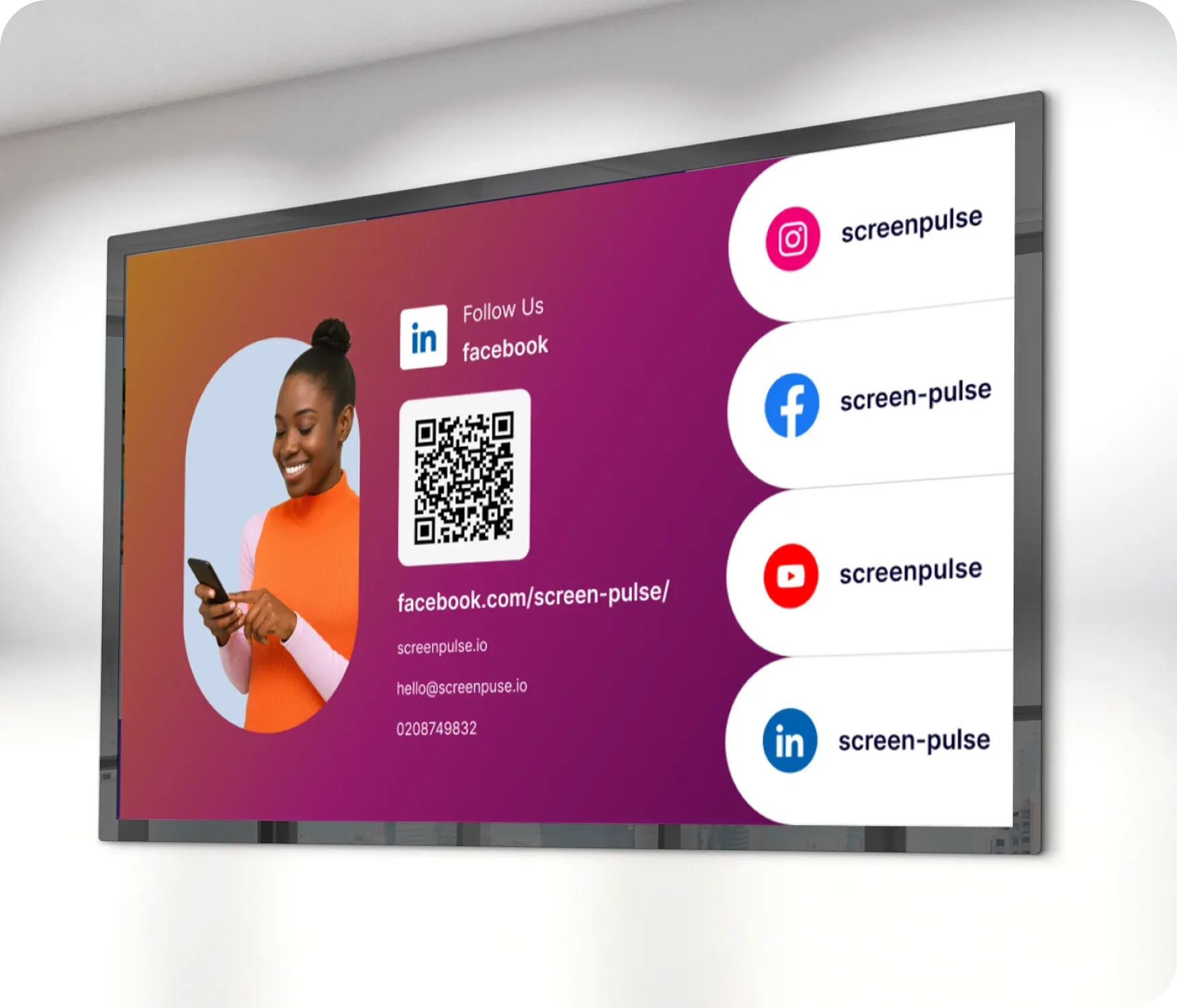
Common use cases
Use the Follow Us app when screens should help visitors stay connected after they leave your location.
-
Lobby displays promoting social media accounts
-
Event screens encouraging attendees to follow or subscribe
-
Reception areas sharing contact details and website links
-
Retail or hospitality spaces growing online audiences
-
Fitness centers and nonprofits expanding community reach
FAQs
Using the Follow Us app in Screen Pulse
Practical answers about displaying social media accounts, generating QR codes, and customizing the layout.
You can display popular platforms such as Instagram, Facebook, YouTube, Twitter, and others using handles or URLs.
QR codes are generated automatically and link directly to the social media profile or page you enter.
Yes. You can display website URLs or other contact details alongside or instead of social accounts.
Yes. Follow Us can be used as a standalone screen or included in playlists with other content.
