


Core Features
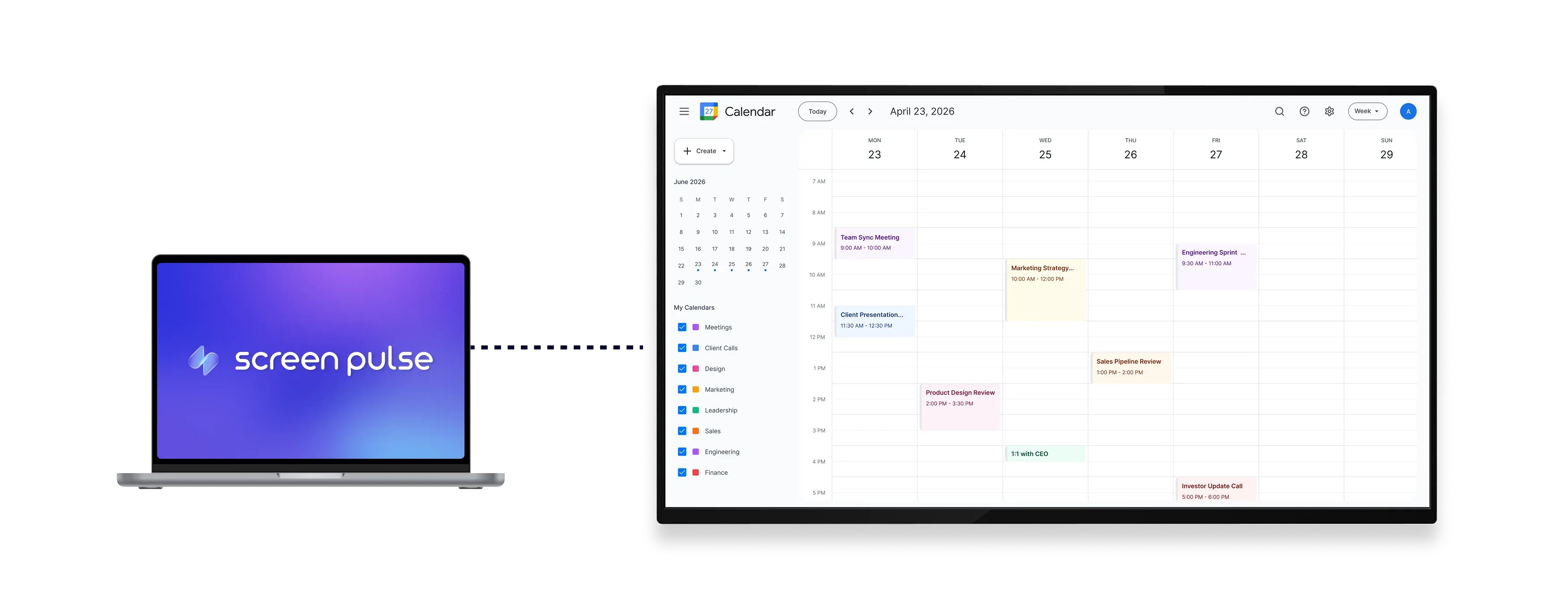
Display Google Calendar events in flexible, auto-synced views

Show calendar views
Display monthly, weekly, daily, or upcoming event formats across different screen layouts.

Autoupdate events
Keep screens updated as events change in Google Calendar in real time across locations.

Optimized layouts
Designed for tablets and large displays in common areas with clear visibility.
Use cases
Keep shared spaces aligned with live schedules and events
Common use cases
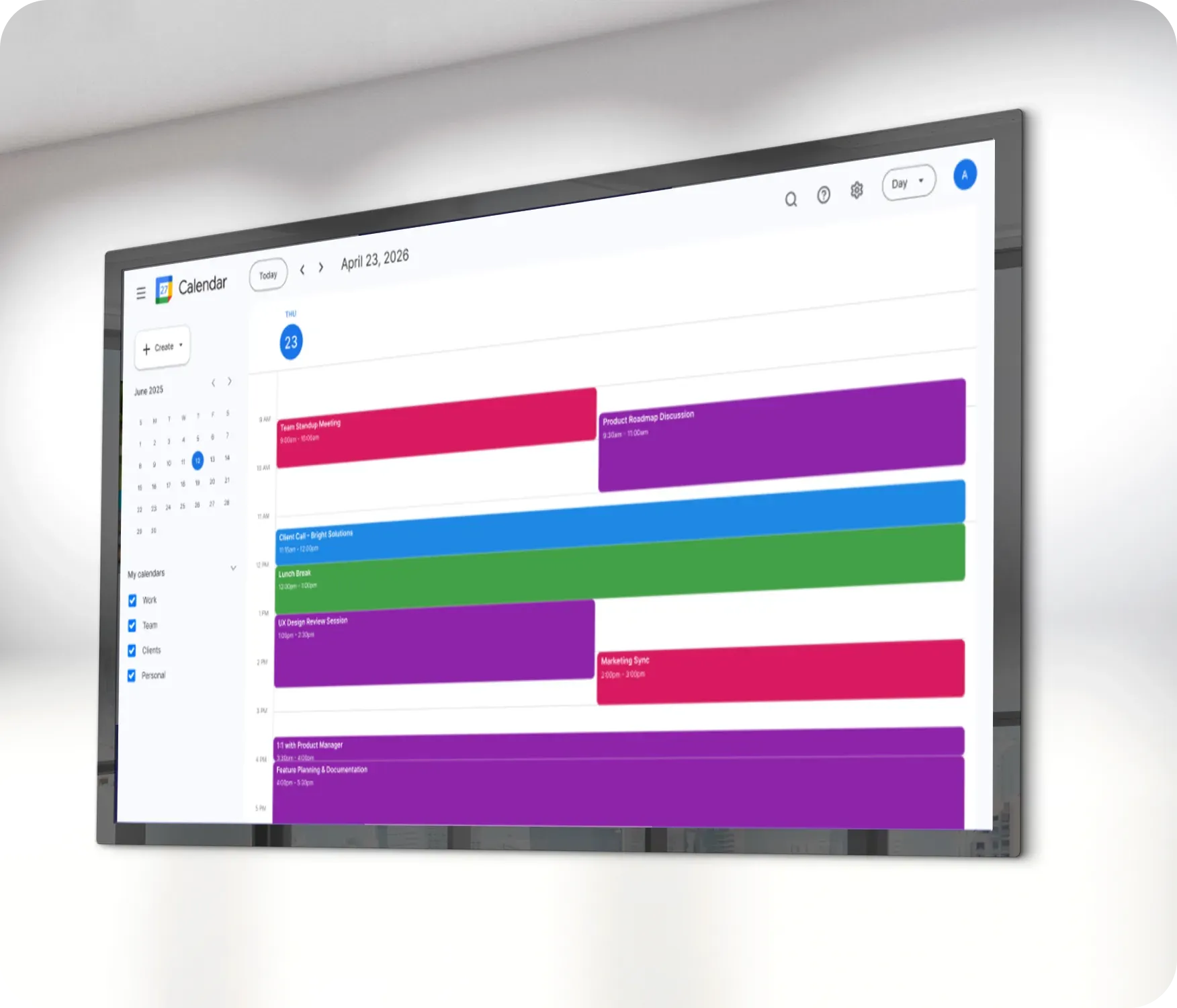
Use the Google Calendar app when screens need to reflect real-time schedules without manual updates.
-
Office lobbies displaying daily meetings or room schedules
-
Schools sharing class schedules and upcoming events
-
Fitness centers showing training sessions or program calendars
-
Healthcare facilities displaying appointment blocks or clinic hours
-
Corporate environments highlighting internal events and milestones
FAQs
Using Google Calendar on screens in Screen Pulse
Practical answers about syncing calendars, choosing display views, and managing shared event visibility.
