


Core Features
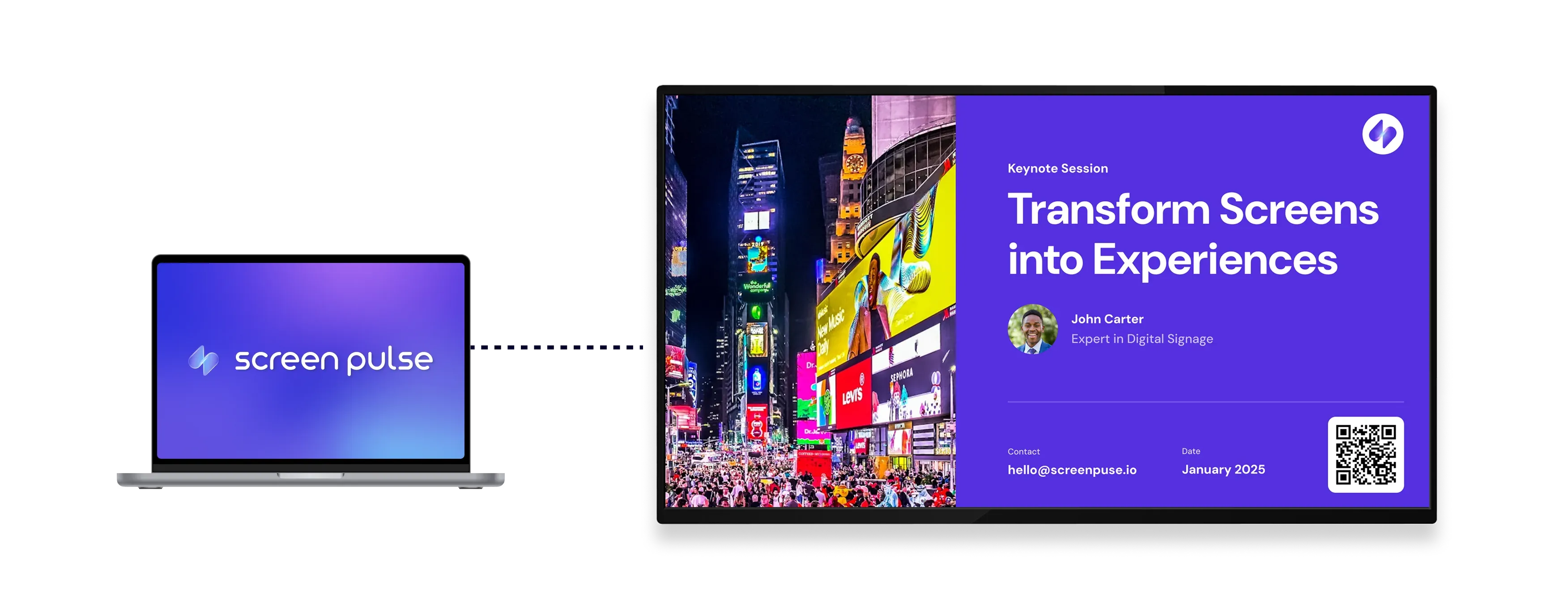
Present Google Slides with seamless on-screen playback

Access presentations
Log in once to securely access your Google Slides files across different screens and locations.

Add slides URL
Paste your presentation link to display it without exporting files or additional preparation.

Apply slide transitions
Use built-in animations for a polished, continuous display across screens and locations.
Use cases
Display presentations in shared spaces without manual updates

Common use cases
Use the Google Slides app when presentations need to stay dynamic and easy to update from a familiar platform.
-
Lobby screens showing announcements and updates
-
Schools displaying rotating information boards
-
Corporate offices sharing internal presentations
-
Training areas running educational slide content
-
Event spaces presenting schedules or promotional slides
FAQs
Using Google Slides in Screen Pulse
Practical answers about connecting presentations, managing playback, and displaying slides on screens.
