
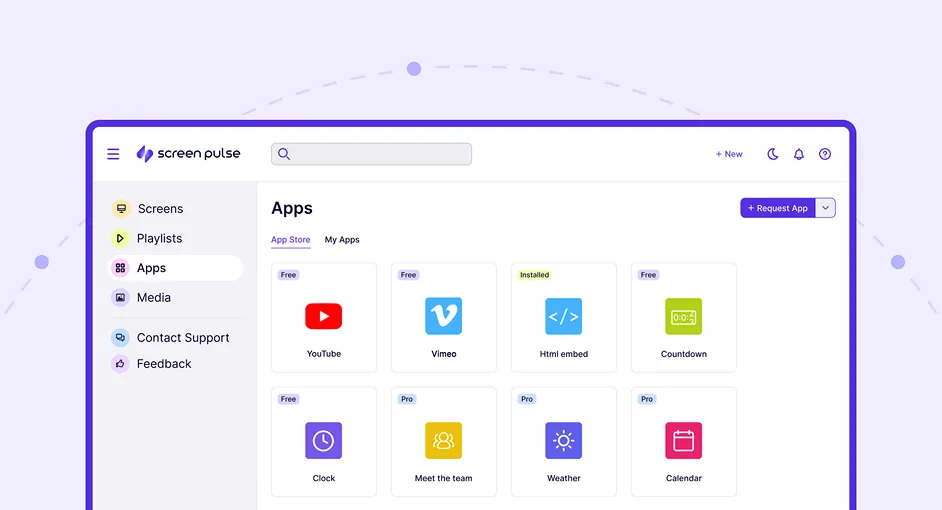

Core Features
Display custom HTML content on screens with full layout control

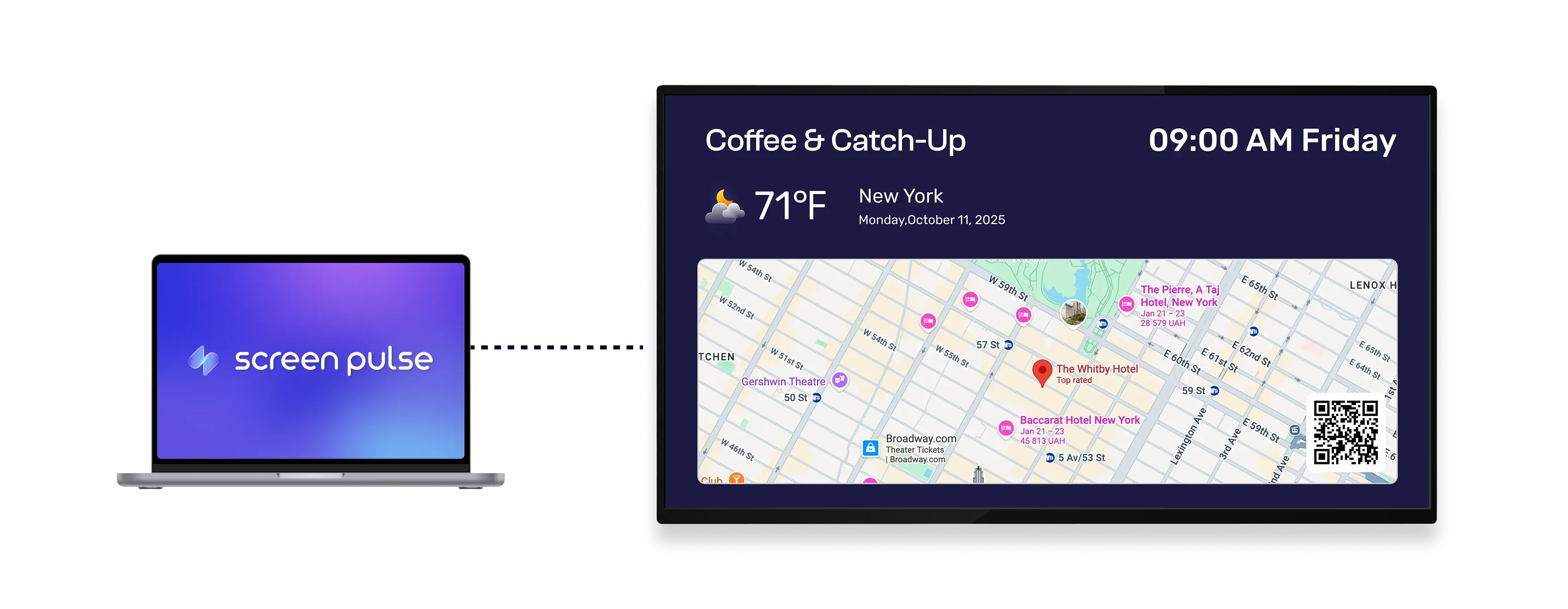
Embed HTML widgets
Embed widgets and content from external services using HTML code directly on screens.

Render custom layouts
Add your own HTML with inline CSS to control layout and styling across different screen sizes.

Show live content
Display HTML content that updates automatically or remains static.
Use Cases
Use custom HTML to display flexible, data-driven content on screens
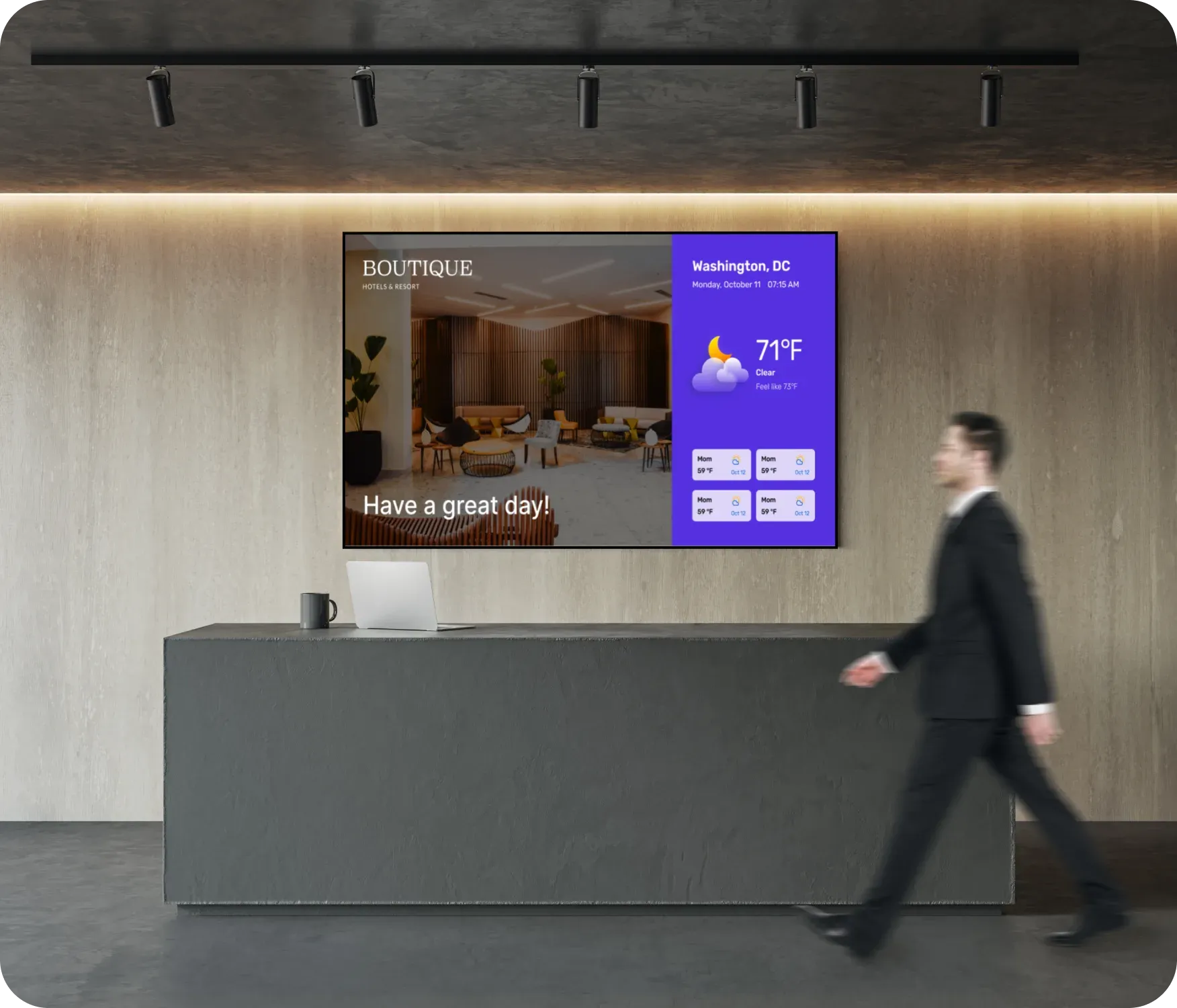
Common use cases
Use the HTML Embed app when content doesn't come from a single system and needs a custom layout or embedded widget to display correctly on screens.
-
Custom announcements and branded banners
-
Live dashboards and data summaries
-
Embedded calendars, maps, or weather widgets
-
Tables, schedules, and structured content
-
Screens that require layouts not supported by standard apps
FAQs
Using custom HTML content in
Screen Pulse
Practical answers on how HTML content is rendered on screens, how updates work, and what types of embedded content are supported.
You can display custom HTML markup, including inline CSS, as well as embedded widgets from external services.
Yes. Widgets such as maps, calendars, weather displays, and dashboards can be embedded using HTML code.
Yes. If the embedded HTML or widget updates its data, those changes can be reflected on screens. Update intervals can be configured to control how often content refreshes (coming soon).
Yes. HTML Embed content can be used as standalone screen content or included in playlists.
No. You can paste existing HTML code without building complex scripts or applications.
Yes. Static HTML content can be used for banners, tables, announcements, and other fixed layouts.
