


Core Features
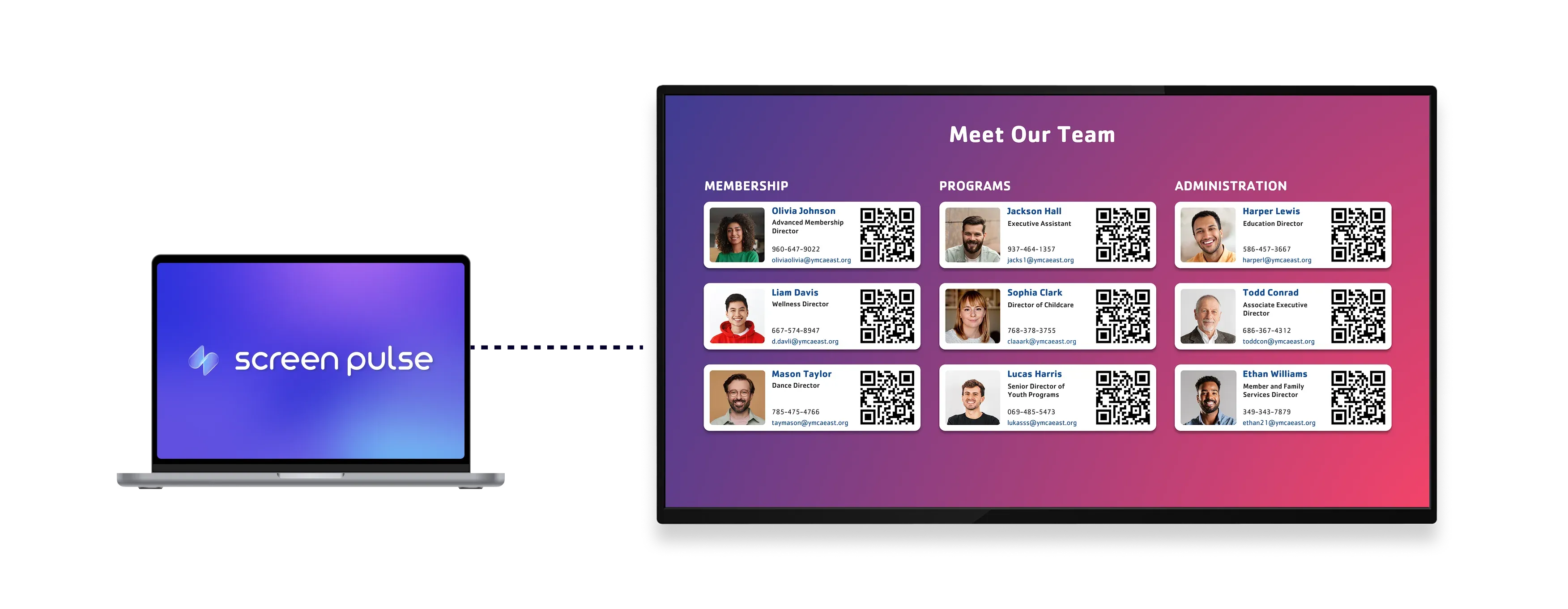
Present employee profiles in a clear, screen-ready format

Show team details
Show names, photos, roles, and key profile information across screens in shared spaces.

Highlight updates
Highlight birthdays, anniversaries, and new joiners to keep teams informed and engaged.

Optimize for screens
Designed for tablets and large displays in common areas with clear visibility.
Use cases
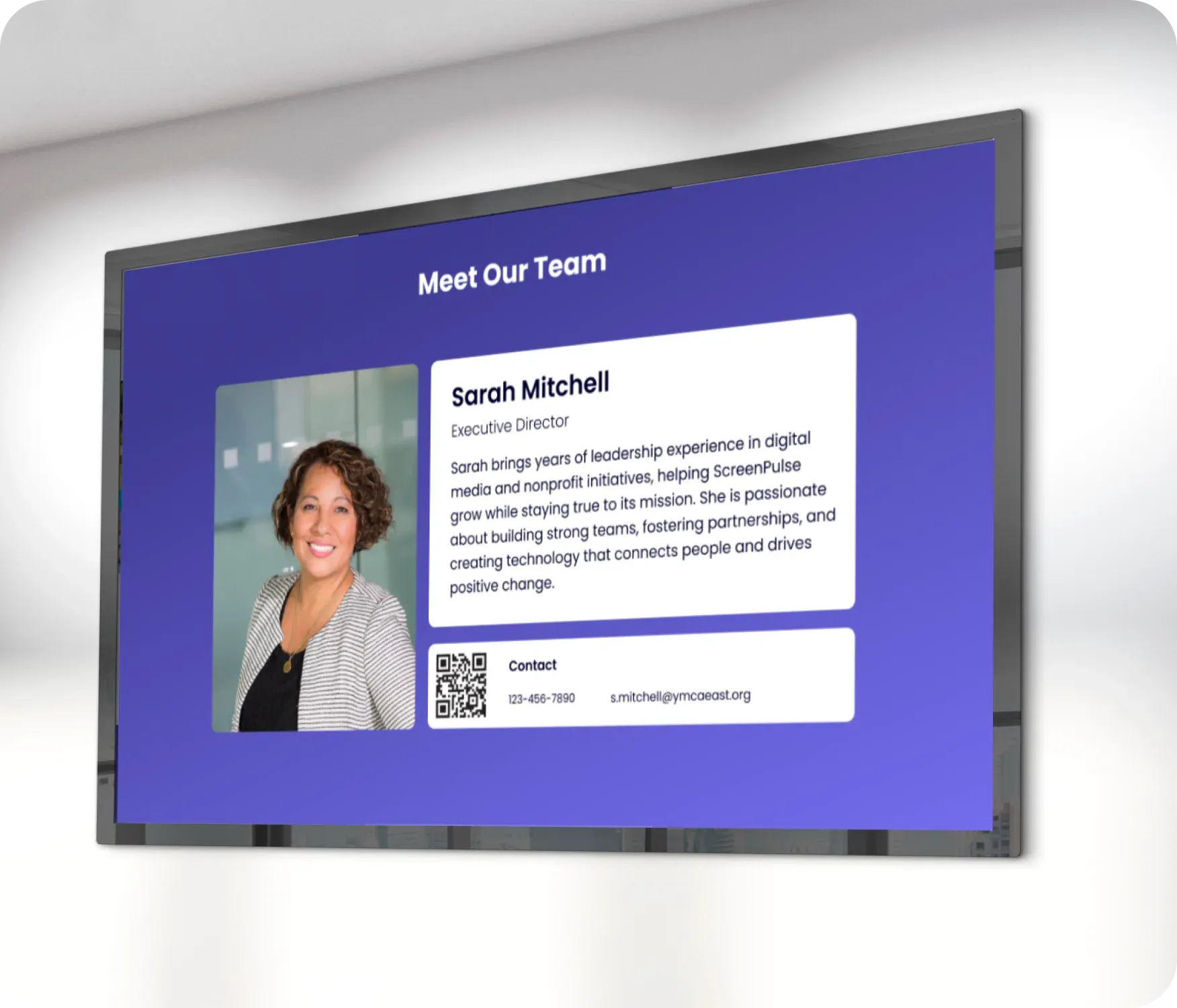
Introduce team members on internal and public screens
Common use cases
Use the Meet the Team app when screens should introduce people, strengthen team visibility, or celebrate internal milestones.
-
Office lobbies introducing team members to visitors
-
Corporate environments welcoming new hires
-
Healthcare or education spaces showcasing staff
-
Manufacturing or retail locations highlighting leadership teams
-
Internal screens celebrating birthdays and work anniversaries
FAQs
Using the Meet the Team app in Screen Pulse
Practical answers about displaying employee profiles, managing content, and using the screen across locations.
