

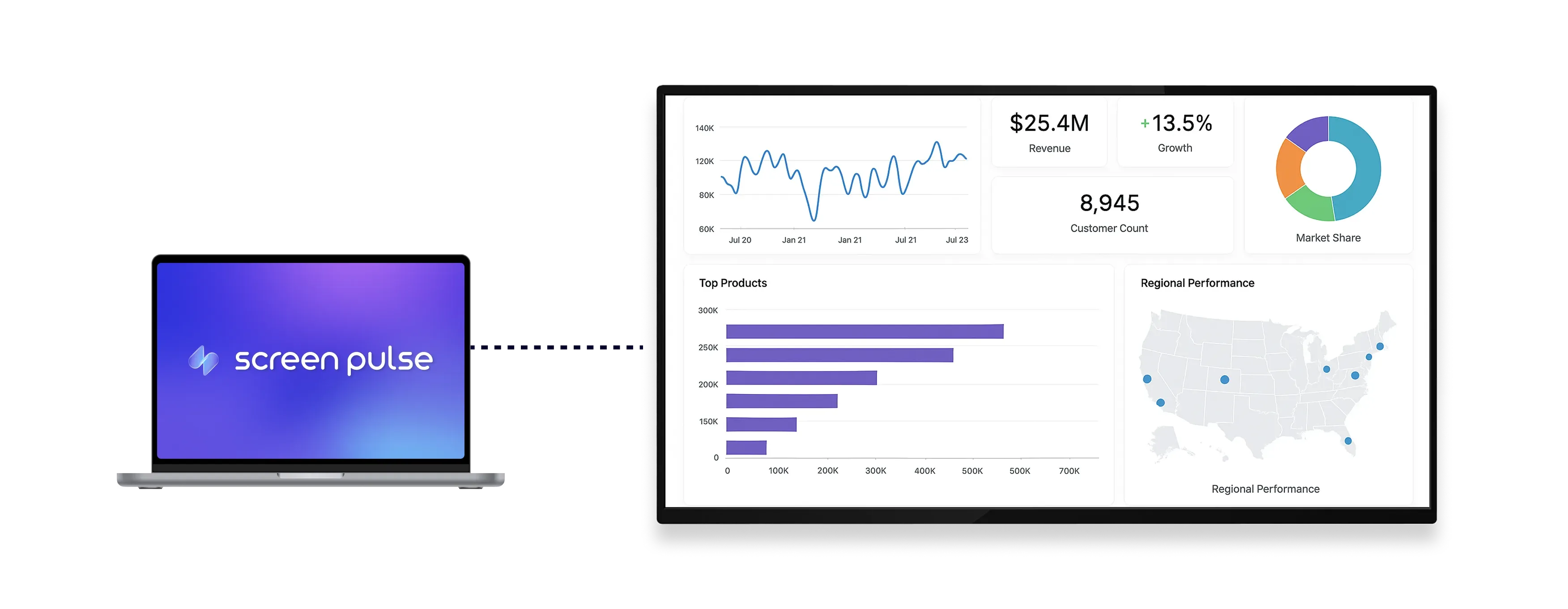

Core Features
Present Power BI dashboards in a secure, screen-ready format

Access dashboards
Log in with your Microsoft account to securely access shared Power BI dashboards.

Display business data
Display real-time metrics and insights directly from your dashboards as data updates.

Optimize for shared screens
Designed for tablets and large-format displays to ensure clear visibility in shared spaces.
Use cases
Make business intelligence visible in shared environments
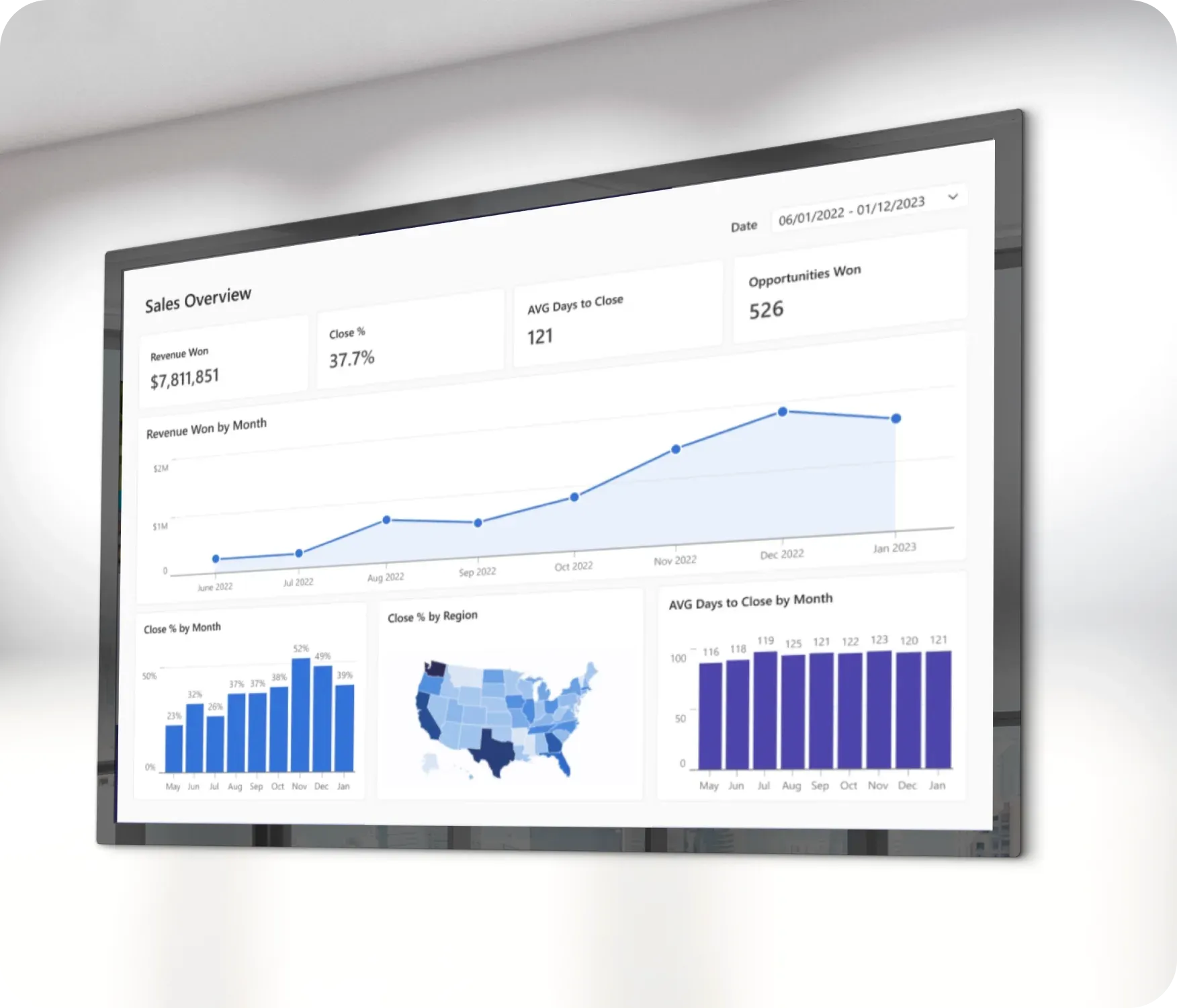
Common use cases
Use Microsoft Power BI when real-time insights should stay visible and accessible across teams.
-
Office dashboards displaying KPIs and performance metrics
-
Manufacturing floors tracking production data
-
Retail environments monitoring sales performance
-
Corporate teams reviewing operational trends
-
Executive areas showcasing strategic reports
FAQs
Using Microsoft Power BI in Screen Pulse
Practical answers about connecting dashboards, displaying live data, and managing Power BI content on screens.
You can display shared Power BI dashboards accessible through your Microsoft account.
Yes. Dashboards reflect real-time data from Power BI without manual refresh.
Yes. You log in with your Microsoft account to access dashboards securely.
Yes. The layout is optimized both for tablets and large-format displays.
Yes. It can be used as a standalone screen or included in playlists with other content.
