


Core Features
Share internal news from SharePoint across your screens

Access your content
Log in with your Microsoft account to securely access shared SharePoint posts and updates.

Display published news
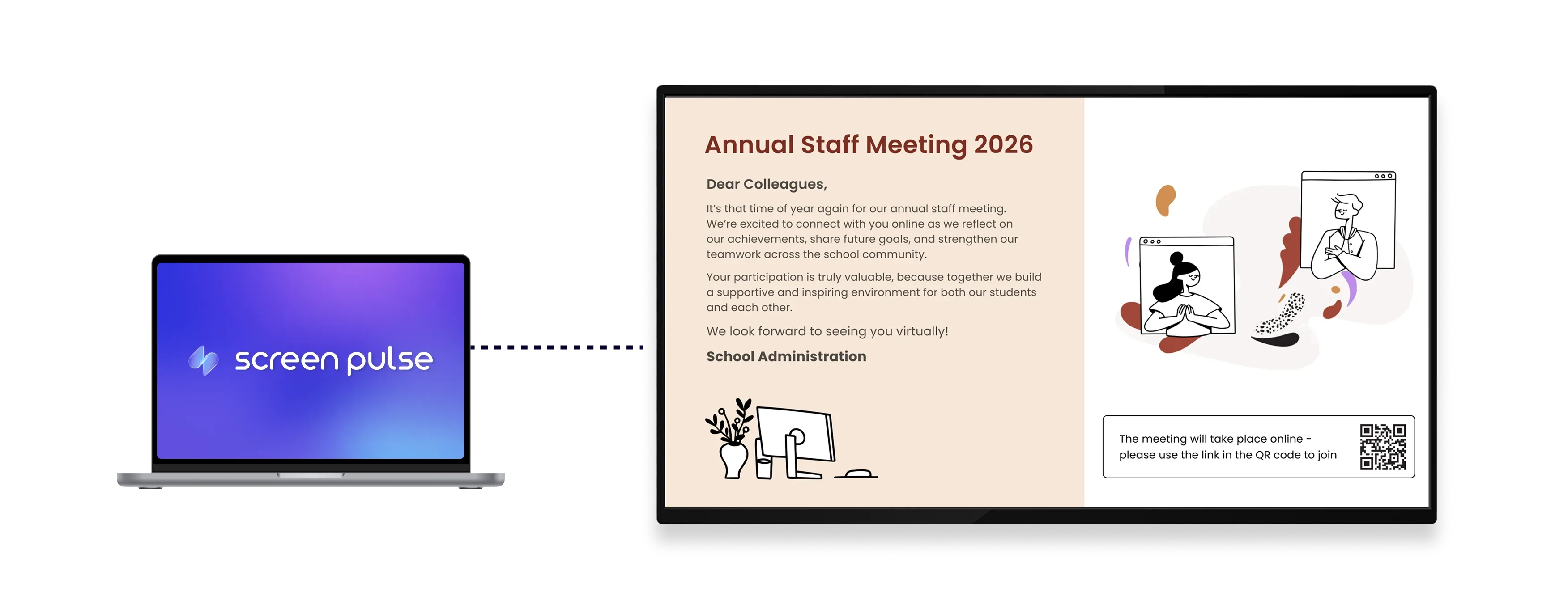
Show news posts and updates automatically as they are published in SharePoint.

Optimize for screens
Formatted for tablets and large displays to ensure readable content anywhere.
Use cases
Extend internal communication beyond the intranet

Common use cases
Use the Microsoft SharePoint app when internal news and updates should stay visible across physical spaces.
-
Office lobbies displaying company announcements
-
Corporate environments sharing internal news posts
-
Manufacturing sites reinforcing operational updates
-
Healthcare facilities communicating staff information
-
Retail and distributed teams aligning around shared updates
FAQs
Using Microsoft SharePoint in Screen Pulse
Practical answers about connecting SharePoint, displaying news posts, and keeping content updated on screens.
You can display shared news posts and published updates from SharePoint.
Yes. Content published in SharePoint is reflected on screen without manual updates.
Yes. You log in with your Microsoft account to access shared SharePoint content.
Yes. The layout is formatted both for tablets and large-format displays.
Yes. It can be used as a standalone screen or included in playlists with other content.
