


Core Features
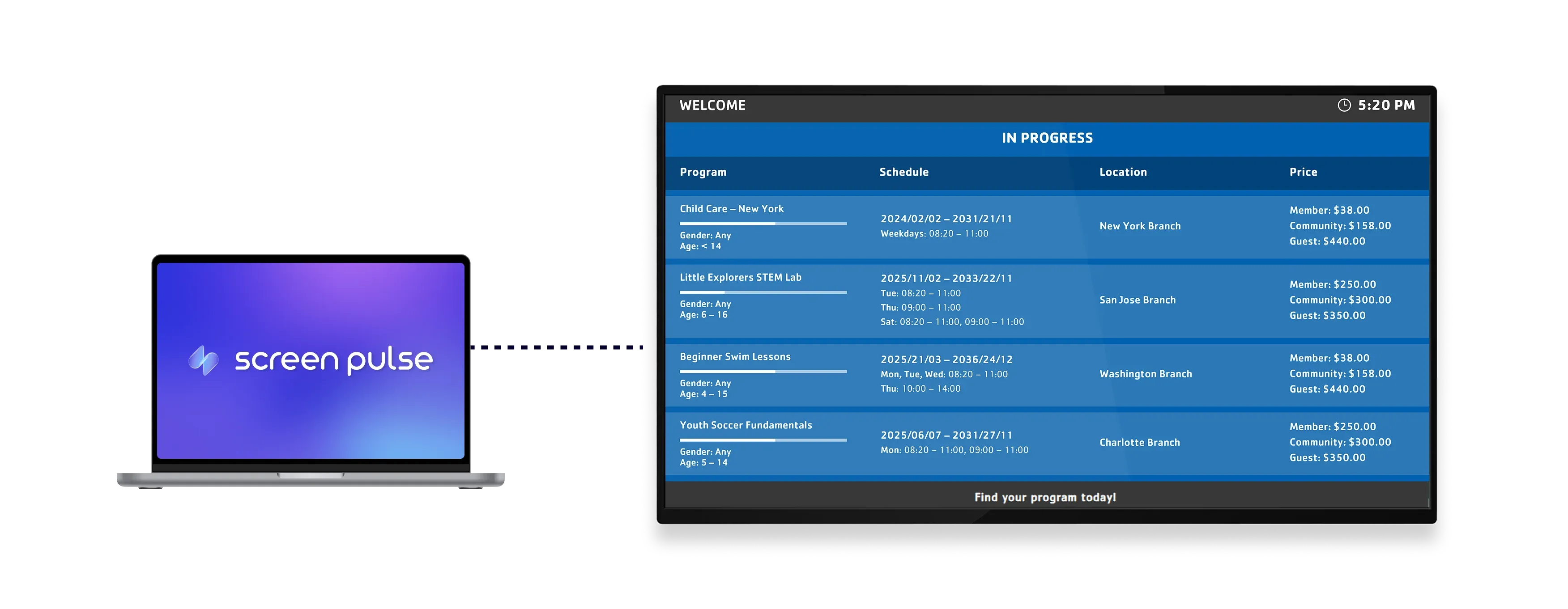
Show live Daxko program schedules on branch screens

Sync program data
Display current and upcoming programs directly from Daxko with real-time updates across all screens.

Filter by location
Show all programs or limit the view to specific locations to keep content relevant for each display.

Optimize for tablets
Designed for tablet screens to ensure clear visibility and easy access in shared environments.
Use cases
Keep members informed about available programs in real time
Common use cases
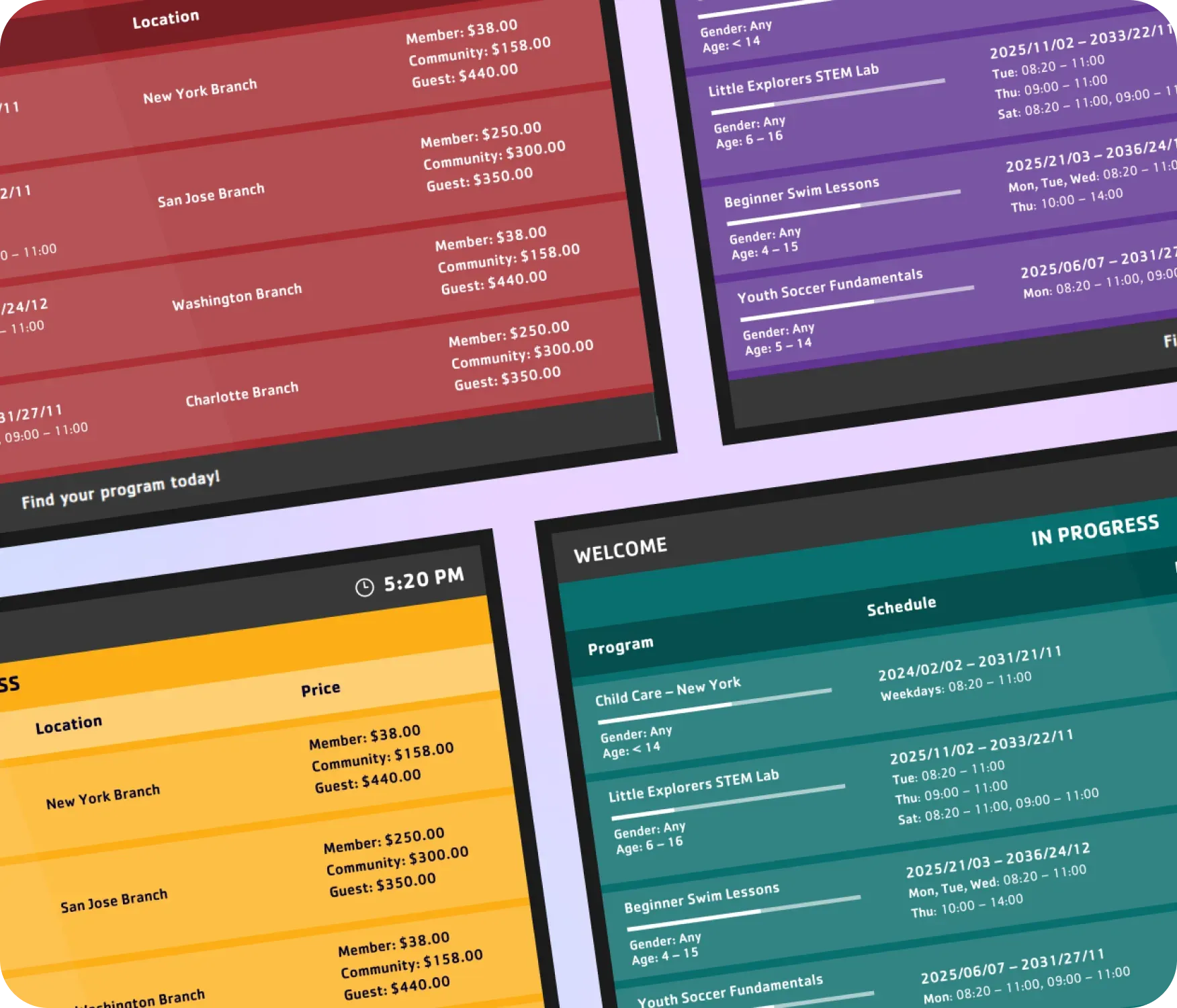
Use the Programs Schedule – Daxko app when members need clear, up-to-date visibility into what’s happening at the branch.
-
Branch lobbies displaying current and upcoming programs
-
Tablet screens near program areas showing location-specific schedules
-
Fitness centers highlighting daily class availability
-
Community spaces sharing youth or seasonal program schedules
-
Reception areas reducing staff inquiries about program times
FAQs
Using schedule data from Daxko in Screen Pulse
Practical answers about syncing Daxko data, filtering schedules, and displaying programs on branch screens.
