


Core Features
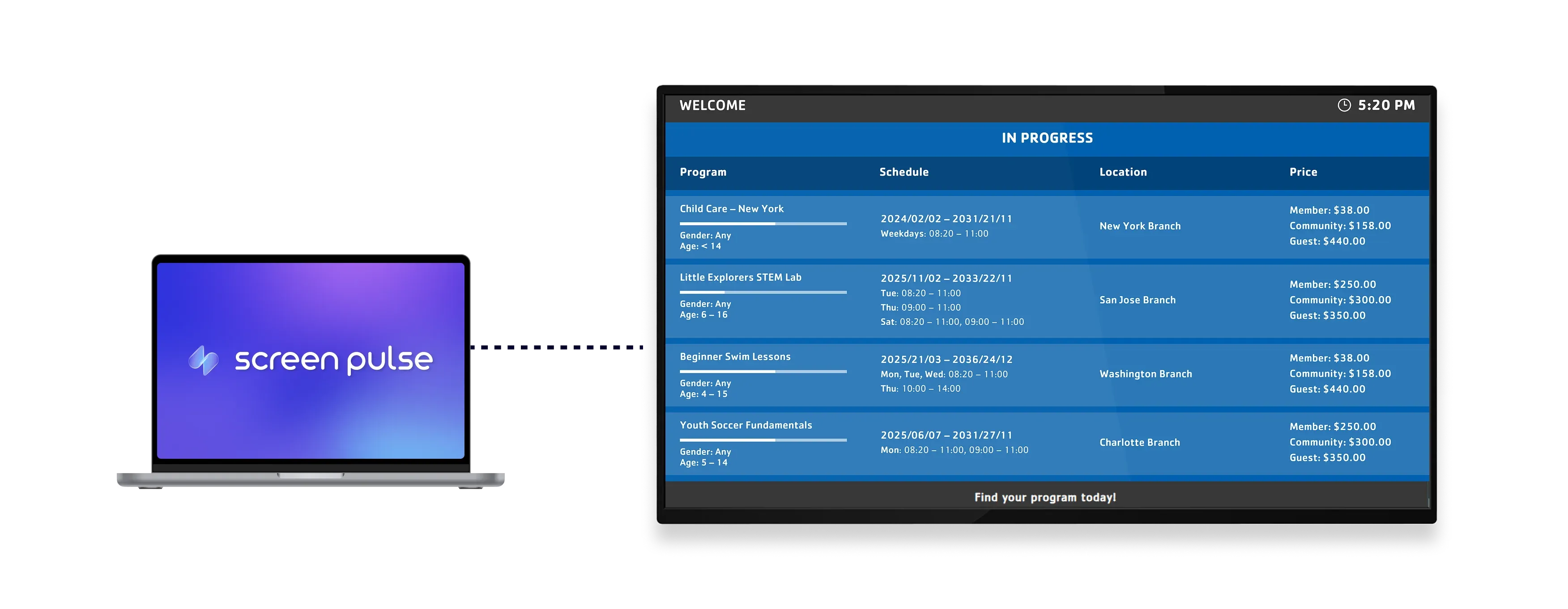
Display live program schedules across the branch on screens

Show live schedules
Display current and upcoming programs in real time on branch screens with clear visibility.

Sync program data
Keep program information accurate by syncing live data from Traction Rec across all displays.

Filter by location
Show all programs across the branch or limit schedules to specific locations based on display needs.
Use cases
Use program schedules to help members discover what's available at the branch
Common use cases
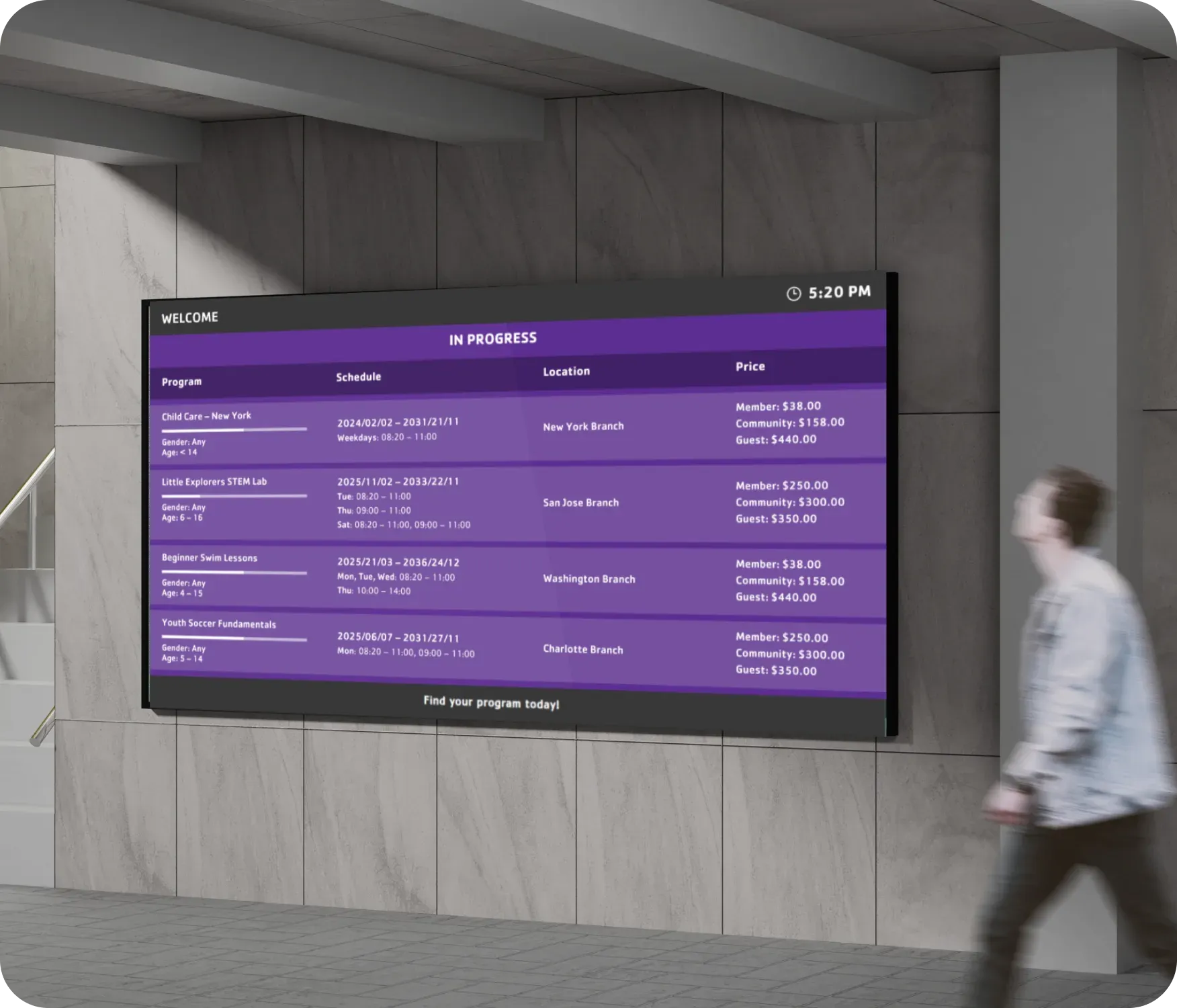
Use the Programs Schedule app when members need a clear overview of available programs without checking multiple systems or asking staff.
-
Program overviews displayed in branch lobbies
-
Tablet screens near check-in or welcome desks
-
Screens highlighting ongoing and upcoming programs
-
Displays that help members explore options before enrolling
-
Shared screens that reduce questions about program availability
FAQs
Using program schedules from Traction Rec in Screen Pulse
Practical answers on how program schedules are displayed on screens, how data stays up to date, and how schedules can be scoped by location.
