


Core Features
Showcase testimonials and quotes in a clean, screen-ready format

Show quote details
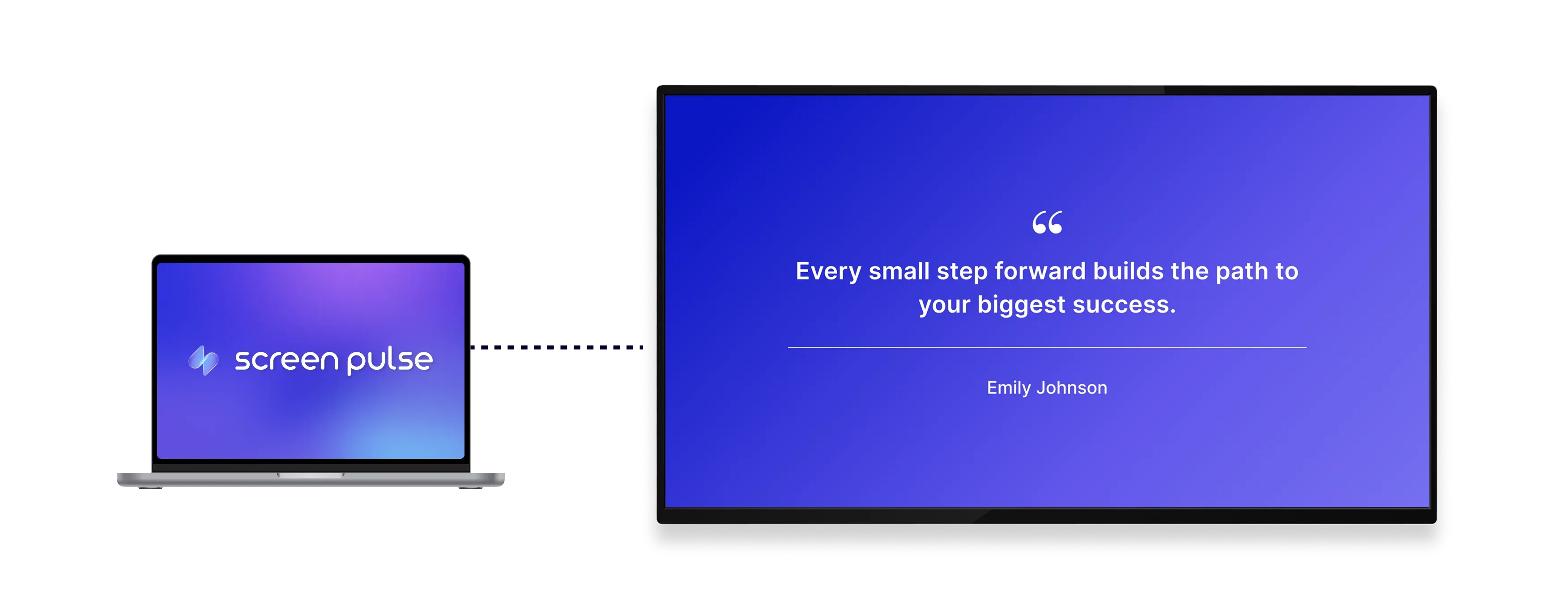
Display quote text, name, job title, and image in a clear format designed for easy viewing across screens.

Customize visual style
Adjust themes and colors to match your brand and ensure consistency across different display environments.

Optimize for screens
Designed for tablets and large displays to ensure clear visibility in shared and high-traffic areas.
Use cases
Highlight feedback and voices across shared spaces
Common use cases
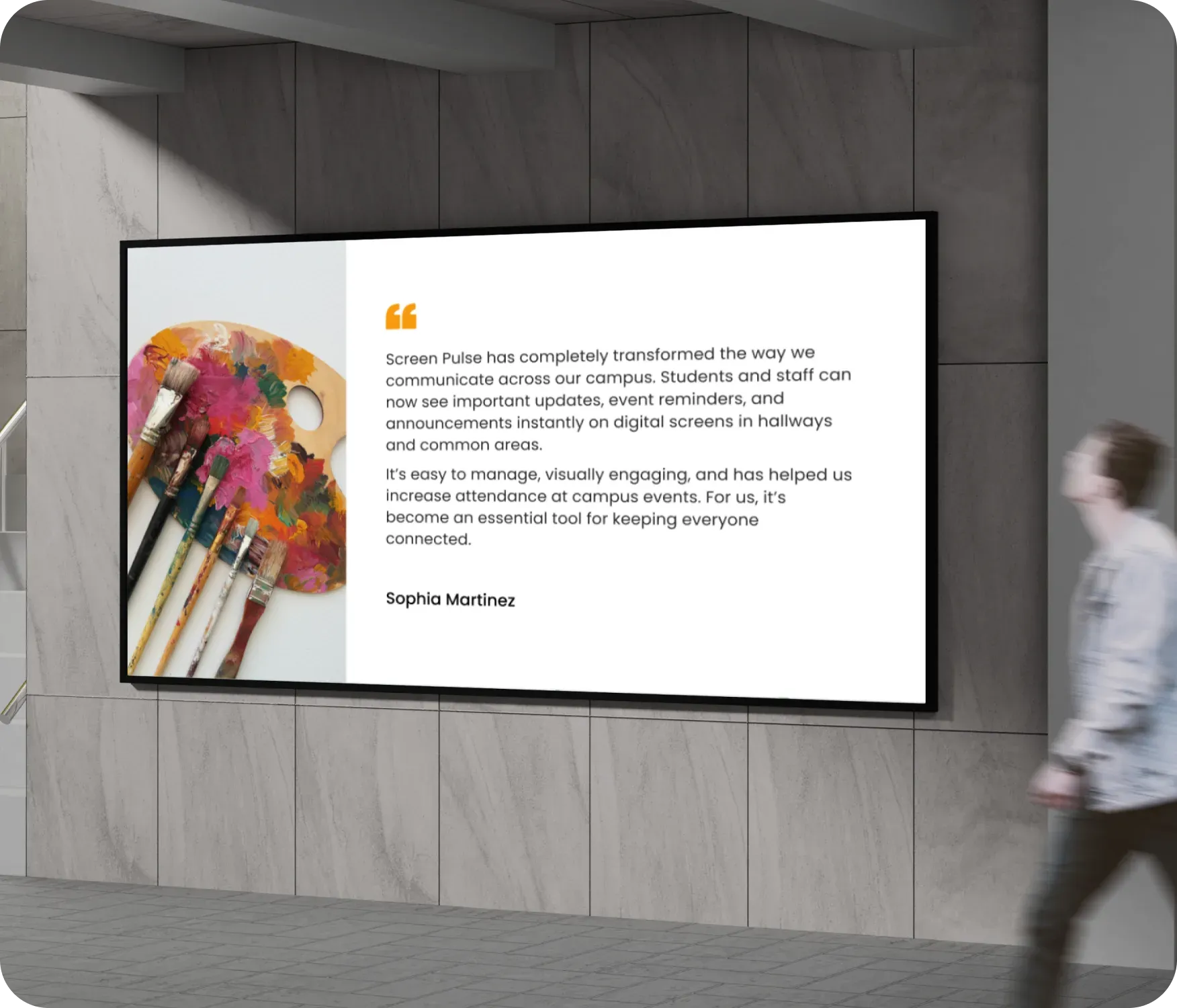
Use the Quote app when screens should reinforce trust, recognition, or internal culture through visible testimonials and messages.
-
Lobby screens showcasing customer testimonials
-
Retail or hospitality spaces building credibility
-
Corporate environments sharing employee recognition
-
Healthcare or nonprofit spaces highlighting impact stories
-
Internal screens reinforcing team values and milestones
FAQs
Using the Quote app in Screen Pulse
Practical answers about adding quotes, customizing layouts, and displaying testimonials on screens.
