


Room Entry – GroupExPRO

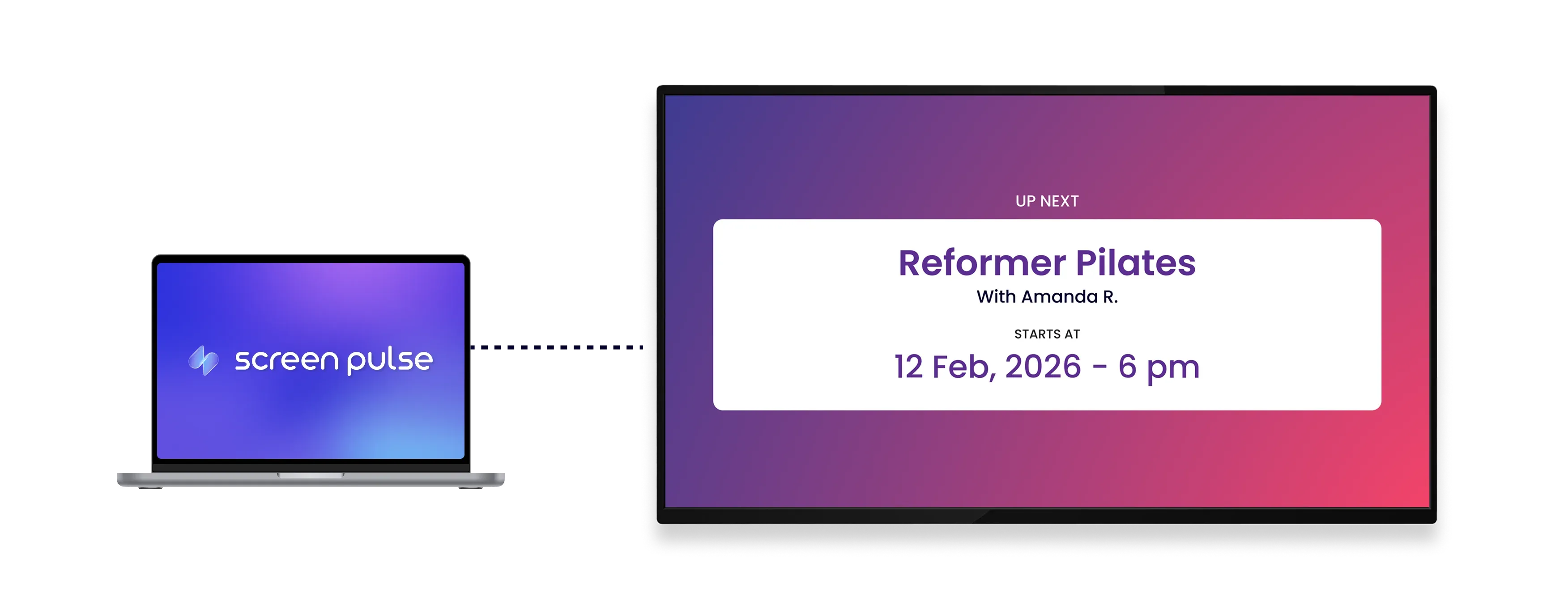
Display live class information at the room entrance. Show current and upcoming classes synced automatically with GroupExPRO, designed for tablet screens.

Room Entry – GroupExPRO app

Core Features

Show real-time class details at each room entrance

icon related to Sync class data

Sync class data

Display current and upcoming classes directly from GroupExPRO with real-time updates on screen.

icon related to Show class updates

Show class updates

Present instructor name, next class, and time remaining in a clear and continuously updated format.

icon related to Customize themes

Customize themes

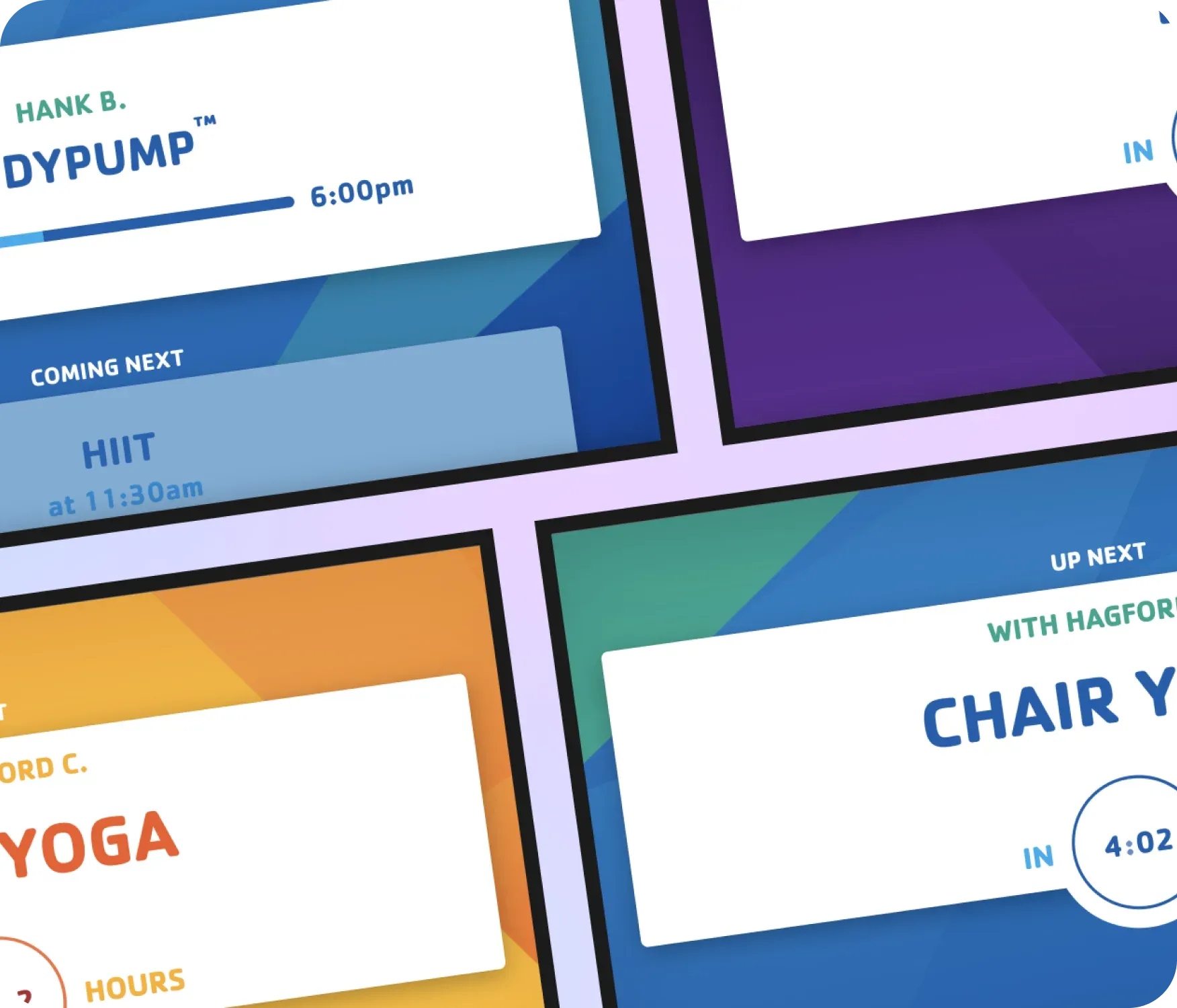
Choose timer styles and visual themes designed for tablet screens in room entrance areas.

Use cases

Keep members informed right outside each class room
icon related to Common use cases

Common use cases

Use the Room Entry – GroupExPRO app when members need clear, real-time visibility into what’s happening in a specific studio or exercise space.

  • Fitness studios showing the current and next class

  • Group exercise rooms displaying instructor and start time

  • High-traffic hallways guiding members to the right session

  • Branch locations reducing staff questions about class timing

  • Tablet screens mounted outside individual rooms

FAQs

Synchronizing GroupExPRO data with Screen Pulse

Practical answers about syncing class data, displaying room-specific schedules, and customizing timers and themes.

During an active class, the screen automatically transitions to show what’s coming up next.
The screen connects directly to GroupExPRO and displays current and upcoming classes automatically.
Yes. You can select the branch and specific rooms to ensure each screen shows relevant schedule information.
The display shows the current or next class, instructor name, and time remaining until the class starts.
Yes. You can choose between a linear progress bar or a circular countdown timer.
Yes. You can choose from available themes and adjust visual elements. Additional themes can be extended by request.
Yes. It is designed for tablets and small screens in high-traffic areas.
cta-image

Ready to get started?

Book a Demo
Copyright © 2026 Screen Pulse. All Rights Reserved
Built with love by Five Jars