

Core Features
Show accurate room schedules without manual updates

Live schedule
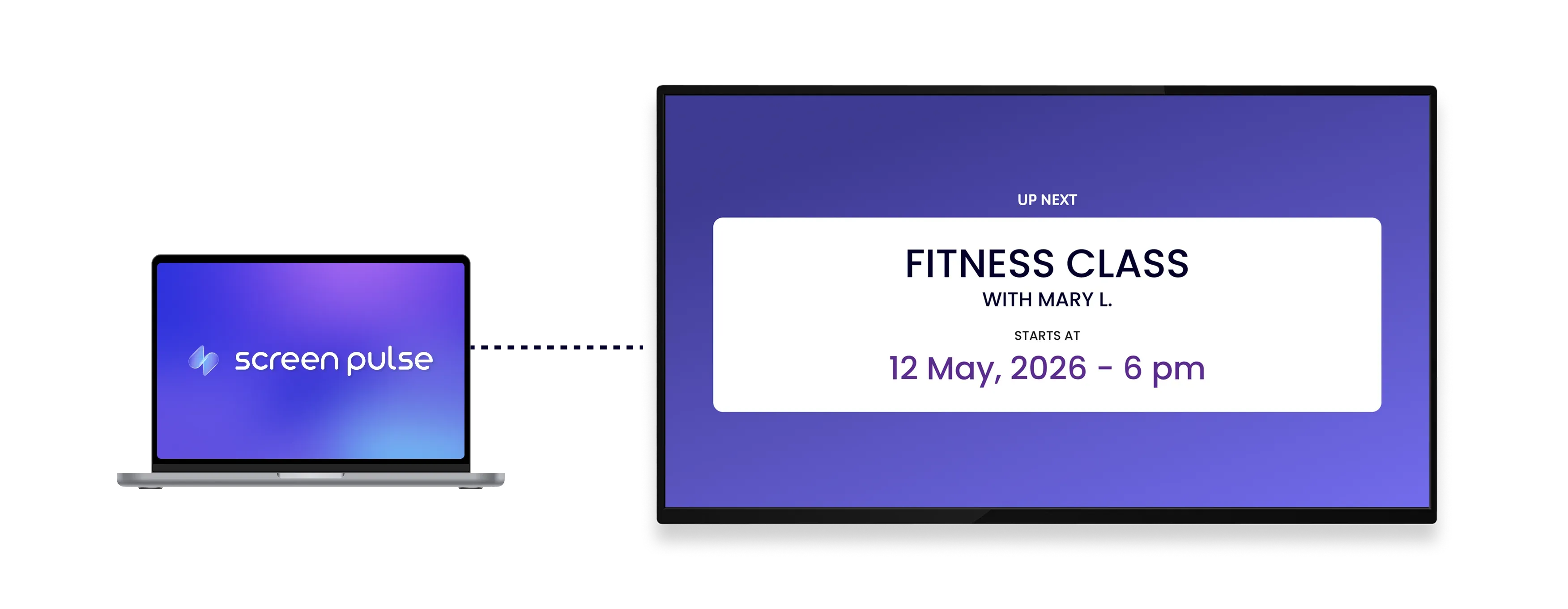
Display current and upcoming classes for each room using real-time data synced from Mindbody.

Auto updates
Reflect booking changes, cancellations, and delays instantly so screens always match the actual schedule.

Room context
Show instructor, class name, and timing together to help visitors quickly confirm they’re in the right place.
Use cases
Help visitors navigate rooms using live schedule data
Common use cases
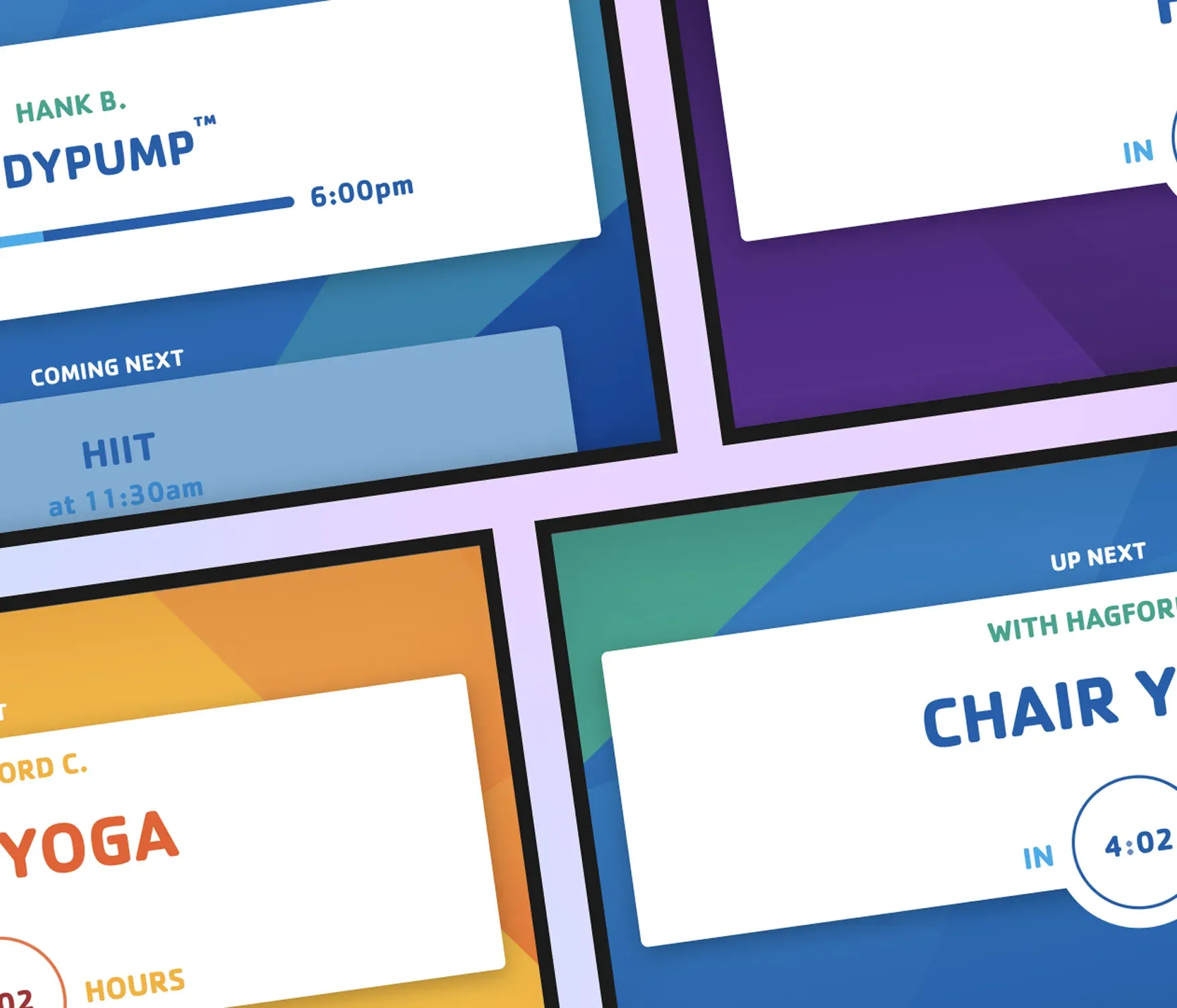
Show what’s happening in each room so people can quickly find their class without asking staff.
-
Display class schedules outside studio or training rooms
-
Help members confirm they’re in the correct room
-
Reduce front desk questions about class locations
-
Show instructor and class details at entry points
-
Support multi-room facilities with changing schedules
FAQs
Synchronizing Mindbody data with Screen Pulse
Practical details on how schedules sync, display, and update on screens.
Yes. Any booking changes, cancellations, or updates in Mindbody are reflected on screens in real time.
Yes. Each screen can be linked to a specific room so it shows only relevant schedule data.
The app can run as a dedicated screen or rotate within playlists alongside other content.
It works on any Screen Pulse-supported device, including TVs, tablets, and media players.
