


Core Features
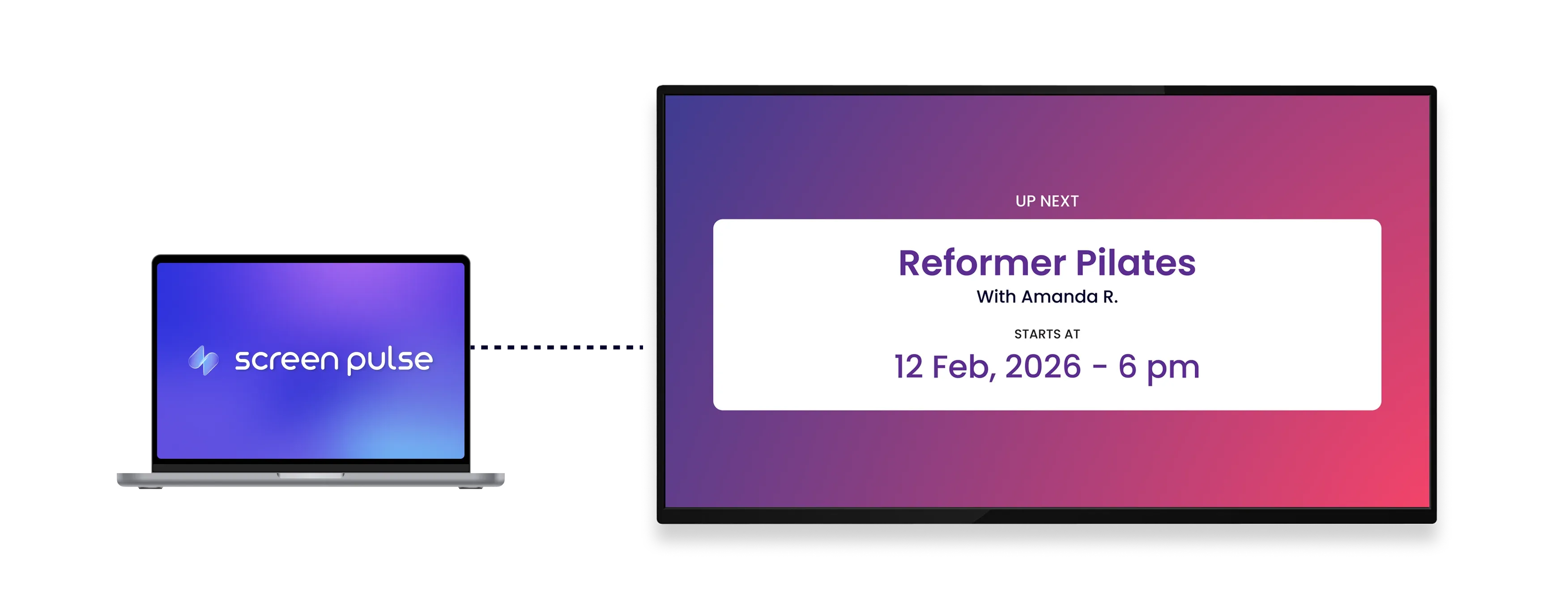
Show real-time room schedules at the entrance of each space

Show room schedules
Display current and upcoming classes for a selected branch and room using live schedule data.

Update class status
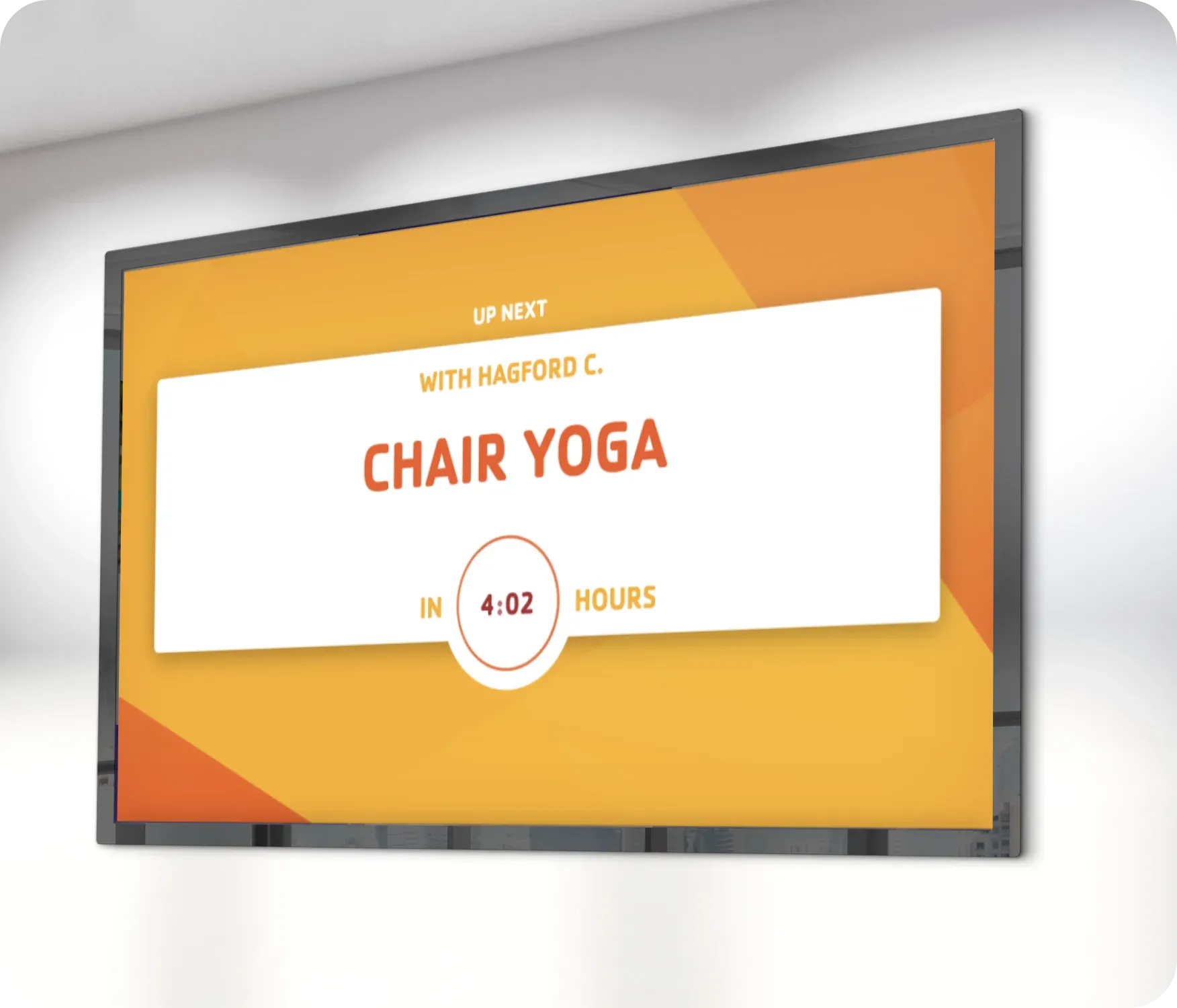
Automatically switch between current and next classes with instructor details and time remaining.

Customize layout
Choose timer styles and visual themes to clearly communicate timing and class status at room entrances.
Use cases
Use room-level screens to guide members at the point of entry
Common use cases
Use the Room Entry app when members need clear, immediate context about what's happening in a specific room before they enter.
-
Fitness studios and group exercise rooms
-
Pool, court, or multi-purpose room entrances
-
High-traffic areas where schedules change frequently
-
Spaces where members decide whether to join or wait
-
Tablet displays that reduce staff questions at room doors
FAQs
Using live Traction Rec data in
Screen Pulse
Practical answers on how room-level schedules are displayed, how updates work in real time, and how screens can be configured per room.
