


Core Features
Connect Upace schedules to room-level digital displays

Sync Upace data
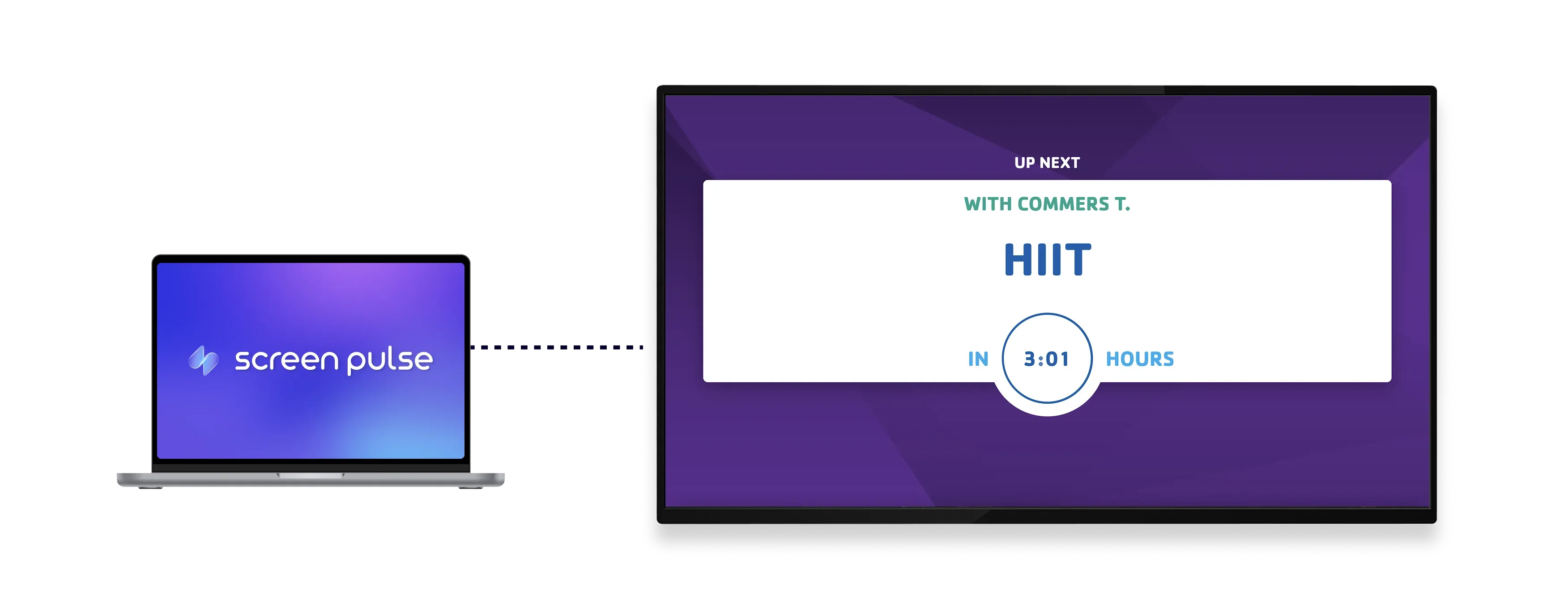
Pull real-time class data from your Upace account and display it clearly across room-level screens.

Show live room status
Display the current session, instructor, and upcoming class with automatic transitions between sessions.

Customize display settings
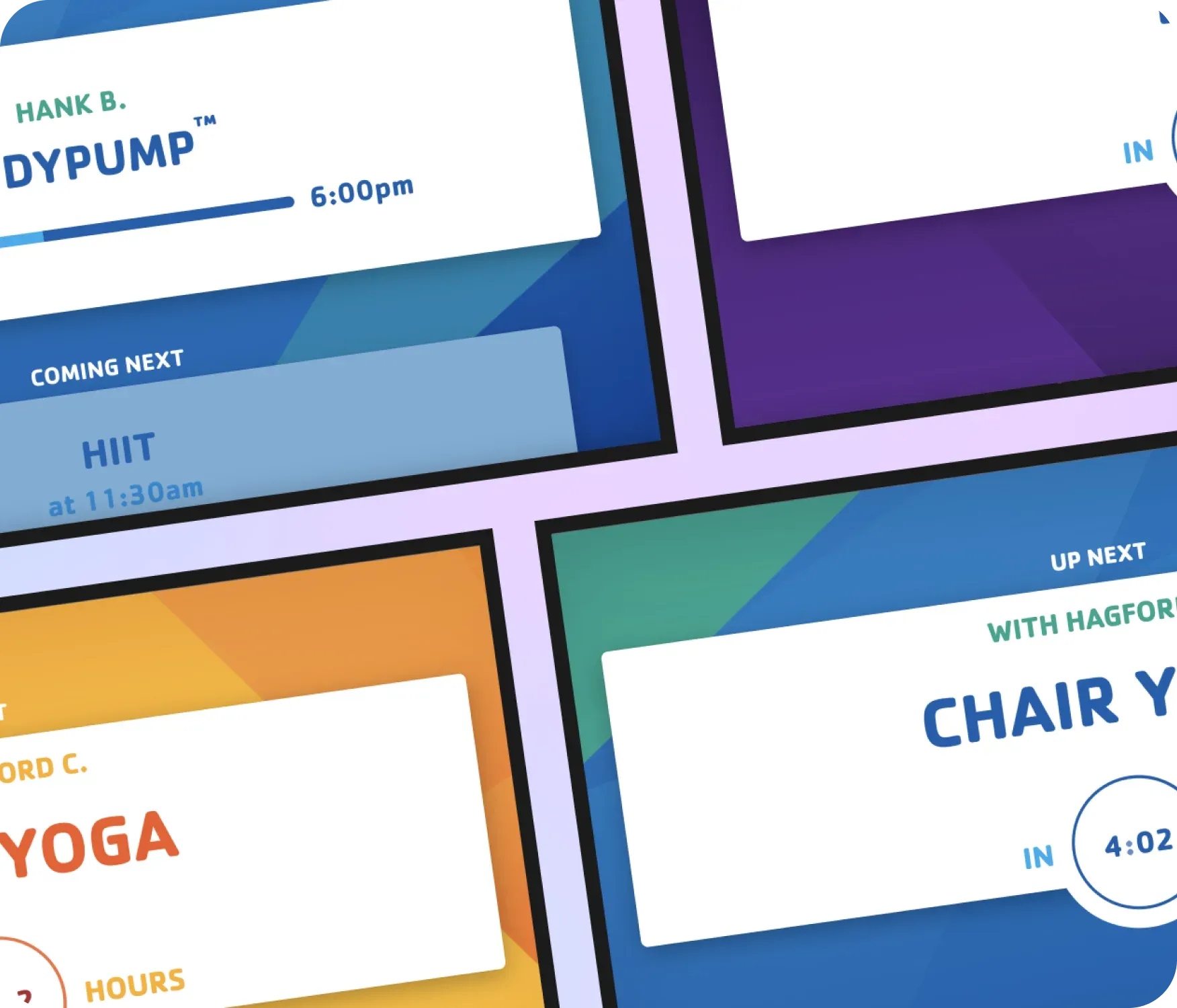
Choose countdown styles and visual themes designed for tablet-mounted screens in different spaces.
Use cases
Provide clear class visibility at every studio entrance
Common use cases
Use the Room Entry – Upace app when members need quick, accurate information before entering a class space.
-
Fitness studios displaying the current and next session
-
Group exercise rooms showing instructor and start time
-
Campus recreation centers guiding participants between activities
-
High-traffic corridors reducing schedule-related questions
-
Tablet-mounted screens outside individual program rooms
FAQs
Synchronizing Upace data with
Screen Pulse
Practical answers about automating updates, configuring room displays, and customizing timers and themes.
