

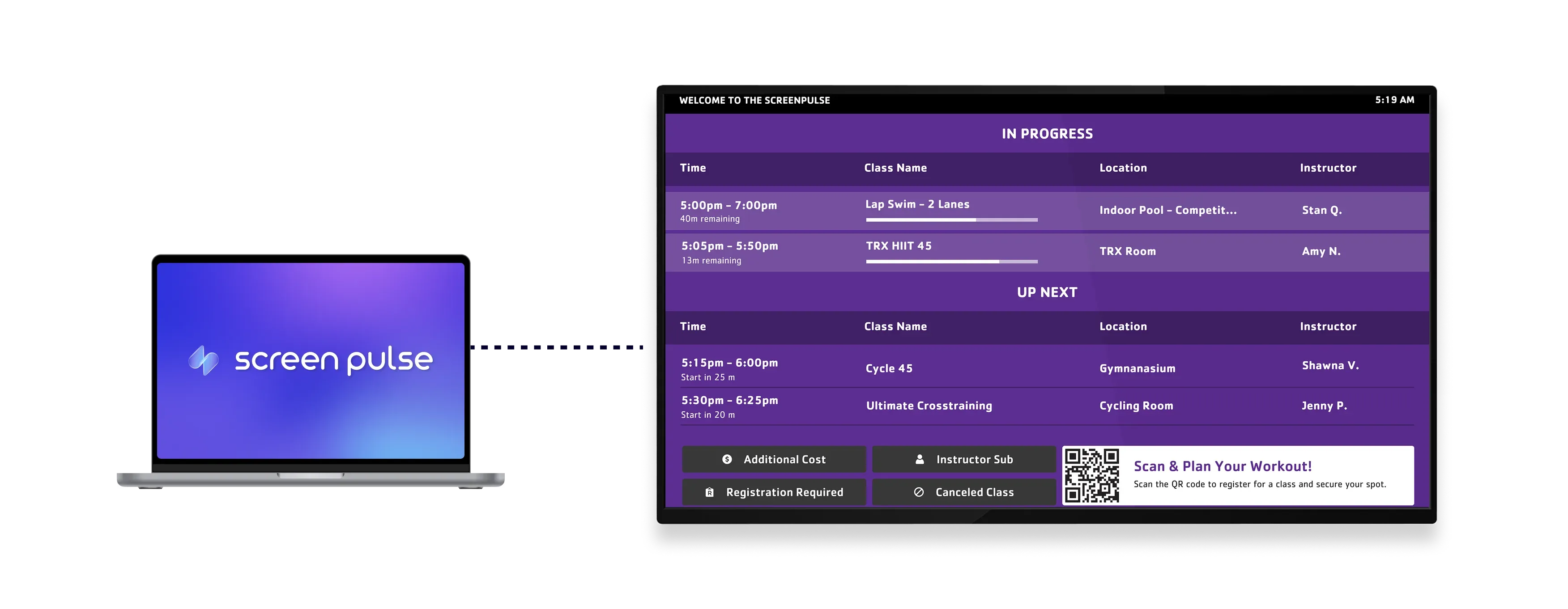

Core Features
Show live Daxko GroupEx PRO schedules across your branch

Sync schedules live
Display up-to-date class schedules directly from Daxko GroupEx PRO with real-time updates across all screens.

Control schedule views
Show the full branch schedule or limit it to specific rooms for more relevant display content.

Customize layout
Add welcome messages, themes, and colors to match your facility and maintain a consistent visual style.
Use cases
Keep members informed with a centralized daily schedule
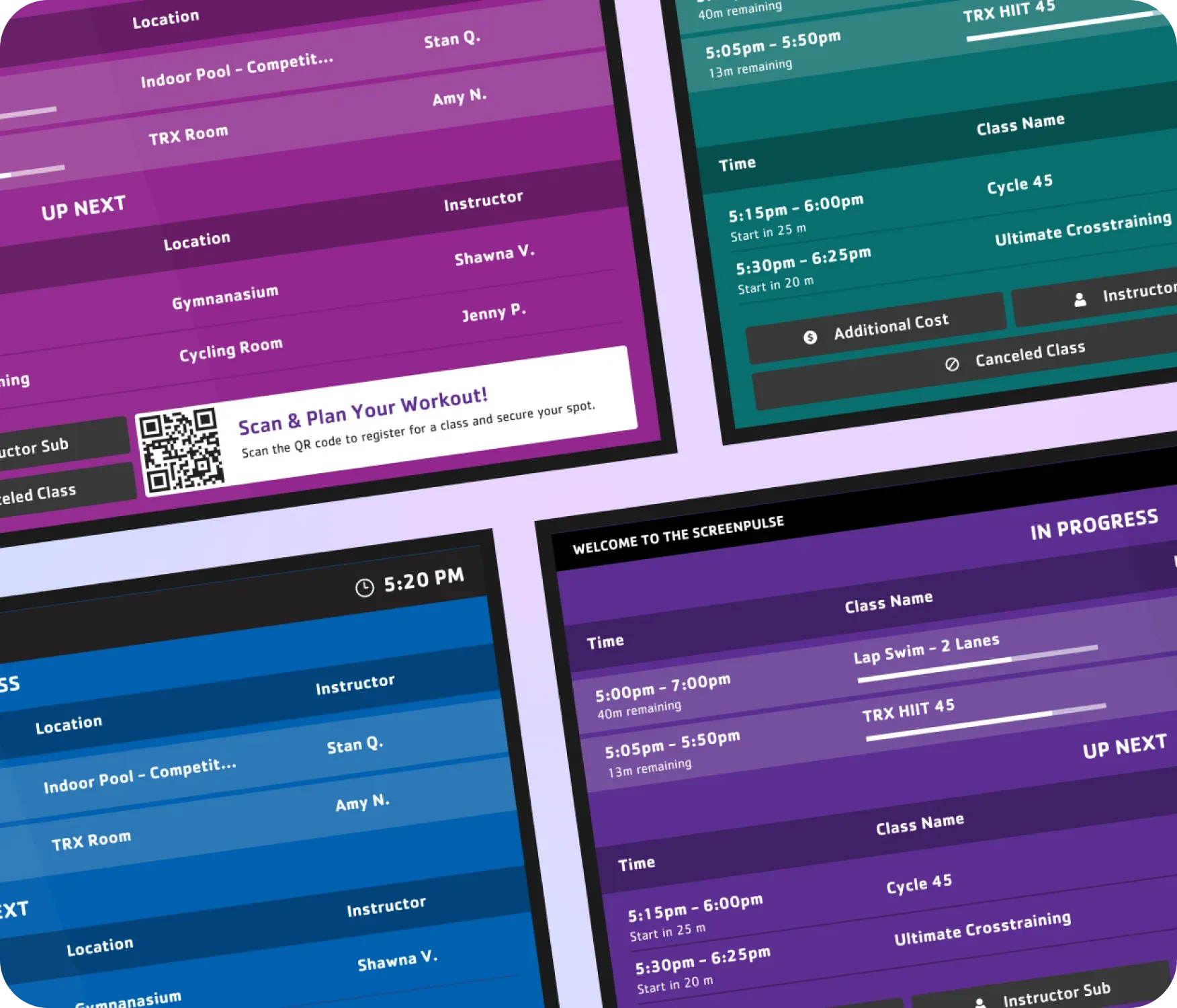
Common use cases
Use the Today’s Schedule – Daxko GroupEx PRO app when members need a clear overview of what’s happening across the branch.
-
Lobby screens showing the full daily class lineup
-
Tablet displays near studios highlighting upcoming sessions
-
Reception areas reducing schedule-related questions
-
Fitness centers guiding members between classes
-
Branch entrances presenting a branded daily overview
FAQs
Synchronizing Daxko GroupEx PRO data with Screen Pulse
Practical answers about syncing schedules, filtering views, and customizing how daily programs appear on screens.
