


Core Features
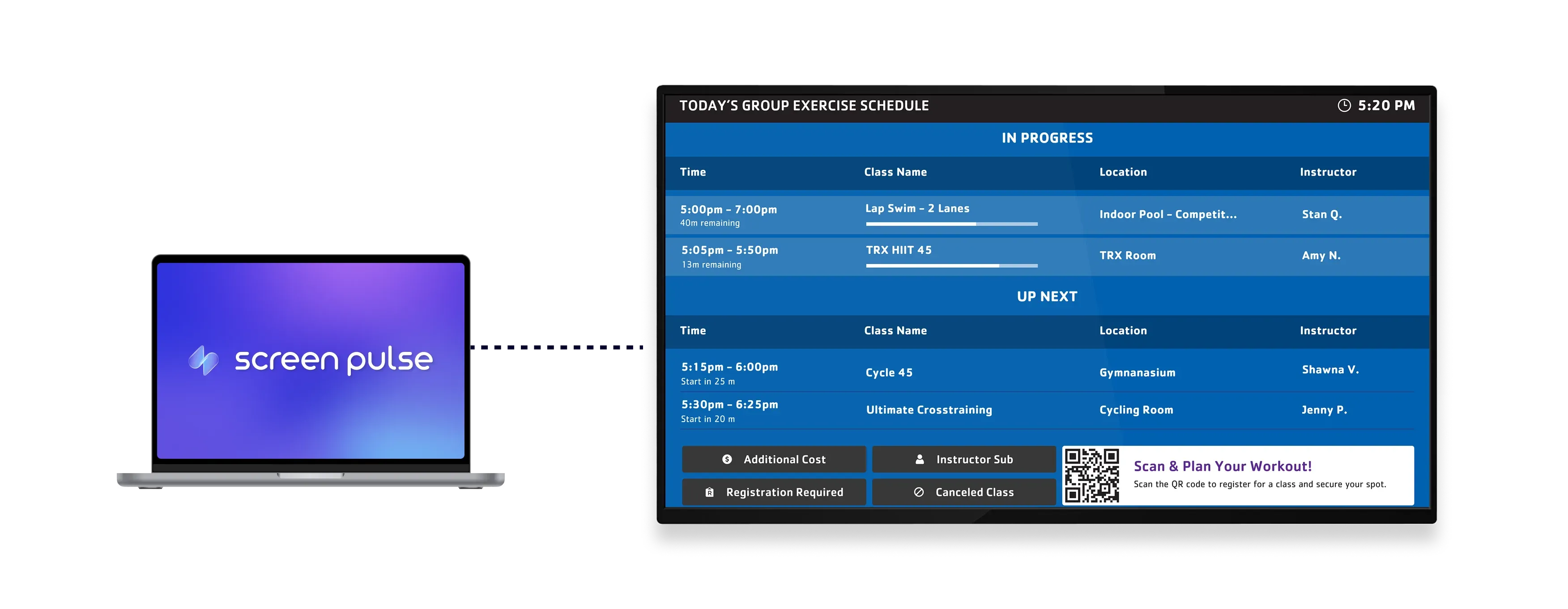
Reflect YMCA 360 schedules across your branch screens

Sync class schedules
Display current and upcoming sessions directly from YMCA 360 with real-time updates across all screens.

Control schedule views
Present all branch programs or limit the schedule to a specific room for more relevant display content.

Optimize tablet displays
Designed for tablet-mounted screens to ensure clear visibility in lobby and studio areas.
Use cases
Provide a clear daily overview of YMCA programs
Common use cases
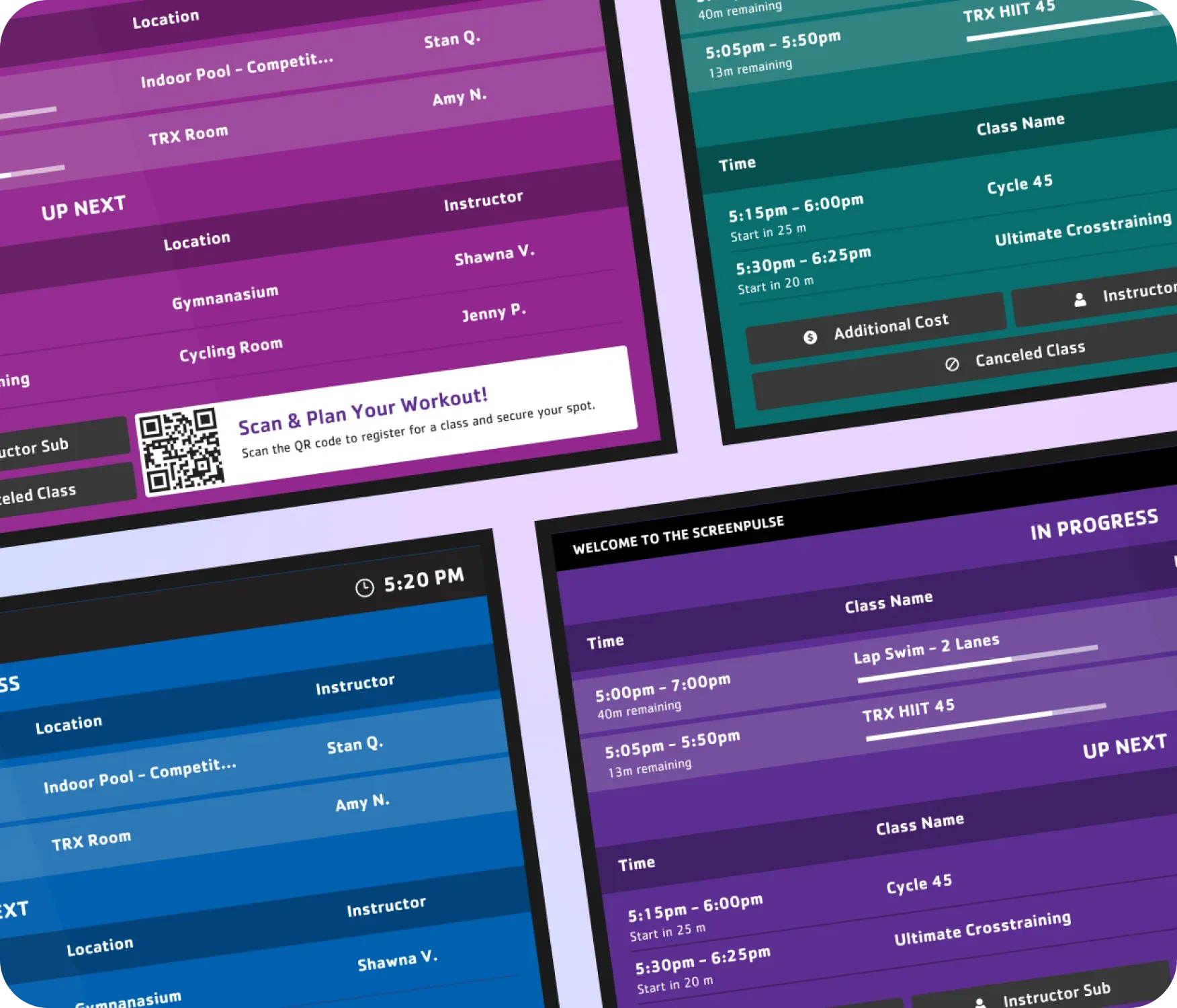
Use the Today’s Schedule – YMCA 360 app when members need a centralized view of what’s happening across the branch.
-
- Lobby screens showing the full day’s class lineup
-
Tablet displays near studios highlighting upcoming sessions
-
Welcome areas reducing schedule-related questions
-
YMCA branches guiding members between activities
-
Entry points presenting a real-time program overview
FAQs
Synchronizing YMCA 360 data with Screen Pulse
Practical answers about syncing YMCA 360 schedules, filtering room views, and displaying daily programs on screens.
