


Core Features
Display Vimeo videos on screens with clean, ad-free playback

Display Vimeo videos
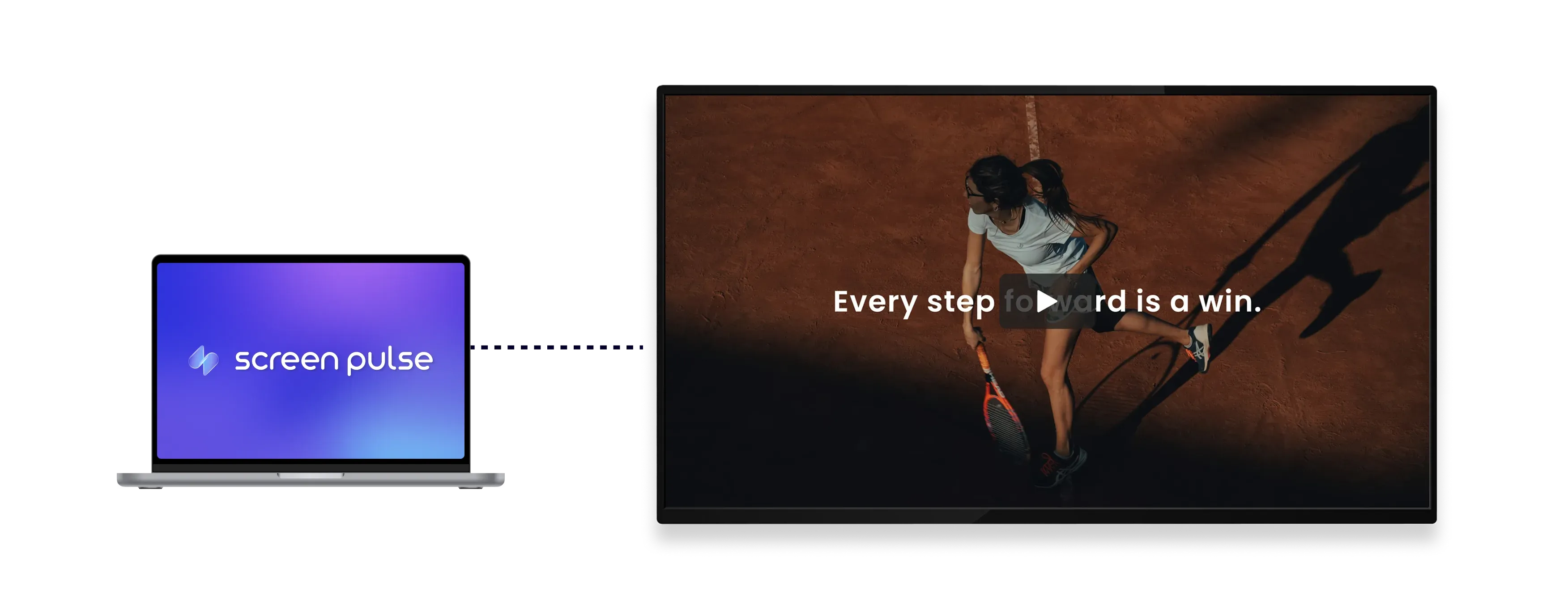
Add public Vimeo video URLs to display videos directly on screens without ads.

Play videos in sequence
Display videos from a Vimeo Showcase one by one as continuous screen content.

Stream full quality
Play videos automatically in the highest resolution supported by each screen.
Use Cases
Use video to support storytelling and ongoing communication on screens
Common use cases
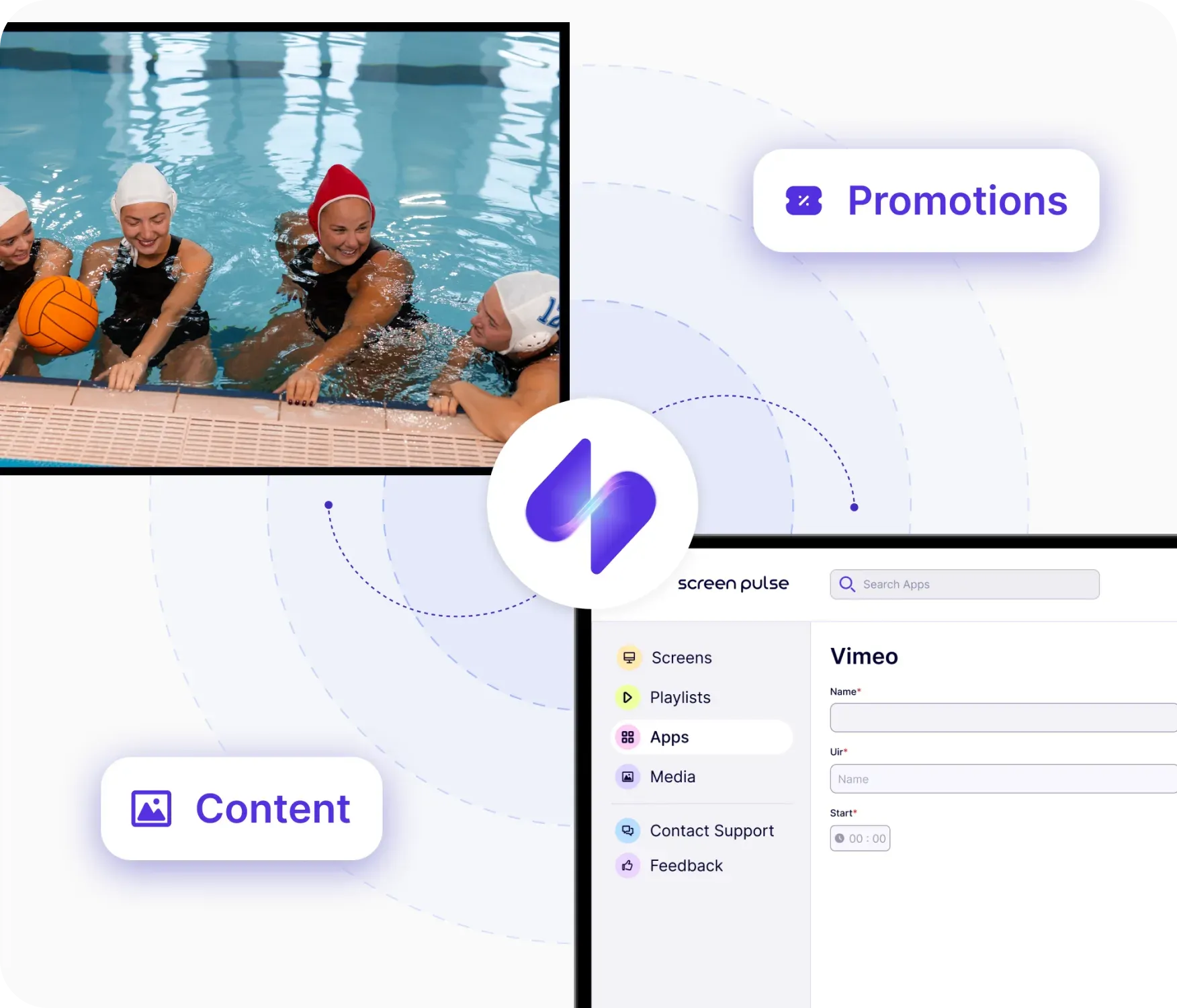
Use the Vimeo app for video content that is produced once and shown repeatedly to different audiences throughout the day, across lobbies, common areas, and other shared spaces.
-
Program highlights and recaps
-
Community and impact stories
-
Promotional and brand videos
-
Educational and informational content
-
Video content shared across locations
FAQs
Using Vimeo with Screen Pulse
Practical answers about using video content in Screen Pulse.
You can display any public Vimeo video by adding its video URL to Screen Pulse.
Yes. Videos from your own Vimeo account can be displayed as long as they are publicly accessible.
No. Vimeo videos play without ads or third-party interruptions.
Yes. Videos from a Vimeo Showcase can be displayed sequentially, one after another.
Yes. Vimeo videos can be used as standalone screen content or included in playlists.
Videos automatically play in the highest resolution supported by each screen.
Videos automatically play in the highest resolution supported by each screen, from HD up to 4K.
Videos automatically play in the highest resolution supported by each screen, from HD up to 4K.
Videos are played muted by default due to browser autoplay restrictions. Playback with sound is limited and depends on user interaction and device settings.
