


Core Features
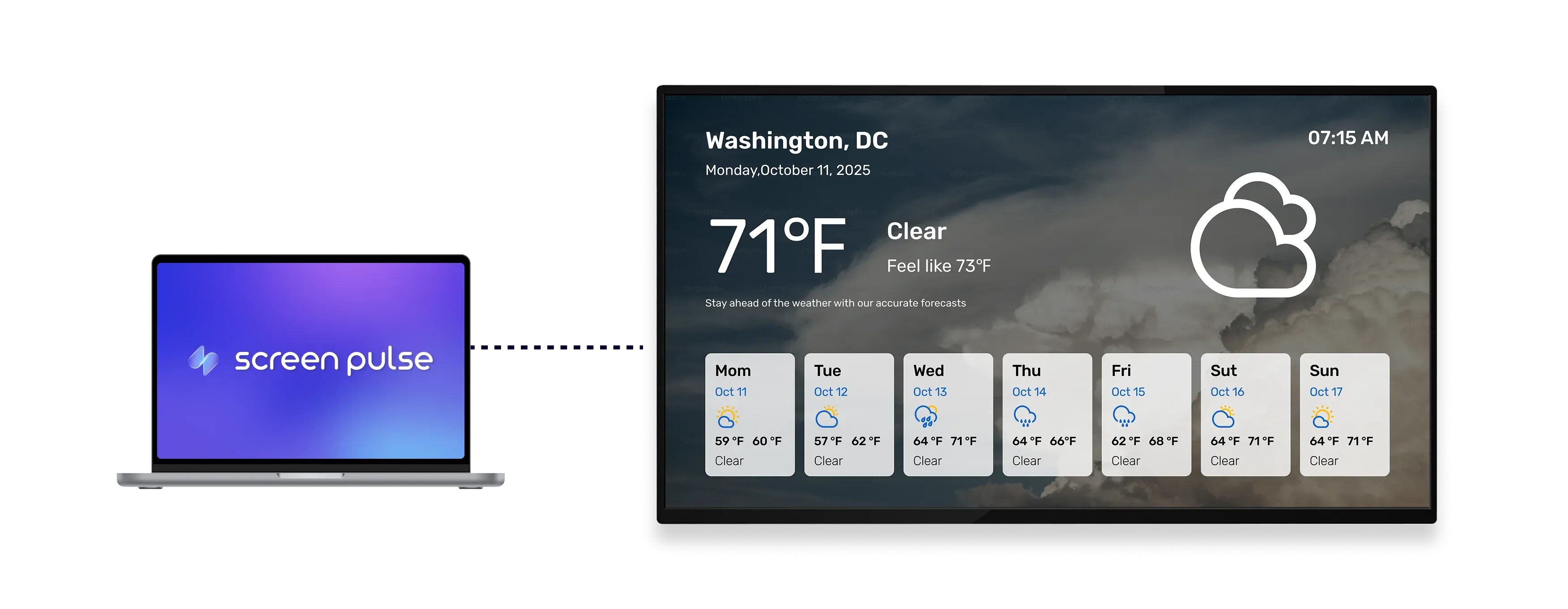
Keep current conditions and forecasts visible at a glance

Show live updates
Display real-time conditions and forecast information clearly on screen for quick reference.

Manage locations
Switch between saved locations to match your audience, branches, or different operating sites.

Optimize for tablet
Designed for tablet screens to ensure clear visibility in shared and high-traffic indoor spaces.
Use cases
Keep visitors and staff informed about local conditions
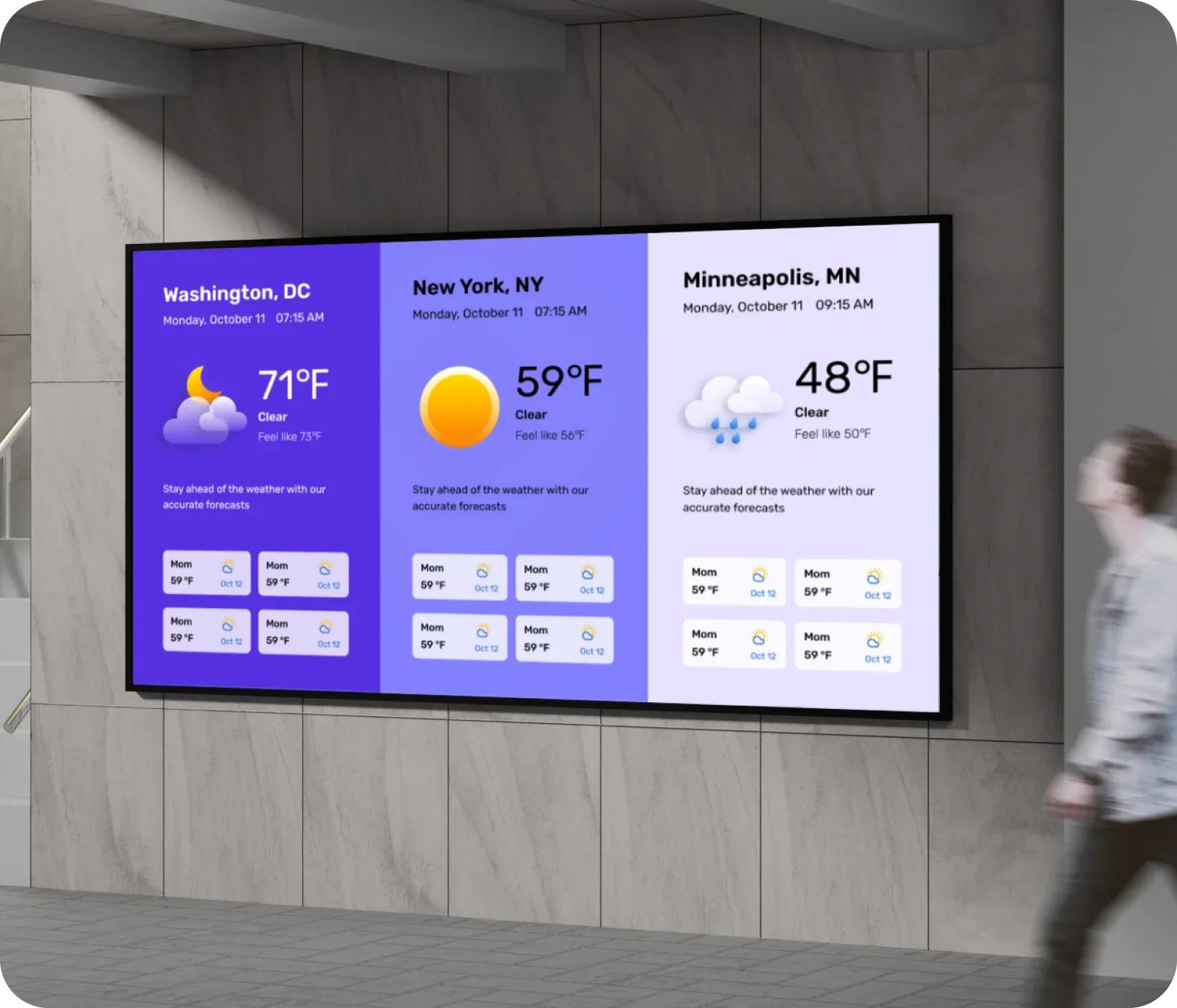
Common use cases
Use the Weather app when shared spaces benefit from real-time environmental awareness.
-
Lobby screens showing current conditions for visitors
-
Fitness centers displaying outdoor weather for members
-
Schools sharing forecasts for daily planning
-
Corporate offices monitoring conditions across locations
-
Hospitality spaces providing helpful local updates
FAQs
Using the Weather app in Screen Pulse
Practical answers about displaying weather conditions, managing locations, and keeping forecasts updated on screens.
