


Core Features
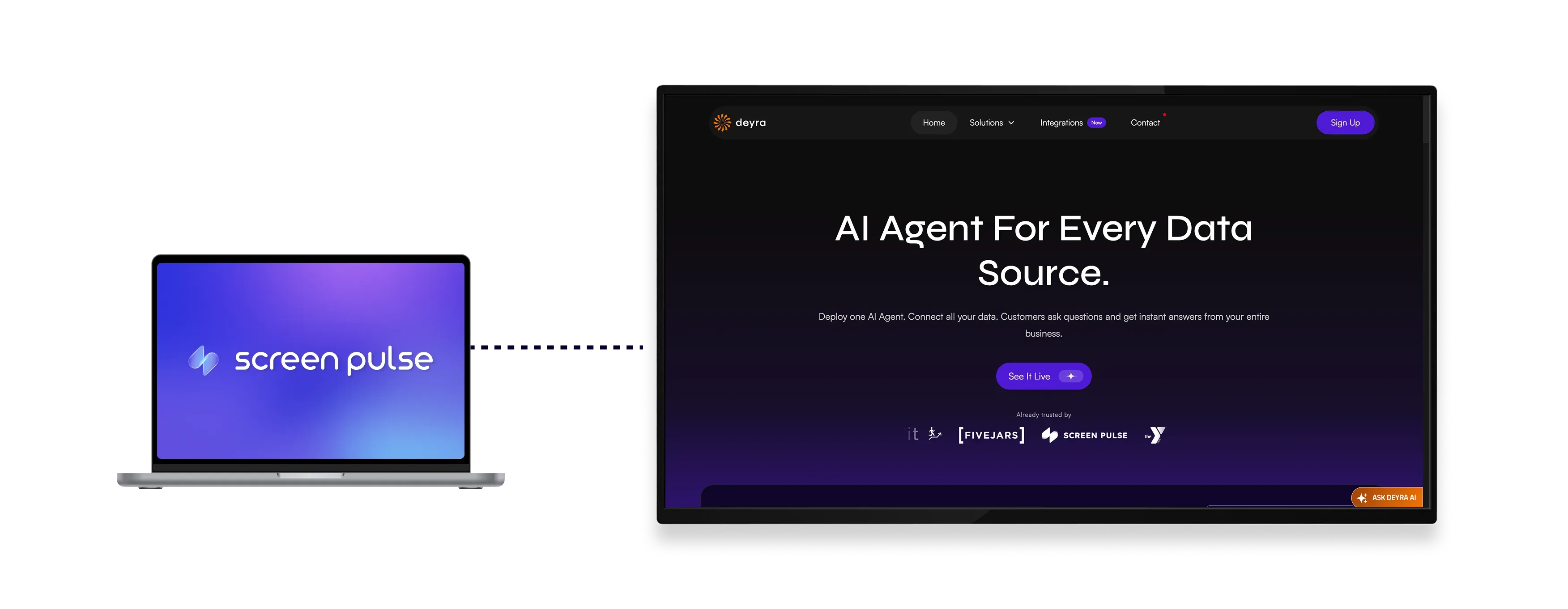
Display live webpages on screens with automatic scrolling

Embed web pages
Display a webpage directly on screens by embedding its URL as screen content.

Auto-scroll pages
Automatically scroll through long webpages at a controlled, readable speed.

Show live updates
Show changes from the source webpage automatically as the content updates.
Use Cases
Use live web content to share continuously updated information on screens
Common use cases
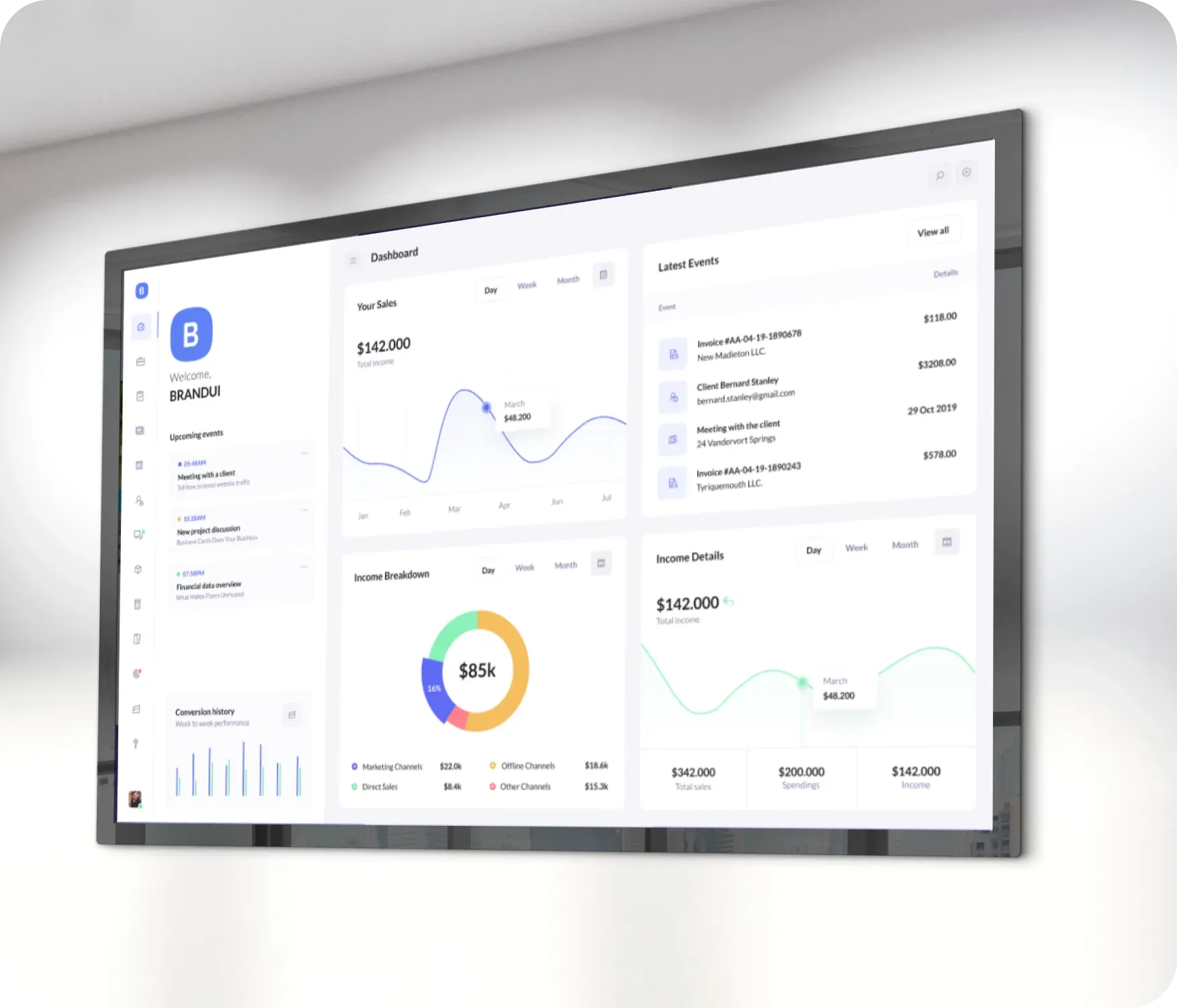
Use the Webpage Embed app when information lives on the web and needs to stay visible and up to date without manual screen edits.
-
Live dashboards and performance metrics
-
News feeds and public updates
-
Social media walls and activity streams
-
Schedules, listings, and availability pages
-
Real-time data displayed across multiple locations
FAQs
Using embedded webpages in
Screen Pulse
Practical answers on how embedded webpages behave on screens, how updates are handled, and what types of web content work best.
You can display publicly accessible webpages by embedding their URL into Screen Pulse.
Yes. Changes on the source webpage are reflected on screens. Update intervals can be configured to control how often the content refreshes (coming soon).
Long webpages scroll vertically at a configurable speed to make all content visible over time.
Yes. The scrolling speed can be adjusted to match the amount of content and viewing distance.
Yes. Embedded webpages can be used as standalone screen content or included in playlists.
No. Once configured, the embedded webpage continues to display and update automatically.
