


Core Features
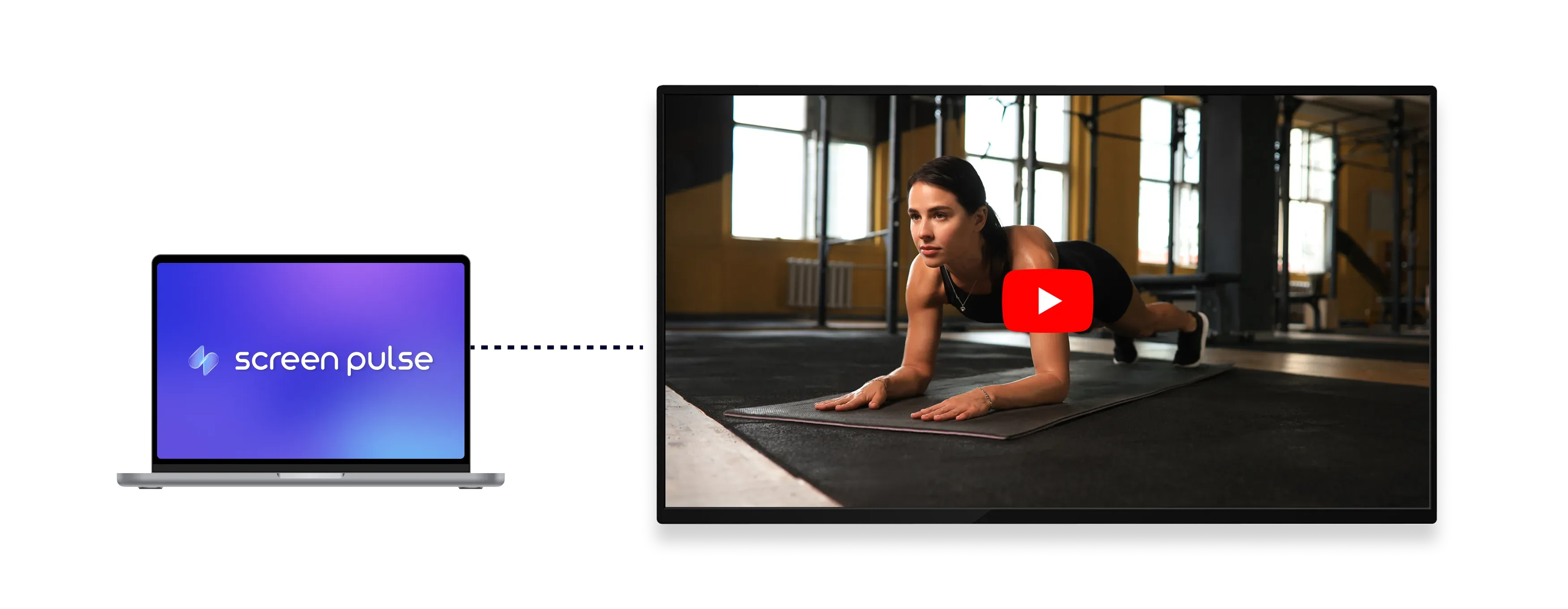
Display YouTube videos, playlists, and live streams on your screens

Add YouTube content
Add public YouTube video or playlist links to display content directly on screens.

Show live streams
Display YouTube Live streams on screens to show real-time video content.

Stream full quality
Stream videos automatically in the highest resolution supported by each screen.
Use Cases
Use YouTube to rotate timely video content across shared screens
Common use cases
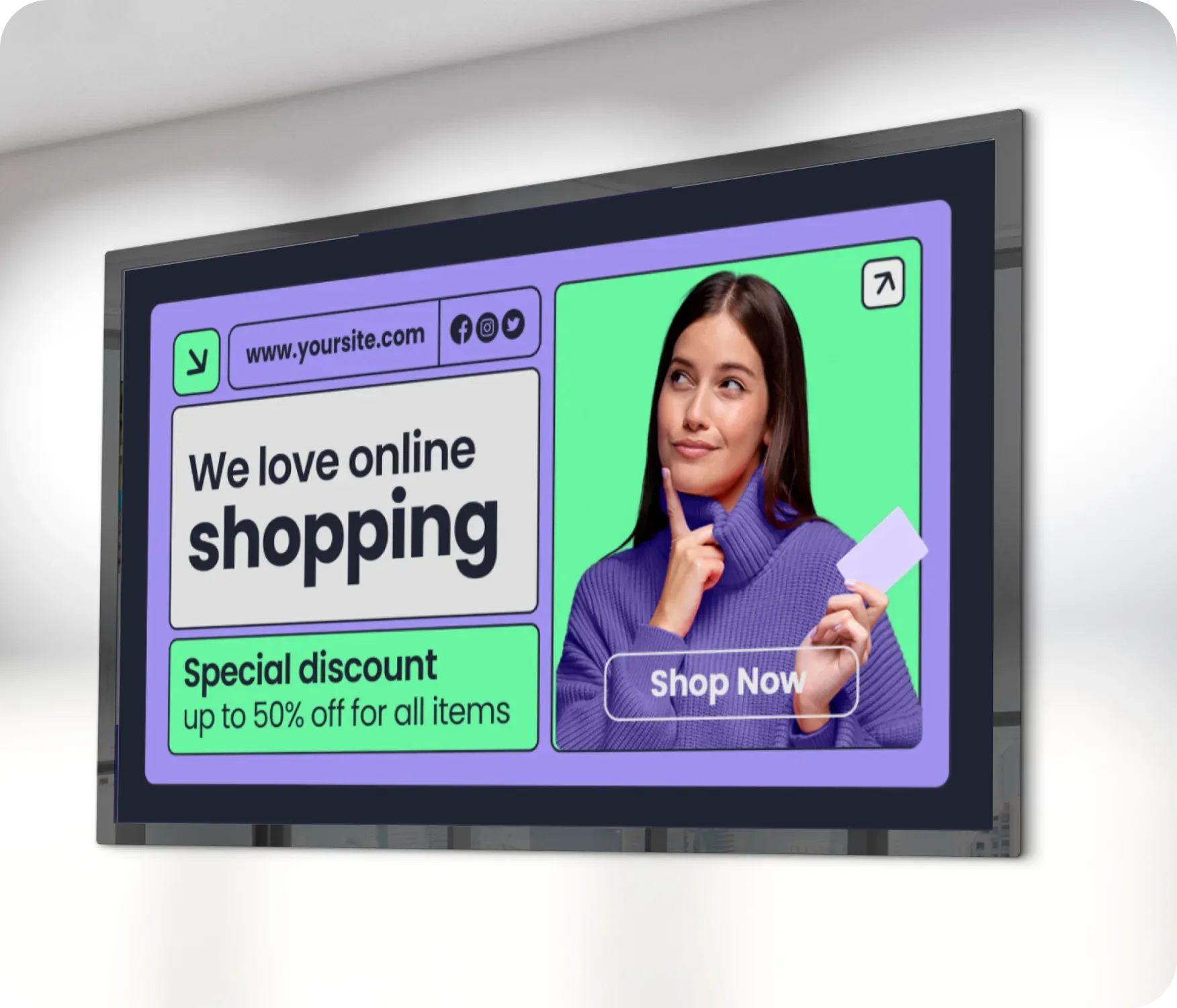
Use YouTube for video content that changes frequently and benefits from playlists or live streams to keep screens relevant throughout the day.
-
Health and wellness videos in gyms and fitness centers
-
Educational and instructional content in schools and training spaces
-
Community updates and storytelling for nonprofits and YMCAs
-
Live streams of events, classes, or announcements
-
Curated video playlists for lobbies and waiting areas
FAQs
Using YouTube with Screen Pulse
Practical answers on what content can be displayed on screens, how playback behaves, and how videos fit into playlists and schedules.
